A 27 inch monitor is the most popular size for gaming and everyday work, and for good reason. It is big enough to feel immersive, small enough to fit most desks and sharp enough for long hours of reading and editing. The most important decision is resolution: 1080p, 1440p or 4K each change how sharp the screen looks and how much graphics power you need. This guide explains how to choose the right 27 inch monitor for your PC, your games and your desk.
North Gaming PCs stocks several 27-inch monitors, all priced in Canadian dollars and covered by our 2-year warranty. Every price is shown in Canadian dollars, so there is no surprise currency conversion at checkout, and you can email our team whenever you need help choosing.

Why 27 inches is the sweet spot
At a typical desk distance of 60 to 80 centimetres, a 27 inch monitor fills your view without forcing you to turn your head. It offers more space than 24 inches for multitasking, yet it stays easy to see in full during fast games. That balance makes 27 inches the most common choice for gaming monitors today.
1080p, 1440p or 4K at 27 inches?
Resolution decides how sharp a 27 inch monitor looks:
- 1080p: about 81 pixels per inch. Affordable and easy to run, but text and fine detail look slightly soft.
- 1440p: about 109 pixels per inch. The sweet spot, with sharp detail and high frame rates on mid-range cards.
- 4K: about 163 pixels per inch. Extremely sharp, but needs a powerful graphics card and Windows scaling.
For most players, a 1440p 27 inch monitor is the best balance. Our 1440p monitor guide explains why.
Refresh rate
A refresh rate of 144 Hz to 170 Hz makes games feel smooth and responsive, and it improves everyday scrolling too. Competitive players may prefer 240 Hz. Make sure your graphics card can reach those frame rates at your chosen resolution.
IPS or VA?
- IPS: accurate colours, wide viewing angles and fast response. A great all-rounder.
- VA: higher contrast and deeper blacks, ideal for dark games and films, with slower dark transitions.
The ASUS TUF VG27AQ1A uses IPS, while the Samsung Odyssey G5 and MSI G27CQ4 E2 use curved VA panels. Our IPS vs VA guide compares them.
Curved or flat?
Curved 27 inch monitors wrap the image slightly around you, which some players find more immersive. Flat screens suit work, design and competitive play. At 27 inches, the difference is subtle, so choose the look you prefer. Our curved vs flat monitor guide goes deeper.
Adaptive sync
FreeSync and G-Sync compatibility remove tearing and stutter by matching the refresh rate to your frame rate. Every gaming 27 inch monitor we stock supports adaptive sync, which makes gameplay smoother. Turn it on in your graphics driver after connecting the screen, then confirm it is active in the monitor’s on-screen menu.
Ports and stand
Use DisplayPort for the highest refresh rates on PC. HDMI 2.1 is useful for consoles at 120 Hz. A height-adjustable stand helps posture; if the stand is basic, a VESA-compatible monitor arm fixes it.
Pairing a 27 inch monitor with your PC
Match the monitor to your graphics card:
- RTX 5060 or RTX 5060 Ti: a 1080p or 1440p 27 inch monitor at 144 Hz to 170 Hz.
- RTX 5070 or RTX 5070 Ti: a 1440p 27 inch monitor at 165 Hz to 240 Hz.
- RTX 5080 or faster: a 1440p 240 Hz or a 4K 144 Hz screen.
A 27 inch monitor for consoles
PS5 and Xbox Series X both support 1440p output. A 1440p 27 inch monitor with HDMI and VRR suits consoles well, giving sharper detail than 1080p. Our best monitor for PS5 guide covers console settings.
A 27 inch monitor for sim racing
A single 27 inch monitor is a good starting point for sim racing on a desk or wheel stand. Many racers later add two more to build a triple setup. Choosing three matching monitors keeps colours and bezels consistent. A dedicated monitor stand holds them steady.
Five 27-inch models we stock
- ASUS TUF VG27AQ1A: 1440p IPS at 170 Hz, a great all-rounder.
- MSI G27CQ4 E2: 1440p curved VA at 170 Hz with 1500R curvature.
- Samsung Odyssey G5: 1440p curved VA at 165 Hz with a 1000R curve.
- MSI MAG2732: 1080p IPS at 165 Hz for budget builds.
- Gigabyte G27FC: 1080p curved at 165 Hz, an affordable entry point.
Size comparison: 24 vs 27 vs 32 inches
A 24-inch screen suits small desks and esports players who want everything in view. A 27 inch monitor adds about a quarter more screen area, which makes games more immersive and work more comfortable. A 32-inch screen is bigger again, best at 4K, and needs a deeper desk. For most people, 27 inches is the size that feels right from the first day.
HDR on a 27 inch monitor
Many 27-inch gaming screens support HDR10, but only models with high brightness, local dimming or OLED panels show convincing HDR. On a standard IPS or VA screen, SDR mode often looks better. Choose based on refresh rate, resolution and panel type first, and treat basic HDR as a bonus.
How long will a 27 inch monitor last?
A good monitor outlasts several PCs. Many people keep the same screen for five to eight years, upgrading the PC underneath it. Choosing a 1440p 27 inch monitor with a high refresh rate today means it will still suit a faster graphics card in the future.
Setting up your new monitor
Connect with DisplayPort, set the refresh rate in Windows display settings, enable adaptive sync in the graphics driver and pick a sensible brightness for your room. Our guide on how to check monitor refresh rate walks you through the steps.
Our picks
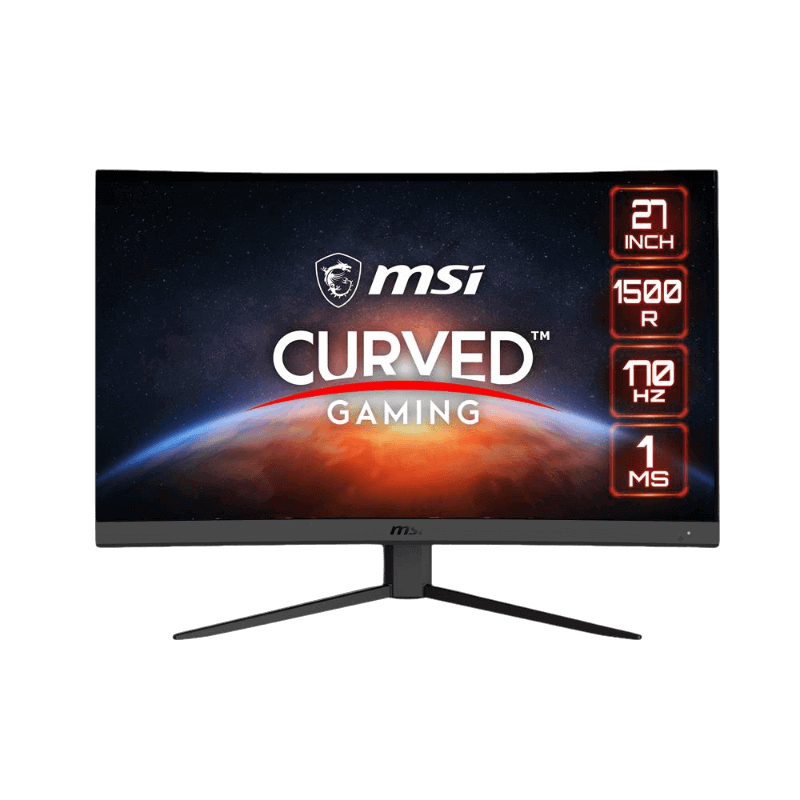
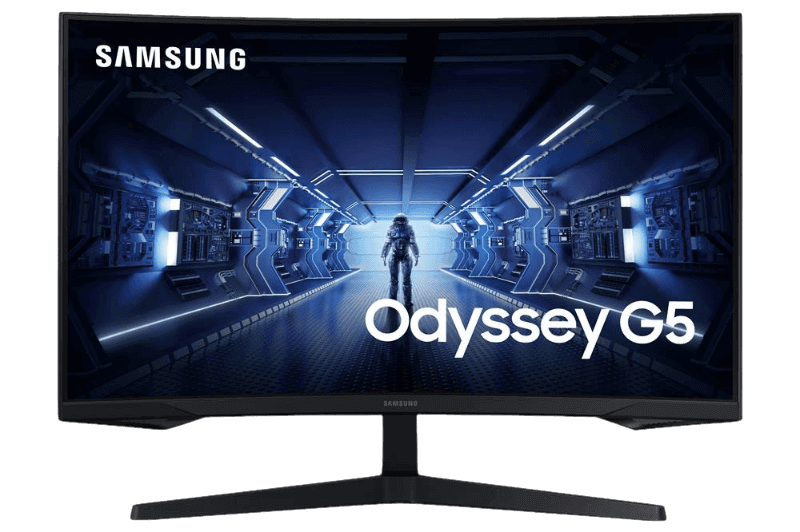
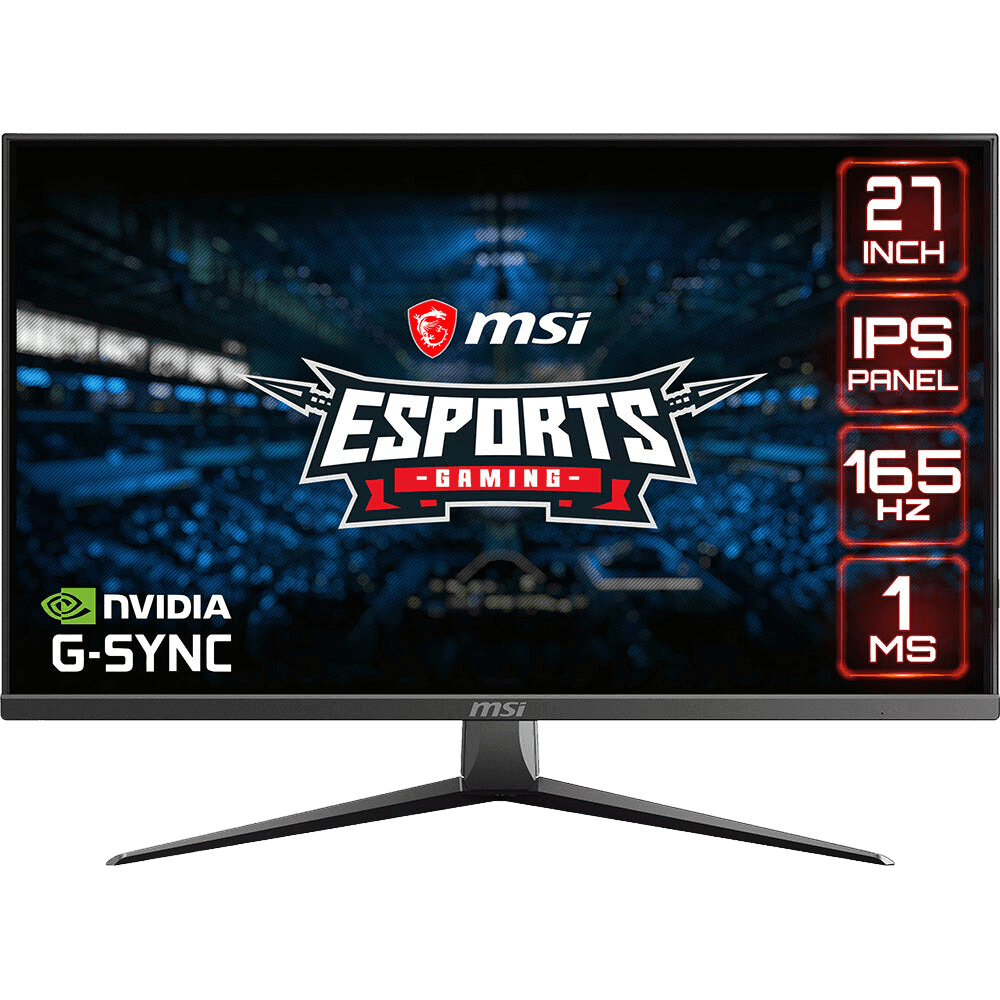
- MSI G27CQ4 E2: curved 1440p VA at 170 Hz.
- Samsung Odyssey G5: curved 1440p VA at 165 Hz.
- MSI MAG2732: 1080p IPS at 165 Hz for budget builds.
27 inch monitor FAQ
Is 1080p good on a 27 inch monitor?
It works, but text looks a little soft. 1440p is noticeably sharper at this size.
Is 1440p or 4K better at 27 inches?
1440p offers the best balance of sharpness and frame rate. 4K is sharper but needs a powerful graphics card.
How far should I sit from a 27 inch monitor?
About 60 to 80 centimetres, roughly an arm’s length.
Is a 27 inch monitor too big for competitive games?
Most players adapt quickly, though some esports pros prefer 24 inches for seeing the whole screen at a glance.
Can I use two 27-inch monitors?
Yes. Two 27-inch screens make a great work and streaming setup, as long as your desk is about 140 cm wide.
Which 27 inch monitor is best for a mid-range PC?
A 1440p model at 144 Hz to 170 Hz, such as the ASUS TUF VG27AQ1A, pairs perfectly with an RTX 5060 Ti or RTX 5070.
Choose your 27-inch screen
A 27 inch monitor at 1440p and 144 Hz or more is the best choice for most gamers, balancing sharpness, smoothness and price. Choose IPS for colour or VA for contrast, curved or flat to taste. Browse our gaming monitors, read independent tests at RTINGS, or contact us for advice.