Description
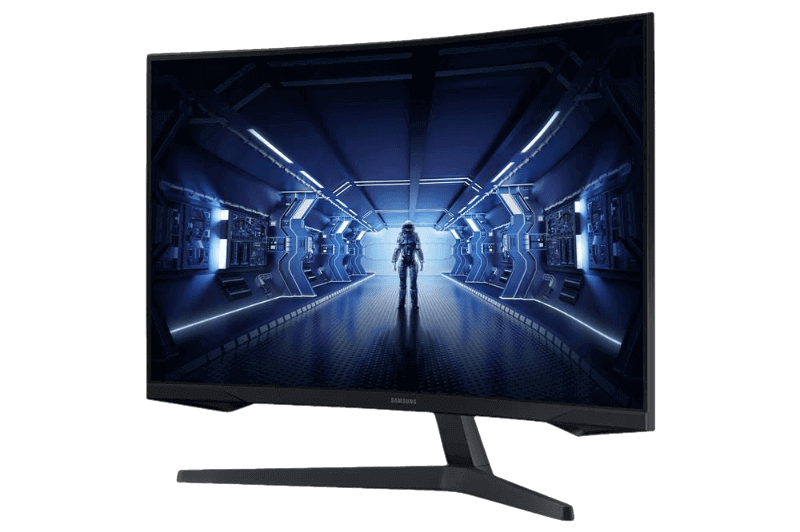
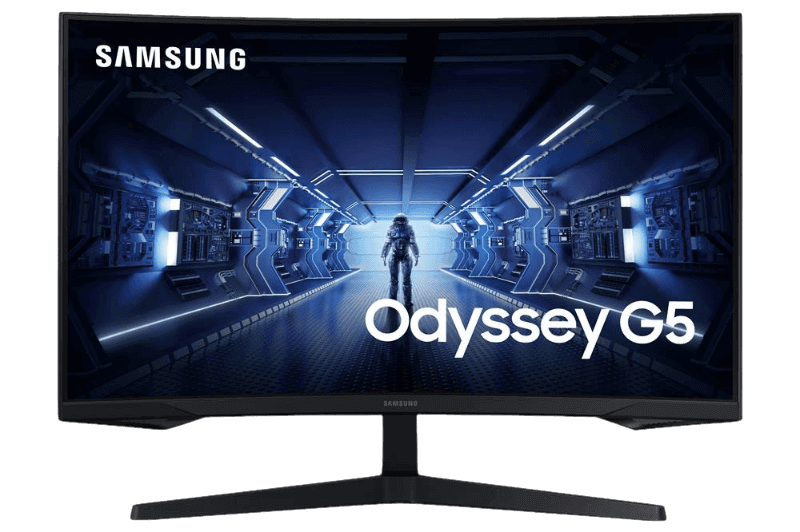
The Samsung Odyssey G5 is a 27-inch curved gaming monitor with a WQHD VA panel, a deep 1000R curve, a 165 Hz refresh rate and a 1 ms (GtG) response time. It pairs sharp 1440p detail with an immersive wrap-around view, and the price is shown in Canadian dollars.
Why choose the Samsung Odyssey G5 27-inch?
The 1000R curve is one of the most pronounced you can get on a 27-inch screen. It follows the natural curve of your eyes, so the whole picture stays in view and fast-moving scenes feel more immersive in racing, shooters and open-world games.
Under the curve sits a 2560 x 1440 VA panel with strong contrast for darker scenes. A 165 Hz refresh rate, AMD FreeSync Premium and NVIDIA G-SYNC compatibility help the Samsung Odyssey G5 keep motion smooth and tear-free on most modern graphics cards.
Samsung Odyssey G5 27-inch key features
- 27-inch WQHD VA panel at 2560 x 1440
- 1000R curve for deep immersion
- 165 Hz refresh rate
- 1 ms (GtG) response time
- AMD FreeSync Premium and NVIDIA G-SYNC compatible
- Three-sided virtually borderless design
Specifications
| Screen size | 27 inches |
|---|---|
| Panel | VA, 1000R curve |
| Resolution | 2560 x 1440 (WQHD) |
| Refresh rate | Up to 165 Hz |
| Response time | 1 ms (GtG) |
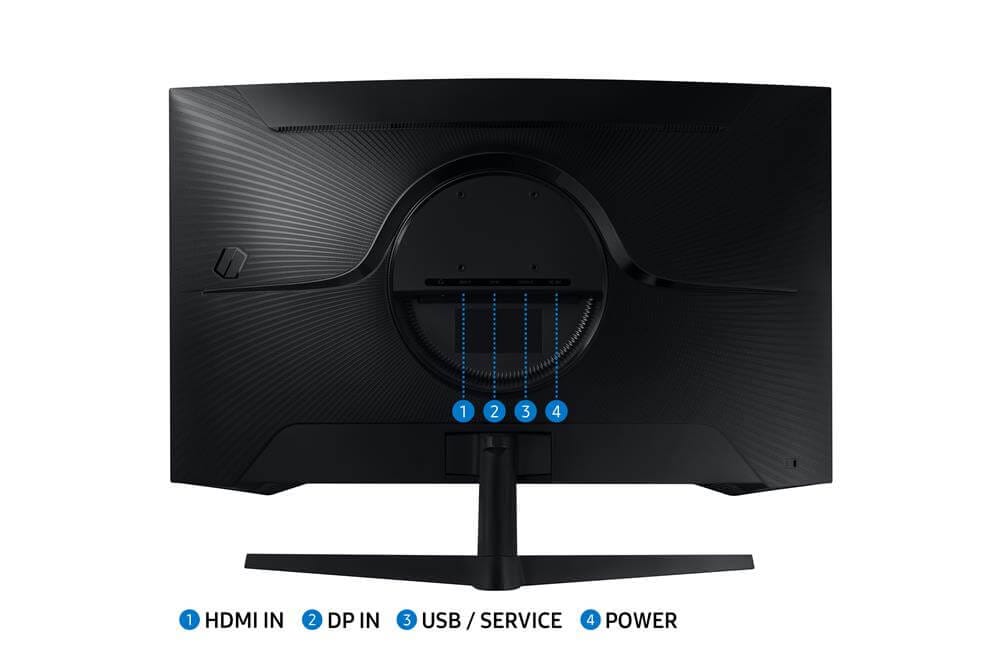
| Inputs | 1 x HDMI, 1 x DisplayPort |
| Warranty | 1-year manufacturer’s warranty |
Why the Odyssey G5 suits sim racing
Sim racing rewards a wide, close view of the road. A strongly curved screen placed near your wheel fills more of your vision than a flat panel, which helps you judge corners and braking points with more confidence.
Because the G5 keeps 1440p resolution in a 27-inch size, it is also a practical first step before a triple-screen setup. You get immersion now and can add matching screens later on a stand or cockpit mount.
The three-sided borderless design also keeps the screen looking clean on your desk and makes it easier to line up a second screen beside it later. Combined with the steep curve, it gives a modern, wrap-around look that suits both gaming and everyday use.
Setting up your Samsung Odyssey G5 27-inch
Connect the Samsung Odyssey G5 with DisplayPort to reach 165 Hz, then pick the highest refresh rate in Windows display settings and enable FreeSync or G-SYNC in your graphics driver. Sit about an arm’s length away so the curve wraps evenly around your view. Use the HDMI input for a console or second device. If text looks soft, check that Windows scaling is set to 100 or 125 percent and that the resolution is 2560 x 1440.
Who the Samsung Odyssey G5 27-inch suits
It suits gamers who want an immersive curved display at 1440p, sim racers working towards a bigger setup, and anyone upgrading from a 1080p flat screen.
Complete your setup
- Gaming Monitor Samsung 32″ Odyssey G5 WQHD 144HZ 27″ 2K Curved – $429.99 CAD
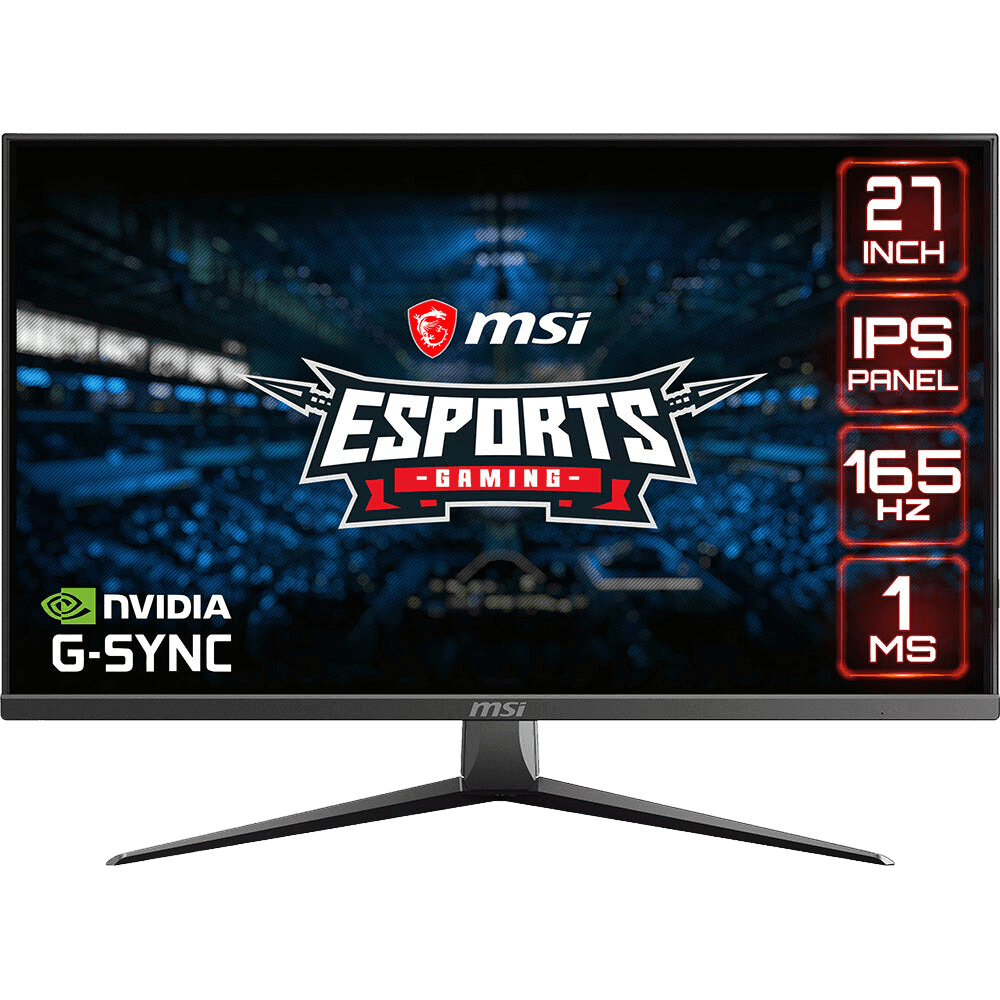 Moniteur Gaming MSI MAG2732 FHD 165Hz 27″ – $309.99 CAD
 Gaming Monitor ASUS TUF VG27AQ1A 27″ WQHD 1440P 170Hz – $389.99 CAD
Samsung Odyssey G5 27-inch FAQ
What curve does the Samsung Odyssey G5 have?
This model has a 1000R curve, one of the deepest available on a 27-inch monitor.
What refresh rate does it support?
Up to 165 Hz over DisplayPort, with FreeSync Premium and G-SYNC compatibility for smooth motion.
Is it good for 1440p gaming?
Yes. Its native resolution is 2560 x 1440, so 1440p games run without scaling.
What inputs does it have?
One HDMI port and one DisplayPort input.
Is the Samsung Odyssey G5 good for console gaming?
You can connect a console to the HDMI input. The highest refresh rates and adaptive sync features are best used with a PC over DisplayPort.
For an immersive 27-inch curved display at 1440p, the Samsung Odyssey G5 is a proven favourite. Browse more Monitors at North Gaming PCs, and find manuals, firmware and software on the Samsung Canada website.