An ultrawide monitor stretches the screen far beyond the usual 16:9 shape, wrapping games around your field of view and giving you room for several windows side by side. Racing and flight sims feel more immersive, open-world games look cinematic and productivity improves with more horizontal space. There are trade-offs, though, including game support and graphics card demands. This guide explains ultrawide sizes, resolutions and curves, which games benefit most, and whether an ultrawide monitor is right for you.
North Gaming PCs prices monitors and monitor stands in Canadian dollars with a 2-year warranty. Our current monitor range focuses on 27-inch screens, and this guide compares them honestly with ultrawides. If you are unsure which option suits you, our team is happy to compare specifications with you and suggest a setup that fits your space, budget and plans.
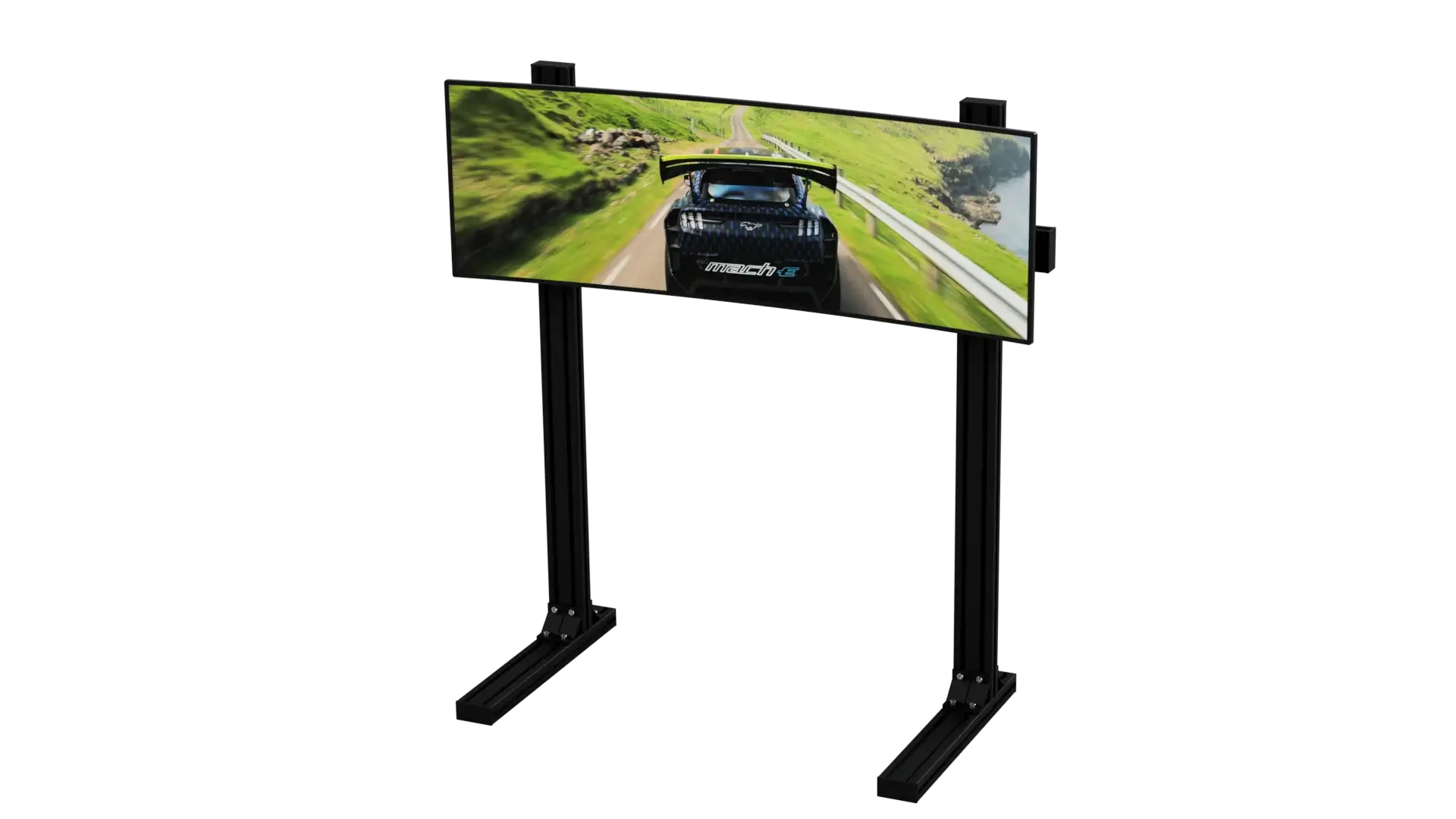
What is an ultrawide monitor?
An ultrawide monitor uses a 21:9 aspect ratio instead of the standard 16:9. Super ultrawide models go even wider at 32:9, roughly the width of two 16:9 screens side by side. The extra width fills your peripheral vision, which makes games feel more immersive.
Common ultrawide resolutions
- 2560 x 1080 (21:9): budget 29 to 34-inch screens. Affordable, but not very sharp.
- 3440 x 1440 (21:9): the sweet spot on 34-inch screens, sharp and immersive.
- 5120 x 2160 (21:9): ultra-sharp 40-inch and larger models for creative work.
- 5120 x 1440 (32:9): 49-inch super ultrawides equal to two 27-inch 1440p screens.
A 34-inch 3440 x 1440 ultrawide monitor is the most popular choice for gaming.
Curves explained
Most ultrawides are curved so the edges point towards your eyes. The curve is measured in radius: 1000R is a strong curve, while 1800R is gentler. A curve reduces distortion at the edges and makes wide screens more comfortable at desk distance. Our curved vs flat monitor guide explains the trade-offs.
Game support
Most modern single-player games, racing sims and flight sims support 21:9 natively, giving you a wider view. Some games and many esports titles lock to 16:9 and show black bars at the sides, while older games may stretch the image. Check support for your favourite games before buying an ultrawide monitor.
Graphics card requirements
A 3440 x 1440 ultrawide has about 34 percent more pixels than standard 1440p. That needs a stronger graphics card for the same frame rate. An RTX 5070 Ti is a great match for a 3440 x 1440 high refresh ultrawide monitor, while a 32:9 super ultrawide at 5120 x 1440 benefits from an RTX 5080. Our best graphics card for gaming guide covers each tier.
Ultrawide monitor for sim racing
Sim racers love ultrawides. A wide screen shows the side mirrors, apexes and cars alongside you, which helps racecraft. A single ultrawide monitor is easier to set up and lighter on the graphics card than triple screens, though triples offer an even wider view. Mount the screen low and close behind the wheel for a realistic field of view, ideally on a rigid monitor stand.
Ultrawide monitor for flight sim
Flight simmers benefit from seeing more of the cockpit and the world outside. An ultrawide monitor shows instruments and side windows together, reducing the need to pan the view. Combine it with head tracking for an even more immersive experience, and use the extra width to keep checklists, maps or ATC windows visible beside the cockpit.
Productivity and work
An ultrawide monitor replaces a dual-monitor setup without a bezel in the middle. Video editors get longer timelines, programmers see more code, and multitaskers can tile three windows side by side. Built-in picture-by-picture modes let you connect two computers at once.
Ultrawide vs dual monitors
Dual monitors are cheaper and more flexible for streaming, since you can game on one screen and manage chat on the other. An ultrawide monitor is more immersive for games and seamless for wide applications. Our dual monitor setup guide covers the alternative.
Panel types for ultrawides
Ultrawides come in IPS, VA and OLED. VA panels offer strong contrast and are common on curved models. IPS offers accurate colours and good viewing angles. OLED ultrawides deliver stunning contrast and response, at a higher price and with care needed to avoid burn-in.
Mounting an ultrawide monitor
Ultrawides are wide and often heavy. Check that your desk is deep enough, and if you use a monitor arm, choose one rated for the weight and width. On a sim rig, a floor stand or cockpit-mounted bracket holds the screen steady under force feedback.
HDR and colour on ultrawides
Many ultrawides advertise HDR. As with other monitors, the real HDR experience comes from bright screens with local dimming or OLED panels. Mid-range VA ultrawides offer strong contrast for SDR content, which already makes dark scenes look good. Check independent reviews for brightness and colour accuracy if you edit photos or video.
Setting up an ultrawide
Connect with DisplayPort for the full refresh rate, set the native resolution in Windows and enable adaptive sync. In games, look for 21:9 or 32:9 options and adjust the field of view so objects at the edges do not look stretched. In sims, calculate the field of view from your seating position for a realistic sense of speed.
Budget tips
If budget is tight, a 34-inch 3440 x 1440 VA ultrawide at 144 Hz to 165 Hz offers the most immersion for the money. Avoid low-resolution 2560 x 1080 models at 34 inches, which look soft. Spend any savings on a graphics card that can drive the wider resolution.
Is an ultrawide monitor worth it?
If you play racing sims, flight sims or cinematic single-player games, an ultrawide monitor is one of the most immersive upgrades available. If you mainly play esports titles locked to 16:9, a fast 27-inch screen is a better fit.
Our picks
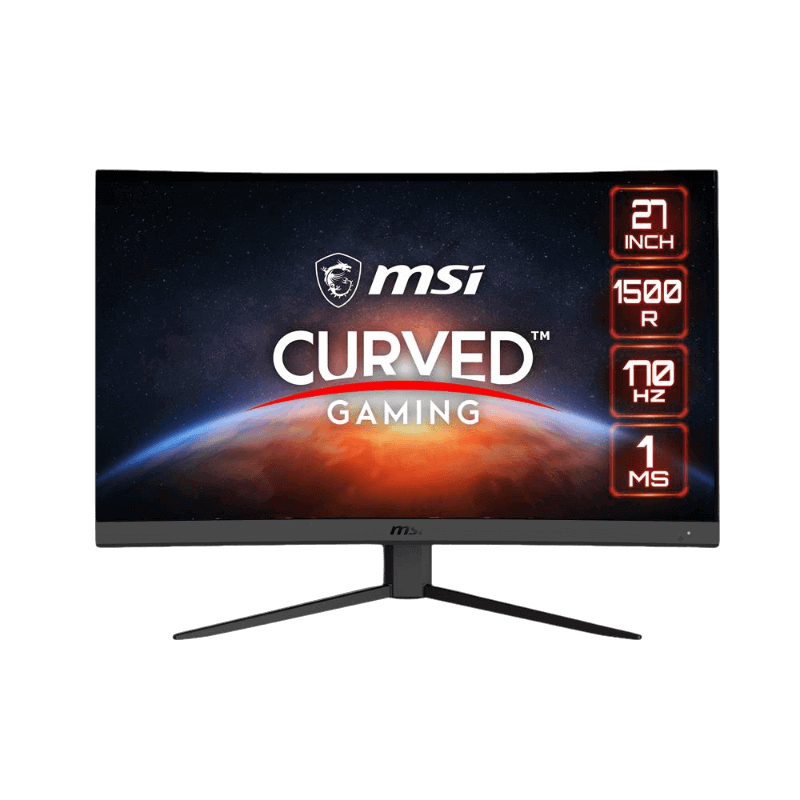
- MSI 27-inch curved monitor: a 1440p, 170 Hz curved VA screen.
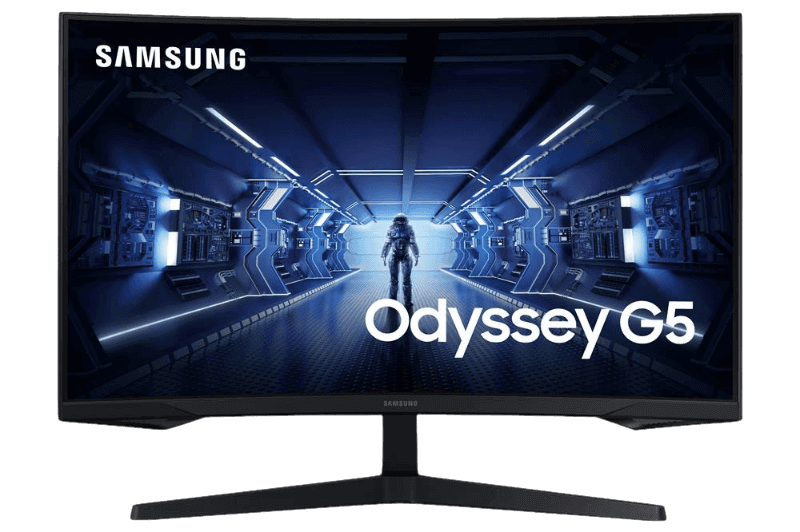
- Samsung Odyssey G5: a 1000R curved 1440p monitor with deep contrast.
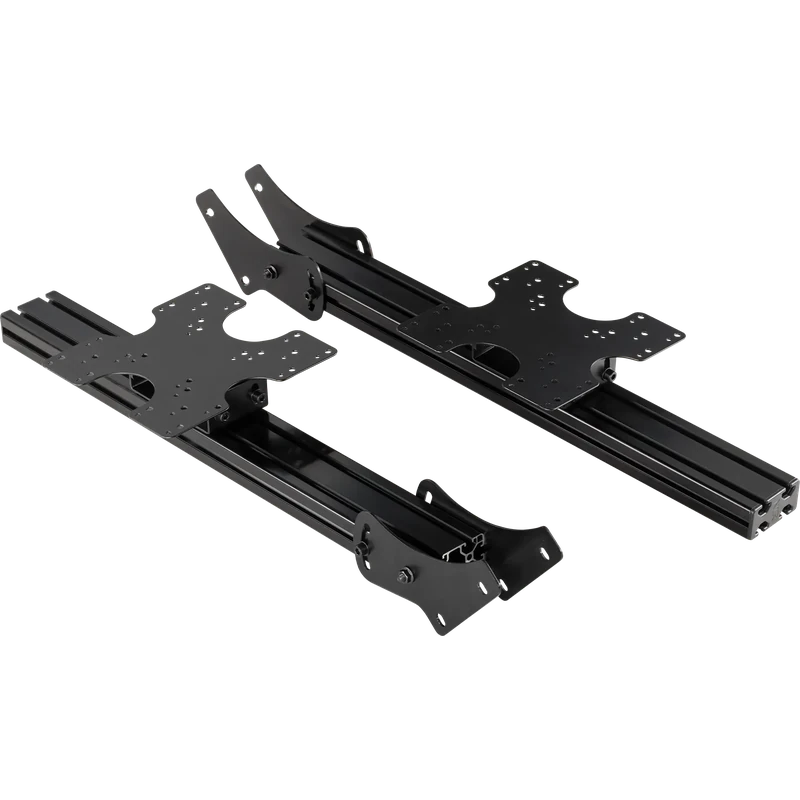
- Next Level Racing triple monitor stand: for sim racers who want even more width.
The 6Sigma single monitor floor stand holds large ultrawides and TVs beside a rig.
Ultrawide monitor FAQ
Is an ultrawide monitor good for gaming?
Yes, especially for racing, flight and open-world games. Some esports titles do not support 21:9.
What size ultrawide is best?
A 34-inch 3440 x 1440 screen is the sweet spot for most players.
Do I need a powerful GPU?
Yes. An ultrawide has more pixels than standard 1440p, so an RTX 5070 Ti or faster is ideal.
Can I watch films on an ultrawide monitor?
Yes. Many films are shot in a wide format close to 21:9, so they fill an ultrawide monitor with little or no black bars.
Is a 49-inch super ultrawide too big?
For most desks it is very wide, but sim racers and multitaskers love it. Make sure your desk is at least 120 cm wide.
Can consoles use an ultrawide monitor?
Consoles output 16:9, so they show black bars at the sides. An ultrawide monitor suits PC gaming best.
Go wide
An ultrawide monitor makes games more immersive and work more productive, with a 34-inch 3440 x 1440 curved screen as the sweet spot. Check game support and graphics card power first. Browse our gaming monitors, read panel tests at RTINGS, or contact us for help.