Description
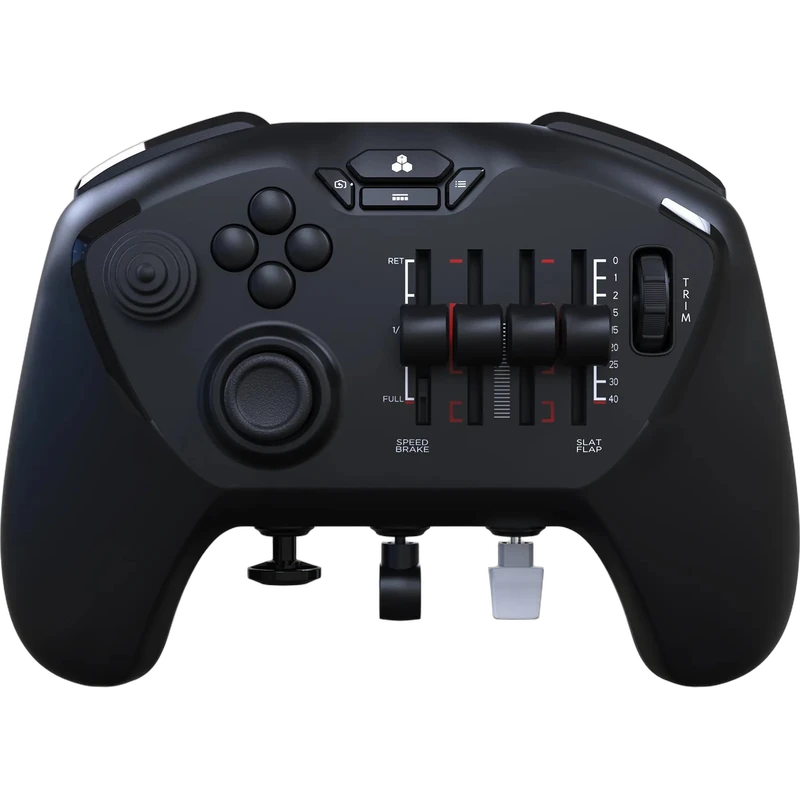
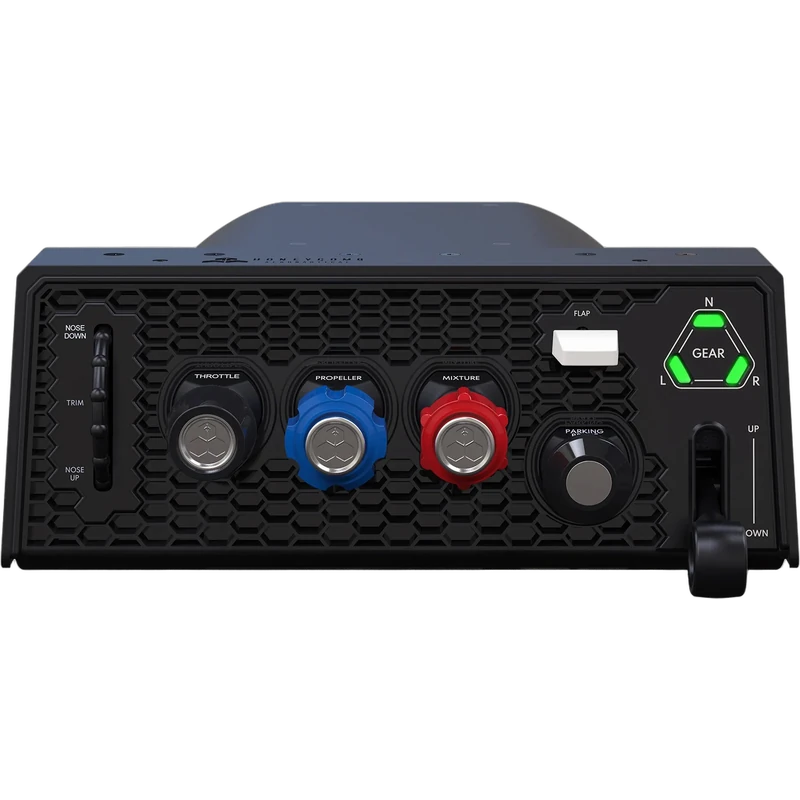
The Honeycomb Sierra TPM Module is a general aviation throttle quadrant built around authentic piston engine management. Instead of airliner-style levers, the Honeycomb Sierra uses vernier-style throttle, propeller and mixture controls, the push-pull knobs found in aircraft such as the Cessna 172. The price is shown in Canadian dollars.
Why choose the Honeycomb Sierra TPM Module?
You can manage power, prop and mixture exactly as you would in a real light aircraft, which makes engine start, run-up, climb and cruise far more realistic. It is designed for simmers who fly piston singles.
Three push-pull vernier axes with colour-coded handles give smooth travel and precise fine-tuning. The metal verniers are lockable: the throttle position can be fixed with the shaft screw, and the propeller and mixture each have a fine-adjustment knob.
Honeycomb Sierra TPM Module key features
- Vernier throttle, propeller and mixture
- Colour-coded push-pull handles
- Lockable metal verniers
- Fine-adjustment knobs for prop and mixture
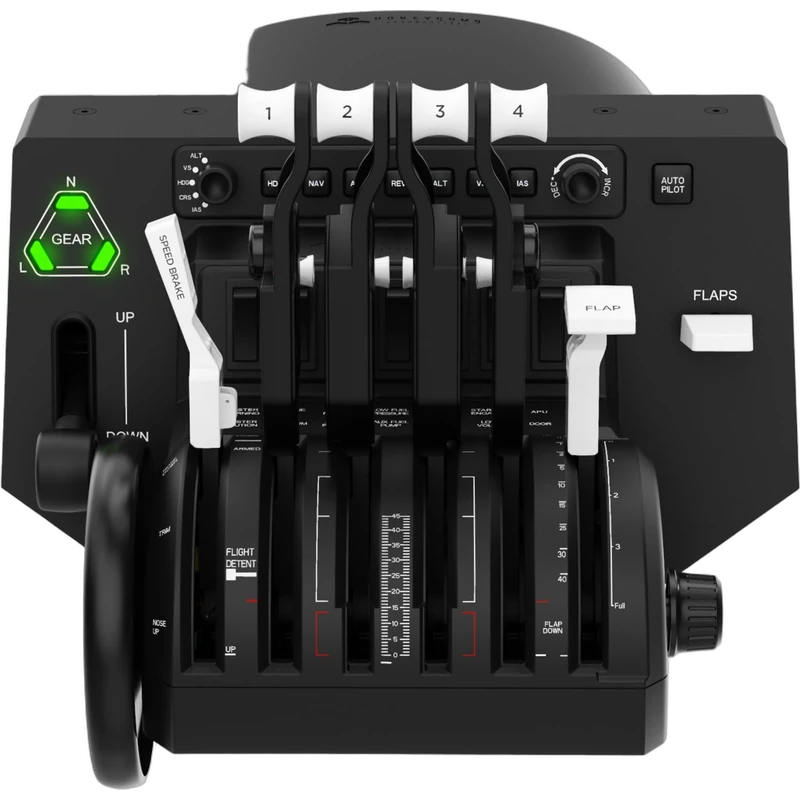
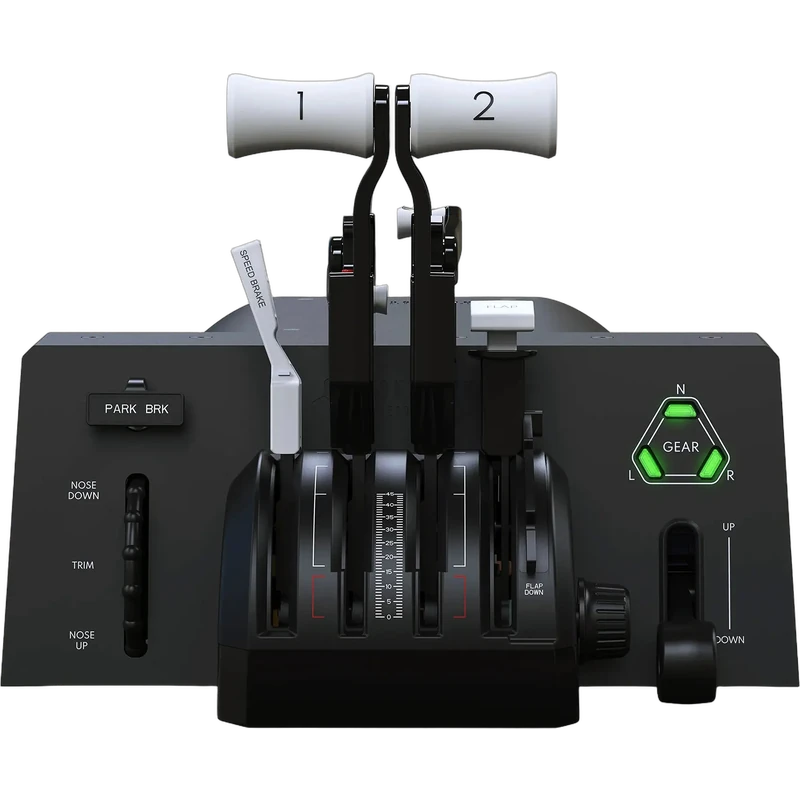
- Integrated low-profile trim wheel
- PC and Mac
Specifications
| Controls | Throttle, propeller, mixture (vernier) |
|---|---|
| Trim | Integrated low-profile wheel |
| Platforms | PC and Mac |
| Sims | MSFS 2024 and 2020, X-Plane 11 and 12, Prepar3D |
Why vernier controls?
Light aircraft use push-pull vernier knobs rather than levers. Practising with the real control type helps flight students and enthusiasts build habits that carry over to the cockpit.
Fine-adjustment knobs let you make small, accurate changes to prop and mixture during climb, cruise and descent.
An integrated trim wheel offers high-resolution pitch trim close to your hand.
Colour-coded handles help you identify throttle, propeller and mixture at a glance, just as in a real cockpit, so you can manage the engine without searching for the right control.
Setting up your Honeycomb Sierra TPM Module
Place or mount the module beside your yoke, connect it to your PC or Mac and open your sim’s control settings. Assign the throttle, propeller and mixture axes and the trim wheel, then set the locks and fine adjusters to your preference.
Who the Honeycomb Sierra TPM Module suits
It suits piston single pilots, flight students practising procedures, and Honeycomb yoke owners who want a realistic Honeycomb Sierra engine control module.
Complete your setup
These picks work well alongside the Honeycomb Sierra TPM Module:
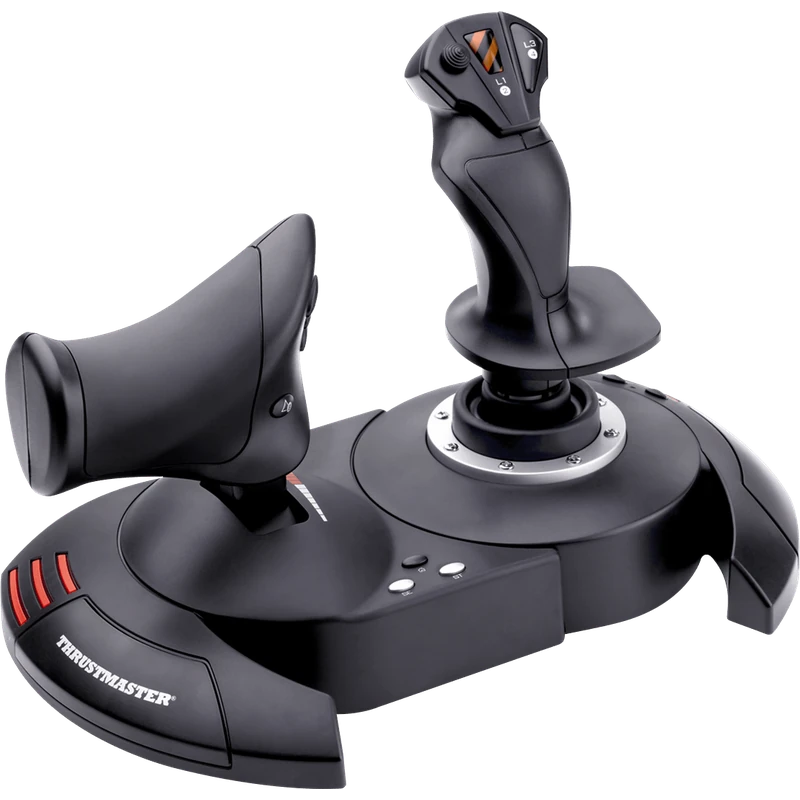 Thrustmaster T.Flight Hotas X Joystick and Throttle (PC) – $109.99 CAD
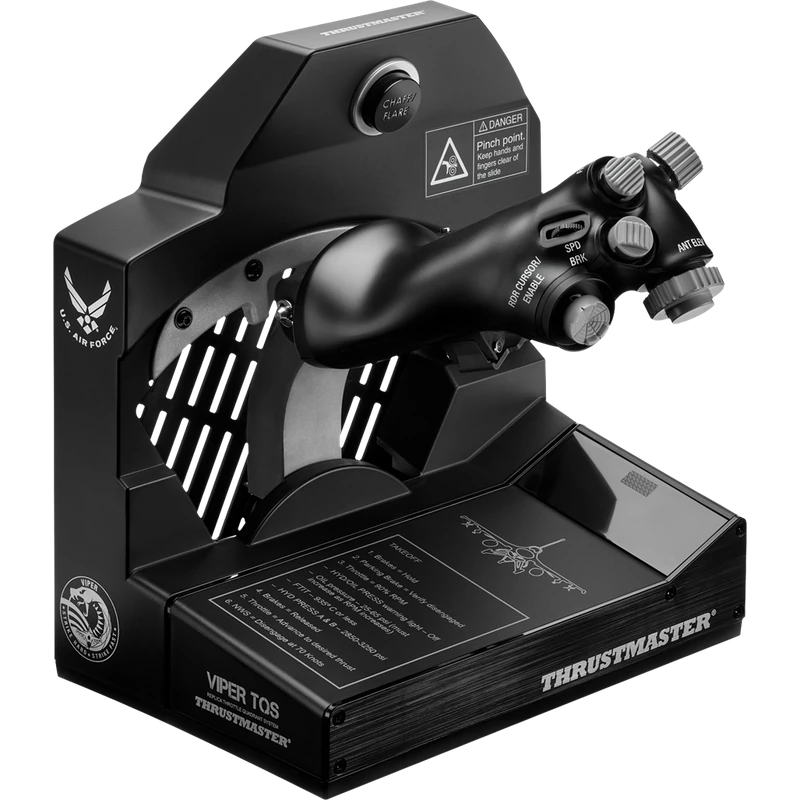 Thrustmaster Viper TQS Throttle Quadrant System – $489.99 CAD
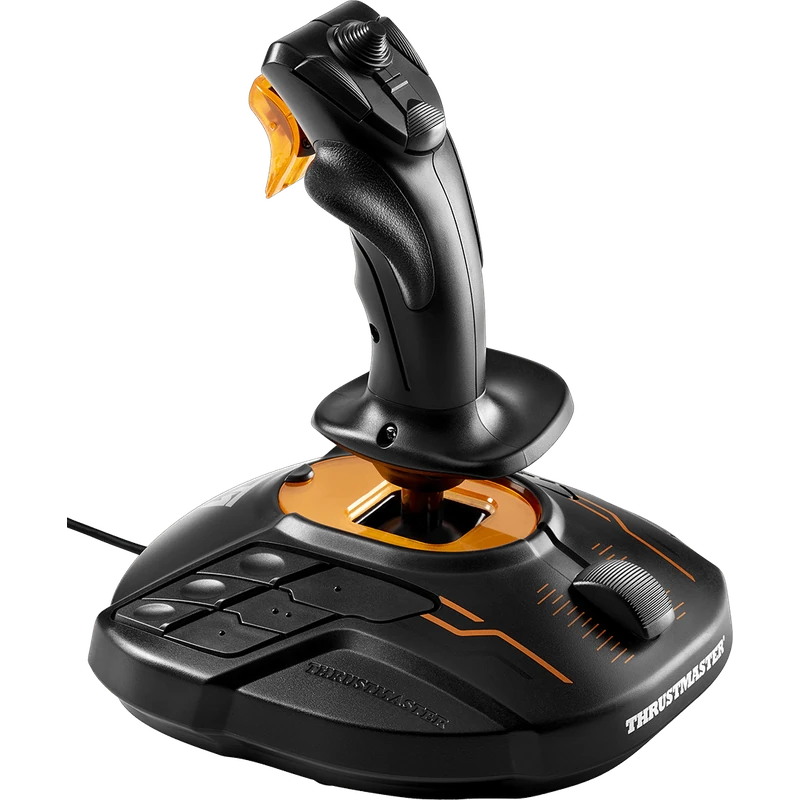 Thrustmaster T.16000M FCS Flight Stick – $109.99 CAD
All prices at North Gaming PCs are shown in Canadian dollars, so the $349.99 listed for the Honeycomb Sierra TPM Module needs no currency conversion. Check the specifications and compatibility notes above before you order, and compare it with similar sticks in our catalogue.
North Gaming PCs is a Canadian store for gaming PCs, sim racing and flight sim gear. Every product page lists the key specifications, compatibility notes and price in Canadian dollars, so you can compare options and build a setup that suits your space, budget and favourite games.
Honeycomb Sierra TPM Module FAQ
What controls does the Honeycomb Sierra have?
Vernier-style throttle, propeller and mixture controls plus a trim wheel.
Which aircraft is it designed for?
Piston aircraft such as the Cessna 172.
Which sims does it support?
Microsoft Flight Simulator 2024 and 2020, X-Plane 11 and 12, and Prepar3D.
Does it work on Mac?
Yes. It works on PC and Mac.
Are the verniers lockable?
Yes. The throttle locks with a shaft screw; prop and mixture have fine-adjustment knobs.
Does it have a trim wheel?
Yes. An integrated low-profile trim wheel.
Is it good for flight students?
Yes. It reproduces the push-pull controls of light aircraft for realistic procedure practice.
Can I fine-tune mixture in flight?
Yes. The mixture vernier has a fine-adjustment knob for small, accurate changes.
For authentic piston engine management, the Honeycomb Sierra TPM Module is a realistic addition. Browse more Sticks at North Gaming PCs, and find manuals, firmware and software on the official Honeycomb Aeronautical website.