Description
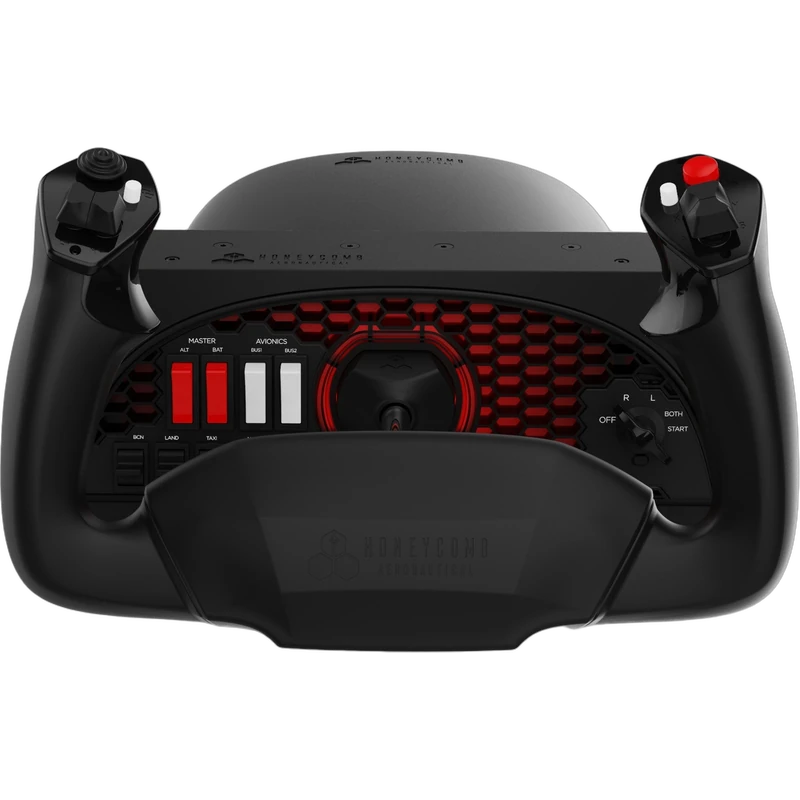
The Honeycomb Alpha Flight Controls Yoke & Switch Panel is Honeycomb’s flagship yoke: complete flight simulator controls for simmers, students and pilots who want a realistic general aviation cockpit at home. This is the PC and Mac version, and the price is shown in Canadian dollars.
Why choose the Honeycomb Alpha Flight Simulator Controls?
It combines a full-size yoke with an integrated switch panel, so the controls you use from engine start to shutdown sit right in front of you. Magnetos, lights, avionics and other switches are physical, which makes procedures feel real and keeps your eyes on the flight.
The yoke offers a realistic 180 degrees of rotation on a solid steel shaft running in dual linear ball bearings, for smooth and precise control. Its damped, self-centring mechanism has no centre detent, so small corrections feel natural during approaches and landings.
Honeycomb Alpha Flight Simulator Controls key features
- Full-size yoke with 180 degrees of rotation
- Solid steel shaft with dual linear ball bearings
- Damped, self-centring mechanism with no centre detent
- Integrated switch panel
- Works with MSFS, X-Plane 11 and 12, and Prepar3D
- PC and Mac version
Specifications
| Platforms | PC and Mac |
|---|---|
| Rotation | 180 degrees |
| Shaft | Solid steel, dual linear ball bearings |
| Centring | Damped, self-centring, no centre detent |
| Panel | Integrated switch panel |
Building a Honeycomb flight deck
The Alpha is the centre of a Honeycomb setup. Add the Bravo Throttle Quadrant for engine and autopilot controls, then the Charlie Rudder Pedals for yaw and toe brakes, and you have a complete general aviation cockpit.
A separate Alpha Flight Controls XPC version exists for Xbox, so check your platform before ordering. This version is for PC and Mac.
For flight students, physical switches and a realistic yoke also help reinforce checklist habits between real lessons.
Setting up your Honeycomb Alpha Flight Simulator Controls
Clamp the yoke to the edge of your desk, connect it to your PC or Mac and open your sim’s control settings. Microsoft Flight Simulator recognizes Honeycomb hardware, while X-Plane and Prepar3D let you assign axes and switches manually or with community profiles. Calibrate the yoke and test each switch before your first flight.
Who the Honeycomb Alpha Flight Simulator Controls suits
It suits general aviation simmers, flight students practising procedures, and pilots building a Honeycomb-based home cockpit with realistic flight simulator controls.
Complete your setup
These picks work well alongside the Honeycomb Alpha Flight Simulator Controls:
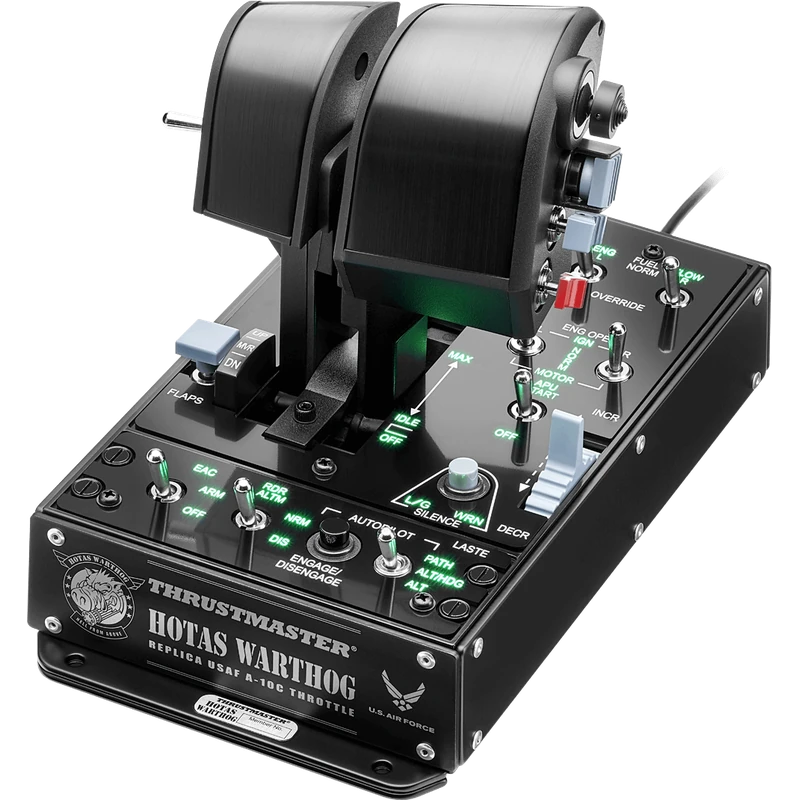 Thrustmaster HOTAS Warthog Dual Throttle (A-10C Replica) – $419.99 CAD
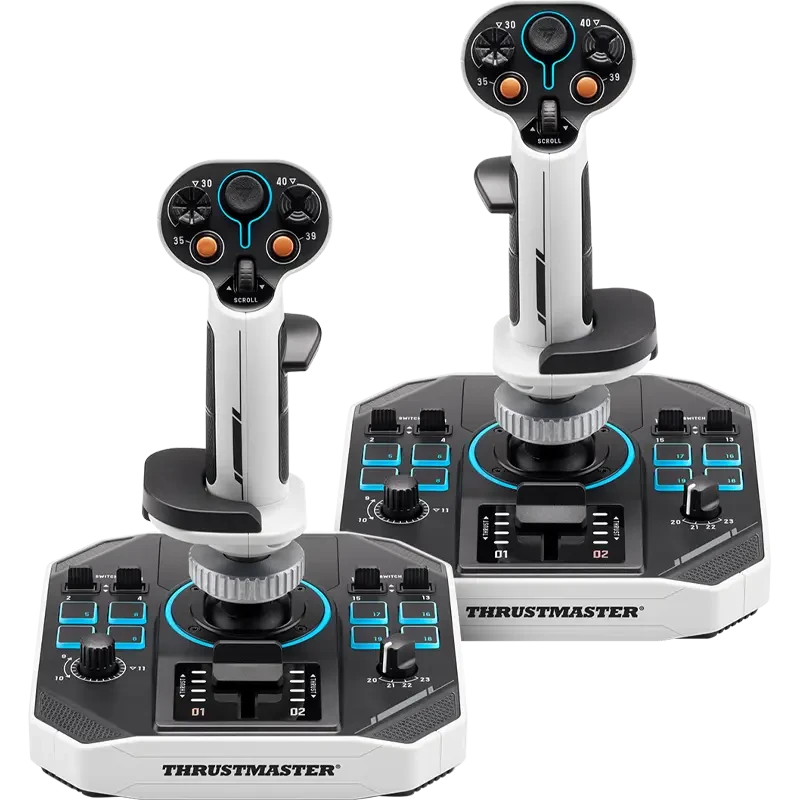 Thrustmaster Sol-R 2 HOSAS Space Sim Duo (Dual Joysticks) – $489.99 CAD
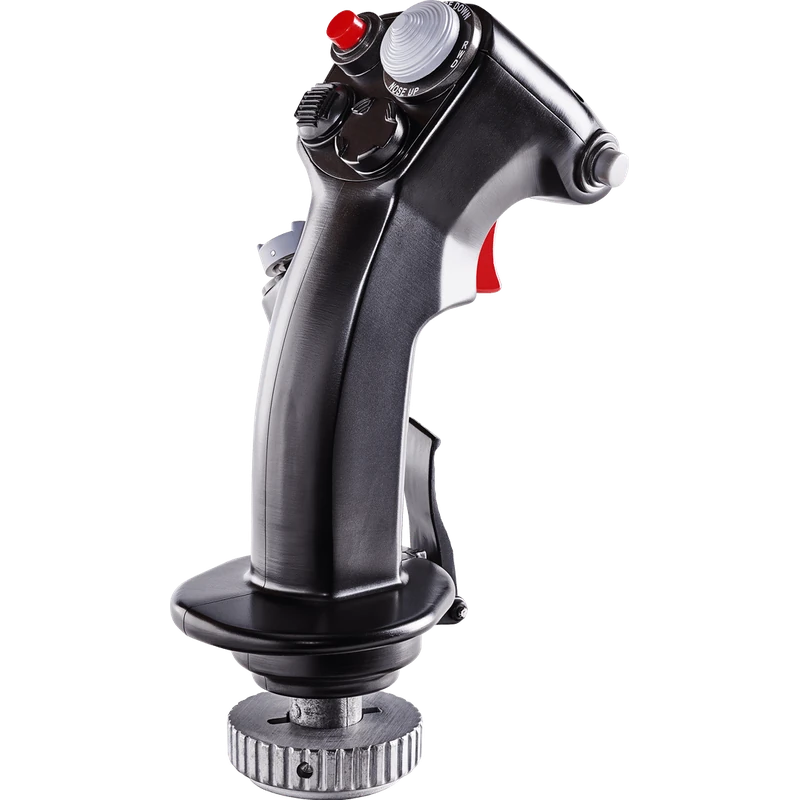 Thrustmaster Viper HOTAS Add-On Grip – $289.99 CAD
All prices at North Gaming PCs are shown in Canadian dollars, so the $429.99 listed for the Honeycomb Alpha Flight Simulator Controls needs no currency conversion. Check the specifications and compatibility notes above before you order, and compare it with similar sticks in our catalogue.
North Gaming PCs is a Canadian store for gaming PCs, sim racing and flight sim gear. Every product page lists the key specifications, compatibility notes and price in Canadian dollars, so you can compare options and build a setup that suits your space, budget and favourite games.
Honeycomb Alpha Flight Simulator Controls FAQ
Do these flight simulator controls work on Xbox?
This is the PC and Mac version. A separate Alpha Flight Controls XPC version exists for Xbox.
How far does the yoke rotate?
It offers a realistic 180 degrees of rotation.
Does it include switches?
Yes. It has an integrated switch panel for engine start, lights and more.
Which sims are supported?
Microsoft Flight Simulator, X-Plane 11 and 12, and Prepar3D.
What pairs well with it?
The Honeycomb Bravo Throttle Quadrant and Charlie Rudder Pedals.
For realistic general aviation flight simulator controls, the Honeycomb Alpha is a benchmark yoke. Browse more Sticks at North Gaming PCs, and find manuals, firmware and software on the official Honeycomb Aeronautical website.