Description
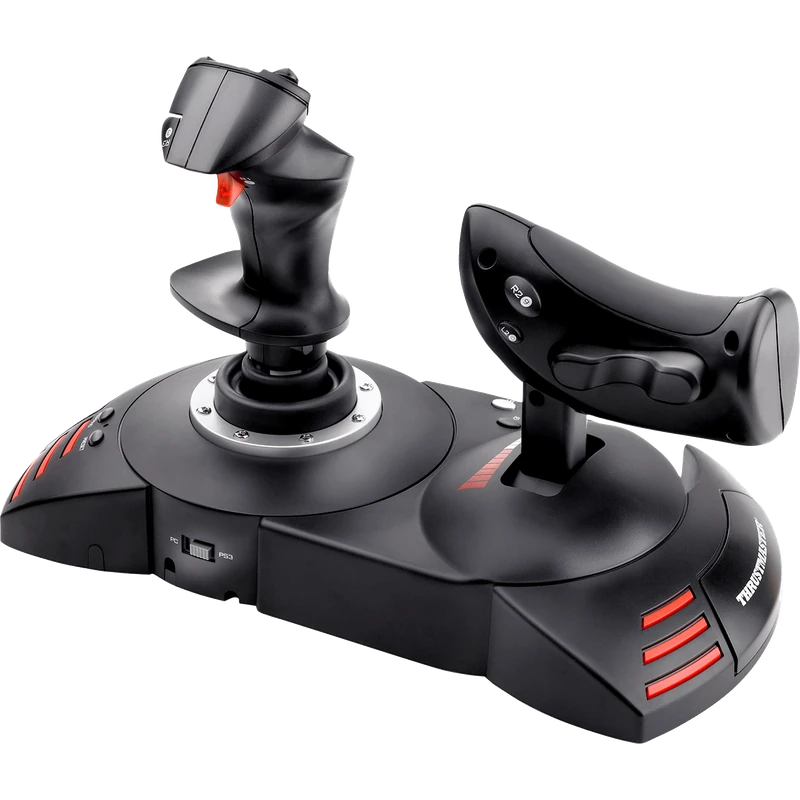
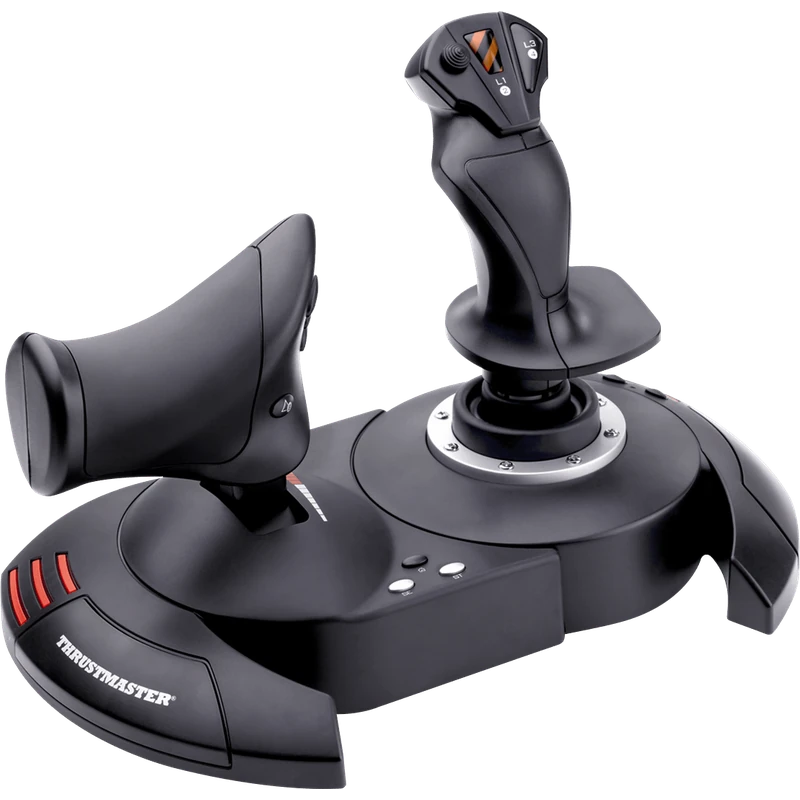
The Thrustmaster T.Flight Hotas X is a complete, full-size joystick and throttle set for PC, designed for budding pilots who want a two-handed setup. This Thrustmaster X HOTAS is an accessible entry point into the T.Flight Hotas range, and the price is shown in Canadian dollars.
Why choose the Thrustmaster X HOTAS (T.Flight Hotas X)?
Plug it in and it works directly in game, with a unique ergonomic design that adapts to any style of flying, from dogfights and space adventures to civil or commercial flights. It is compatible with DCS, X-Plane, Microsoft Flight Simulator, Star Citizen, Elite Dangerous and War Thunder, and Thrustmaster also lists it for PS3.
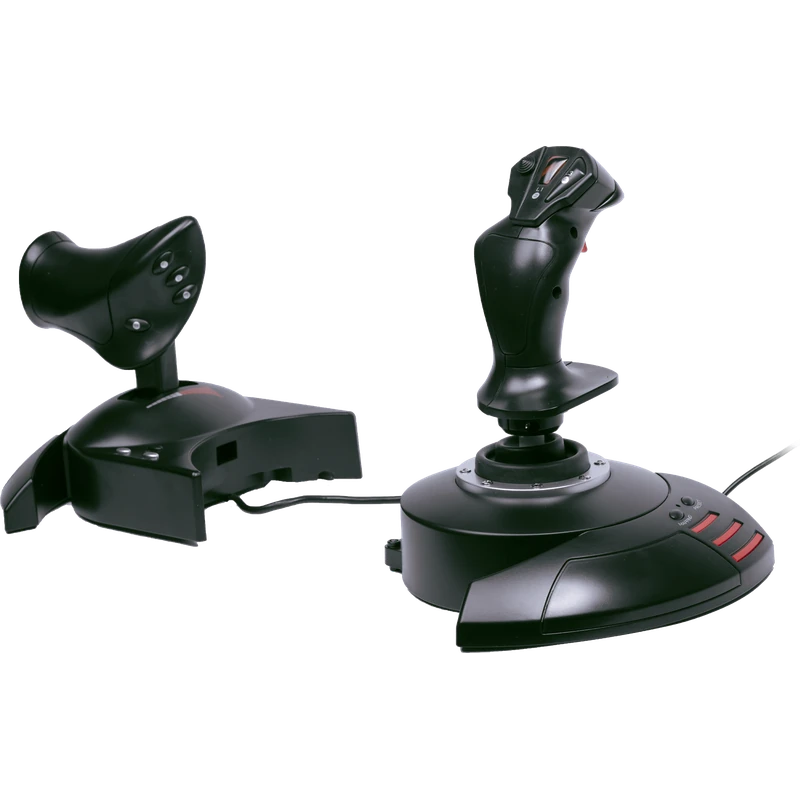
The set includes a high-precision joystick and a fully detachable, ergonomic, full-size throttle. Use it attached to the stick or on its own, depending on where you like to fly: at a desk, on the couch or in a cockpit.
Thrustmaster X HOTAS (T.Flight Hotas X) key features
- Full-size joystick and throttle
- Fully detachable throttle
- Plug and play on PC
- Ergonomic design for any flying style
- Works with major PC flight titles
- Also listed for PS3
Specifications
| Platform | PC (also listed for PS3) |
|---|---|
| Included | Joystick and detachable throttle |
| Connection | USB, plug and play |
| Range | T.Flight Hotas |
Why choose a HOTAS?
HOTAS stands for hands on throttle and stick. Keeping one hand on each lets you control speed and direction at the same time, while the buttons put key functions under your fingers.
A detachable throttle means you can set your hands at a comfortable width, which helps in long flights and intense dogfights.
If you only want a single device on your desk, the T.Flight Stick X with an integrated throttle is the simpler option.
Setting up your Thrustmaster X HOTAS (T.Flight Hotas X)
Plug the Thrustmaster X HOTAS into a USB port; it works directly in game. Place the throttle beside the stick or separate it for a wider stance, then assign pitch, roll, yaw and throttle in your sim and map key functions to the buttons.
Who the Thrustmaster X HOTAS (T.Flight Hotas X) suits
It suits budding pilots who want a two-handed setup, space and combat sim players, and anyone looking for an affordable Thrustmaster X HOTAS for PC.
Complete your setup
These picks work well alongside the Thrustmaster X HOTAS (T.Flight Hotas X):
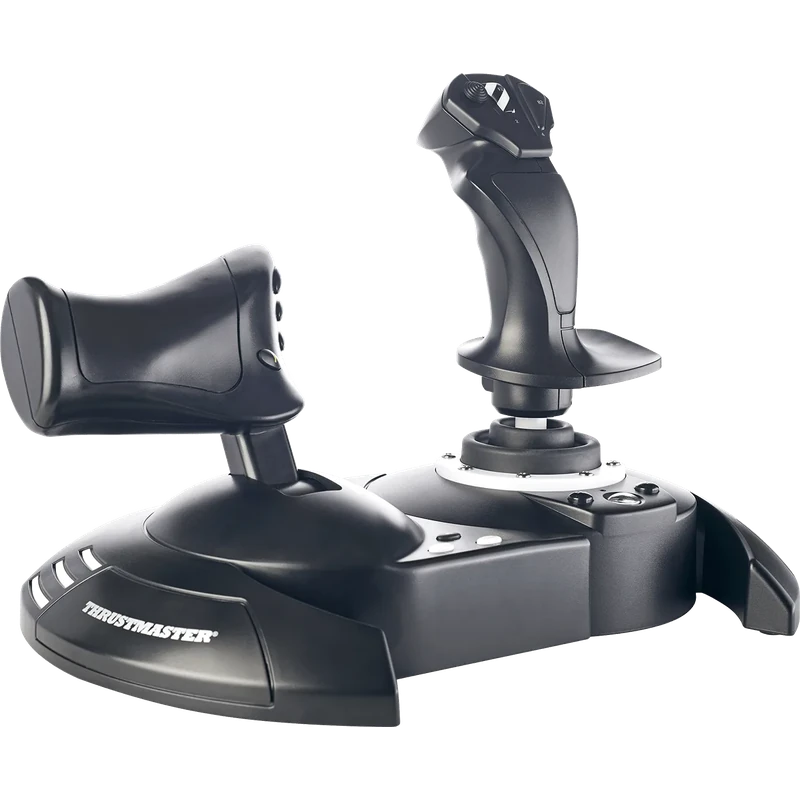 Thrustmaster T.Flight Hotas One Joystick and Throttle (Xbox / PC) – $129.99 CAD
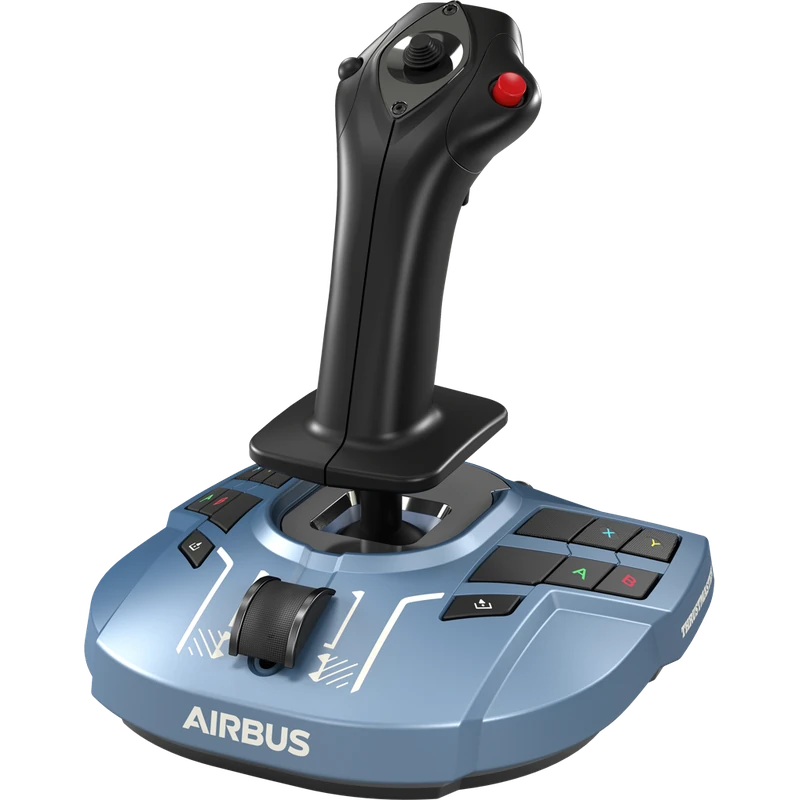 Thrustmaster TCA Sidestick X Airbus Edition (Xbox Series X|S / PC) – $189.99 CAD
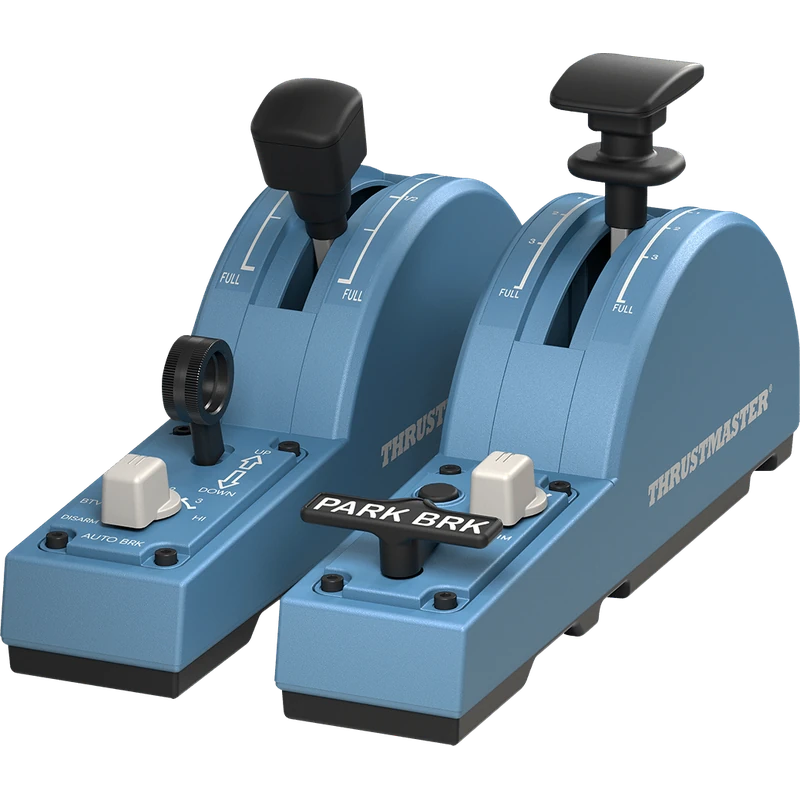 Thrustmaster TCA Quadrant Add-On Airbus Edition – $154.99 CAD
All prices at North Gaming PCs are shown in Canadian dollars, so the $109.99 listed for the Thrustmaster X HOTAS (T.Flight Hotas X) needs no currency conversion. Check the specifications and compatibility notes above before you order, and compare it with similar sticks in our catalogue.
North Gaming PCs is a Canadian store for gaming PCs, sim racing and flight sim gear. Every product page lists the key specifications, compatibility notes and price in Canadian dollars, so you can compare options and build a setup that suits your space, budget and favourite games.
Thrustmaster X HOTAS (T.Flight Hotas X) FAQ
Does the Thrustmaster X HOTAS include a throttle?
Yes. It includes a fully detachable, full-size throttle.
Is it plug and play?
Yes. It works directly in game on PC.
Which games does it support?
DCS, X-Plane, Microsoft Flight Simulator, Star Citizen, Elite Dangerous and War Thunder, among others.
Can I separate the throttle?
Yes. Use it attached to the stick or on its own.
Does it work on PS3?
Thrustmaster lists it for PS3 as well as PC.
Is it good for beginners?
Yes. It is designed for budding pilots.
For an affordable two-handed flight setup, the Thrustmaster X HOTAS is a proven starting point. Browse more Sticks at North Gaming PCs, and find manuals, firmware and software on the official Thrustmaster website.