Description
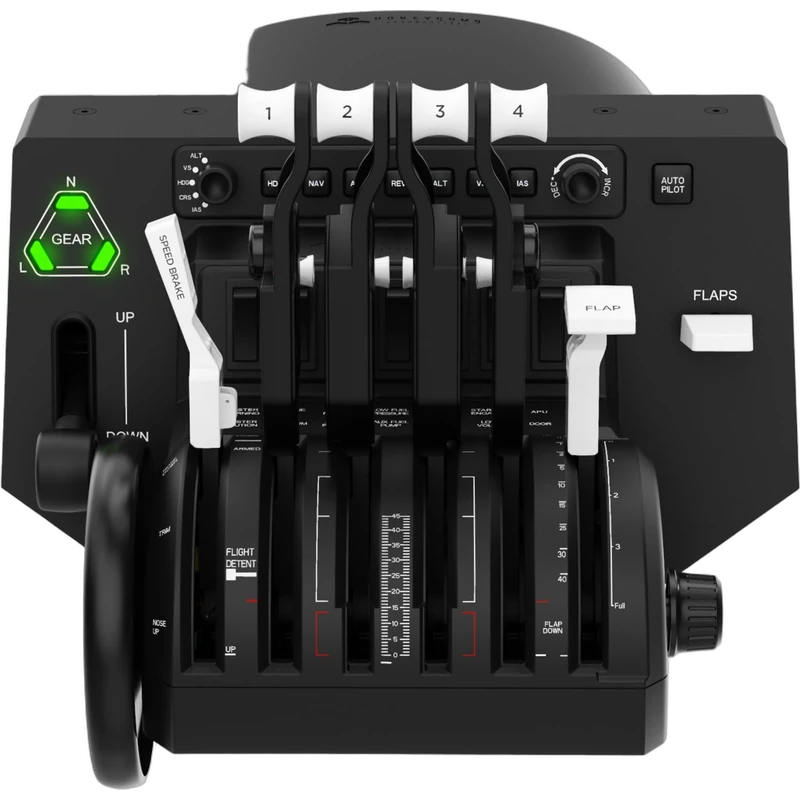
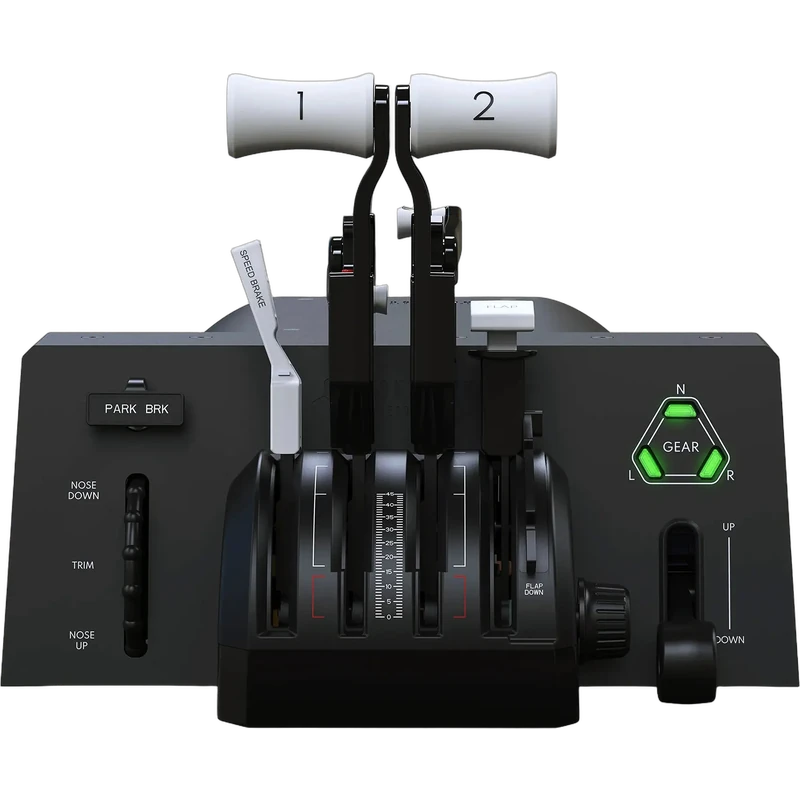
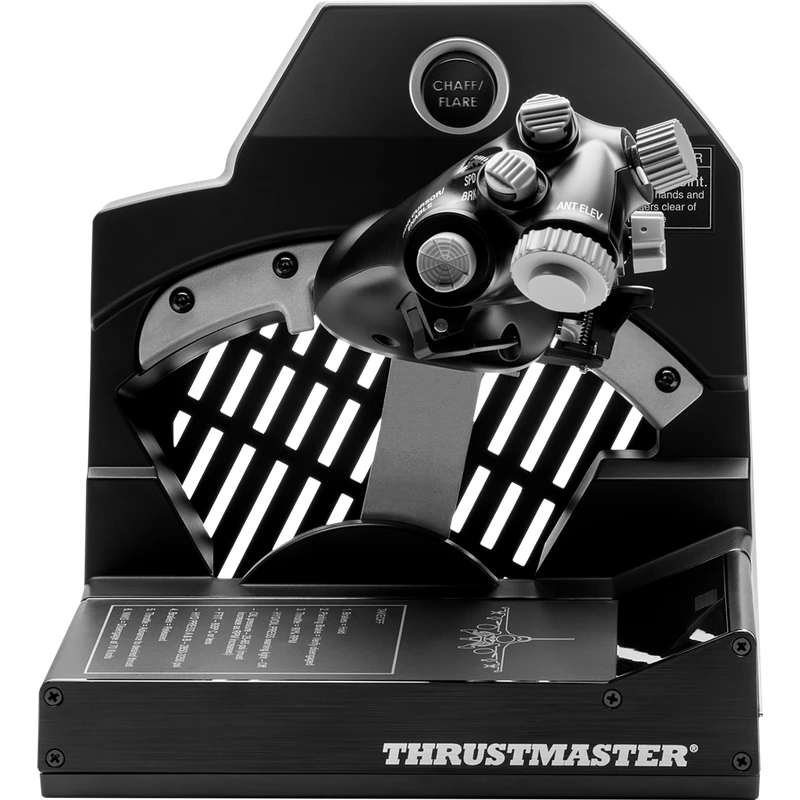
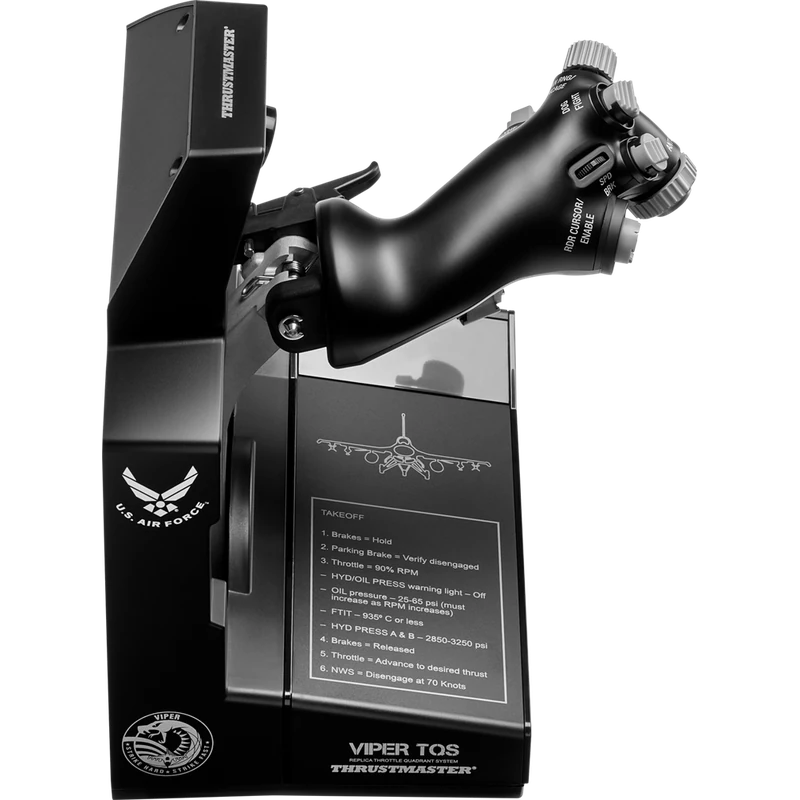
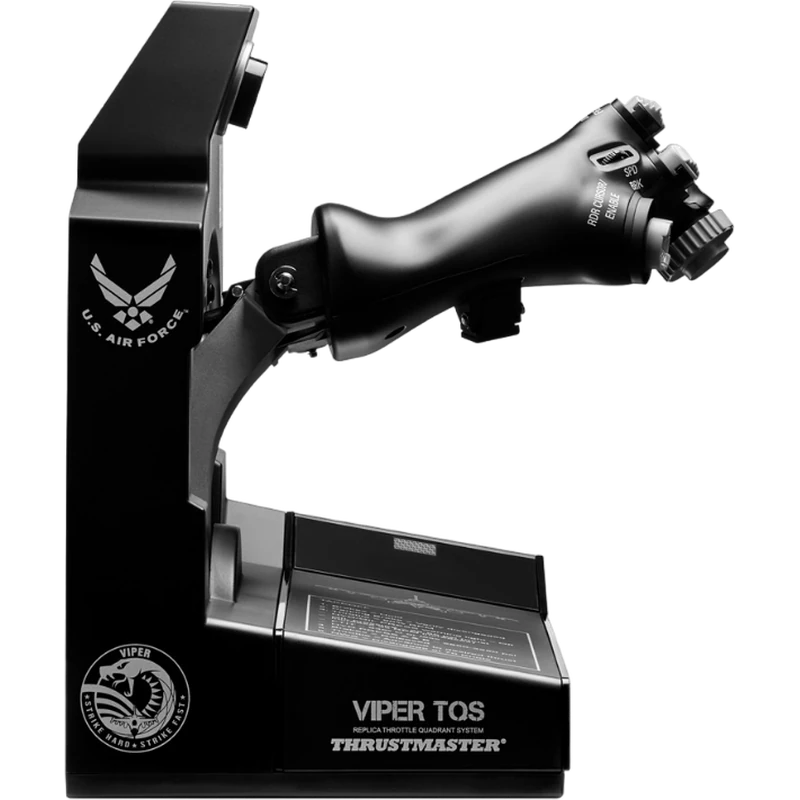
The Thrustmaster Viper TQS is a replica of the throttle quadrant system of the legendary Viper fighter, officially licensed by the U.S. Air Force and built for PC. It brings the real throttle’s ergonomics to your desk or cockpit, and the price is shown in Canadian dollars.
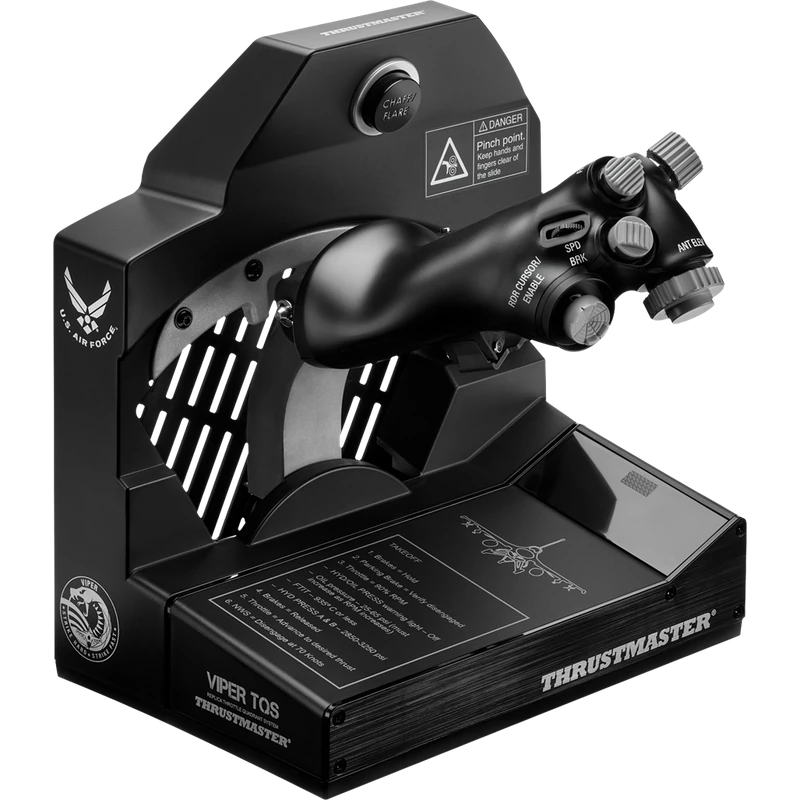
Why choose the Thrustmaster Viper TQS Throttle?
A 1:1 scale handle features metal casing and metal buttons, plus realistic and iconic control switches. The Thrustmaster Viper TQS is designed for military flight simmers who want the controls, kinematics and sensations real Viper pilots experience.
The throttle replicates the Viper’s mechanical movement along its axis, with smooth travel on metal bearings. A legacy axis rail gives access to the Idle/Cutoff and Afterburner detents through mechanical levers and handle rotation, and you can switch to a 100% linear axis when you prefer.
Thrustmaster Viper TQS Throttle key features
- Replica of the Viper throttle quadrant
- Officially licensed by the U.S. Air Force
- 1:1 handle with metal casing and buttons
- Idle/Cutoff and Afterburner detents
- Adjustable friction, no dead zones
- H.E.A.R.T. magnetic sensing
Specifications
| Platform | PC |
|---|---|
| Licence | U.S. Air Force |
| Handle | 1:1, metal casing and buttons |
| Detents | Idle/Cutoff, Afterburner |
| Construction | Die-cast metal |
| Expansion | Viper Panel (sold separately) |
The throttle half of a Viper setup
The Viper TQS is the throttle half of a serious Viper setup and can be expanded later with the dedicated Viper Panel.
Adjustable friction delivers firm, linear travel with no dead zones, and die-cast metal construction keeps that friction constant over time.
H.E.A.R.T. magnetic sensing provides precise, contactless detection of the throttle position.
Pair it with a Viper-style stick for the full experience in combat sims.
Smooth travel on metal bearings makes small throttle adjustments easy, which matters for formation flying and air-to-air refuelling.
Setting up your Thrustmaster Viper TQS Throttle
Place the throttle on your desk or mount it in your cockpit, connect it to your PC and install Thrustmaster’s software. Choose the legacy detent rail or linear axis, set the friction and map the switches to your aircraft’s functions.
Who the Thrustmaster Viper TQS Throttle suits
It suits Viper and combat flight simmers, DCS pilots, and anyone building an authentic Thrustmaster Viper TQS throttle setup.
Complete your setup
These picks work well alongside the Thrustmaster Viper TQS Throttle:
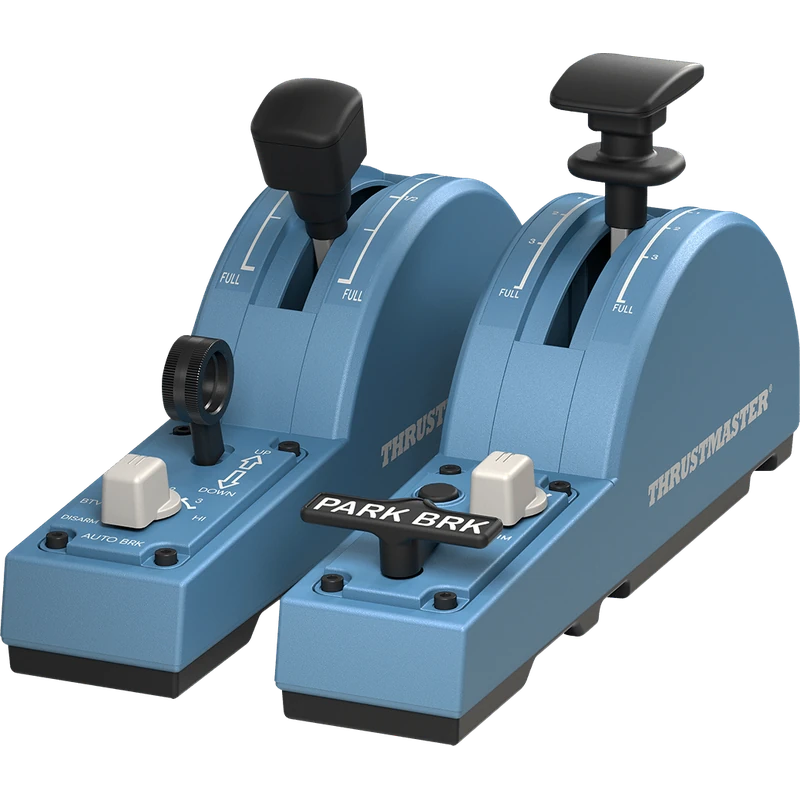 Thrustmaster TCA Quadrant Add-On Airbus Edition – $154.99 CAD
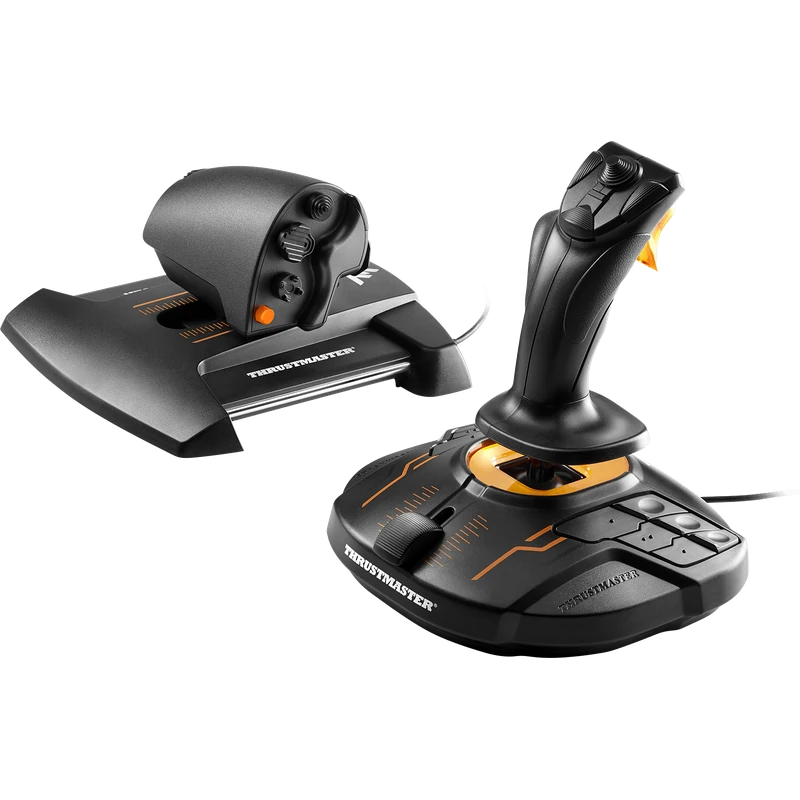 Thrustmaster T.16000M FCS HOTAS Joystick and Throttle – $219.99 CAD
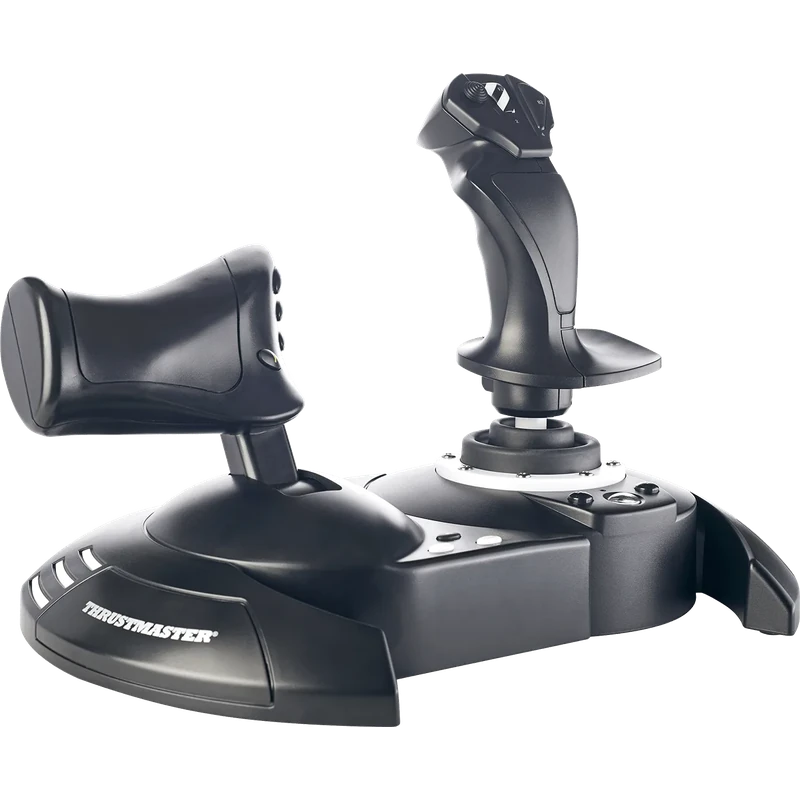 Thrustmaster T.Flight Hotas One Joystick and Throttle (Xbox / PC) – $129.99 CAD
All prices at North Gaming PCs are shown in Canadian dollars, so the $489.99 listed for the Thrustmaster Viper TQS Throttle needs no currency conversion. Check the specifications and compatibility notes above before you order, and compare it with similar sticks in our catalogue.
North Gaming PCs is a Canadian store for gaming PCs, sim racing and flight sim gear. Every product page lists the key specifications, compatibility notes and price in Canadian dollars, so you can compare options and build a setup that suits your space, budget and favourite games.
Thrustmaster Viper TQS Throttle FAQ
Is the Thrustmaster Viper TQS licensed?
Yes. It is officially licensed by the U.S. Air Force.
Does it have afterburner detents?
Yes. The legacy axis rail gives access to Idle/Cutoff and Afterburner detents.
Can I use a linear axis?
Yes. You can switch to a 100% linear axis.
Can I adjust the friction?
Yes. Adjustable friction gives firm, linear travel.
Is it for consoles?
It is built for PC.
Can I expand it?
Yes. Add the dedicated Viper Panel later.
What is it made of?
Die-cast metal with a metal-cased handle and metal buttons.
Is it good for formation flying?
Yes. Smooth, adjustable friction allows fine throttle control.
For an authentic Viper throttle with metal construction, the Thrustmaster Viper TQS is a serious upgrade. Browse more Sticks at North Gaming PCs, and find manuals, firmware and software on the official Thrustmaster website.