Description
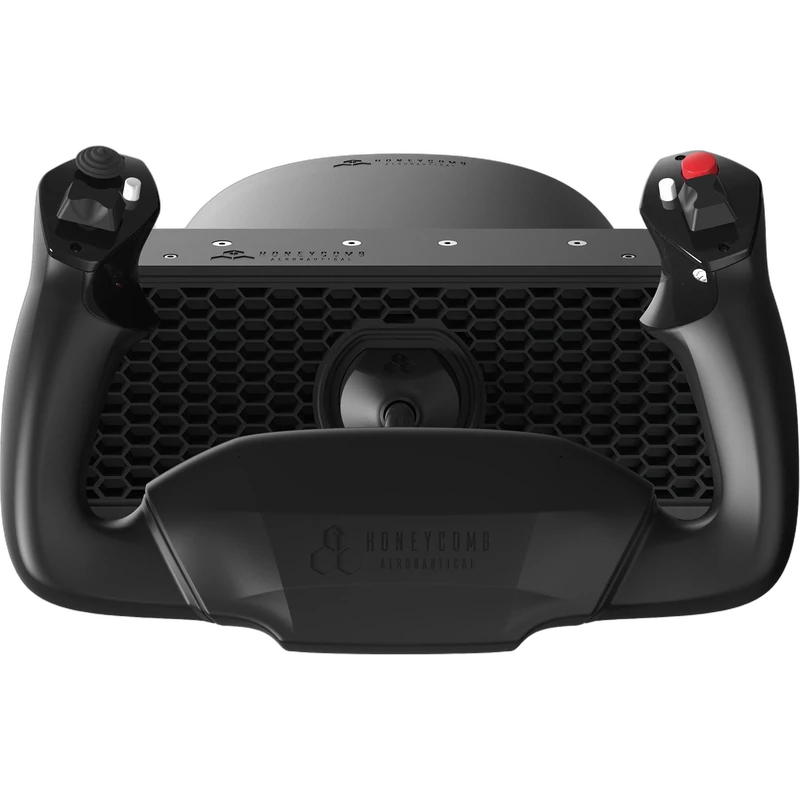
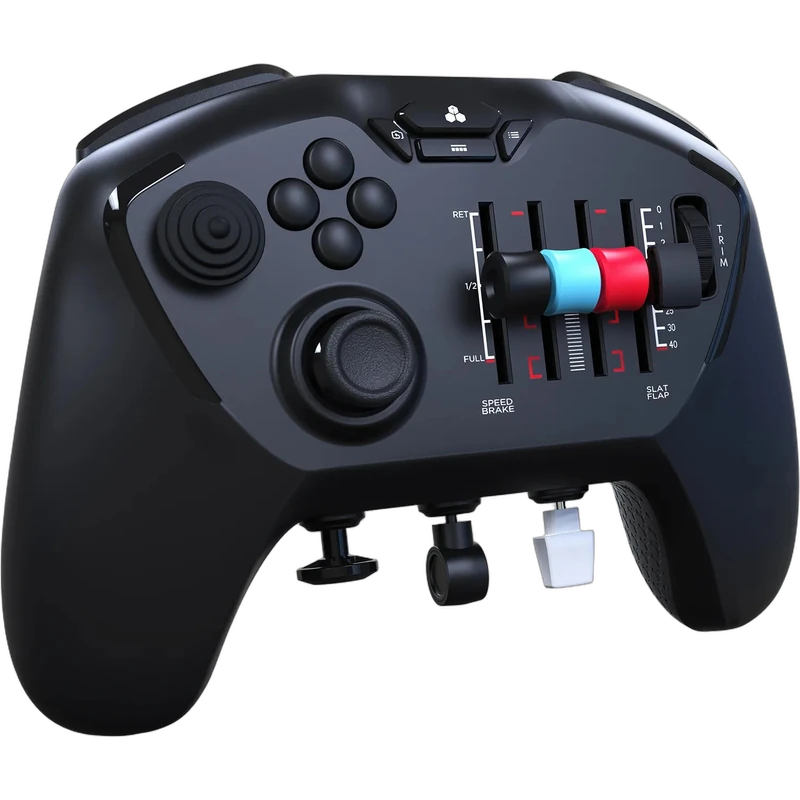
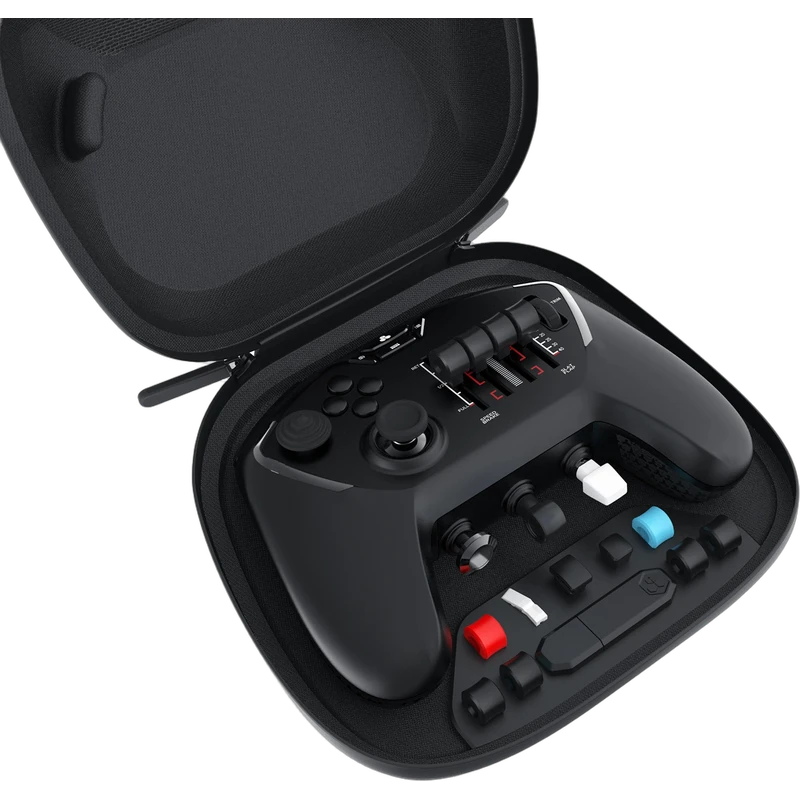
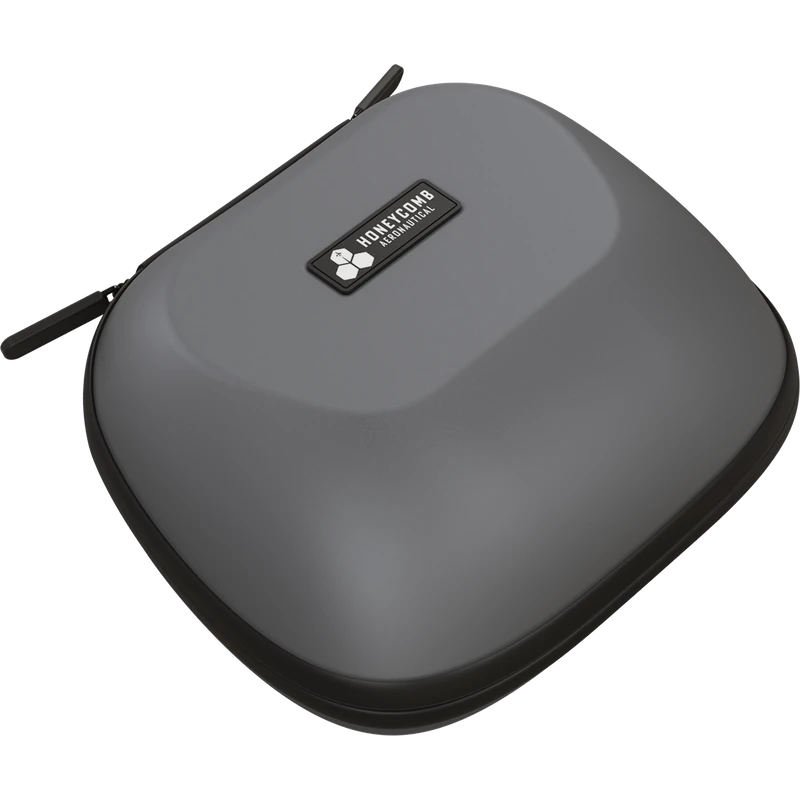
The Honeycomb Echo Aviation Controller packs complete flight sim controls into a compact, handheld form, built for simmers who want to fly from the couch, on the go or wherever space is tight. This is the PC and Mac version, designed for Microsoft Flight Simulator and also compatible with X-Plane 11 and 12 and Prepar3D. The price is shown in Canadian dollars.
Why choose the Honeycomb Echo Flight Sim Controls?
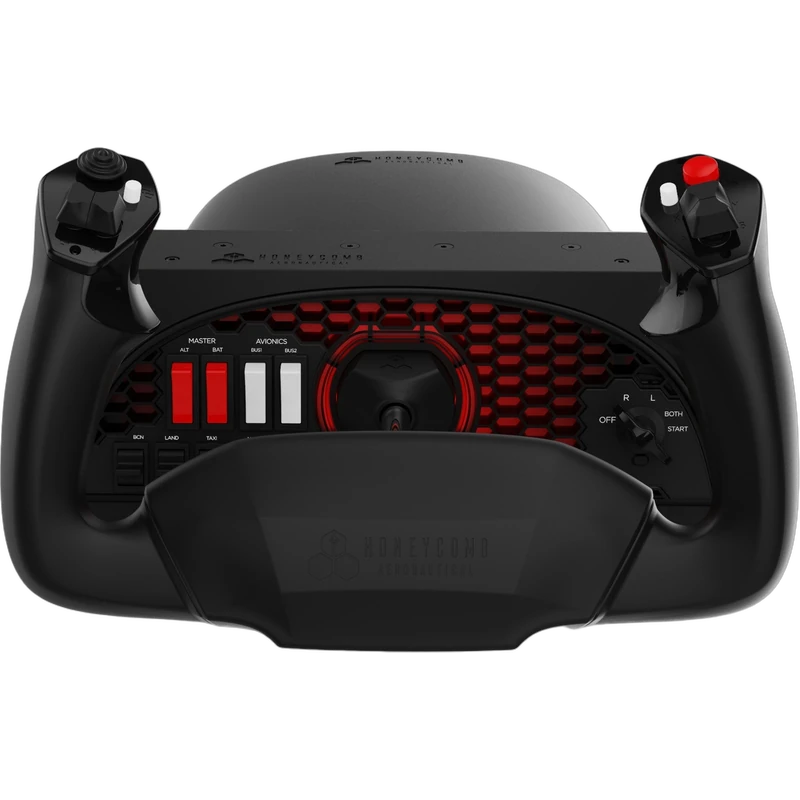
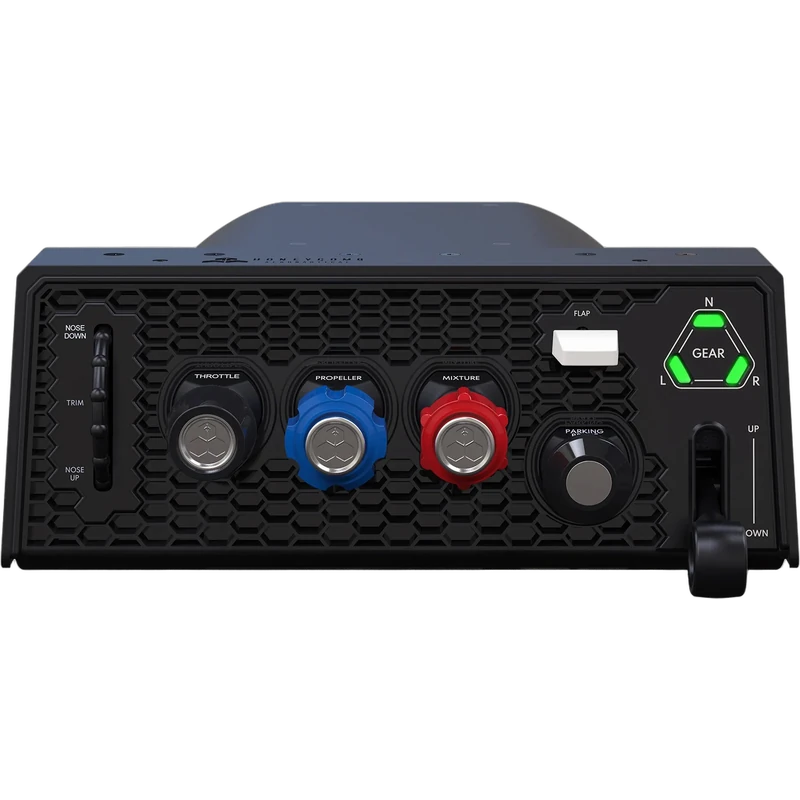
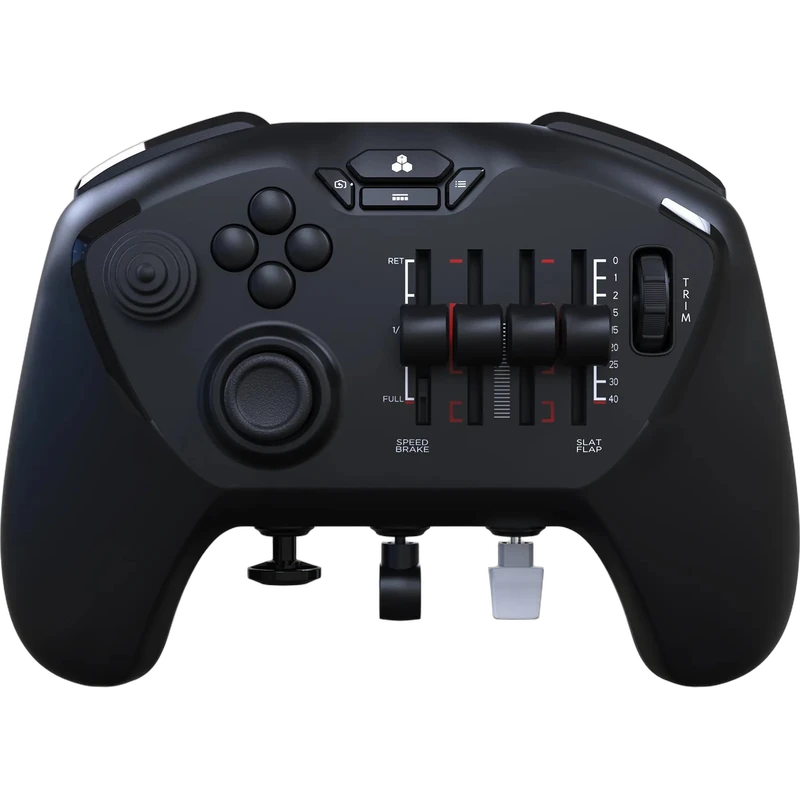
The Echo brings the core functions of Honeycomb’s Alpha yoke, Bravo throttle and Charlie rudder pedals together in one controller. Pitch, roll, yaw, throttle, flaps, trim and landing gear sit in a cockpit-style layout, so no pedals, desk mounts or sim rig are required.
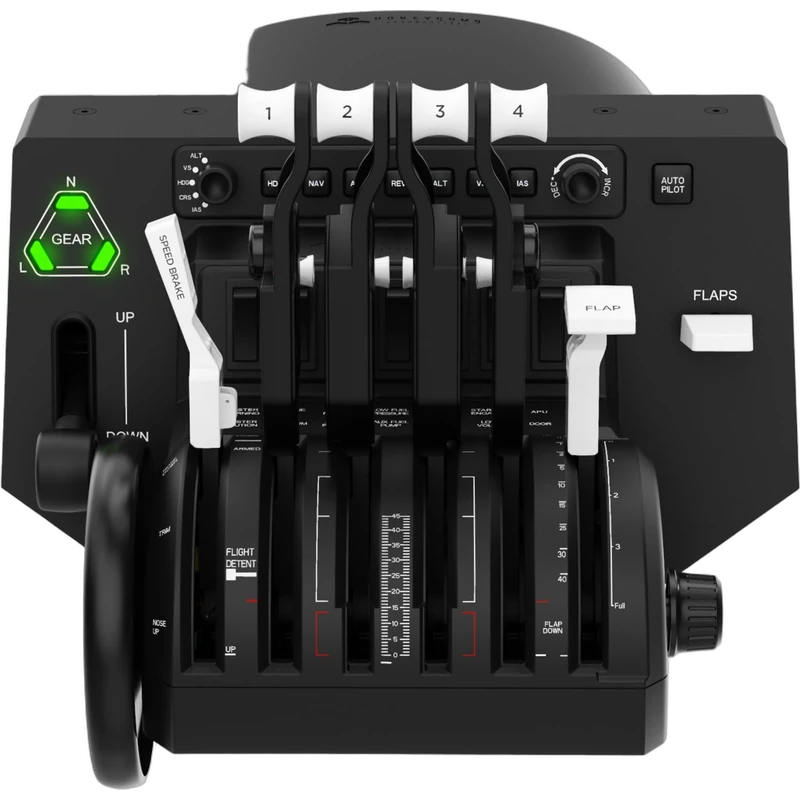
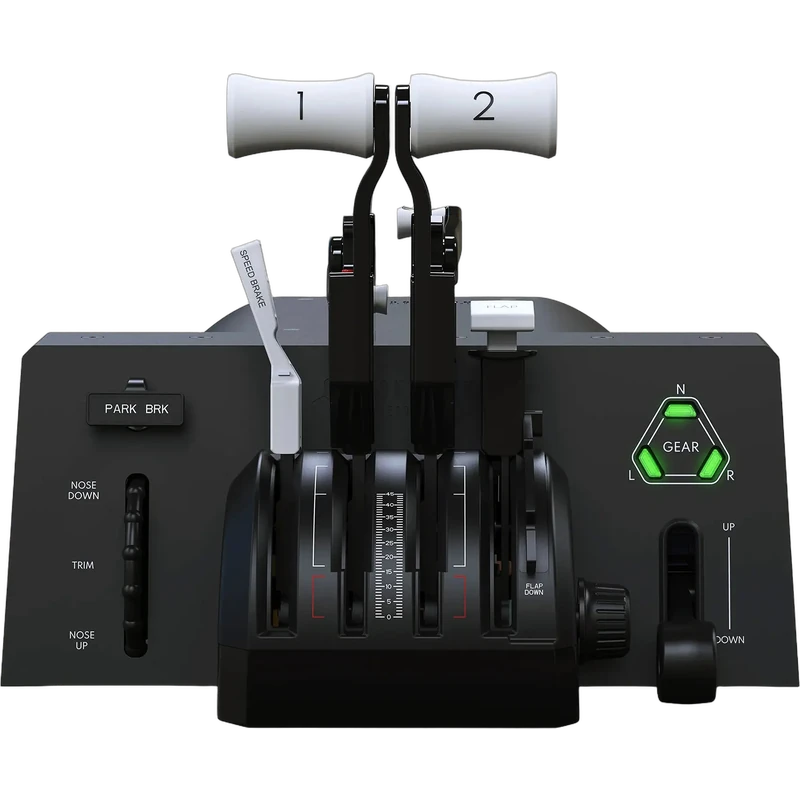
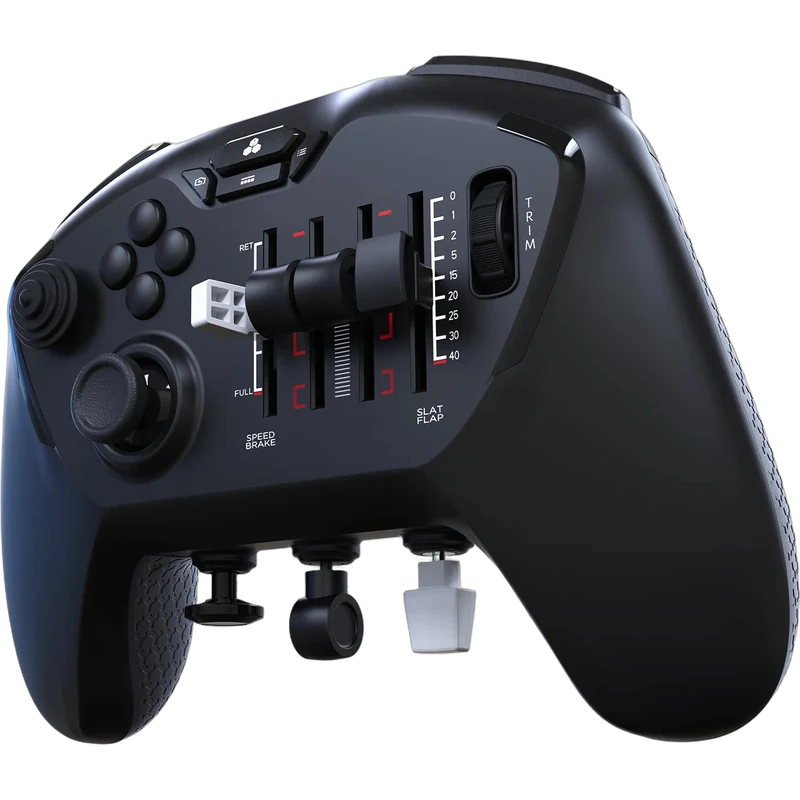
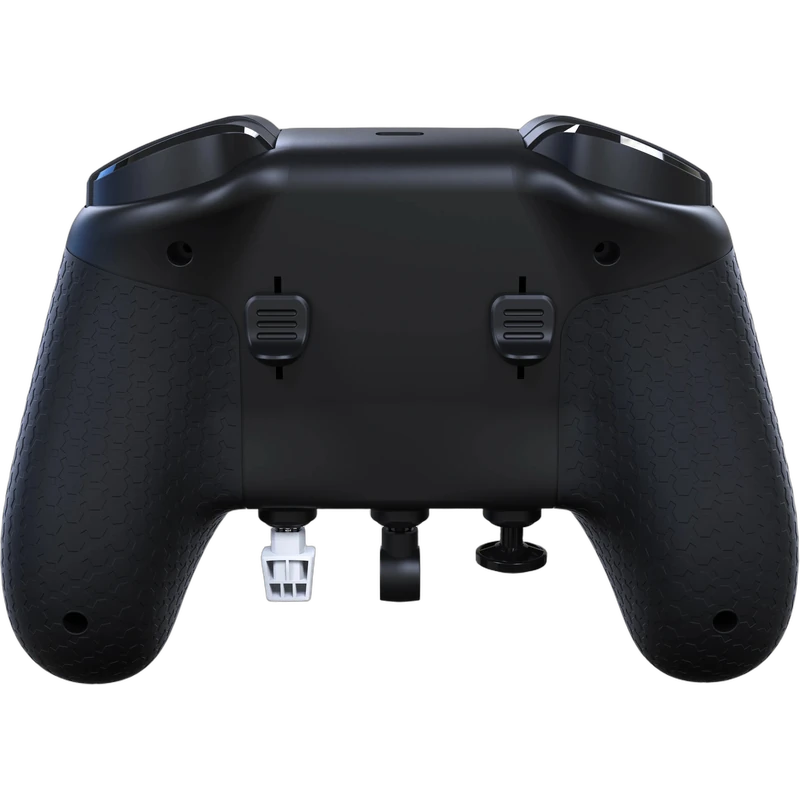
Pitch and roll use a 16-bit Hall-Effect thumbstick for smooth, drift-free control with long-term accuracy. Mechanically linked, self-recentring Hall-Effect rudder controls give precise yaw input and coordinated turns, and four detented sliders with interchangeable caps cover throttle and flaps.
Honeycomb Echo Flight Sim Controls key features
- Complete handheld flight controller
- 16-bit Hall-Effect thumbstick for pitch and roll
- Hall-Effect rudder controls for yaw
- Four detented sliders with interchangeable caps
- Trim and landing gear controls
- PC and Mac; MSFS, X-Plane 11/12 and Prepar3D
Specifications
| Platforms | PC and Mac |
|---|---|
| Sims | Microsoft Flight Simulator, X-Plane 11 and 12, Prepar3D |
| Pitch and roll | 16-bit Hall-Effect thumbstick |
| Yaw | Hall-Effect rudder controls |
| Sliders | 4 detented, interchangeable caps |
Flight sim controls without a desk setup
Traditional flight sim controls need a desk or rig for the yoke, throttle and pedals. The Echo puts those functions in your hands, which is ideal for small apartments, laptops or flying from the couch on a TV.
It is also a smart second controller for experienced simmers who want to fly casually away from their main setup, or a first step for newcomers who are not ready to buy a full cockpit.
Hall-Effect sensors throughout help it stay accurate over time, so the controller remains precise long after a typical gamepad would start to drift.
Setting up your Honeycomb Echo Flight Sim Controls
Connect the Echo to your PC or Mac, then open your flight sim’s control settings. Microsoft Flight Simulator offers native support; in X-Plane and Prepar3D, assign pitch, roll, yaw, throttle, flaps, trim and gear to the matching controls. Fit the slider caps that suit the aircraft you fly most.
Who the Honeycomb Echo Flight Sim Controls suits
It suits flight simmers with limited space, casual pilots who fly from a couch, laptop users, and anyone who wants a full set of flight sim controls in one handheld device.
Complete your setup
These picks work well alongside the Honeycomb Echo Flight Sim Controls:
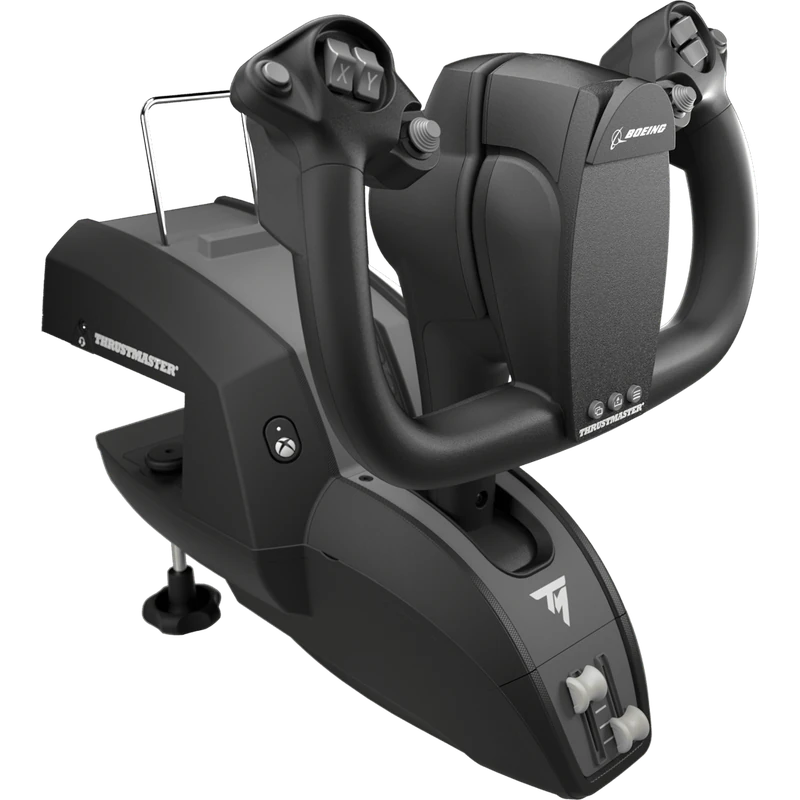 Thrustmaster TCA Yoke Boeing Edition – $489.99 CAD
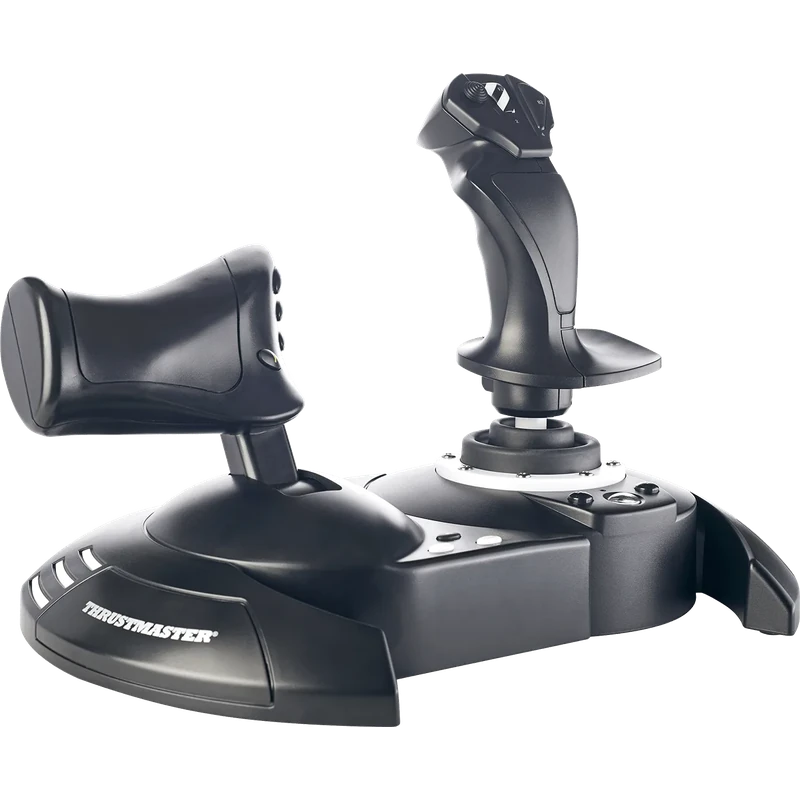 Thrustmaster T.Flight Hotas One Joystick and Throttle (Xbox / PC) – $129.99 CAD
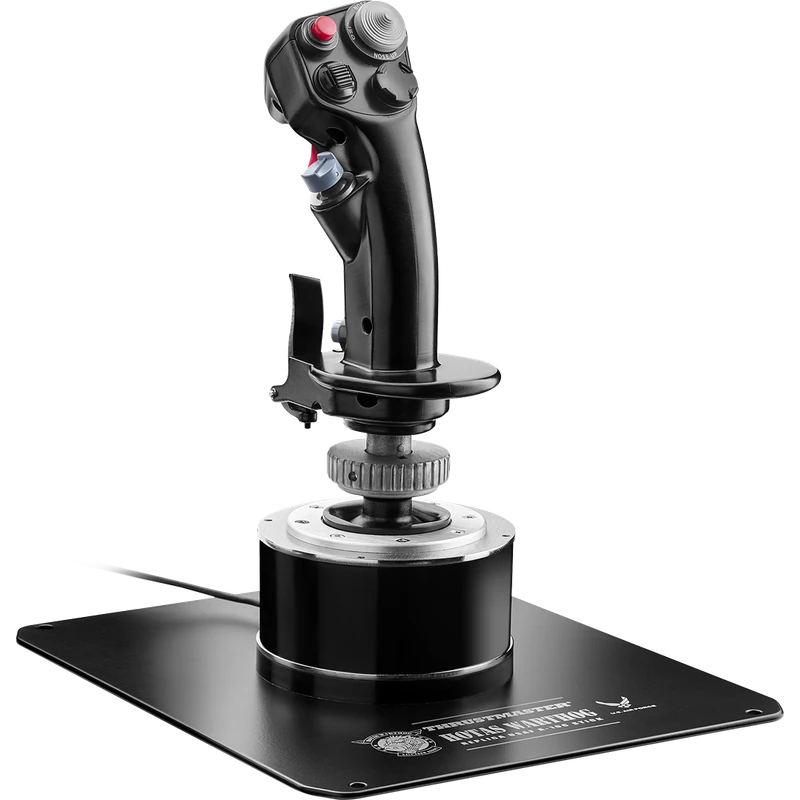 Thrustmaster HOTAS Warthog Flight Stick (A-10C Replica) – $399.99 CAD
All prices at North Gaming PCs are shown in Canadian dollars, so the $219.99 listed for the Honeycomb Echo Flight Sim Controls needs no currency conversion. Check the specifications and compatibility notes above before you order, and compare it with similar controllers in our catalogue.
North Gaming PCs is a Canadian store for gaming PCs, sim racing and flight sim gear. Every product page lists the key specifications, compatibility notes and price in Canadian dollars, so you can compare options and build a setup that suits your space, budget and favourite games.
Honeycomb Echo Flight Sim Controls FAQ
Does the Honeycomb Echo work with Microsoft Flight Simulator?
Yes. It is designed for Microsoft Flight Simulator and also works with X-Plane 11 and 12 and Prepar3D.
Do I need rudder pedals?
No. Yaw is handled by built-in Hall-Effect rudder controls.
Is this the Xbox version?
No. This is the PC and Mac version.
What sensors does it use?
A 16-bit Hall-Effect thumbstick for pitch and roll and Hall-Effect rudder controls for yaw.
Does it need a desk mount?
No. It is a handheld controller and needs no desk mount or sim rig.
For complete flight sim controls in your hands, the Honeycomb Echo is a clever, space-saving choice. Browse more Controllers at North Gaming PCs, and find manuals, firmware and software on the official Honeycomb Aeronautical website.