Description
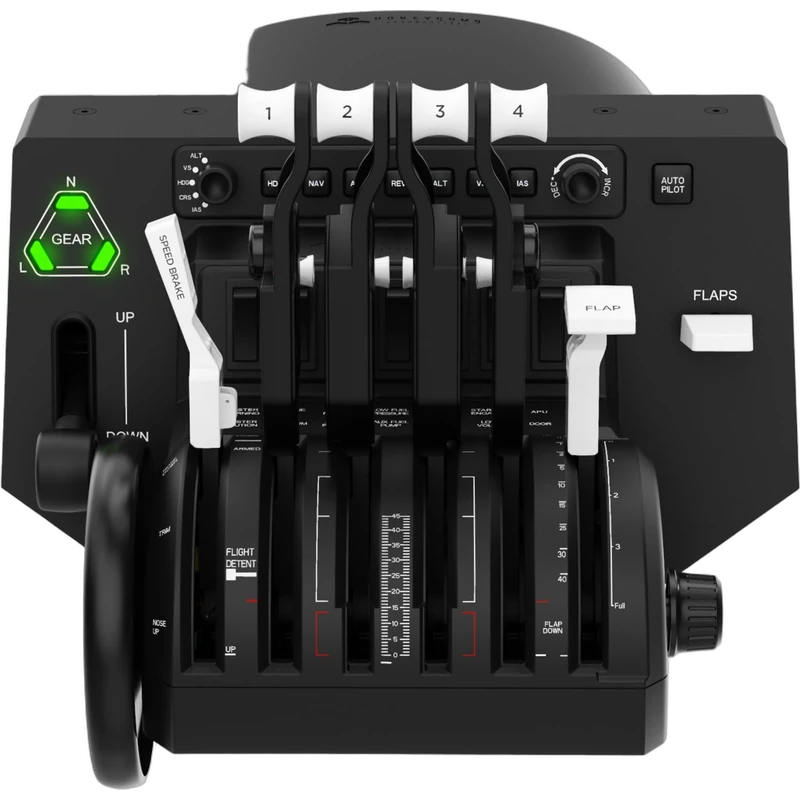
The Honeycomb Bravo Throttle Quadrant is the flagship throttle of the Honeycomb range: an all-in-one cockpit system with a configurable throttle setup, an autopilot panel and an annunciator panel. It covers everything from single-engine general aviation aircraft to four-engine airliners, and the price is shown in Canadian dollars.
Why choose the Honeycomb Bravo Throttle Quadrant?
The same unit can follow you from your first circuits in a light single to long-haul flights on a heavy jet. Six levers handle thrust, flaps, spoilers and thrust reversers, and the included commercial and general aviation lever sets let you match the quadrant to the aircraft you fly.
A dedicated TOGA button, an autopilot panel and an annunciator panel bring essential cockpit functions to your desk, so you spend less time clicking on screen and more time flying. It is the natural companion to a yoke such as the Honeycomb Alpha Flight Controls.
Honeycomb Bravo Throttle Quadrant key features
- Six configurable levers
- Commercial and general aviation lever sets included
- Functional thrust reversers and TOGA button
- Autopilot panel
- Annunciator panel
- Works with MSFS, X-Plane 11 and 12, and Prepar3D
Specifications
| Levers | 6, configurable |
|---|---|
| Lever sets | Commercial and general aviation |
| Panels | Autopilot and annunciator |
| Platforms | PC and Mac |
| Sims | Microsoft Flight Simulator, X-Plane 11 and 12, Prepar3D |
Why pilots choose the Honeycomb Bravo
Airliners and multi-engine aircraft need more than a single throttle. The Bravo’s six levers let you control each engine, set flaps and deploy spoilers just as you would in a real cockpit, which makes procedures feel natural.
The autopilot panel puts heading, altitude and speed controls under your fingers, so long flights become far more engaging. Combined with a yoke and rudder pedals, the Honeycomb Bravo completes a serious home flight deck.
Its annunciator panel also gives visual warnings for key systems, which helps you build good habits for checklists and abnormal situations.
Setting up your Honeycomb Bravo Throttle Quadrant
Clamp the quadrant to your desk next to your yoke and connect it to your PC or Mac. Fit the lever set that matches your aircraft, then assign throttles, flaps, spoilers and reversers in your sim. Configure the autopilot and annunciator functions using your sim’s settings or a community profile.
Who the Honeycomb Bravo Throttle Quadrant suits
It suits airliner and general aviation pilots, Honeycomb Alpha yoke owners, and flight simmers who want autopilot controls and multi-engine levers on their desk.
Complete your setup
These picks work well alongside the Honeycomb Bravo Throttle Quadrant:
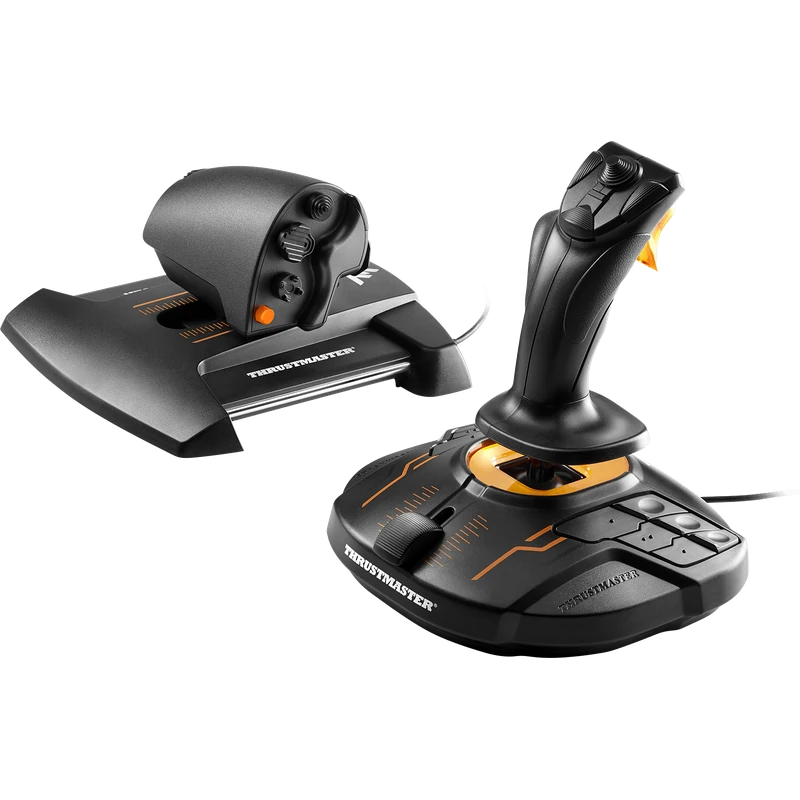 Thrustmaster T.16000M FCS HOTAS Joystick and Throttle – $219.99 CAD
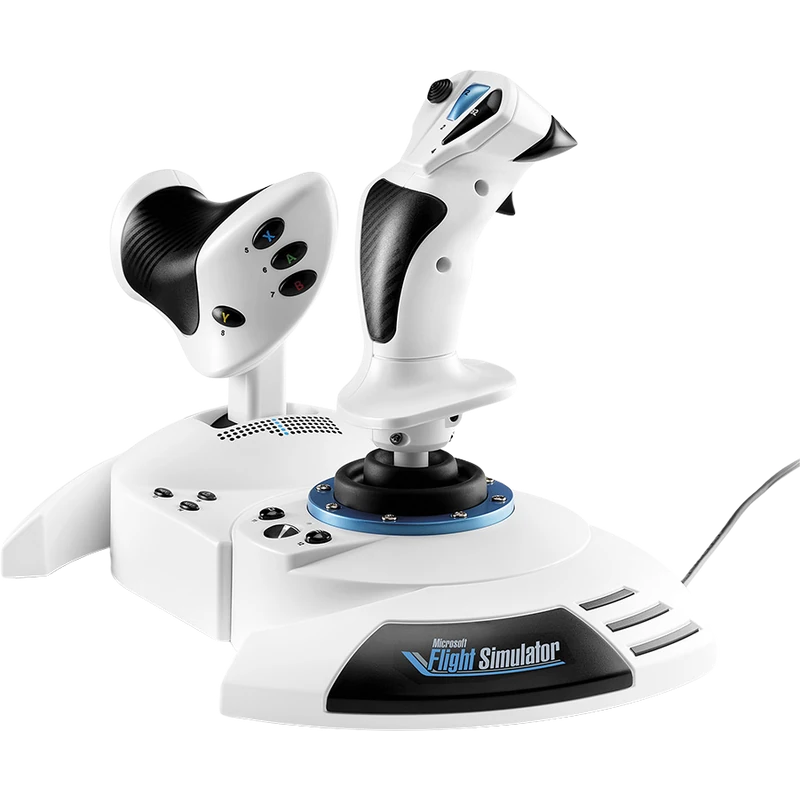 Thrustmaster T.Flight Hotas One Microsoft Flight Simulator Edition (Xbox Series X|S / PC) – $139.99 CAD
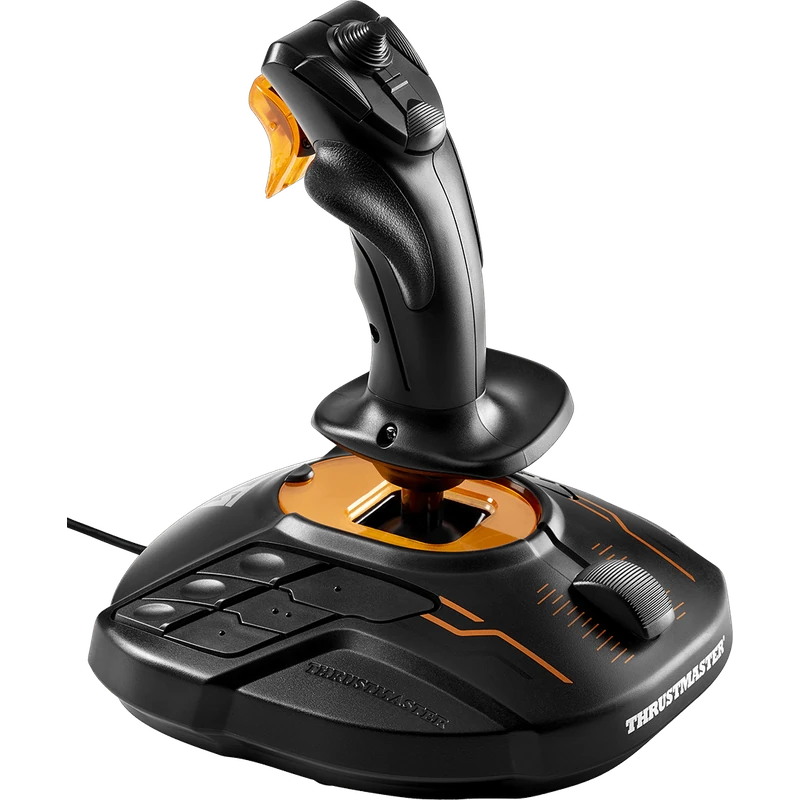 Thrustmaster T.16000M FCS Flight Stick – $109.99 CAD
All prices at North Gaming PCs are shown in Canadian dollars, so the $429.99 listed for the Honeycomb Bravo Throttle Quadrant needs no currency conversion. Check the specifications and compatibility notes above before you order, and compare it with similar sticks in our catalogue.
North Gaming PCs is a Canadian store for gaming PCs, sim racing and flight sim gear. Every product page lists the key specifications, compatibility notes and price in Canadian dollars, so you can compare options and build a setup that suits your space, budget and favourite games.
Honeycomb Bravo Throttle Quadrant FAQ
Does the Honeycomb Bravo work with Microsoft Flight Simulator?
Yes. It works with Microsoft Flight Simulator, X-Plane 11 and 12, and Prepar3D.
How many levers does it have?
Six configurable levers, with commercial and general aviation lever sets included.
Does it have an autopilot panel?
Yes. It includes an autopilot panel and an annunciator panel.
Does it work on Mac?
Yes. It is listed for PC and Mac.
What yoke pairs with it?
It is the natural companion to the Honeycomb Alpha Flight Controls yoke.
For a complete throttle, autopilot and annunciator system, the Honeycomb Bravo is the heart of a home flight deck. Browse more Sticks at North Gaming PCs, and find manuals, firmware and software on the official Honeycomb Aeronautical website.