Description
The Honeycomb Alpha Flight Controls Lite is the streamlined, beginner-friendly version of Honeycomb’s flagship Alpha yoke. Built for entry-level simmers and first flights, it delivers realistic yoke handling and Honeycomb build quality without the extra panels and switches. The price is shown in Canadian dollars.
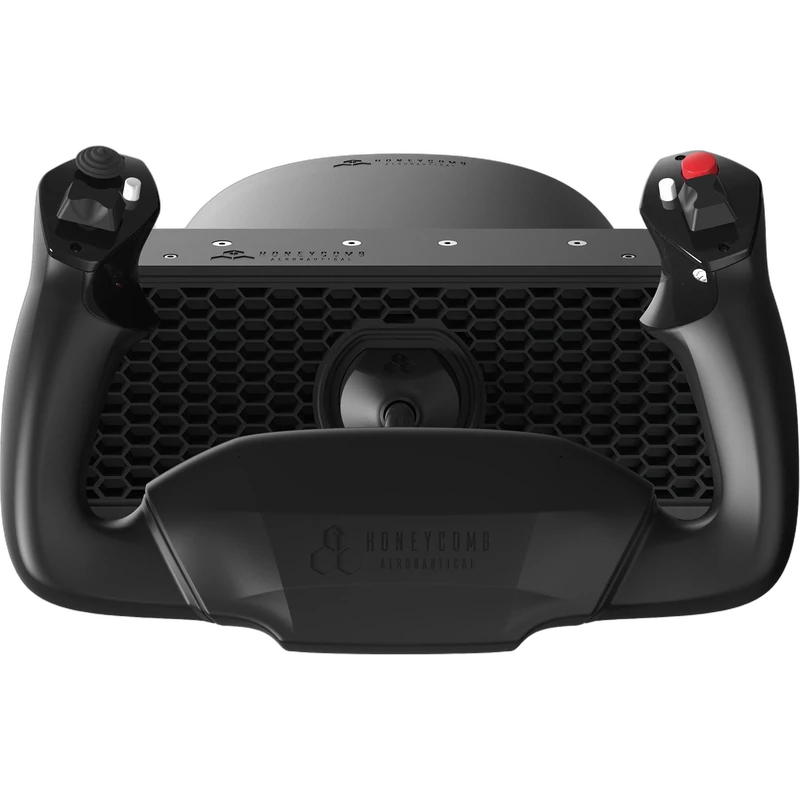
Why choose the Honeycomb Alpha Lite Yoke?
It connects directly to your PC or Mac and works with major simulators out of the box, so you can start flying right away. Later, you can add a throttle quadrant or rudder pedals as your home cockpit grows.
The yoke offers a full 180 degrees of rotation on a solid steel shaft, with a self-centring mechanism and a minimal dead zone for precise control and exact manoeuvres inspired by real aircraft. It is compatible with Microsoft Flight Simulator, X-Plane 11 and 12, and Prepar3D.
Honeycomb Alpha Lite Yoke key features
- Streamlined version of the Honeycomb Alpha
- 180 degrees of rotation
- Solid steel shaft
- Self-centring mechanism with minimal dead zone
- Plug and play on PC and Mac
- Works with MSFS, X-Plane 11 and 12, and Prepar3D
Specifications
| Platforms | PC and Mac |
|---|---|
| Rotation | 180 degrees |
| Shaft | Solid steel |
| Centring | Self-centring, minimal dead zone |
| Sims | Microsoft Flight Simulator, X-Plane 11 and 12, Prepar3D |
Alpha Lite or full Alpha?
The full Honeycomb Alpha adds an integrated switch panel for magnetos, lights and avionics. The Alpha Lite keeps the same core yoke experience at a lower price, which suits first-time simmers who want to learn to fly before investing more.
Both are designed to pair with the Honeycomb Bravo Throttle Quadrant and Charlie Rudder Pedals, so you can build the same complete cockpit over time.
Its solid steel shaft and minimal dead zone mean the Lite still feels precise on approach, where small corrections matter most.
Setting up your Honeycomb Alpha Lite Yoke
Clamp the yoke to the edge of your desk, connect it to your PC or Mac and open your sim’s control settings. Assign pitch and roll to the yoke and map the available buttons to functions you use often, such as trim or view controls. Calibrate before your first flight.
Who the Honeycomb Alpha Lite Yoke suits
It suits beginners and first-time simmers, budget-conscious pilots, and anyone who wants the Honeycomb Alpha yoke feel without the full switch panel.
Complete your setup
These picks work well alongside the Honeycomb Alpha Lite Yoke:
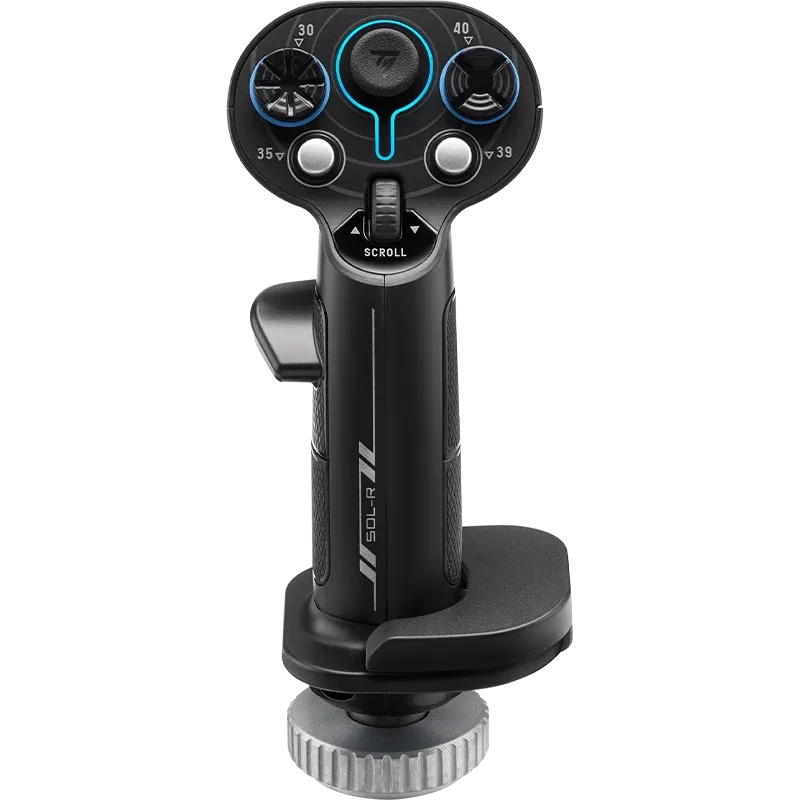 Thrustmaster Sol-R 3 AVA Add-On Grip (for AVA and Sol-R Bases) – $139.99 CAD
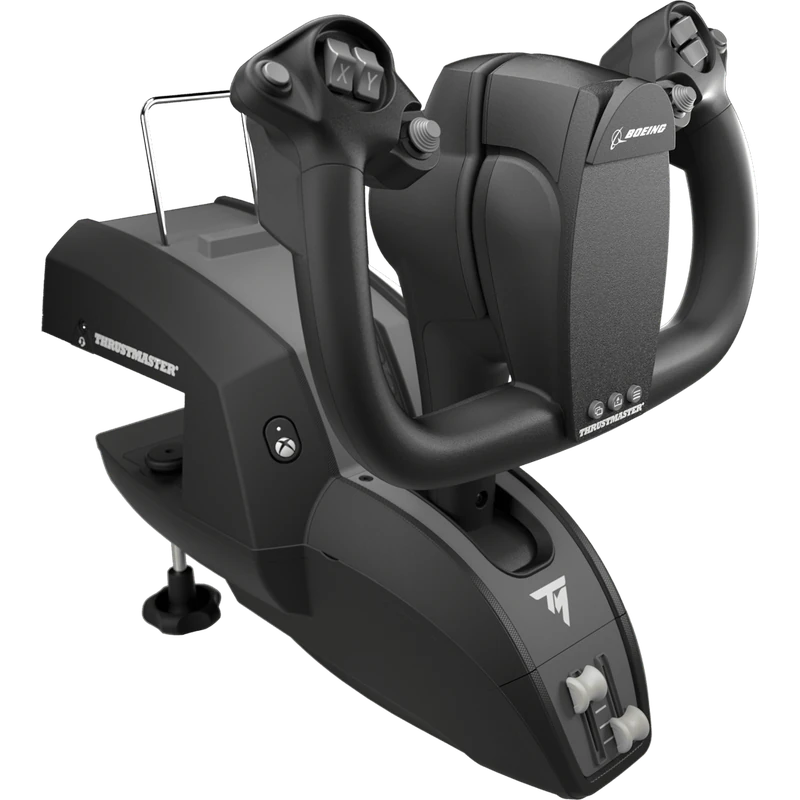 Thrustmaster TCA Yoke Boeing Edition – $489.99 CAD
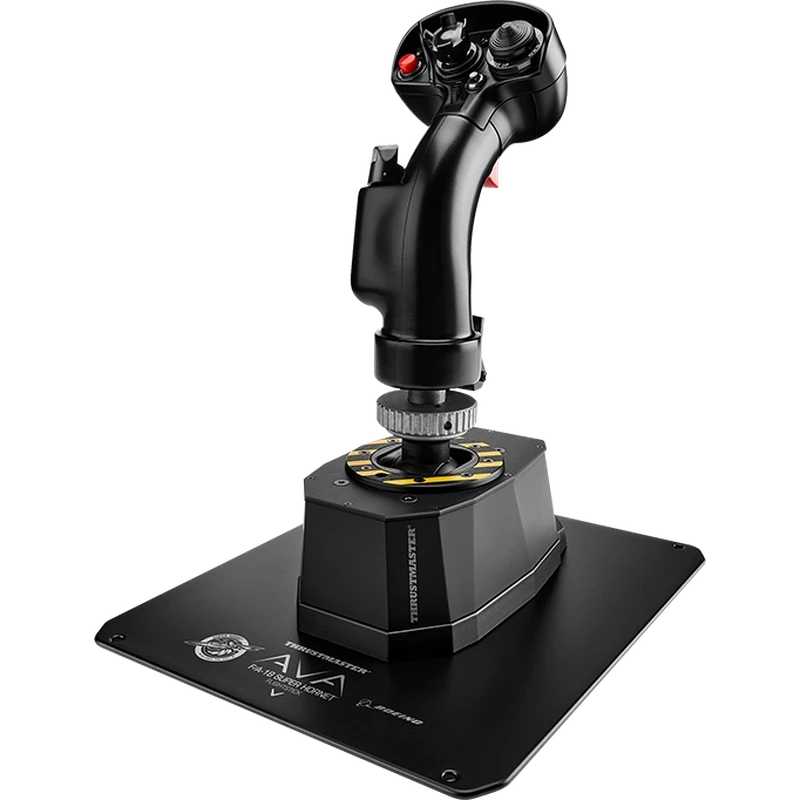 Thrustmaster AVA F/A-18 Super Hornet Flight Stick – $769.99 CAD
All prices at North Gaming PCs are shown in Canadian dollars, so the $299.99 listed for the Honeycomb Alpha Lite Yoke needs no currency conversion. Check the specifications and compatibility notes above before you order, and compare it with similar sticks in our catalogue.
North Gaming PCs is a Canadian store for gaming PCs, sim racing and flight sim gear. Every product page lists the key specifications, compatibility notes and price in Canadian dollars, so you can compare options and build a setup that suits your space, budget and favourite games.
Honeycomb Alpha Lite Yoke FAQ
What is the difference between the Honeycomb Alpha and the Alpha Lite?
The Lite delivers the core yoke experience without the extra panels and switches of the full Alpha.
How far does it rotate?
It offers a full 180 degrees of rotation.
Does it work on Mac?
Yes. It works on PC and Mac.
Which sims are supported?
Microsoft Flight Simulator, X-Plane 11 and 12, and Prepar3D.
Can I add a throttle later?
Yes. It pairs with the Honeycomb Bravo Throttle Quadrant and Charlie Rudder Pedals.
Is the Alpha Lite good for beginners?
Yes. It is built for entry-level simmers and first flights.
For an affordable way into the Honeycomb Alpha experience, the Alpha Lite yoke is a great first step. Browse more Sticks at North Gaming PCs, and find manuals, firmware and software on the official Honeycomb Aeronautical website.