An OLED monitor delivers the deepest blacks, the most vivid contrast and the fastest pixel response of any display type. Games, films and HDR content look spectacular, and motion is incredibly clear. OLED also has trade-offs, including higher prices, lower full-screen brightness and the risk of burn-in. This guide explains how an OLED monitor works, how it compares with IPS and VA panels, and how to decide whether it is the right choice for your games and your desk.
North Gaming PCs prices every monitor in Canadian dollars with a 2-year warranty. Our current range focuses on IPS and VA monitors, and this guide will help you compare them honestly with OLED. Every price is shown in Canadian dollars, so there is no surprise currency conversion at checkout, and you can email our team whenever you need help choosing.

How an OLED monitor works
In an OLED monitor, each pixel produces its own light. There is no backlight, so a black pixel is simply switched off. That gives an essentially infinite contrast ratio and perfect blacks, even in a dark room. LCD panels such as IPS and VA use a backlight behind the pixels, so some light always leaks through, which makes blacks look grey in the dark.
WOLED vs QD-OLED
There are two main types of OLED monitor panel:
- WOLED: made by LG Display. It uses white OLED pixels with colour filters and an extra white subpixel to boost brightness.
- QD-OLED: made by Samsung Display. It uses blue OLED light and quantum dots to create red and green, giving very saturated colours.
Both look excellent. QD-OLED tends to show richer colours, while WOLED often handles bright rooms better. Our QD-OLED vs OLED guide explains the details.
Gaming performance
An OLED monitor switches pixels almost instantly, often around 0.03 milliseconds. Motion looks sharp with no ghosting, and high refresh rates of 240 Hz to 360 Hz or more are common. Combined with perfect blacks, that makes fast games and dark atmospheric titles look stunning.
Brightness and HDR
OLED panels are bright in small highlights, which makes HDR effects such as explosions and sun glints pop. Full-screen brightness is lower, though, and an automatic brightness limiter dims the screen when large bright areas appear, such as a white web page. In a bright room, a high-end IPS or Mini-LED monitor can look brighter overall.
Burn-in: the main concern
Burn-in happens when static images, such as a taskbar or game HUD, leave a faint permanent ghost after many hours. Modern OLED monitor models include protections such as pixel shifting, automatic pixel refresh and logo dimming, and many brands now offer warranties that cover burn-in for two or three years. Risk is low for mixed use, but higher if you leave static content on screen for long periods every day, such as spreadsheets, trading charts or a paused game menu.
Text clarity
Some OLED monitor panels use subpixel layouts that Windows does not render text for perfectly, which can cause slight colour fringing around letters. Newer panels have improved this a lot. If you spend long hours reading and writing, check reviews for text clarity on the exact model.
OLED vs IPS and VA
- OLED: perfect blacks, fastest response and stunning HDR, but higher price and burn-in risk.
- IPS: great colours, good viewing angles and no burn-in, with weaker blacks.
- VA: strong contrast and deep blacks for an LCD, with slower dark transitions.
Our IPS vs OLED and IPS vs VA comparisons cover each pairing in depth.
Who should buy an OLED monitor?
An OLED monitor suits players who game in dim rooms, love HDR and cinematic games, and want the clearest motion for fast shooters. It is less ideal for people who leave static work apps on screen all day, game in very bright rooms or want the lowest cost per inch.
How to care for an OLED monitor
To reduce burn-in risk, auto-hide the Windows taskbar, use a dark theme, set a short screen-off timer and let the monitor run its pixel refresh cycles when prompted. Vary your content and avoid leaving the same static game menu on screen for hours.
OLED monitor prices and value
OLED panels cost more to make than LCD panels, so an OLED monitor usually costs more than an IPS or VA model with the same size and refresh rate. Prices have fallen steadily as more models launch, and 27-inch 1440p OLED displays are now within reach of many enthusiasts. Factor in the warranty: a model with burn-in coverage is worth paying a little extra for.
Pairing an OLED monitor with your PC
High refresh OLED monitors need a strong graphics card to make the most of them. A 240 Hz 1440p OLED monitor pairs well with an RTX 5070 Ti or faster, while a 4K OLED suits an RTX 5080 or RTX 5090. Turn on G-Sync or FreeSync to keep motion smooth, and enable HDR in Windows for supported games.
Sizes and resolutions
OLED monitors come in 27-inch 1440p, 32-inch 4K and 34-inch ultrawide sizes, among others. A 27-inch 1440p model suits most desks and graphics cards. A 32-inch 4K model needs a high-end PC such as an RTX 5080 to drive it well.
OLED for sim racing and flight sim
Simulators look gorgeous on OLED, with deep night skies and dark cockpits. Static dashboard elements and HUDs can increase burn-in risk during very long sessions, so vary content and use the monitor’s protection features. A rigid monitor stand keeps large screens steady on a sim rig.
Is an OLED monitor worth the price?
If image quality is your priority and you can manage burn-in sensibly, yes. If you want a bright, long-lasting, lower-cost display for mixed work and gaming, a quality IPS or VA monitor is better value. Independent testers such as RTINGS run long-term burn-in tests that help you judge the risk.
Our monitor picks
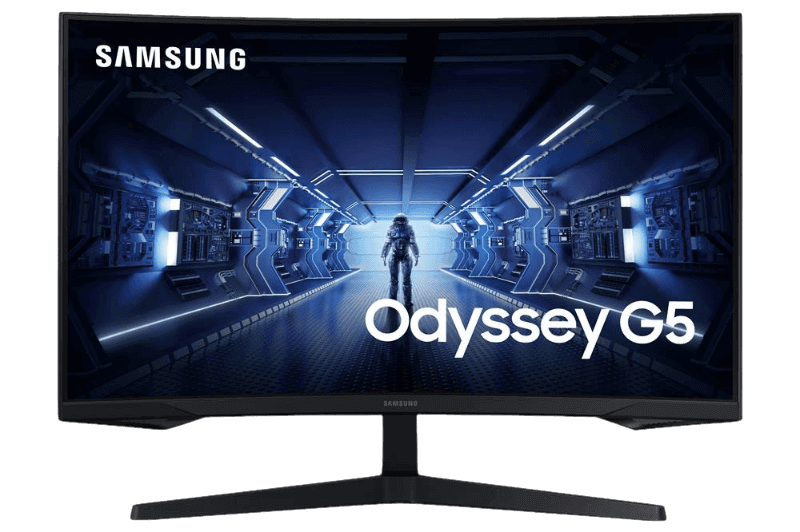
- Samsung Odyssey G5: a curved 1440p VA monitor with deep contrast.
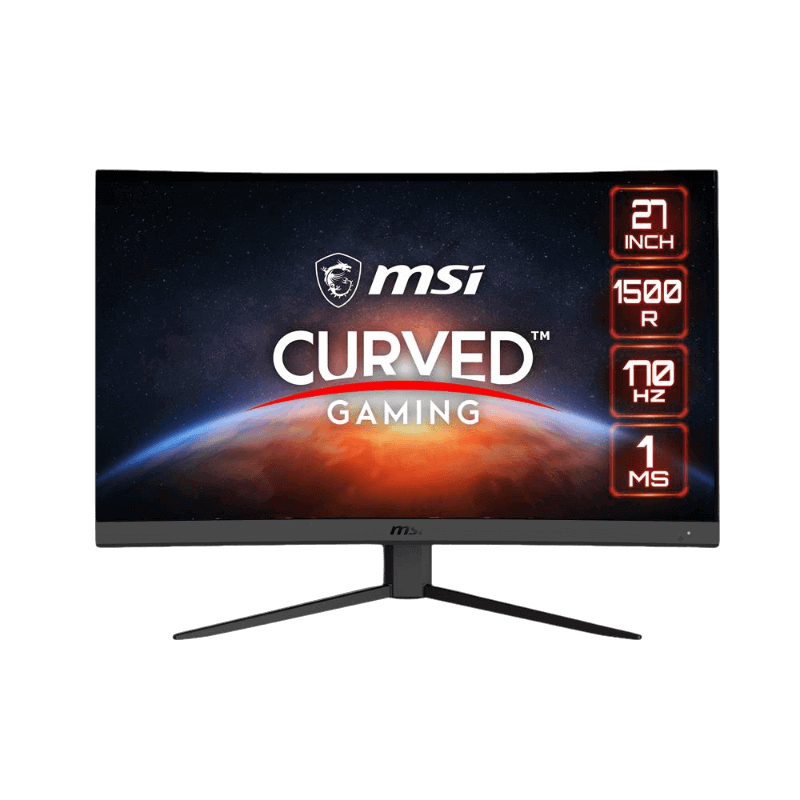
- MSI 27-inch curved monitor: a 1440p, 170 Hz VA panel for immersive play.
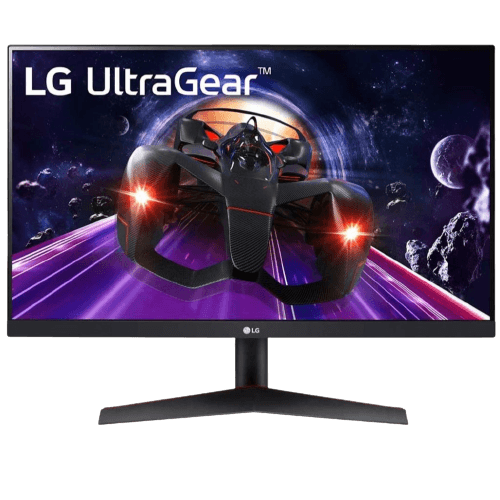
- LG 24-inch IPS monitor: a crisp, affordable 1080p 144 Hz screen.
The ASUS TUF VG27AQ1A is our 1440p IPS pick, with a 170 Hz refresh rate and no burn-in risk.
OLED monitor FAQ
Is burn-in still a problem?
It is much less common thanks to protection features and burn-in warranties, but it remains possible with heavy static use.
Is an OLED monitor good for work?
It can be, but static apps raise burn-in risk and text can show slight fringing on some panels.
Is OLED better for gaming?
For motion clarity and contrast, yes. For bright rooms and long static sessions, IPS can be the safer choice.
How long does an OLED monitor last?
With sensible use and the built-in care features, an OLED monitor lasts many years. Brightness slowly declines over time, as with any display.
Does an OLED monitor need special settings?
Use a dark theme, auto-hide the taskbar and allow pixel refresh cycles to run. These simple steps protect the panel.
Choose your display
An OLED monitor offers unmatched contrast, clarity and HDR, at a higher price and with some care required. Weigh how and where you play, then decide between OLED, IPS and VA. Browse our gaming monitors, or contact us for advice.