The IPS vs OLED debate is the big question for anyone buying a premium gaming monitor. OLED delivers perfect blacks, infinite contrast and almost instant response, while IPS offers bright, accurate images with no risk of burn-in and a lower price. Both can look fantastic, but they suit different players and rooms. This guide compares IPS vs OLED in contrast, motion, brightness, longevity and value, so you can choose the panel that fits how you play.
North Gaming PCs stocks IPS monitors priced in Canadian dollars with a 2-year warranty, and this guide compares them honestly with OLED alternatives. If you are unsure which option suits you, our team is happy to compare specifications with you and suggest a setup that fits your space, budget and plans.

How IPS and OLED differ
IPS is an LCD technology: liquid crystals control light from a backlight behind the screen. OLED has no backlight; each pixel emits its own light and switches off completely for black. That single difference drives most of the IPS vs OLED comparison, from black levels and contrast to brightness, burn-in risk and price. Everything else follows from whether the panel needs a backlight or not.
Contrast and black levels
OLED wins decisively. Because pixels turn off completely, blacks are truly black and contrast is effectively infinite. IPS panels typically reach around 1000:1 contrast, so blacks look grey in a dark room, and some IPS glow can appear in the corners. For dark games and films in a dim room, OLED looks dramatically better, with stars, headlights and HUD elements standing out against true black.
Motion clarity and response time
OLED pixels switch in roughly 0.03 milliseconds, far faster than any LCD. Motion is extremely clear, with no smearing or overshoot. Fast IPS panels are very good too, with response times of a few milliseconds, but OLED still delivers the sharpest motion at the same refresh rate.
Brightness
IPS panels can hold high brightness across the whole screen, which helps in bright, sunny rooms and for white-heavy content such as documents and web pages. OLED panels are very bright in small highlights, which makes HDR effects pop, but they dim full-screen white content with an automatic brightness limiter. In the IPS vs OLED comparison for bright rooms, IPS has the edge.
HDR performance
OLED delivers the most convincing HDR on gaming monitors, thanks to per-pixel light control. IPS monitors need Mini-LED backlights with local dimming to approach that quality, and basic IPS HDR400 screens show little real HDR effect.
Burn-in and longevity
Burn-in is OLED’s main drawback. Static elements left on screen for long periods, such as taskbars, HUDs or desktop icons, can leave faint permanent marks over time. Modern OLED monitors include protection features and many come with burn-in warranties, but risk remains with heavy static use. IPS panels do not suffer burn-in and keep working for many years with little change.
Text clarity
Some OLED panels use subpixel layouts that render text with slight colour fringing, which some people notice during long reading sessions. IPS panels use a standard RGB layout that Windows handles perfectly. If you work with text all day, IPS is the more comfortable choice in the IPS vs OLED decision.
Price
OLED monitors cost more than IPS models with similar sizes and refresh rates. Prices are falling as more models launch, but IPS still offers more performance per dollar for most buyers.
IPS vs OLED for different players
- Dark-room gamers and HDR fans: OLED.
- Competitive shooters: OLED for clarity, or fast IPS for value.
- Bright rooms and long office use: IPS.
- Budget-conscious buyers: IPS.
- Mixed work and gaming with static apps: IPS for peace of mind.
IPS vs OLED for sim racing and flight sim
Simulators look stunning on OLED, with deep night skies and dark cockpits. Static dashboards and HUDs add burn-in risk during long sessions, so use the monitor’s care features. IPS is a safe, bright choice for triple-screen rigs used for many hours.
IPS vs OLED for work from home
If your monitor doubles as a work screen, IPS is the safer choice. Spreadsheets, email and video calls leave static elements on screen for hours, which increases OLED burn-in risk. IPS also renders text perfectly and stays bright in a sunny home office. In the IPS vs OLED decision for mixed use, IPS gives peace of mind.
IPS vs OLED for HDR films
For watching HDR films in a dark room, OLED is the clear winner. Highlights glow, blacks stay black and subtitles do not create grey halos. IPS screens without local dimming cannot match that contrast, though Mini-LED IPS models come closer.
Lifespan and resale
IPS panels age gracefully: the backlight dims slowly over many years, and colours stay consistent. OLED panels also last many years with sensible use, but uneven wear can appear with heavy static content. If you plan to keep a monitor for a very long time, IPS is the lower-risk option.
Budget vs premium
IPS gives you more refresh rate and size per dollar. A mid-range IPS monitor at 1440p and 165 Hz to 170 Hz costs far less than an OLED of the same size. If budget is your priority in the IPS vs OLED decision, IPS lets you put more money into the graphics card that drives the screen.
Which panel will you enjoy more?
Think about when and where you play. If you game mainly at night with the lights off and love atmospheric games, OLED will impress you every session. If you play in a bright room or use the screen for work during the day, IPS will serve you well for years.
Caring for an OLED monitor
If you choose OLED, auto-hide the taskbar, use dark themes, set a screen timeout and allow pixel refresh cycles to run. Our OLED monitor guide covers care in more detail.
Our picks
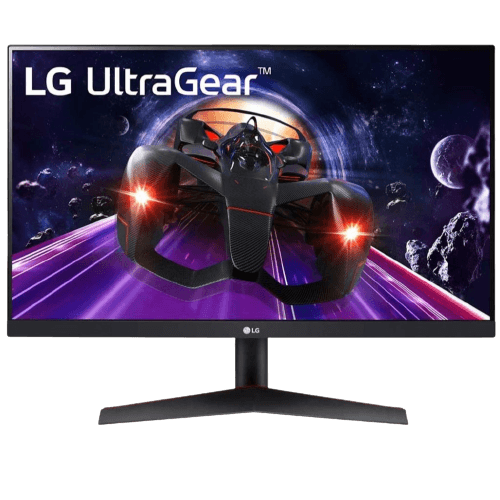
- LG 24GN60T-B: a 1080p IPS monitor at 144 Hz.
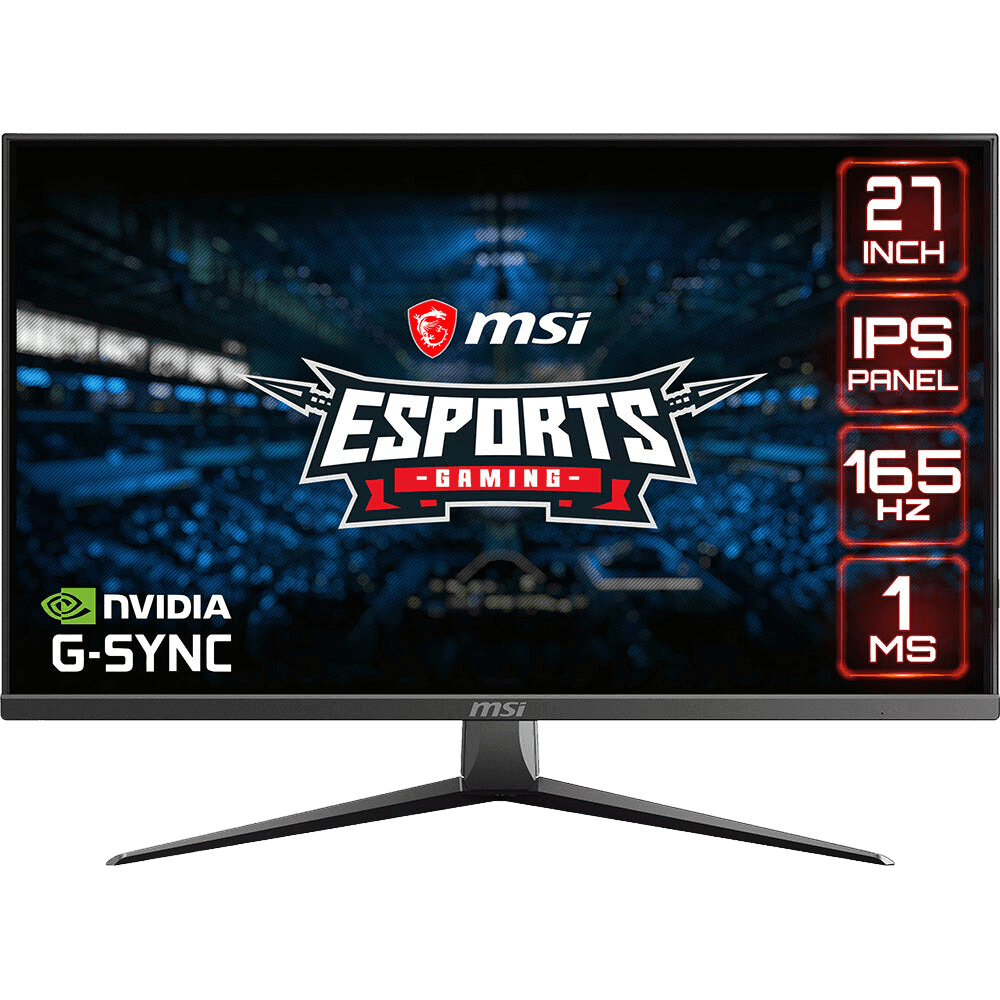
- MSI MAG2732: a 27-inch 1080p IPS screen at 165 Hz.
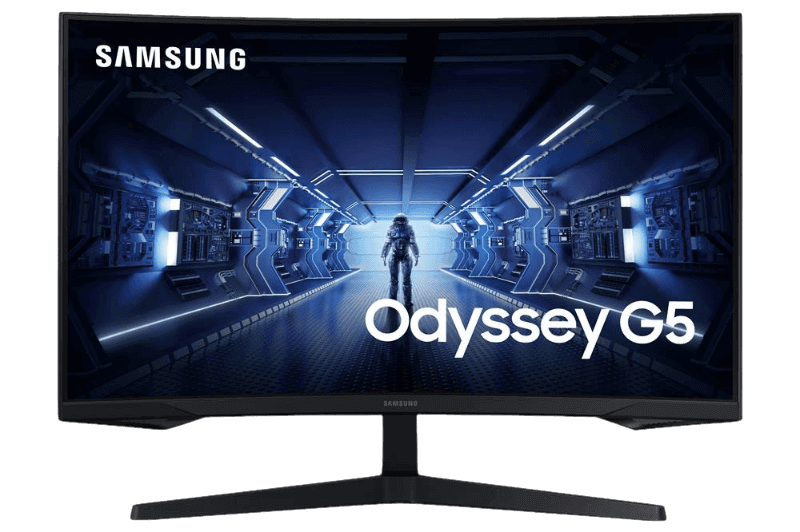
- Samsung Odyssey G5: a high-contrast curved VA alternative.
Our ASUS TUF VG27AQ1A is a 1440p IPS monitor at 170 Hz with no burn-in risk.
IPS vs OLED FAQ
Is OLED better than IPS for gaming?
For contrast and motion clarity, yes. IPS is brighter, cheaper and free from burn-in.
How likely is OLED burn-in?
Low with mixed use and care features, higher with long hours of static content.
Which is better for a bright room?
IPS, thanks to higher full-screen brightness.
Do OLED monitors cost more to run?
Power use depends on content. OLED uses less power on dark scenes and more on bright white screens than IPS.
Can an IPS monitor look as good as OLED?
Not in contrast, but a quality IPS monitor with good calibration looks excellent, especially in bright rooms.
Is IPS vs OLED a big difference for casual gaming?
For casual play in a lit room, the difference is smaller. In a dark room with HDR games, OLED stands out clearly.
The verdict
In the IPS vs OLED choice, OLED wins for contrast, HDR and motion, while IPS wins for brightness, longevity, text clarity and value. Choose the panel that suits your room and habits. Browse our gaming monitors, see long-term burn-in tests at RTINGS, or contact us for advice.