Microsoft Flight Simulator PC requirements are among the most talked-about in gaming. Microsoft Flight Simulator 2024 streams a digital twin of the entire planet, simulates detailed weather and air traffic, and renders complex cockpits, so it can push even powerful computers. The good news is that the minimum specs are approachable, and a well-balanced mid-range PC delivers a great experience. This guide explains the official Microsoft Flight Simulator PC requirements, what each component does and how to build or choose a PC that flies smoothly.
North Gaming PCs builds gaming PCs and sells flight sim controls, all priced in Canadian dollars with a 2-year warranty.

Official Microsoft Flight Simulator PC requirements
Microsoft lists three tiers for Microsoft Flight Simulator 2024 on Windows 10 or 11 with DirectX 12.
Minimum:
- CPU: AMD Ryzen 5 2600X or Intel Core i7-6800K.
- GPU: AMD Radeon RX 5700 or NVIDIA GeForce GTX 970.
- VRAM: 4 GB. RAM: 16 GB.
- Storage: 50 GB. Internet: 10 Mbps.
Recommended:
- CPU: AMD Ryzen 7 2700X or Intel Core i7-10700K.
- GPU: AMD Radeon RX 5700 XT or NVIDIA GeForce RTX 2080.
- RAM: 32 GB. Storage: 50 GB. Internet: 50 Mbps.
Ideal:
- CPU: AMD Ryzen 9 7900X or Intel Core i7-14700K.
- GPU: AMD Radeon RX 7900 XT or NVIDIA GeForce RTX 4080.
- VRAM: 12 GB. RAM: 64 GB.
- Storage: 50 GB. Internet: 100 Mbps.
What the Microsoft Flight Simulator PC requirements mean in practice
The minimum tier runs the sim at low settings and 1080p. The recommended tier delivers a smooth experience at medium to high settings. The ideal tier is for high settings at higher resolutions, dense airports and VR. Most pilots aim between recommended and ideal.
CPU: why the processor matters
Flight simulation leans heavily on the processor for physics, systems, air traffic and scenery management. A modern processor with strong single-core performance keeps frame rates stable at busy airports. AMD’s X3D processors with large cache are especially popular with simmers. Our best CPU for gaming guide explains the options.
GPU: graphics and resolution
The graphics card renders the world, cockpit and weather. At 1080p, a mid-range card is enough; at 1440p and 4K, or with VR, a stronger card helps. Frame generation and upscaling technologies can boost performance. Our best graphics card for gaming guide covers current cards.
RAM: why 32 GB is the sweet spot
In the Microsoft Flight Simulator PC requirements, the 32 GB recommendation reflects how much data the sim streams and caches. With 16 GB, you may see stutters, especially with complex aircraft. 64 GB helps at the ideal tier and with heavy add-ons. Our how much RAM do I need guide explains memory in more detail.
Storage
The base install is modest because much of the world streams from the cloud. An NVMe SSD speeds up loading and caching, and extra space helps if you install add-ons or a rolling cache. Our best SSD for gaming guide explains drive choices.
Internet connection
Unlike most games, Microsoft Flight Simulator 2024 relies on a fast connection to stream photogrammetry, terrain and live weather. The Microsoft Flight Simulator PC requirements list 10 Mbps minimum, 50 Mbps recommended and 100 Mbps ideal. A wired connection is more stable than Wi-Fi.
Microsoft Flight Simulator PC requirements for VR
VR renders two views at high frame rates, which is very demanding. Aim for the ideal tier or close to it, with a strong graphics card and at least 32 GB of RAM. Reprojection and lower settings help keep motion smooth.
Microsoft Flight Simulator PC requirements for 4K and triple screens
High resolutions and multi-monitor setups need more graphics power and VRAM. A graphics card at or above the ideal tier with 12 GB or more of VRAM is a sensible target. Our 4K gaming PC guide covers high-resolution builds.
Microsoft Flight Simulator 2020 requirements
The earlier Microsoft Flight Simulator 2020 has similar but slightly lighter requirements and remains popular for its large add-on library. A PC that meets the 2024 recommended tier will run the 2020 version comfortably.
Best settings for smooth flights
- Use DLSS or FSR upscaling with frame generation where supported.
- Lower terrain and object detail before reducing resolution.
- Reduce air traffic density at busy airports.
- Use the rolling cache or manual cache for frequently visited areas.
- Keep graphics drivers and Windows up to date.
Choosing a PC that meets Microsoft Flight Simulator PC requirements
For most simmers, a PC with a modern six-core or eight-core processor, 32 GB of DDR5 memory, a fast NVMe SSD and a graphics card with at least 12 to 16 GB of VRAM offers an excellent experience at 1440p. Our ready-to-ship and configurable systems can be specified to match. Browse our custom gaming PCs.
Upgrading a PC to meet Microsoft Flight Simulator PC requirements
If your PC is close to the recommended tier, upgrading RAM to 32 GB and adding an NVMe SSD are cost-effective first steps. A graphics card upgrade helps most at higher resolutions. Check your processor too, because an older CPU can limit frame rates at busy airports.
Controls to match your PC
A good PC deserves good controls. Yokes suit general aviation and Boeing airliners, sticks suit Airbus and military aircraft, and a throttle quadrant adds realism. Our flight sim hardware guide covers yokes, sticks, pedals and panels.
Laptops and the sim
Gaming laptops can run the sim, but they need strong cooling and a capable graphics card. Desktop PCs offer more performance for the money and are easier to upgrade, which makes them the better choice for most pilots.
Our picks
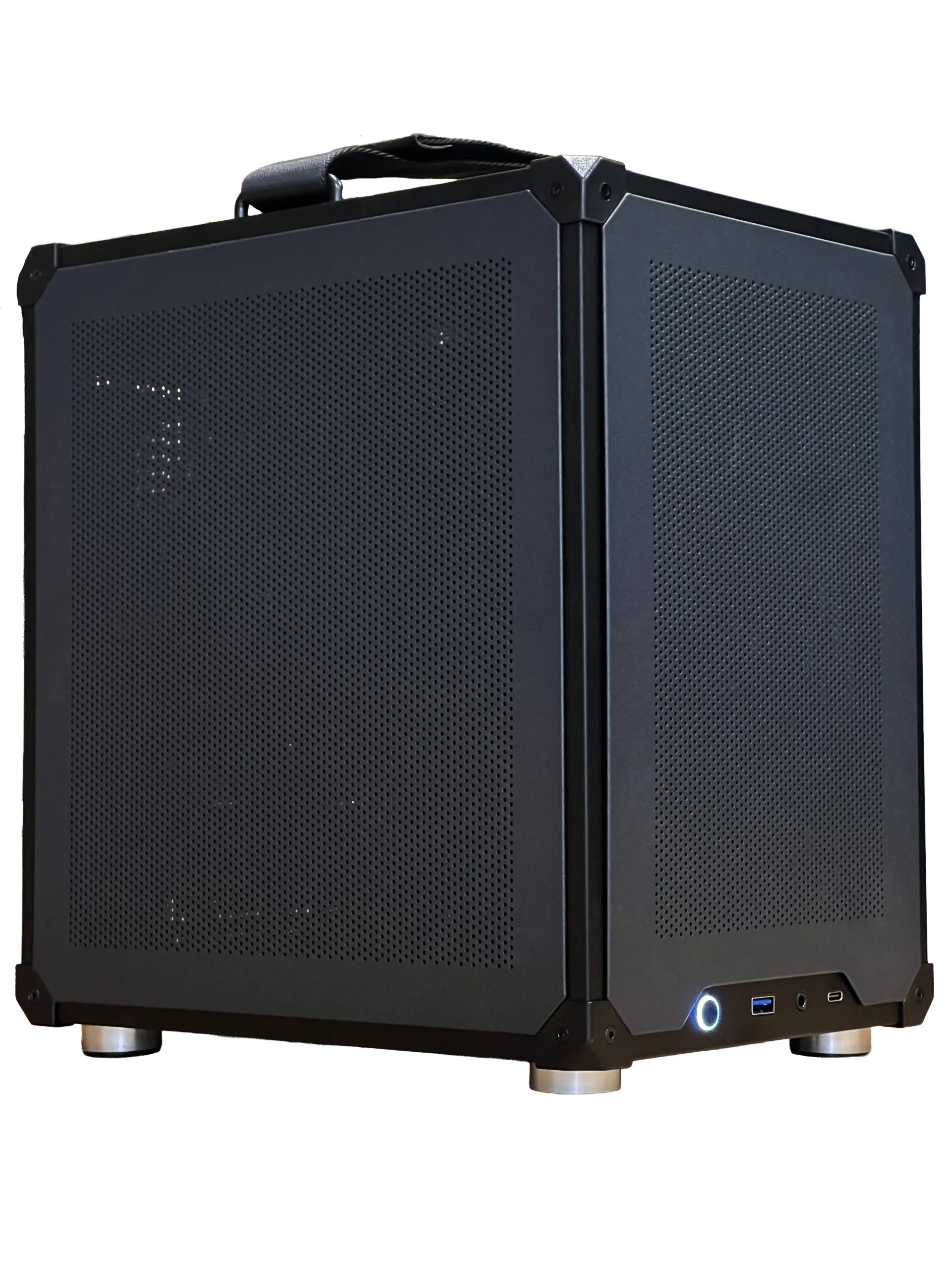
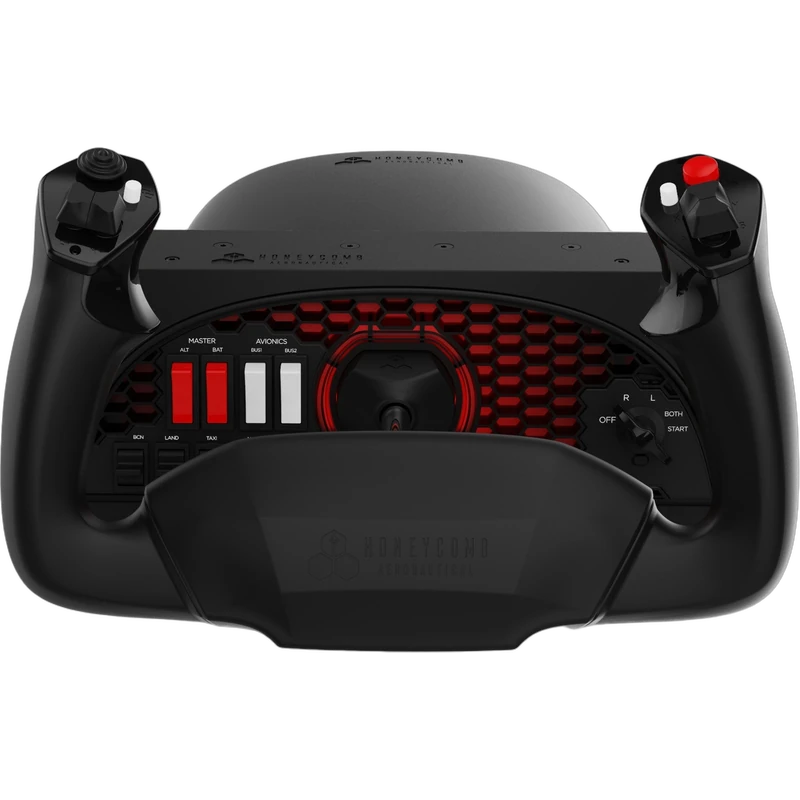
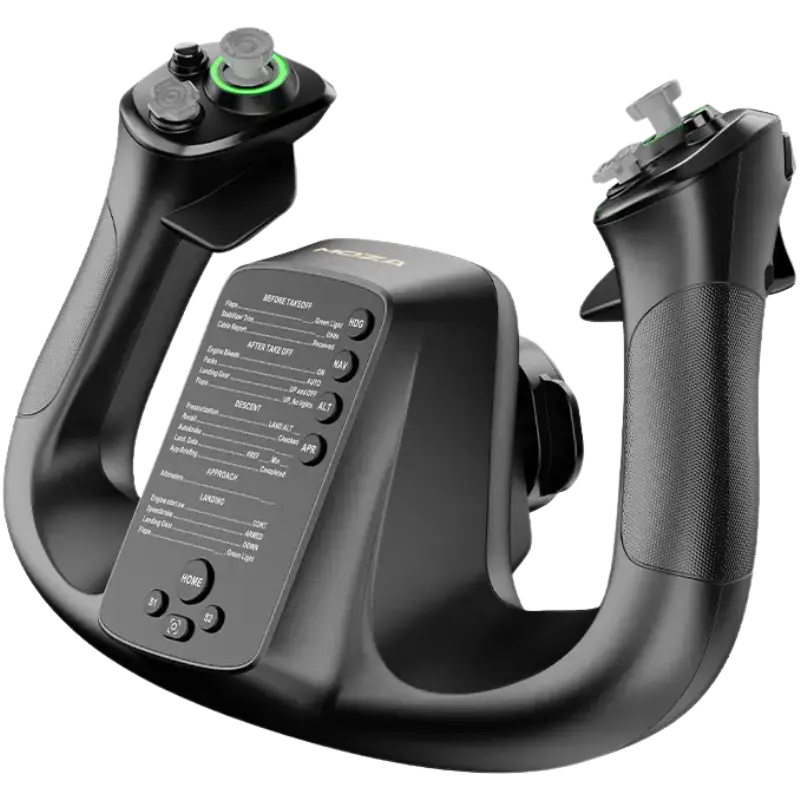
- Ready-to-ship gaming PC: 32 GB of DDR5 memory and an RTX 5060 Ti 16 GB.
- Honeycomb Alpha flight controls: a popular general aviation yoke for PC.
- MOZA MFY flight yoke: a modern yoke with 34 configurable inputs.
Our configurable gaming PC can be built to exceed the Microsoft Flight Simulator PC requirements.
Microsoft Flight Simulator PC requirements FAQ
Can I run the sim on 16 GB of RAM?
Yes, at the minimum tier, but 32 GB is recommended for smooth performance.
What graphics card do I need?
At least an RX 5700 or GTX 970; an RTX 2080 or RX 5700 XT is recommended.
Does the sim need an internet connection?
Yes. A broadband connection streams scenery and weather.
Is an SSD required?
It is not strictly required, but an NVMe SSD improves loading and streaming.
What PC do I need for VR?
A system close to the ideal tier with a strong graphics card.
Does it run on Windows 11?
Yes, as well as Windows 10 with the latest updates.
Do I need an X3D processor?
No, but its large cache helps at busy airports.
Do the Microsoft Flight Simulator PC requirements include a minimum internet speed?
Yes. Microsoft lists 10 Mbps minimum, 50 Mbps recommended and 100 Mbps ideal.
Will a PC that meets the Microsoft Flight Simulator PC requirements also run MSFS 2020?
Yes. The 2020 version is slightly lighter, so it runs comfortably on the same PC.
Fly smoothly
The Microsoft Flight Simulator PC requirements are flexible, from modest minimum specs to an ideal tier for VR and 4K. A balanced PC with 32 GB of RAM, a modern processor and a capable graphics card is the sweet spot. Check the official system requirements, browse our prebuilt gaming PCs, or contact us for a tailored build.