A 4K gaming PC delivers stunning detail, with crisp textures, sharp distant objects and beautiful image quality on a large screen. Running games at 4K is demanding, though, with four times as many pixels as 1080p, so the parts you choose matter a lot. This guide explains what a 4K gaming PC needs, how upscaling changes the picture, which monitors and TVs to pair it with, and whether 4K or 1440p is the better choice for the way you play.
Our configurable gaming PC lets you choose RTX 5080 and RTX 5090 graphics for 4K, with prices in Canadian dollars and a 2-year warranty on the build. If you are unsure which option suits you, our team is happy to compare specifications with you and suggest a setup that fits your space, budget and plans.

What does 4K demand?
4K resolution is 3840 x 2160 pixels, roughly 8.3 million pixels per frame. The graphics card must render all of them, many times per second. A 4K gaming PC therefore needs a powerful graphics card with plenty of video memory, while the processor matters slightly less than at 1080p.
The graphics card for a 4K gaming PC
The graphics card is the heart of any 4K gaming PC:
- RTX 5070 Ti: handles 4K at high settings in many games with DLSS. A good entry point.
- RTX 5080: smooth 4K at high to maximum settings in most games. The sweet spot.
- RTX 5090: 4K at maximum settings and very high refresh rates, plus VR and triple screens.
Choose 16GB of video memory or more, because 4K textures fill memory quickly. Our RTX 5080 guide explains why it suits 4K so well.
Upscaling makes 4K practical
DLSS, FSR and XeSS render games at a lower internal resolution and upscale to 4K. With DLSS Super Resolution, a 4K gaming PC can render around 1440p internally and still produce a sharp 4K image, often with 40 to 60 percent more frames. Frame generation adds even more smoothness in supported games. Most players cannot tell the difference between native 4K and DLSS Quality mode during play, especially on a 27-inch or 32-inch monitor viewed from a normal distance.
Processor and memory
At 4K the graphics card is usually the limit, so a modern six or eight-core processor is enough. A faster processor still helps with smooth frame pacing and high refresh rates. Pair it with 32GB of DDR5 memory, or 64GB if you stream or create. Read our best CPU for gaming guide for help choosing.
Storage for 4K games
4K texture packs make games larger. A 2TB NVMe SSD is the minimum for a 4K gaming PC, and 4TB is comfortable if you keep many big titles installed. Fast storage also helps open-world games stream high-resolution assets smoothly.
Power and cooling
A high-end graphics card draws a lot of power. Plan for an 850 W power supply with an RTX 5080 and 1,000 W or more with an RTX 5090, using a native 12V-2×6 cable. A case with strong front intake airflow keeps temperatures and noise in check during long sessions.
Choosing a 4K monitor
Pair your 4K gaming PC with a monitor that can show its frames:
- 27-inch 4K: very sharp, ideal for desk use at close range.
- 32-inch 4K: the sweet spot for immersion and sharpness on a desk.
- Refresh rate: 144 Hz or higher for smooth gaming.
- Panel: OLED for perfect blacks and contrast, IPS for brightness and longevity.
Read our 4K monitor guide for a deeper comparison.
Gaming on a 4K TV
Many players connect a 4K gaming PC to a TV for couch gaming. Choose a TV with HDMI 2.1, a 120 Hz refresh rate and variable refresh rate support. Use the TV’s game mode to reduce input lag. A wireless controller and Steam’s Big Picture mode make TV gaming easy.
4K or 1440p?
At 27 inches, 1440p is already sharp, and it lets a graphics card push much higher frame rates. 4K shines on 32-inch monitors and large TVs, and in slower, cinematic games where detail matters more than speed. Competitive players usually prefer 1440p or 1080p at high refresh rates. Our 1440p vs 4K comparison explains the trade-offs.
HDR on a 4K gaming PC
HDR adds brighter highlights and richer colour. For a good HDR experience, choose a display with high peak brightness and local dimming, or an OLED panel. Enable HDR in Windows and in each game, and calibrate with the Windows HDR Calibration app.
A 4K gaming PC for sim racing and flight sim
Simulators look spectacular at 4K, especially on a large single screen. Microsoft Flight Simulator’s scenery and cockpits benefit greatly from the extra detail. For triple-screen sim racing, total resolution can exceed 4K, so an RTX 5080 or RTX 5090 is the right choice. A rigid sim racing cockpit keeps big screens steady and aligned.
Settings for a smooth 4K experience
A few settings make a big difference on a 4K gaming PC. Turn on DLSS Super Resolution in Quality or Balanced mode, enable G-Sync or FreeSync, and cap the frame rate a few frames below the monitor’s refresh rate for even frame pacing. Lower shadows and volumetric effects first, since they cost a lot of performance for little visual gain at 4K. Textures can usually stay high if your card has 16GB of memory.
Keeping a 4K gaming PC quiet
High-end graphics cards run warm under 4K loads. A case with several large intake fans keeps temperatures low, and gentle fan curves keep noise down. Undervolting the graphics card slightly is a popular way to reduce heat and noise with little loss of performance. A quiet 4K gaming PC is far more pleasant for long single-player sessions.
Upgrading to 4K later
If your budget is tight today, start with a strong 1440p system and a quality power supply, then upgrade the graphics card and monitor later to turn it into a 4K gaming PC. Choosing an 850 W power supply and a roomy case from the start makes that upgrade simple.
Our picks
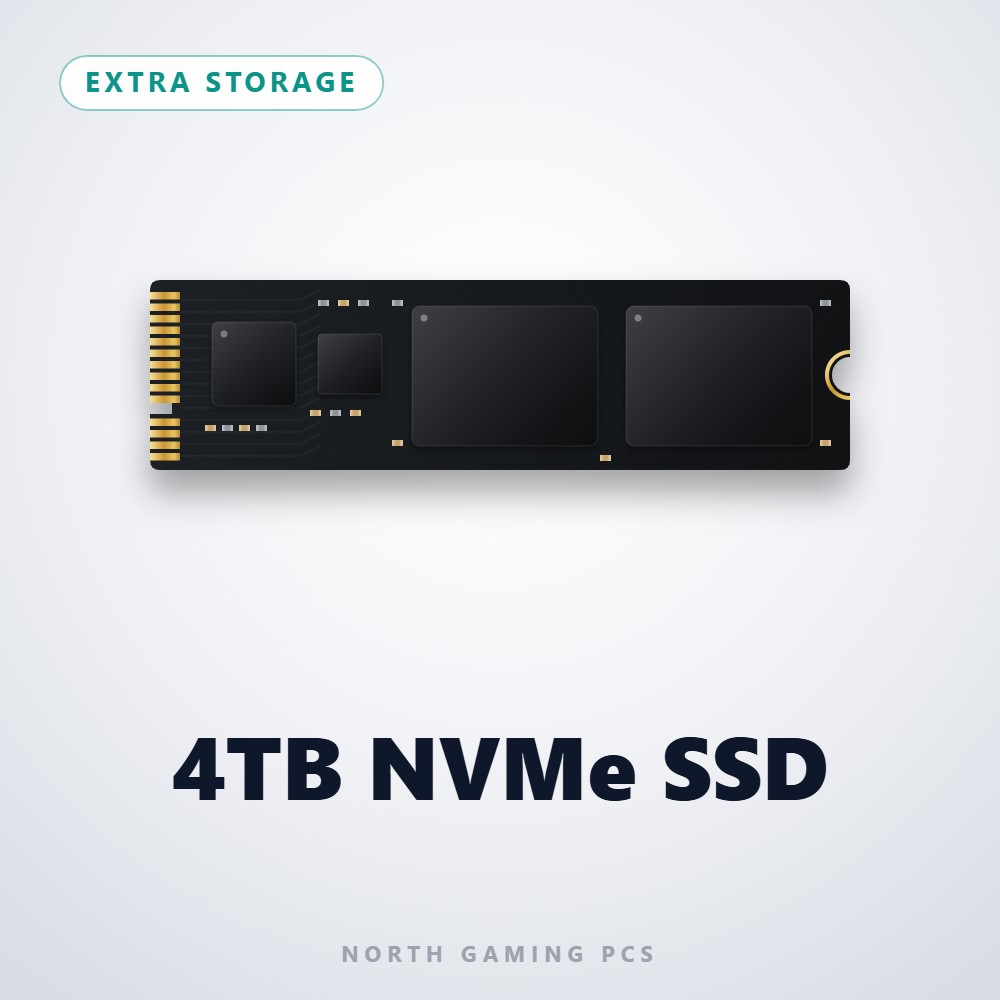

- 4TB NVMe SSD: space for large 4K game installs.
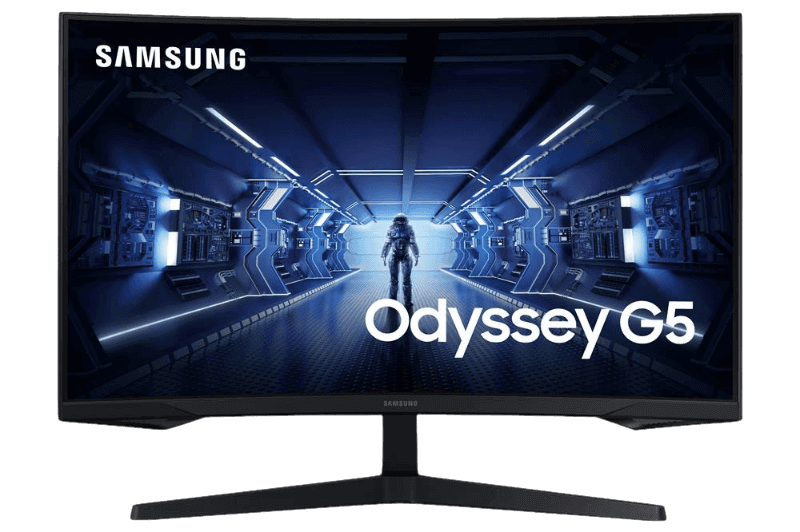
- Samsung 32-inch Odyssey G5: a large curved monitor with a high refresh rate.
- ASUS TUF 1440p monitor: a sharp 1440p option if high frame rates matter more.
4K gaming PC FAQ
What graphics card do I need for 4K?
An RTX 5070 Ti for entry 4K with DLSS, an RTX 5080 for smooth high settings and an RTX 5090 for maximum settings.
Is 4K gaming worth it?
On 32-inch monitors and large TVs, yes. On 27-inch screens, 1440p offers a better balance of sharpness and speed.
How much memory does a 4K gaming PC need?
32GB of DDR5 for gaming, and 64GB if you also stream or edit video.
Can a 4K gaming PC also play at 1440p?
Yes. You can lower the resolution or use DLSS Performance mode for higher frame rates in competitive games, then switch back to 4K for single-player titles.
Build your 4K gaming PC
A great 4K gaming PC pairs an RTX 5080 or RTX 5090 with 32GB of memory, a 2TB or larger SSD, a quality power supply and a fast 4K display. Configure your gaming PC with the right graphics card, read NVIDIA’s RTX 50 series overview for the full lineup, or contact us for advice.