How much RAM do I need? It is one of the most common questions people ask before buying or upgrading a gaming PC. Too little memory causes stutters and slowdowns that no graphics card can fix, while too much simply sits unused. The right amount depends on the games you play, whether you stream or create content, and how many apps you keep open. This guide answers the question for every type of player, explains how to check your current usage and helps you choose the right upgrade.
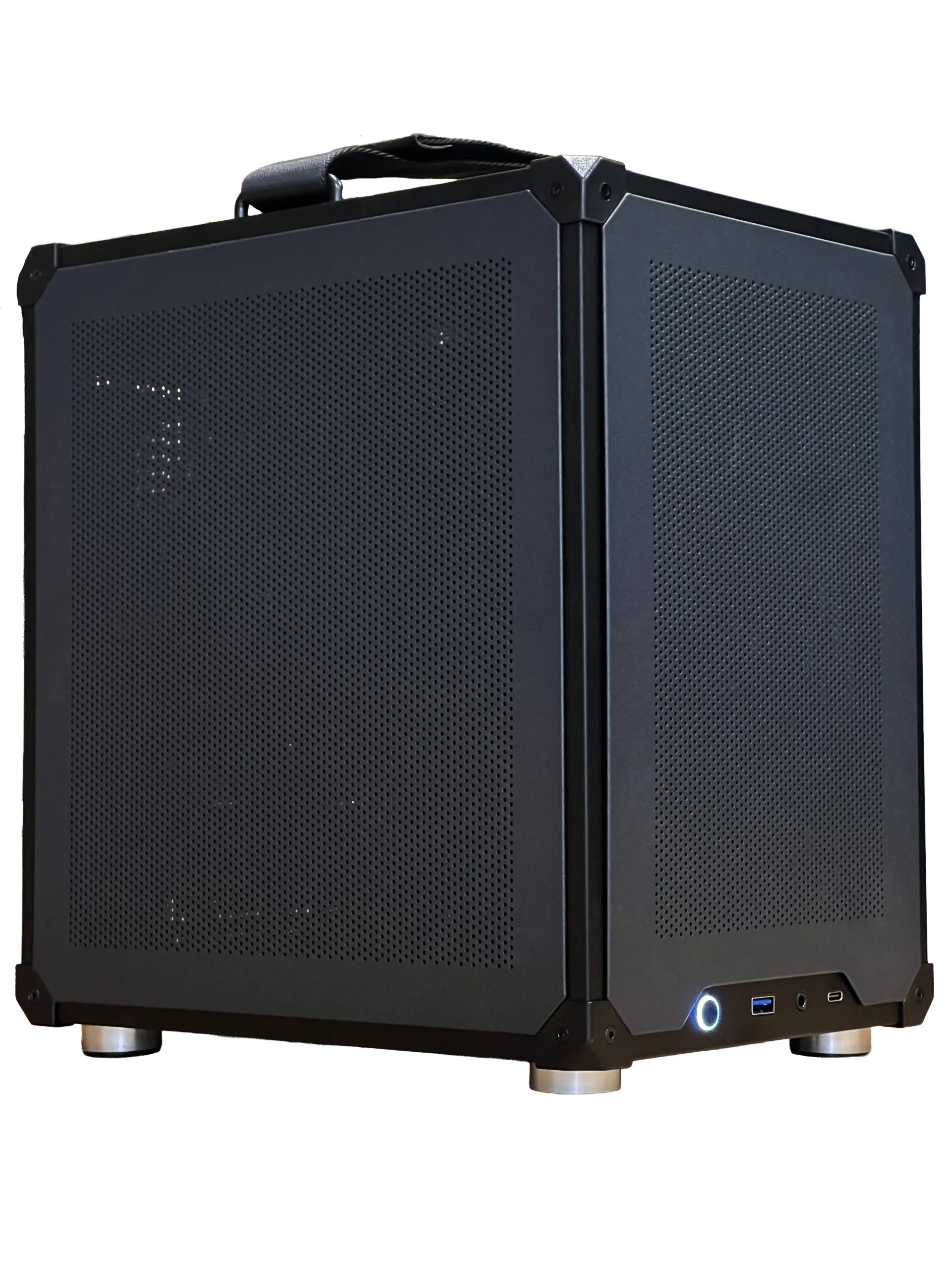
Every gaming PC from North Gaming PCs is priced in Canadian dollars and covered by our 2-year warranty, and our configurable PC lets you choose from 16GB to 96GB of memory. If you are unsure which option suits you, our team is happy to compare specifications with you and suggest a setup that fits your space, budget and plans.
What does RAM actually do?
RAM is your computer’s short-term workspace. Windows, your game, your browser and apps such as Discord all keep their active data in memory, because reading from RAM is much faster than reading from even the quickest SSD. When memory fills up, Windows moves some data to the drive, and that swap causes the hitches and slowdowns people notice in heavy games.
RAM is different from VRAM, the memory on your graphics card. VRAM holds textures and frame data, while system RAM holds everything else. Both need to be large enough for your games.
How much RAM do I need for gaming?
Here is the short answer for most players:
- 8GB: not enough for modern games. Expect stutter and slow multitasking.
- 16GB: the minimum for gaming today. It works, but browsers and chat apps eat into it.
- 32GB: the sweet spot. Modern games, voice chat and a browser all fit comfortably.
- 64GB: for streamers, creators, heavy modders and big simulators.
If you are asking how much RAM do I need for a new build in 2026, the answer for nearly everyone is 32GB.
How much RAM do I need for streaming?
Streaming adds OBS, browser sources, chat overlays and often a second monitor full of tabs. With 16GB, a modern game plus streaming software can run out of room. With 32GB, you have comfortable headroom for gaming and streaming at once. Creators who also edit videos, run several browser windows and record locally should consider 64GB.
The graphics card’s video encoder handles most of the streaming workload today, so memory, not processor power, is often the real bottleneck.
How much RAM do I need for sim racing and flight sim?
Simulators are some of the most memory-hungry games. Microsoft Flight Simulator 2024 lists 32GB as recommended and 64GB as ideal on its official website, and large add-on airports and aircraft push memory use higher still. Sim racers running iRacing or Le Mans Ultimate with full online grids, telemetry apps, SimHub dashboards and voice chat also benefit from 32GB or more.
If you have invested in a direct drive wheelbase or a full flight cockpit, give the PC behind it at least 32GB so stutters do not spoil the experience.
How much RAM do I need for video editing and creative work?
Video editing at 1080p works with 32GB. At 4K, with effects and colour grading, 64GB is much more comfortable. 3D rendering, large photo projects and local AI tools can use even more. If creative work pays your bills, memory is one of the cheapest ways to save time.
How to check your current RAM usage
You can see whether you need more memory in a few seconds:
- Open your most demanding game and the apps you normally run alongside it.
- Press Ctrl + Shift + Esc to open Task Manager, then select the Performance tab and Memory.
- If usage regularly sits above 85 to 90 percent, you would benefit from more RAM.
- Check the speed shown in Task Manager too. If it is lower than your kit’s rating, enable XMP or EXPO in the BIOS.
How much RAM do I need for different budgets?
On a tight budget, put money into the graphics card first, but do not drop below 16GB. For a mid-range build, 32GB is affordable and removes memory as a bottleneck. For a high-end build, the question of how much RAM do I need becomes a question of workload: 32GB for pure gaming, 64GB if you stream, edit or run large sims.
How much RAM do I need for a laptop?
Gaming laptops follow the same rules, but upgrades are harder because many models use soldered memory or have only one free slot. If you are buying a laptop, the safest answer to how much RAM do I need is to choose 32GB at purchase. Check the specifications carefully, since a laptop sold with 16GB in a single stick runs in slower single-channel mode.
Signs you need more memory
Wondering how much RAM do I need in your current PC? Look for these signs: stutter when you alt-tab, games that hitch when a browser is open, long pauses when switching apps, and Task Manager showing memory near its limit. Any of these suggests an upgrade will help, and memory is one of the most affordable improvements you can make.
Speed vs capacity
Capacity matters first. Once you have enough, speed and timings add a little extra performance, especially with fast processors. For modern AMD systems, DDR5-6000 with low CL30 timings is the sweet spot. For Intel Core Ultra systems, DDR5-6400 is the supported speed. Our guide to DDR5 RAM explains speeds and timings in detail.
Two sticks or four?
Use two sticks whenever possible. Desktop platforms run memory in dual-channel mode, and two modules fill both channels while putting less strain on the memory controller. If you want 64GB, buy a 2 x 32GB kit rather than four 16GB sticks. Mixing different kits often causes instability or forces lower speeds.
Upgrading the RAM in an older PC
If your PC uses DDR4, you can still add memory, but match the type and speed of your existing sticks or replace the kit entirely. If you are asking how much RAM do I need for an older system that still has 8GB, upgrading to 16GB or 32GB is one of the cheapest ways to make it feel faster. Laptops often use soldered memory, so check whether yours has a free slot before buying.
Our picks


- Configurable gaming PC: choose 16GB to 96GB of DDR5, in black, white or RGB.
- 2TB NVMe SSD: fast storage that pairs well with plenty of memory.
- ASUS TUF 1440p monitor: a 170 Hz screen for smooth, high frame rate gaming.
Need a PC today? Our ready-to-ship gaming PC comes with 32GB of DDR5-6000 CL30.
How much RAM do I need: FAQ
Is 16GB enough for gaming?
It is enough to play most games, but 32GB gives smoother multitasking and room for newer titles.
Is 64GB overkill for gaming?
For gaming alone, usually yes. It makes sense for streaming, editing and very large simulators.
Does more RAM increase FPS?
Not directly once you have enough. It prevents stutters and slowdowns when memory runs out.
The answer
So, how much RAM do I need? For most gamers, 32GB in two sticks is the right answer, with 64GB for streaming, creative work and big sims. Choose memory in our configurable gaming PC, browse our gaming PCs, or contact us for advice.