Finding the best CPU for gaming is easier than it looks once you know what matters. Games care about fast cores, plenty of cache and a modern platform, not a huge core count. The right processor also depends on your graphics card, your monitor and whether you stream or create as well as play. This guide explains how to choose, then walks through six smart picks for different budgets, so you can buy the best CPU for gaming without paying for things you will never use.
North Gaming PCs builds gaming PCs priced in Canadian dollars, and every system is covered by our 2-year warranty. Our team can also help with setup questions after your order arrives, so you can get everything configured properly and enjoy your upgrade from the first day.
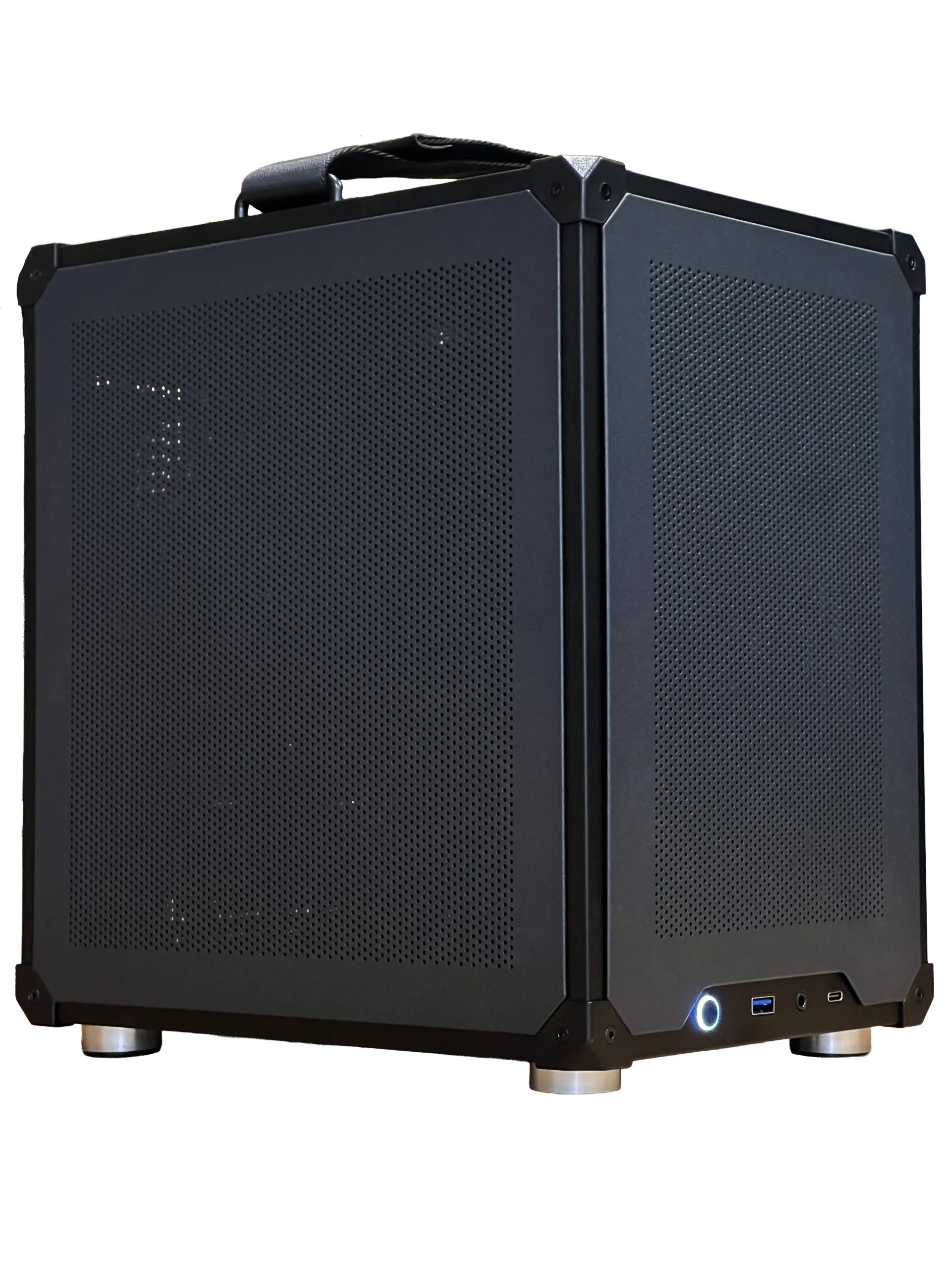
What makes the best CPU for gaming?
Four things decide how well a processor runs games:
- Single-thread speed: games still lean heavily on a few fast cores, so clock speed and architecture matter most.
- Cache: large L3 caches, like AMD’s 3D V-Cache, keep game data close to the cores and improve smoothness.
- Core count: six to eight modern cores is the sweet spot for gaming; more cores help streaming and creative work.
- Platform: a current socket with DDR5 memory and PCIe 5.0 gives you an upgrade path.
The best CPU for gaming is the one that keeps your graphics card fed at the frame rate your monitor can show.
Match the best CPU for gaming to your graphics card
A fast CPU paired with a weak graphics card wastes money, and the reverse holds back your games. As a guide:
- RTX 5060 or RTX 5060 Ti: a current six-core chip is plenty.
- RTX 5070 or RTX 5070 Ti: a modern six or eight-core chip, ideally with plenty of cache.
- RTX 5080 or RTX 5090: the fastest gaming CPU you can afford, such as the Ryzen 7 9800X3D.
At 4K, the graphics card does most of the work, so the processor matters less. At 1080p with a high refresh rate monitor, the processor matters much more.
Six of the best CPU for gaming picks
AMD Ryzen 7 9800X3D: fastest for gaming
The 9800X3D leads most gaming benchmarks thanks to its 96MB of L3 cache and higher clocks than earlier X3D chips. It is the best CPU for gaming at high refresh rates and for CPU-heavy simulators.
AMD Ryzen 7 7800X3D: great value when discounted
The previous X3D chip still delivers outstanding gaming performance. When it is noticeably cheaper than the 9800X3D, it is a smart buy. See our 7800X3D vs 9800X3D comparison.
AMD Ryzen 9 9950X3D: gaming and heavy work
Sixteen cores with 3D V-Cache on one chiplet make this a gaming CPU that also handles rendering, compiling and video editing with ease. It costs much more, so choose it only if you need the cores.
AMD Ryzen 5 9600X: a budget AM5 option
Six Zen 5 cores give strong gaming performance for the price, with an upgrade path on the AM5 socket to an X3D chip later.
Intel Core Ultra 7 265K: strong all-rounder
Intel’s Arrow Lake chips excel at productivity and run cool at idle. They trail AMD’s X3D chips in many games, but they remain a good choice for mixed work and play.
Intel Core Ultra 5: balanced mid-range gaming
Intel’s Core Ultra 5 chips, such as the Core Ultra 5 250K Plus in our ready-to-ship gaming PC, offer a good mix of gaming speed and multitasking for 1080p and 1440p builds.
AMD or Intel: which makes the best CPU for gaming?
For pure gaming, AMD’s X3D chips currently lead. For mixed use, such as gaming plus heavy editing or software development, Intel’s Core Ultra processors and AMD’s Ryzen 9 chips both make sense. Either brand gives you DDR5 memory and PCIe 5.0 on current platforms. Check the latest specifications on AMD’s website and Intel’s product pages before you decide.
Do you need more cores for streaming?
If you stream from the same PC, the graphics card’s video encoder usually handles the stream, so the processor is under less pressure than it used to be. Eight cores is a comfortable target for gaming and streaming at once. Sixteen cores only pay off for heavy creative work such as 3D rendering or 4K video editing.
The best CPU for gaming in simulators
Simulators are among the most demanding games for processors. iRacing, Assetto Corsa Competizione, Le Mans Ultimate and Microsoft Flight Simulator all reward fast cores and big caches, especially online with full grids or over dense scenery. For a serious sim rig, an X3D processor is the best CPU for gaming you can choose, and it makes your direct drive wheelbase feel smoother by keeping frame times even.
Don’t forget memory and cooling
A great processor needs good support. Pair it with 32GB of DDR5 RAM at 6,000 MT/s for AMD, or the supported speed for Intel, and enable EXPO or XMP in the BIOS. Use a quality air cooler or an AIO cooler so the chip can hold its boost clocks. A cheap cooler on a fast chip leaves performance unused.
Budget tips for the best CPU for gaming
You do not need the most expensive processor to get a great gaming PC. Set your budget by priority: graphics card first, then the processor, then memory and storage. A mid-range six-core chip paired with a strong graphics card beats a top processor with a weak one in almost every game.
The best CPU for gaming on a budget is often the one with a good upgrade path. AM5 boards accept today’s Ryzen 5 chips and tomorrow’s X3D processors, so you can start sensibly and upgrade later. On Intel, choose a current platform rather than a discounted older one.
Signs your processor is holding you back
How do you know if you need a new chip? Watch your graphics card usage while gaming. If it sits well below 90 percent while frame rates stay low or uneven, the processor is likely the limit. Stutters in busy scenes, big drops in online matches and poor 1 percent lows are other clues. In that case, upgrading to the best CPU for gaming your platform supports will help more than a new graphics card.
Our gaming PC picks


- Configurable gaming PC: choose your graphics card, memory and cooling, priced in CAD.
- ASUS TUF 1440p monitor: a 170 Hz screen that shows off a fast processor.
- 2TB NVMe SSD: fast storage for a big game library.
Best CPU for gaming FAQ
How many cores do I need for gaming?
Six modern cores are enough for most games, and eight give extra headroom for streaming and future titles.
Is the best CPU for gaming always the most expensive?
No. The most expensive chips add cores for work, not frames. The Ryzen 7 9800X3D beats many pricier processors in games.
Does the CPU matter at 4K?
Less than at 1080p, because the graphics card becomes the limit. A balanced mid-range chip is usually enough at 4K.
Choose your processor
The best CPU for gaming is the one that matches your graphics card, monitor and budget. For most players, a modern six or eight-core chip is ideal, and an X3D processor is the top choice for high refresh rates and simulators. Explore our gaming PCs, or contact us and we will help you pick the right processor for your games.