A 240Hz monitor refreshes the image 240 times every second, which makes fast motion look smoother and clearer than on 144 Hz or 165 Hz screens. For competitive players in shooters such as Valorant, Counter-Strike 2, Apex Legends and Fortnite, that extra smoothness helps you track targets and react a little sooner. It only pays off if your PC can reach high frame rates, though. This guide explains what a 240Hz monitor does, who benefits, which resolution and panel to choose, and how to set one up properly.
North Gaming PCs prices monitors and gaming PCs in Canadian dollars with a 2-year warranty. Our current range tops out at 170 Hz, and this guide will help you decide whether stepping up to 240 Hz is worth it for you. If you are unsure which option suits you, our team is happy to compare specifications with you and suggest a setup that fits your space, budget and plans.

What does 240 Hz mean?
Refresh rate is how many times per second a monitor draws a new image. At 60 Hz, a new frame appears every 16.7 milliseconds. At 144 Hz, every 6.9 milliseconds. On a 240Hz monitor, every 4.2 milliseconds. Shorter frame times make motion smoother and reduce the blur you see when objects move across the screen.
144 Hz vs 240 Hz: is the difference noticeable?
The jump from 60 Hz to 144 Hz is dramatic and obvious to almost everyone. The jump from 144 Hz to 240 Hz is smaller but still noticeable to many players, especially in fast shooters. Tracking a moving enemy feels smoother, and quick camera turns look clearer. For casual gaming, 144 Hz to 170 Hz is plenty. For competitive play, a 240Hz monitor gives a real edge.
Who should buy a 240Hz monitor?
- Competitive shooter players who play ranked matches often.
- Players with a fast PC that already reaches 200 frames per second or more.
- Anyone who notices motion blur on a 144 Hz screen and wants clearer motion.
If you mainly play single-player adventures, strategy games or simulators, a higher resolution or a better panel may matter more than refresh rate.
Resolution: 1080p or 1440p at 240 Hz?
At 1080p, a 240Hz monitor is easier to drive, and many esports pros still prefer 24-inch 1080p screens. At 1440p, 240 Hz offers both sharpness and smoothness, but your graphics card must work much harder. Choose 1080p for pure competitive focus with a mid-range card, and 1440p if you have an RTX 5070 Ti or faster.
The graphics card a 240Hz monitor needs
To use 240 Hz, your PC must produce around 240 frames per second:
- Esports titles at 1080p: an RTX 5060 Ti or RTX 5070 often reaches 240 FPS or more.
- Esports titles at 1440p: an RTX 5070 Ti or RTX 5080 is ideal.
- AAA games: few reach 240 FPS at high settings, even on top hardware.
The processor matters too, because high frame rates are often CPU-limited. Our best CPU for gaming guide explains which chips push the most frames.
Panel types at 240 Hz
- IPS: good colours and fast response; the most popular 240 Hz panel type.
- TN: very fast and affordable, but weaker colours and viewing angles.
- OLED: near-instant response for the clearest motion at 240 Hz and above.
- VA: available, but slower dark transitions can smear at high refresh rates.
A fast IPS or OLED 240Hz monitor gives the best balance of clarity and image quality.
Response time and overdrive
A high refresh rate only looks clear if pixels change colour quickly. Overdrive speeds up pixel transitions, but too much causes inverse ghosting, a bright halo behind moving objects. Start with the medium overdrive setting and test with fast motion. Independent reviewers such as RTINGS measure response times at each setting.
Settings for the best experience
- Connect with DisplayPort and set 240 Hz in Windows display settings.
- Enable G-Sync or FreeSync in your graphics driver.
- Turn on NVIDIA Reflex or AMD Anti-Lag in supported games.
- Lower settings that hurt frame rate, such as shadows and volumetric effects.
- Check that the game itself is set to 240 Hz, not 60 Hz.
Our guide on how to check monitor refresh rate explains how to confirm it is working.
Does 240 Hz help input lag?
Yes. A higher refresh rate shows each new frame sooner, which lowers total system latency. Combined with high frame rates and Reflex, a 240Hz monitor makes aiming feel more responsive. The difference is small in milliseconds, but competitive players notice it.
240 Hz for consoles
Consoles top out at 120 Hz, so a 240Hz monitor gives no extra benefit for PS5 or Xbox. A 1440p 120 Hz to 170 Hz screen is a better match. Our best monitor for PS5 guide covers console features.
240 Hz for sim racing
In sim racing, high frame rates make force feedback feel smoother and motion clearer, but most sims are demanding enough that 240 FPS is hard to reach at high settings. A 144 Hz to 165 Hz screen, or triple screens at that rate, suits most racers better.
Is a 240Hz monitor worth it at 1440p?
A 1440p 240Hz monitor is one of the best all-round screens for enthusiasts, combining sharpness with very smooth motion. It suits players who enjoy both competitive shooters and visually rich single-player games. The catch is cost: both the screen and the graphics card needed to drive it cost more. If your PC has an RTX 5070 Ti or faster, a 1440p 240Hz monitor is a superb match.
Mouse and peripherals matter too
A high refresh screen makes your mouse feel more responsive, so pair it with a light, accurate mouse and a large pad. A wired or 2.4 GHz wireless mouse at 1,000 Hz polling is plenty. Our best gaming mouse guide covers shapes and sensors.
Budget alternatives
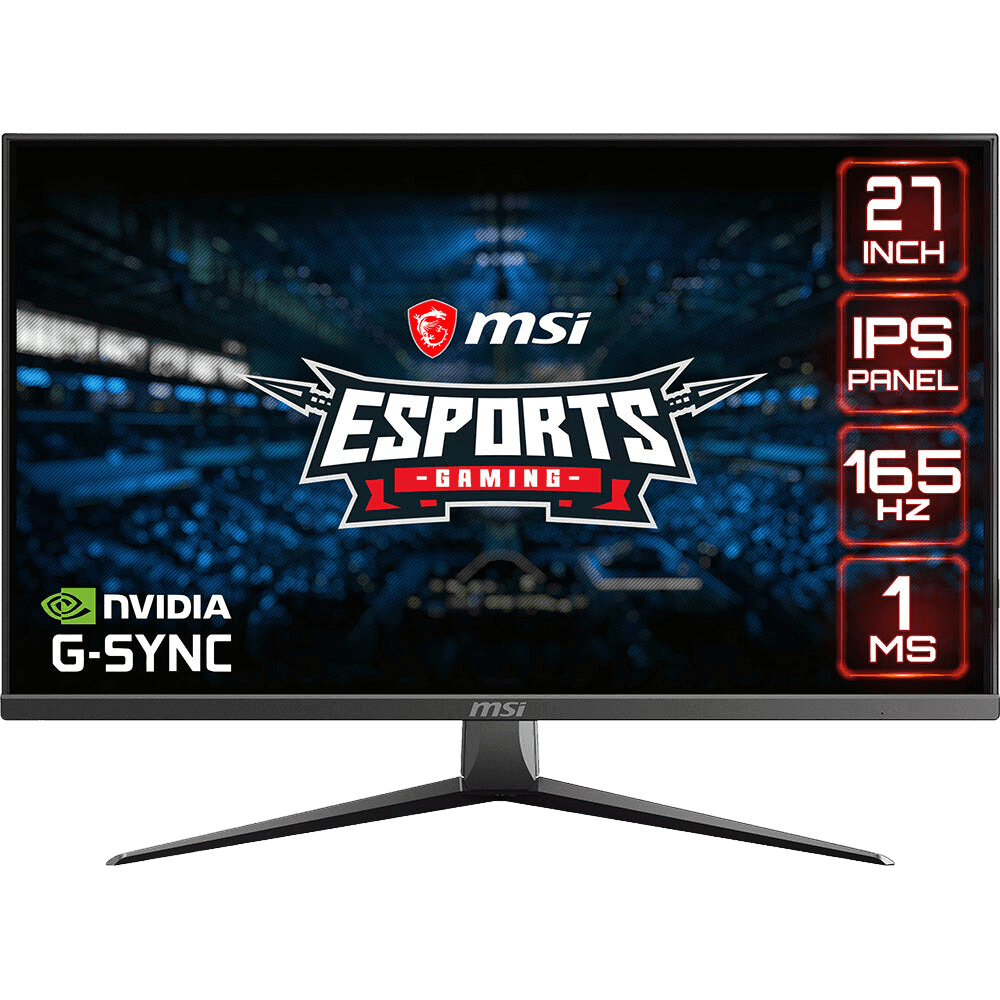
If 240 Hz is beyond your budget or your PC, a 165 Hz to 170 Hz screen gets you most of the smoothness. The ASUS TUF VG27AQ1A runs at 170 Hz with a sharp 1440p IPS panel, and the MSI MAG2732 runs at 165 Hz at 1080p.
Our picks
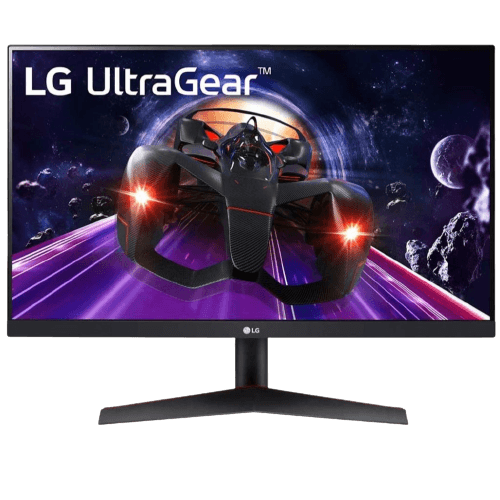
- LG 24-inch 144 Hz IPS monitor: an affordable competitive screen.
- MSI MAG2732: a 27-inch 165 Hz IPS monitor.
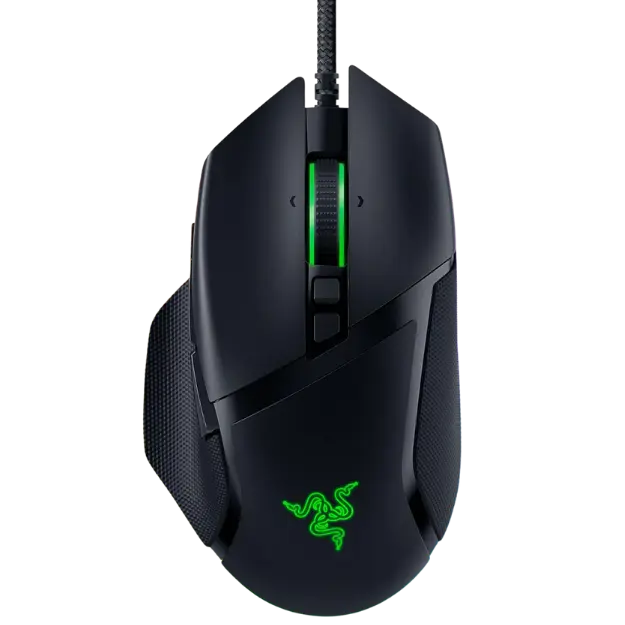
- Razer Basilisk V3: a responsive mouse to pair with a fast screen.
240Hz monitor FAQ
Is 240 Hz worth it over 144 Hz?
For competitive shooters with a fast PC, yes. For casual and single-player gaming, 144 Hz to 170 Hz is enough.
Can my PC run 240 Hz?
If it reaches around 200 to 240 frames per second in your games, yes. Esports titles are easier to run than AAA games.
Do I need DisplayPort for 240 Hz?
DisplayPort is recommended. Some monitors support 240 Hz over HDMI 2.1.
Is a 240Hz monitor good for work?
It works fine, and scrolling feels very smooth, but the extra refresh rate mainly benefits gaming.
Choose your refresh rate
A 240Hz monitor gives competitive players smoother motion and lower latency, but only with a PC that reaches high frame rates. If that is you, it is a worthwhile upgrade. If not, a 165 Hz to 170 Hz screen is better value. Browse our gaming monitors, or contact us for advice.