Mechanical keyboard switches decide how every keystroke feels and sounds. Some glide smoothly from top to bottom, some give a gentle bump, and some click loudly with every press. Choosing the right switch is the most important part of buying a mechanical keyboard, because it shapes typing comfort, gaming speed and how loud your setup is. This guide explains the main types of mechanical keyboard switches, the specs that matter and how to pick the right ones for gaming and work.
North Gaming PCs prices keyboards in Canadian dollars with a 2-year warranty. Our current range focuses on quiet membrane keyboards, and this guide will help you compare them with mechanical options. Every price is shown in Canadian dollars, so there is no surprise currency conversion at checkout, and you can email our team whenever you need help choosing.
How mechanical keyboard switches work
Each mechanical switch sits under a single key. Inside is a stem, a spring and a pair of contacts. When you press the key, the stem moves down until the contacts meet and the keystroke registers. The spring then pushes the key back up. Because each key has its own switch, mechanical keyboard switches feel consistent across the board and last for tens of millions of presses.
Linear switches
Linear switches move smoothly from top to bottom with no bump or click. They are quiet and quick, which makes them popular for fast games where you press keys repeatedly. Red switches are the classic linear option, and they remain one of the most popular choices for gaming keyboards. Speed variants register earlier in the stroke for faster response.
Tactile switches
Tactile switches add a small bump partway down, letting your finger feel the moment the key registers. That feedback helps typists avoid bottoming out, which can reduce fatigue. Brown switches are the classic tactile option and a great all-rounder for gaming and typing.
Clicky switches
Clicky switches combine a tactile bump with an audible click. They are satisfying for typing, but loud enough to bother housemates and to be picked up by microphones during voice chat. Blue switches are the classic clicky choice.
Specs that matter in mechanical keyboard switches
When comparing mechanical keyboard switches, look at:
- Actuation force: how hard you must press, usually 35 to 80 grams. Lighter is faster; heavier prevents accidental presses.
- Actuation point: how far down the key registers, often around 2 mm.
- Total travel: how far the key moves before bottoming out, usually about 4 mm.
- Sound profile: linear and tactile switches range from quiet to thocky; clicky switches are loud.
Magnetic and optical switches
Hall effect magnetic switches measure exactly how far a key is pressed using a magnet and sensor. That allows adjustable actuation points and rapid trigger, where a key resets as soon as you start releasing it. Competitive players in fast shooters often prefer magnetic switches for quicker strafing. Optical switches use a beam of light instead of metal contacts, which makes them fast and resistant to chatter.
Silent mechanical keyboard switches
Silent mechanical keyboard switches use dampening pads inside the switch to soften the sound when keys bottom out and return. They are ideal for shared rooms, streaming and late-night gaming. Silent linear switches are the quietest mechanical option.
Low-profile switches
Low-profile switches have shorter travel and a slimmer housing, which suits thin keyboards and people who like a laptop-style feel. They work well for gaming and typing, though the keycap choice is more limited.
Hot-swappable keyboards
A hot-swappable keyboard lets you pull mechanical keyboard switches out and push new ones in without soldering. That makes it easy to try different switches or replace a faulty one. Check whether the board supports 3-pin or 5-pin switches before buying replacements.
Choosing switches for gaming
For fast shooters, linear or magnetic switches with a light actuation force are popular. For MMOs and strategy games, tactile switches give helpful feedback for ability keys. For mixed gaming and typing, tactile switches are the safest choice. Our mechanical keyboard guide covers sizes and features.
Choosing switches for typing
Typists often prefer tactile or clicky switches, which give clear feedback and reduce bottoming out. Heavier springs can reduce typos for fast typists. A switch tester, a small board with several sample switches, helps you feel the differences before committing.
Lubed and modified switches
Enthusiasts lubricate switches to make them smoother and quieter, and add films to reduce wobble. Many keyboards now ship with factory-lubed switches. These tweaks change feel and sound, but they do not affect performance in games.
Mechanical vs membrane
Membrane keyboards use rubber domes instead of mechanical keyboard switches. They are quieter, cheaper and often spill-resistant, which suits shared spaces and tight budgets. Our membrane vs mechanical keyboard guide compares the two in detail.
Mechanical keyboard switches and sound
Sound is a big part of the appeal. Linear mechanical keyboard switches sound smooth and muted, especially with dampening foam inside the board. Tactile switches add a soft bump sound, while clicky switches produce a sharp click on every press. Keycap material changes the sound too: thick PBT keycaps sound deeper than thin ABS. If you stream or share a room, choose silent or linear switches.
Durability and lifespan
Most mechanical keyboard switches are rated for 50 to 100 million keystrokes, which is many years of heavy use. Optical and magnetic switches have no metal contacts to wear, so they can last even longer. If a single key starts double-typing, a hot-swappable board lets you replace that one switch in seconds.
Trying before you buy
The easiest way to choose mechanical keyboard switches is to try them. Switch testers with six to twelve sample switches cost little and let you compare feel and sound side by side. Many electronics stores also have demo keyboards on display. Spending a few minutes testing helps you avoid buying a board you do not enjoy.
Our picks
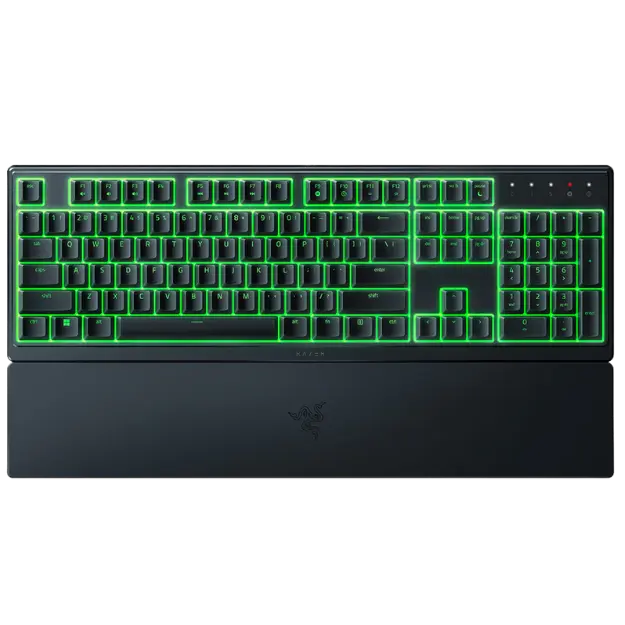
- Razer Ornata V3 X: a silent, low-profile membrane keyboard with RGB.
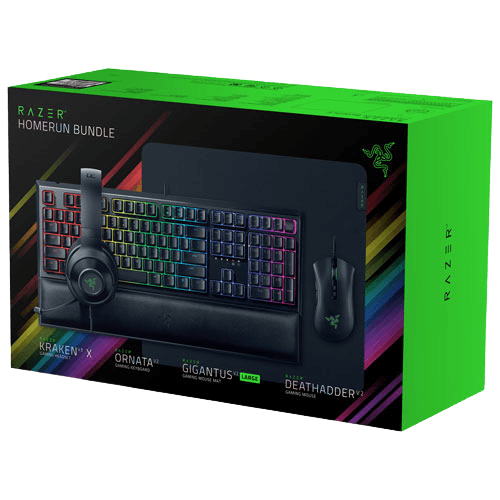
- Razer gaming setup bundle: keyboard, mouse, headset and pad together.
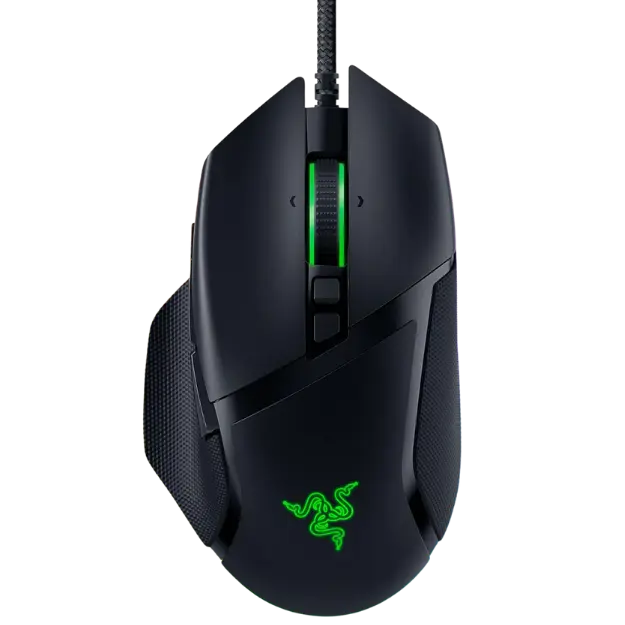
- Razer Basilisk V3: an ergonomic mouse to pair with any keyboard.
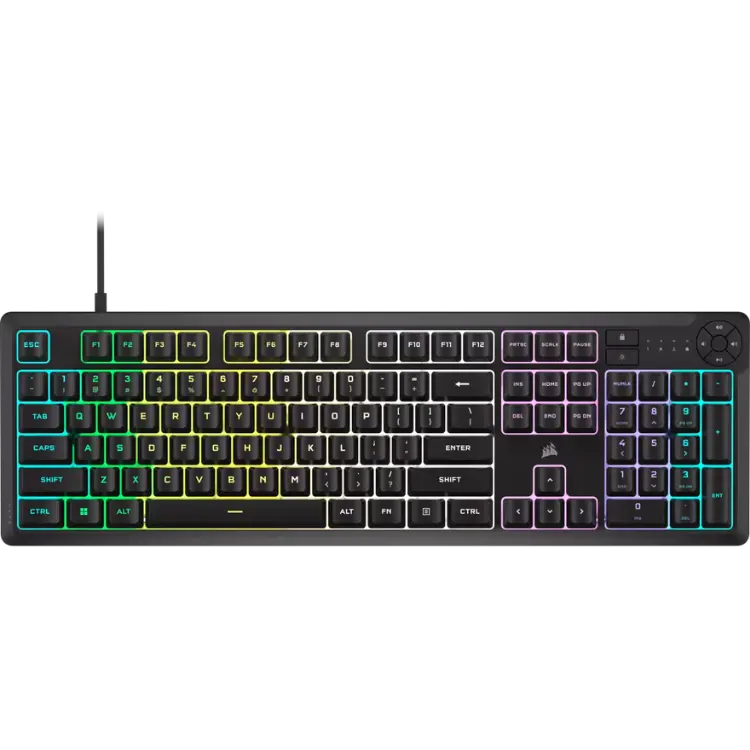
The CORSAIR K55 CORE is our quiet, spill-resistant full-size pick.
Mechanical keyboard switches FAQ
Which switch is best for gaming?
Linear and magnetic switches are popular for fast games, while tactile switches suit mixed gaming and typing.
Are clicky switches bad for gaming?
Not for performance, but they are loud and can be heard on voice chat.
What actuation force should I choose?
45 to 55 grams suits most people. Lighter is faster; heavier prevents accidental presses.
Can I change switches later?
Yes, on a hot-swappable keyboard. Check whether it supports 3-pin or 5-pin switches.
Are magnetic switches worth it?
For competitive shooters, many players think so. Adjustable actuation and rapid trigger make movement keys respond faster.
Do mechanical keyboard switches need maintenance?
Very little. Keep the board clean and free of crumbs, and replace a switch if it starts to chatter.
Choose your switches
The right mechanical keyboard switches depend on how you play and type: linear for speed, tactile for balance, clicky for satisfying feedback, and magnetic for adjustable precision. Try a switch tester if you can, and consider silent options for shared spaces. Browse our gaming keyboards, see detailed switch specs on the Cherry website, or contact us for advice.