
Description
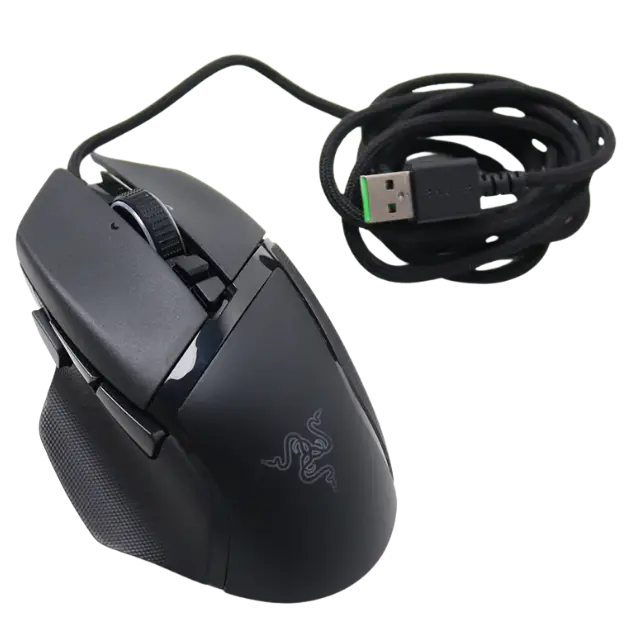
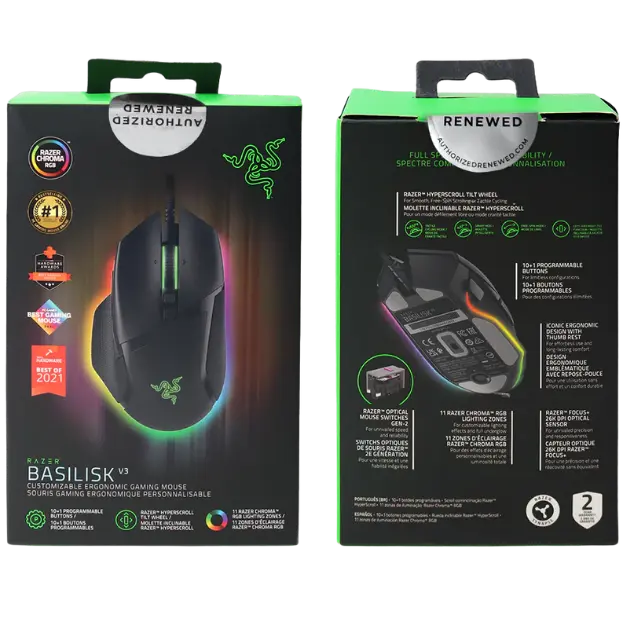
The Razer Basilisk V3 is an ergonomic gaming mouse with a thumb rest, 11 programmable buttons, a HyperScroll tilt wheel and a Focus+ 26K DPI optical sensor. This renewed unit is tested and restored to like-new condition to Razer’s quality standards, and its price is shown in Canadian dollars.
Why choose the Razer Basilisk V3 Gaming Mouse?
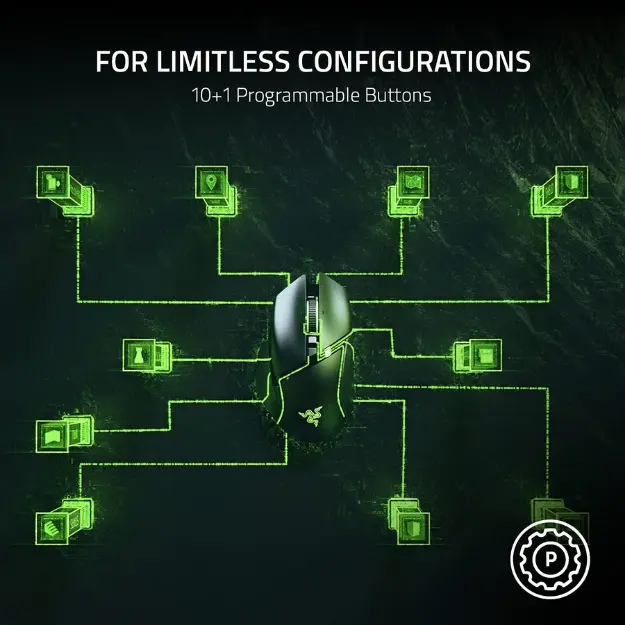
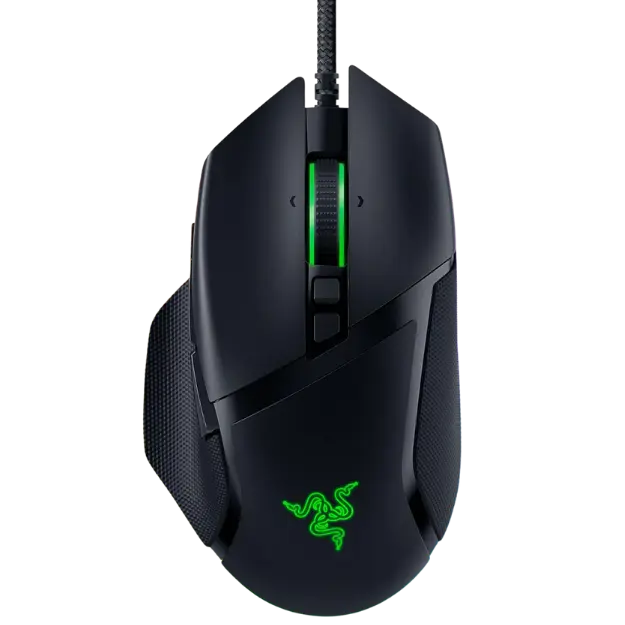
The Basilisk shape is a favourite for a reason. The thumb rest supports your hand in long sessions and the buttons sit where your fingers fall, so push-to-talk, pings and abilities are always one press away. All 11 buttons can be remapped for macros and secondary functions.
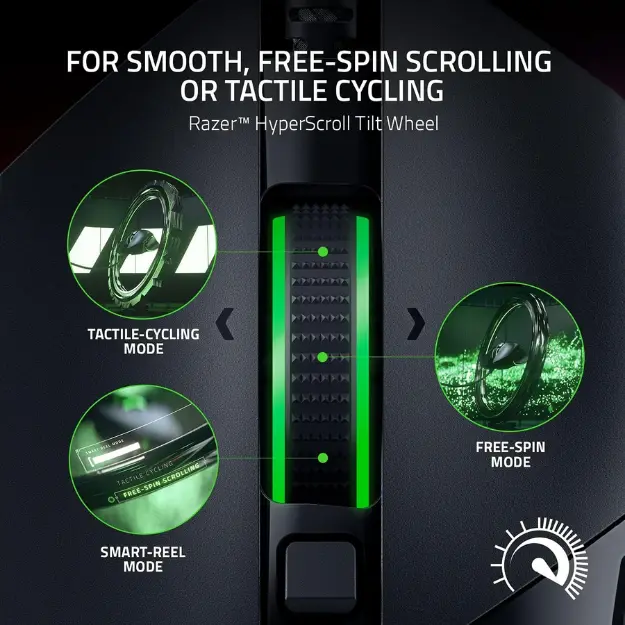
Performance is just as strong. Razer Optical Mouse Switches Gen 2 avoid unintended clicks with 0.2 ms actuation, and the Focus+ 26K DPI sensor tracks with zero smoothing for precise aim. The HyperScroll wheel free-spins through menus or switches to tactile mode for weapon cycling, making this gaming mouse flexible across genres.
Razer Basilisk V3 Gaming Mouse key features
- Ergonomic right-handed shape with thumb rest
- 11 programmable buttons
- HyperScroll tilt wheel with free-spin and tactile modes
- Focus+ 26K DPI optical sensor
- Razer Optical Mouse Switches Gen 2 rated for 70 million clicks
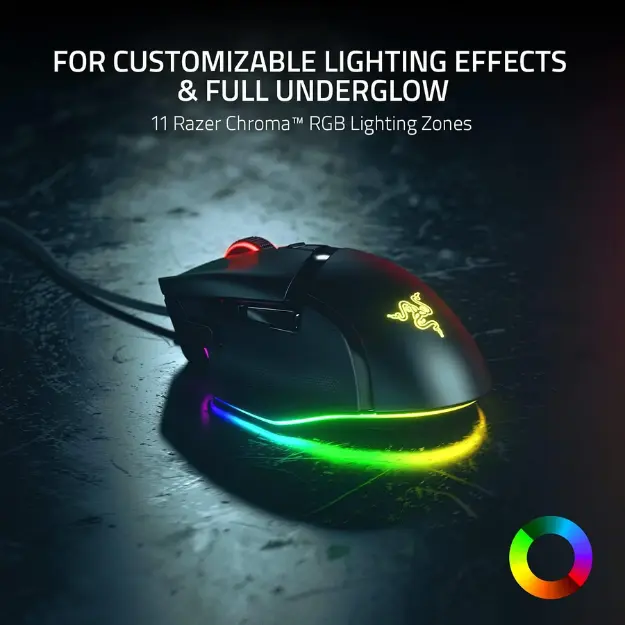
- 11 Razer Chroma RGB lighting zones
Specifications
| Sensor | Focus+ optical, up to 26,000 DPI |
|---|---|
| Buttons | 11 programmable |
| Switches | Optical Gen 2, 0.2 ms actuation |
| Switch life | Up to 70 million clicks |
| Lighting | 11-zone Razer Chroma RGB |
| Condition | Renewed, tested to Razer standards |
Choosing the right DPI for your games
DPI controls how far the cursor moves when you move the mouse. Many competitive FPS players use a lower setting, often between 400 and 1,600 DPI, with low in-game sensitivity for precise aim. MOBA and MMO players often prefer higher settings for quick movement across the screen.
With a sensor that reaches 26,000 DPI, the Basilisk V3 covers every style. You can save several DPI stages and switch between them on the fly, so a single mouse works for shooters, strategy games and everyday desktop use.
Setting up your Razer Basilisk V3 Gaming Mouse
Plug the gaming mouse into a USB port and it is ready to use. Install Razer Synapse to set DPI stages, remap the 11 buttons, record macros and customize the Chroma lighting zones. Try a lower DPI for precise aiming in shooters and a higher setting for MMO or desktop work, and switch the scroll wheel mode to suit each game.
Who the Razer Basilisk V3 Gaming Mouse suits
It suits right-handed players with medium to large hands, MMO and MOBA gamers who need extra buttons, and FPS players who want a precise sensor in a comfortable shape. The renewed price also makes it a smart upgrade from a basic office mouse.
Complete your setup
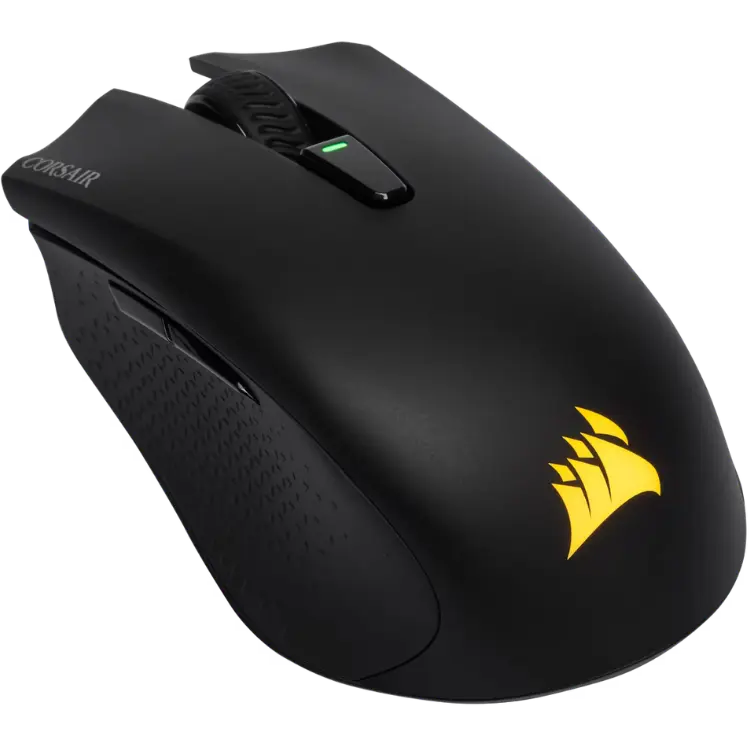 CORSAIR HARPOON RGB WIRELESS Gaming Mouse – $99.99 CAD
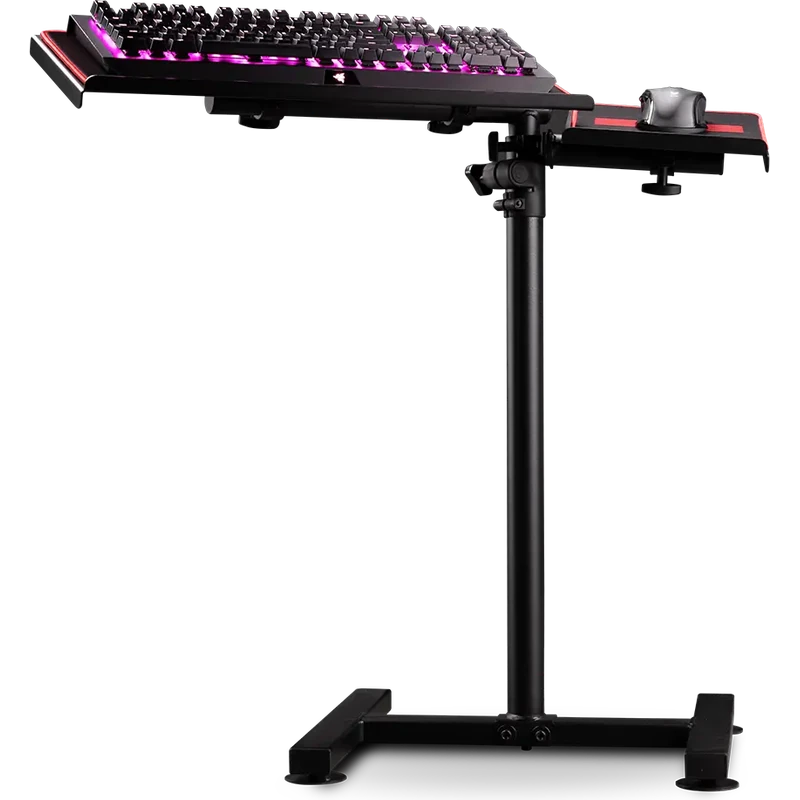 Next Level Racing Free Standing Keyboard and Mouse Stand – $199.99 CAD
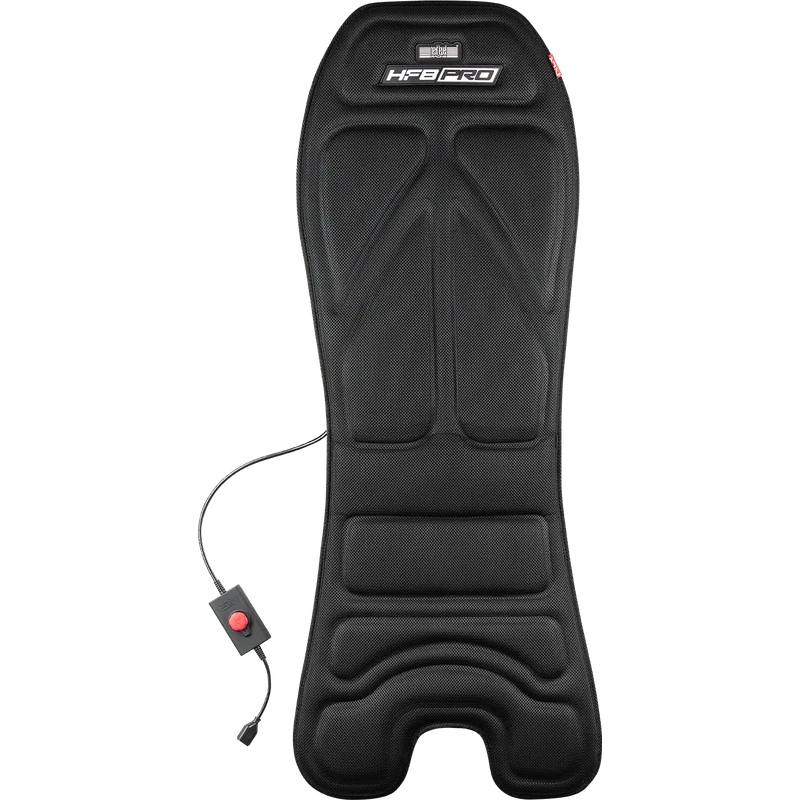 Next Level Racing HF8 Pro Haptic Feedback Gaming Pad – $349.99 CAD
Razer Basilisk V3 Gaming Mouse FAQ
Is the Basilisk V3 a wired gaming mouse?
Yes. This renewed Basilisk V3 connects with a USB cable for consistent, low-latency performance.
How many buttons can I program?
All 11 buttons can be remapped in Razer Synapse to macros, shortcuts or secondary functions.
What does renewed mean?
The mouse has been tested, restored to like-new condition and meets Razer’s quality standards before sale.
Is the Basilisk V3 good for small hands?
It is a right-handed ergonomic mouse with a thumb rest, so it suits medium to large hands best. Players with small hands who use a fingertip grip may prefer a smaller shape.
For an ergonomic gaming mouse with a top sensor and plenty of programmable buttons, the renewed Razer Basilisk V3 offers great value. Browse more Mouse at North Gaming PCs, and find manuals, firmware and software on the official Razer website.