Description
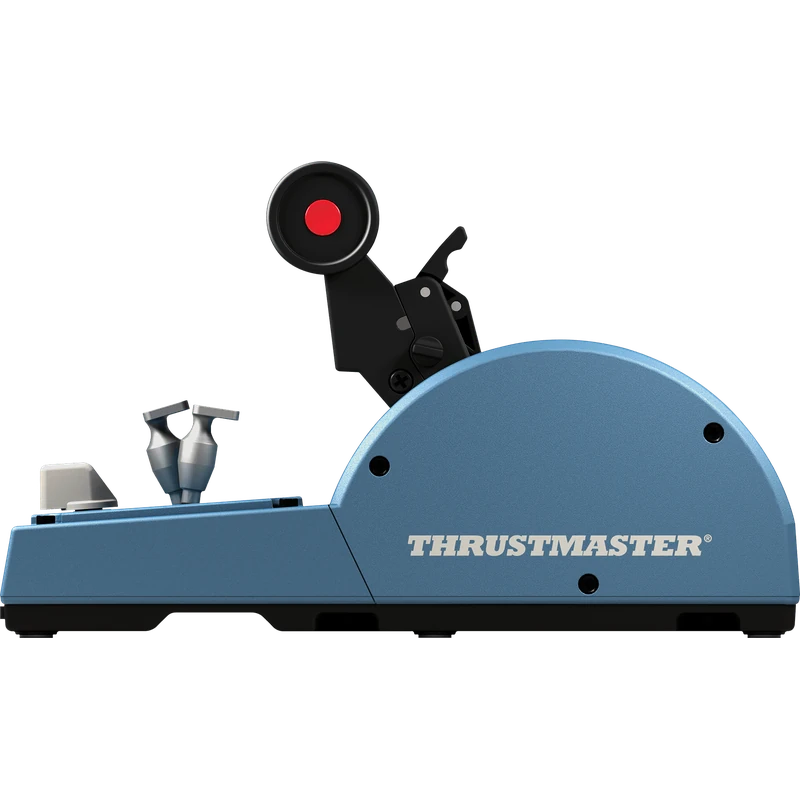
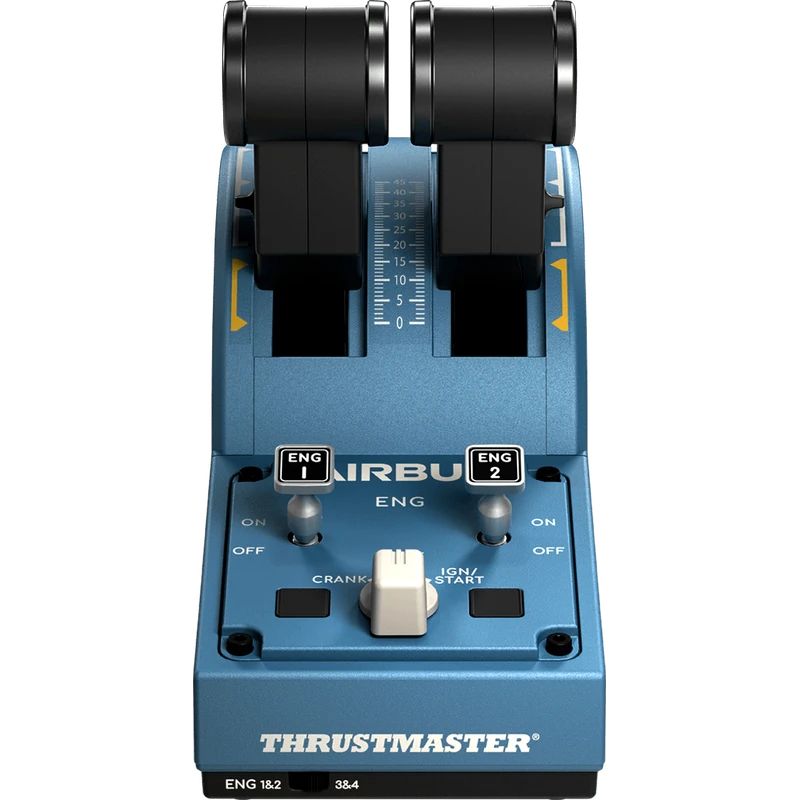
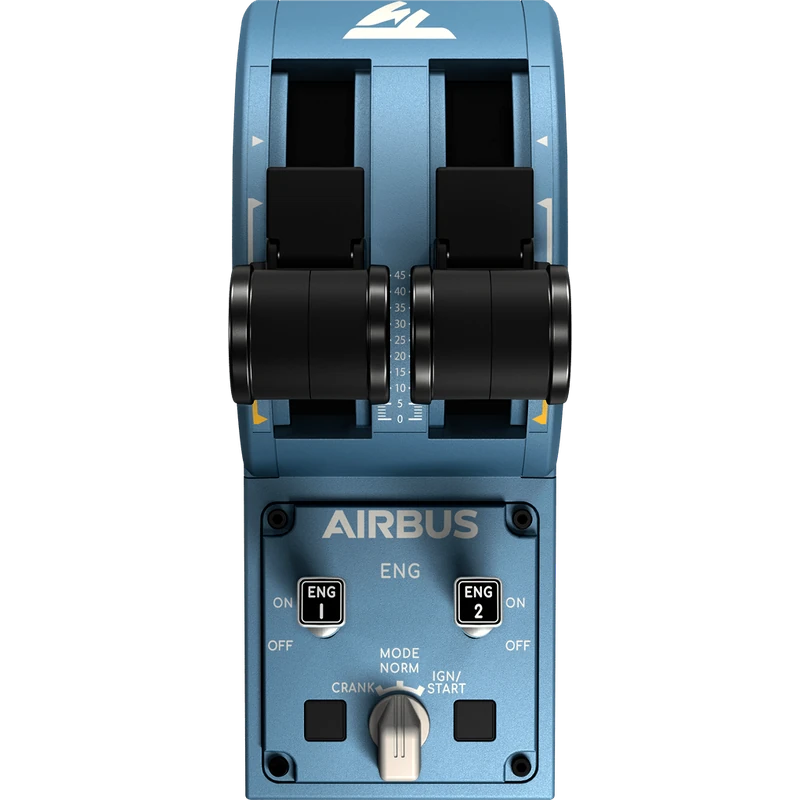
The Thrustmaster TCA Quadrant Airbus Edition is Thrustmaster’s first gaming throttle quadrant inspired by civil aviation, officially licensed by Airbus. It is an ergonomic replica of the throttle quadrant found on A320neo-type airliners, built for PC pilots. The price is shown in Canadian dollars.
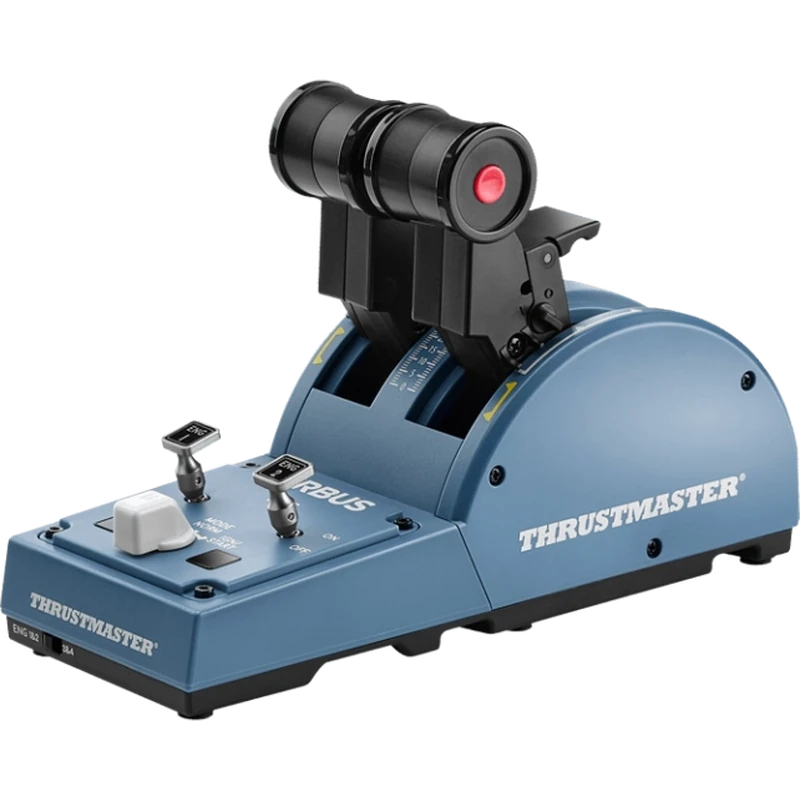
Why choose the Thrustmaster Airbus TCA Quadrant?
It gives you proper thrust levers on the desk instead of a slider or keyboard keys. Two separate thrust levers replicate their Airbus counterparts and include a built-in thrust reverser mechanism that is fully functional on airliners, light aircraft and transport aircraft.
The quadrant offers 8 ergonomic physical action buttons plus 8 virtual buttons on the thrust levers, for a total of 16, all modelled on the real aircraft. It is the core of the Thrustmaster Airbus TCA ecosystem.
Thrustmaster Airbus TCA Quadrant key features
- Officially licensed by Airbus
- Replica of the A320neo throttle quadrant
- Two separate thrust levers
- Built-in thrust reverser mechanism
- 16 buttons (8 physical, 8 virtual)
- Core of the Airbus TCA ecosystem
Specifications
| Platform | PC |
|---|---|
| Licence | Airbus |
| Levers | 2 thrust levers with reversers |
| Buttons | 8 physical + 8 virtual |
| Ecosystem | TCA Sidestick, Quadrant Add-On, TM Flying Clamp, TFRP |
Building a Thrustmaster Airbus setup
The quadrant forms the core of the Airbus TCA ecosystem, alongside the TCA Sidestick Airbus Edition, the TCA Quadrant Add-On Airbus Edition, the TM Flying Clamp and the TFRP rudder pedals.
Add the sidestick for an authentic Airbus flight deck, and the Quadrant Add-On for spoilers and flaps.
Real detents and reversers make procedures like take-off thrust, climb and landing roll-out feel natural.
Two separate levers also let you manage engines individually, which helps with asymmetric thrust practice and engine failure procedures.
Setting up your Thrustmaster Airbus TCA Quadrant
Place the quadrant on your desk or clamp it to your cockpit, connect it to your PC and install Thrustmaster’s software. In your sim, assign the thrust levers and reversers, map the buttons to engine and autopilot functions and calibrate the detents.
Who the Thrustmaster Airbus TCA Quadrant suits
It suits Airbus and airliner simmers, Microsoft Flight Simulator and X-Plane pilots, and anyone building a Thrustmaster Airbus TCA flight deck.
Complete your setup
These picks work well alongside the Thrustmaster Airbus TCA Quadrant:
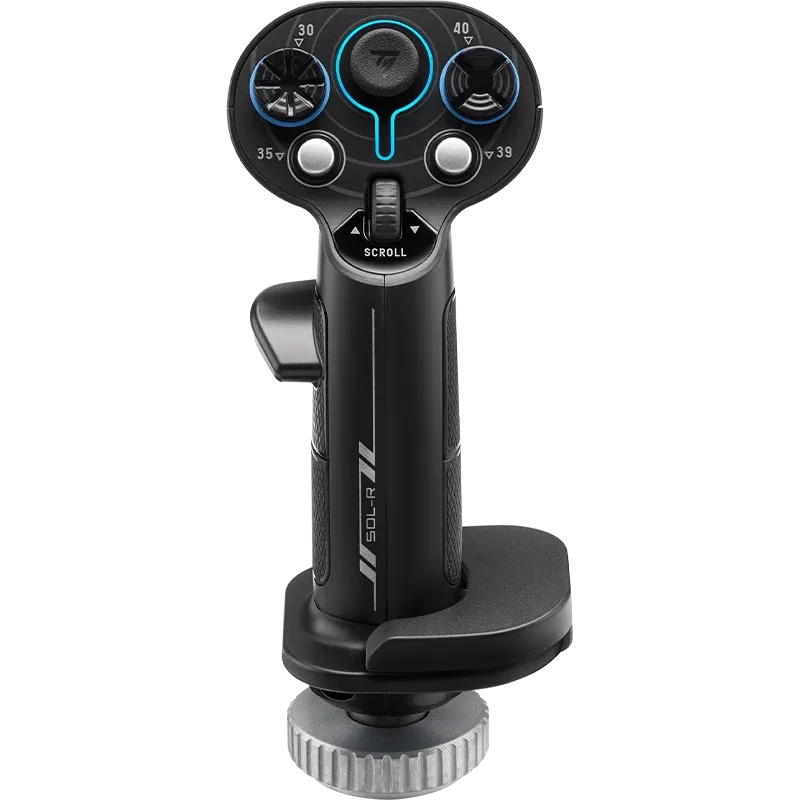 Thrustmaster Sol-R 3 AVA Add-On Grip (for AVA and Sol-R Bases) – $139.99 CAD
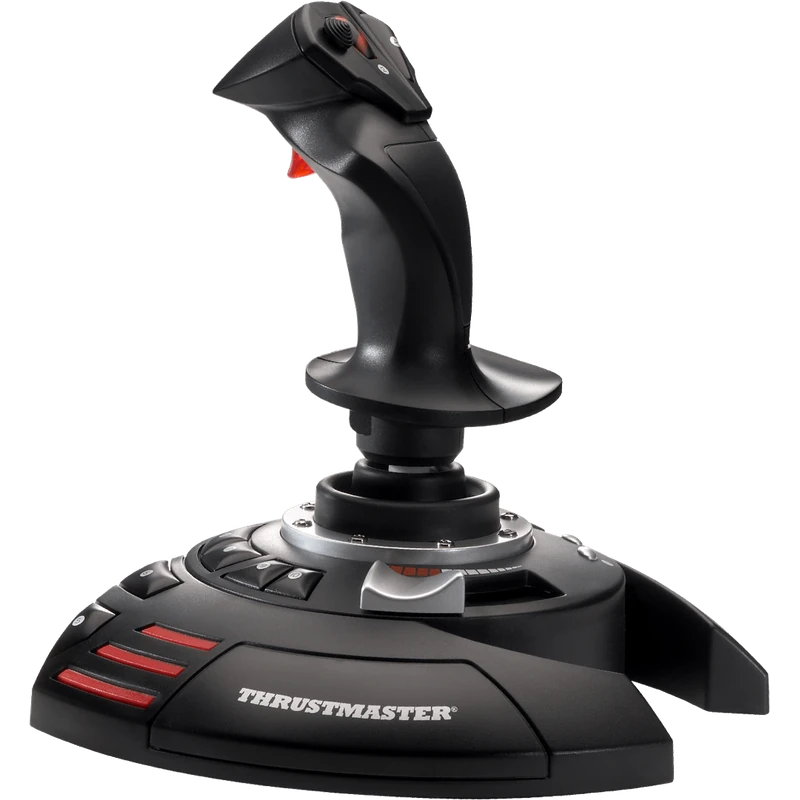 Thrustmaster T.Flight Stick X Joystick (PC) – $59.99 CAD
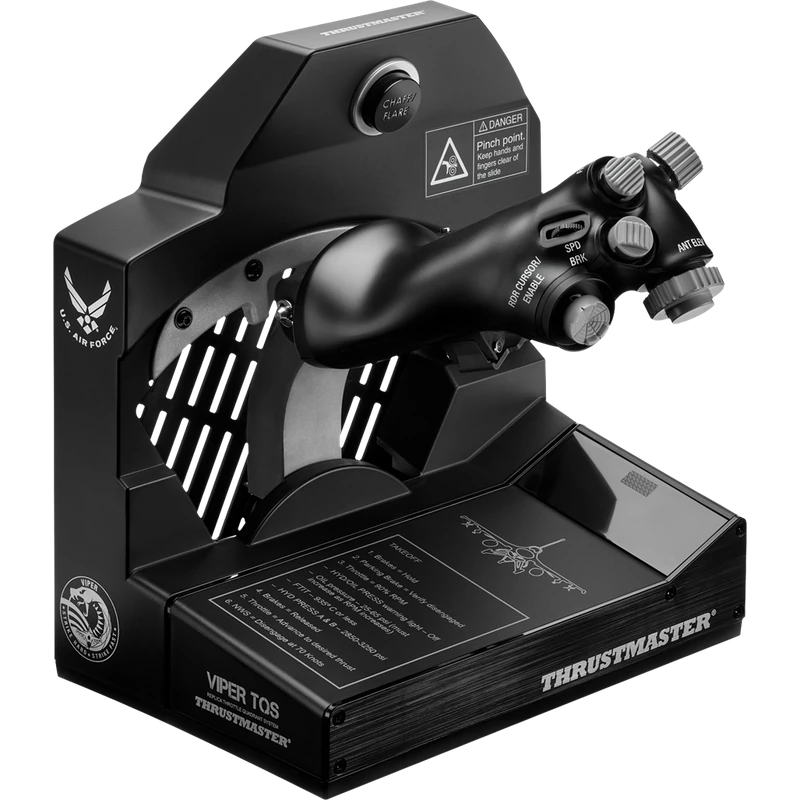 Thrustmaster Viper TQS Throttle Quadrant System – $489.99 CAD
All prices at North Gaming PCs are shown in Canadian dollars, so the $159.99 listed for the Thrustmaster Airbus TCA Quadrant needs no currency conversion. Check the specifications and compatibility notes above before you order, and compare it with similar sticks in our catalogue.
North Gaming PCs is a Canadian store for gaming PCs, sim racing and flight sim gear. Every product page lists the key specifications, compatibility notes and price in Canadian dollars, so you can compare options and build a setup that suits your space, budget and favourite games.
Thrustmaster Airbus TCA Quadrant FAQ
Is the Thrustmaster Airbus quadrant licensed?
Yes. It is officially licensed by Airbus.
Which aircraft does it replicate?
The throttle quadrant of A320neo-type airliners.
Does it have reversers?
Yes. Both thrust levers have a built-in reverser mechanism.
How many buttons does it have?
16: 8 physical and 8 virtual.
Does it work on consoles?
It is built for PC pilots.
What pairs with it?
The TCA Sidestick Airbus Edition, Quadrant Add-On and TFRP rudder pedals.
Can I clamp it to a desk?
Yes. The TM Flying Clamp, part of the TCA ecosystem, can secure it to a desk.
Does it work with Microsoft Flight Simulator?
It is built for PC pilots and is designed for civil aviation sims such as Microsoft Flight Simulator.
For an authentic Airbus throttle on your desk, the Thrustmaster Airbus TCA Quadrant is the ideal starting point. Browse more Sticks at North Gaming PCs, and find manuals, firmware and software on the official Thrustmaster website.