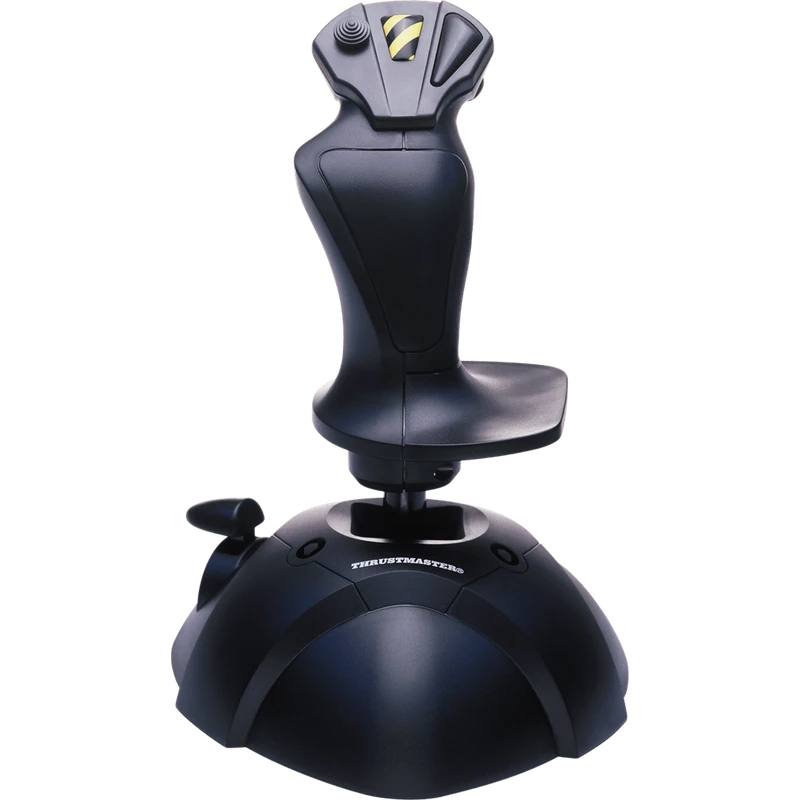
The Thrustmaster USB Joystick is the simplest way to start flying on PC. This entry-level joystick for PC is aimed at first-time and casual pilots who want to move from a mouse and keyboard to a real stick without any complicated setup. The price is shown in Canadian dollars.
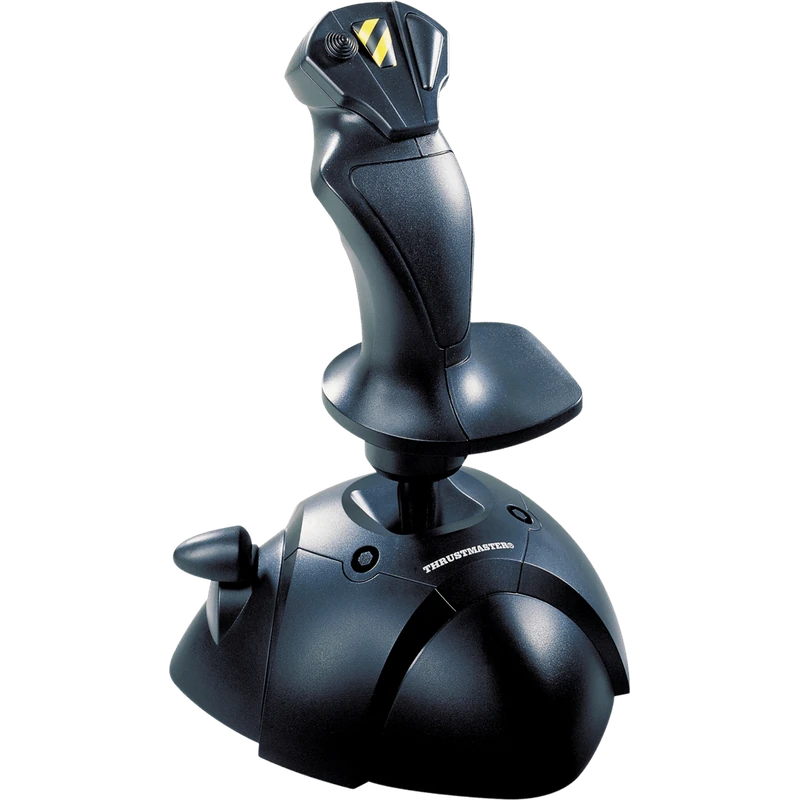
Why choose the Thrustmaster USB Joystick for PC?
Plug it into a USB port and it works directly in game, with no driver or installation disc needed, and you can even connect it while your computer is running. That makes it an easy gift and a stress-free first step into flight sims.
Despite its compact format, it covers the essentials in one all-in-one device: three axes, four action buttons and a trigger, so the most important commands sit under your fingers. It works with popular titles such as DCS, X-Plane, Microsoft Flight Simulator, Star Citizen, Elite Dangerous and War Thunder.
Thrustmaster USB Joystick for PC key features
- Plug and play over USB, no driver needed
- Three axes
- Four action buttons and a trigger
- Compact, all-in-one design
- Ideal for first-time pilots
- Works with popular PC flight titles
Specifications
| Platform | PC |
|---|---|
| Connection | USB, plug and play |
| Axes | 3 |
| Buttons | 4 action buttons + trigger |
A simple first joystick for PC
Flight sims feel very different with a stick in your hand. Smooth pitch and roll inputs make take-offs, turns and landings more natural than tapping keys, and it is easier to learn good habits from the start.
If you enjoy flying, you can later move up to a full HOTAS or yoke. Starting with an affordable joystick for PC lets you discover what you like before investing more.
Setting up your Thrustmaster USB Joystick for PC
Plug the joystick into a free USB port and Windows recognizes it automatically. In your flight sim, open the control settings, assign pitch, roll and throttle or yaw to the axes, and map key functions to the buttons and trigger. Calibrate in Windows or in the sim if the stick does not centre perfectly.
Who the Thrustmaster USB Joystick for PC suits
It suits first-time pilots, casual flight sim and space game players, younger fliers and anyone who wants an affordable, no-fuss joystick for PC.
Complete your setup
These picks work well alongside the Thrustmaster USB Joystick for PC:
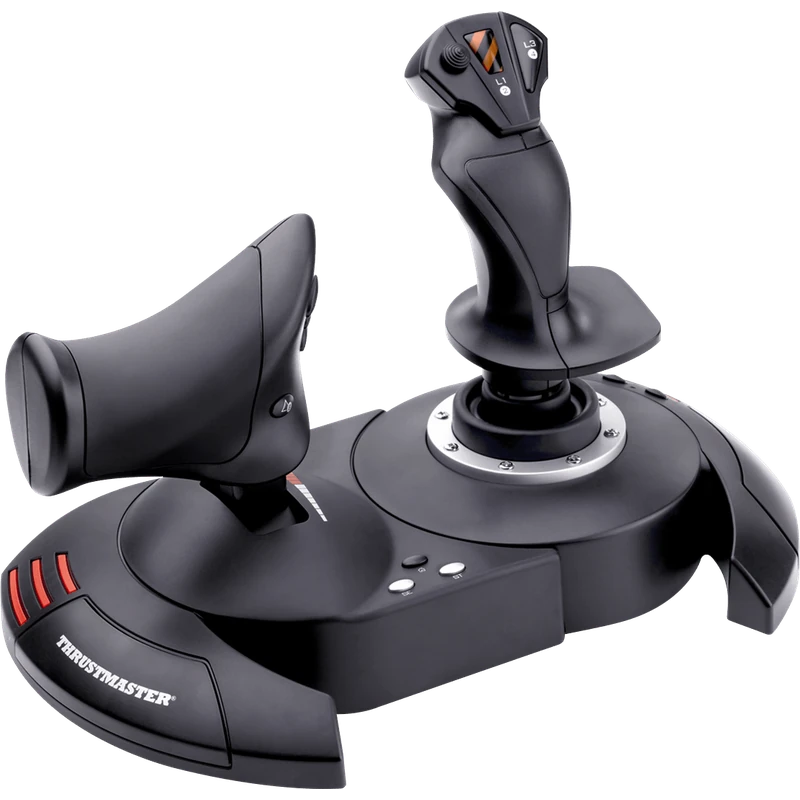 Thrustmaster T.Flight Hotas X Joystick and Throttle (PC) – $109.99 CAD
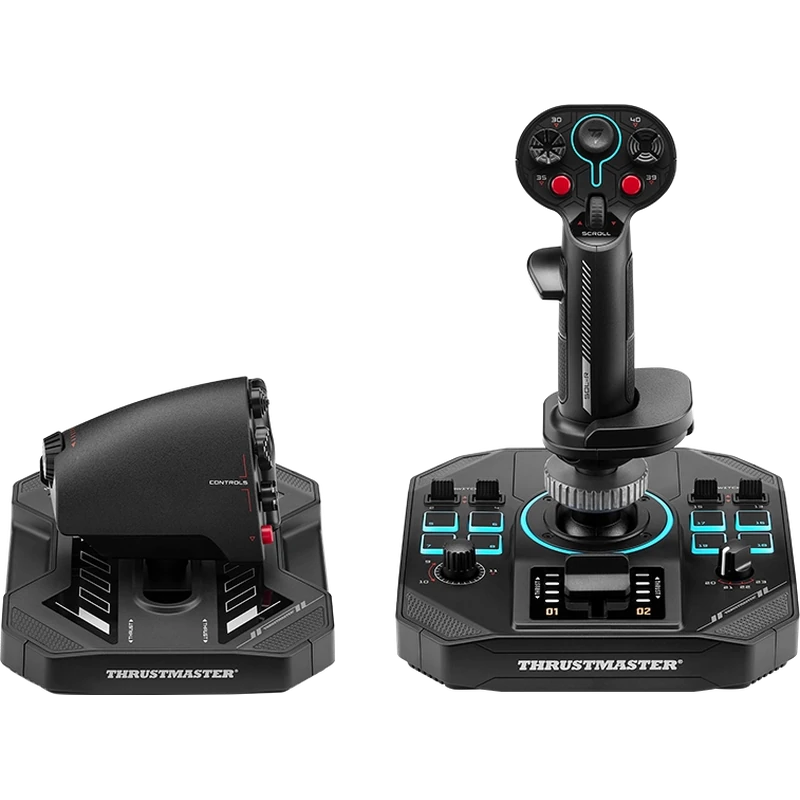 Thrustmaster Sol-R 4 HOTAS (Joystick and Throttle) – $419.99 CAD
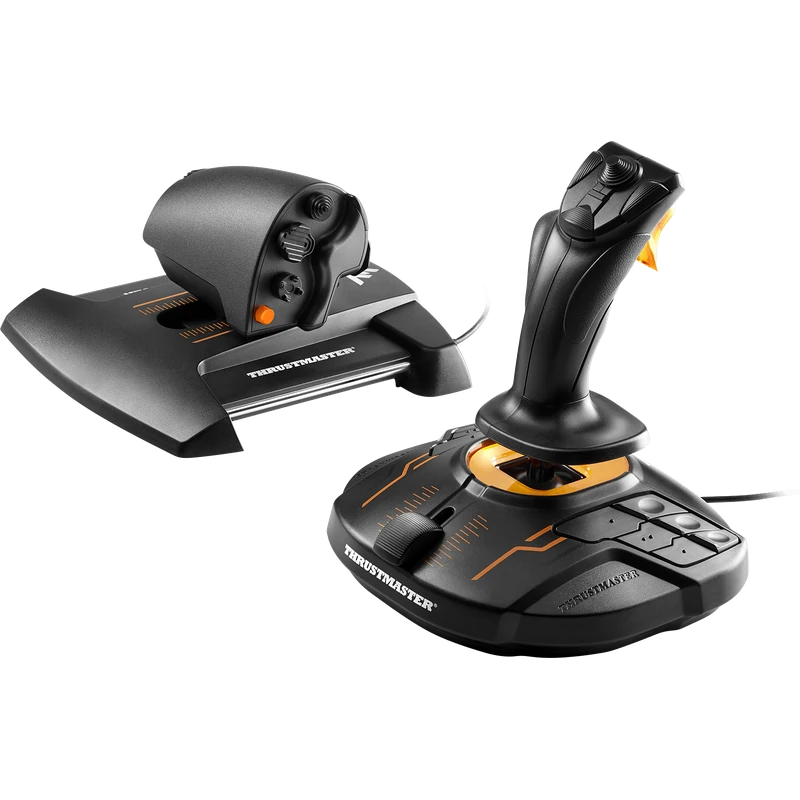 Thrustmaster T.16000M FCS HOTAS Joystick and Throttle – $219.99 CAD
All prices at North Gaming PCs are shown in Canadian dollars, so the $44.99 listed for the Thrustmaster USB Joystick for PC needs no currency conversion. Check the specifications and compatibility notes above before you order, and compare it with similar sticks in our catalogue.
North Gaming PCs is a Canadian store for gaming PCs, sim racing and flight sim gear. Every product page lists the key specifications, compatibility notes and price in Canadian dollars, so you can compare options and build a setup that suits your space, budget and favourite games.
Thrustmaster USB Joystick for PC FAQ
Does this joystick for PC need drivers?
No. It works directly in game over USB without a driver or installation disc.
How many buttons does it have?
Four action buttons and a trigger, plus three axes.
Which games does it work with?
Popular PC titles such as DCS, X-Plane, Microsoft Flight Simulator, Star Citizen, Elite Dangerous and War Thunder.
Can I plug it in while my PC is running?
Yes. It can be connected while your computer is on.
Is it good for beginners?
Yes. It is designed for first-time and casual pilots.
For a simple, affordable first flight stick, the Thrustmaster USB Joystick is an easy choice. Browse more Sticks at North Gaming PCs, and find manuals, firmware and software on the official Thrustmaster website.