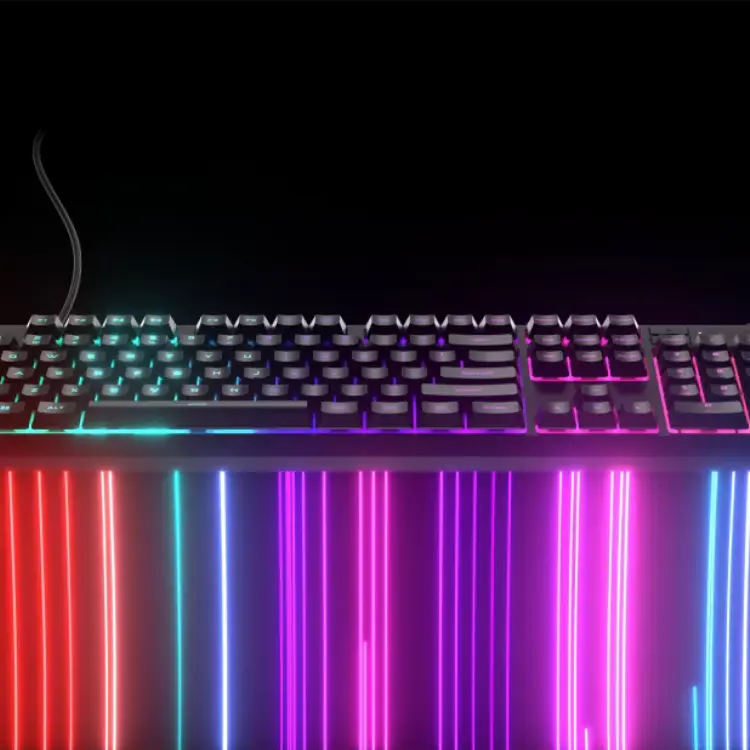
Description
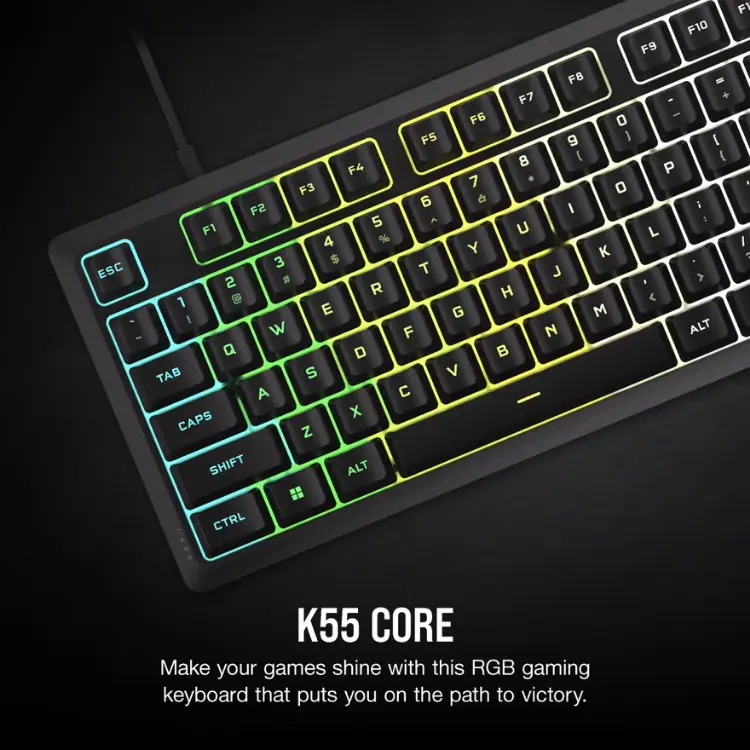
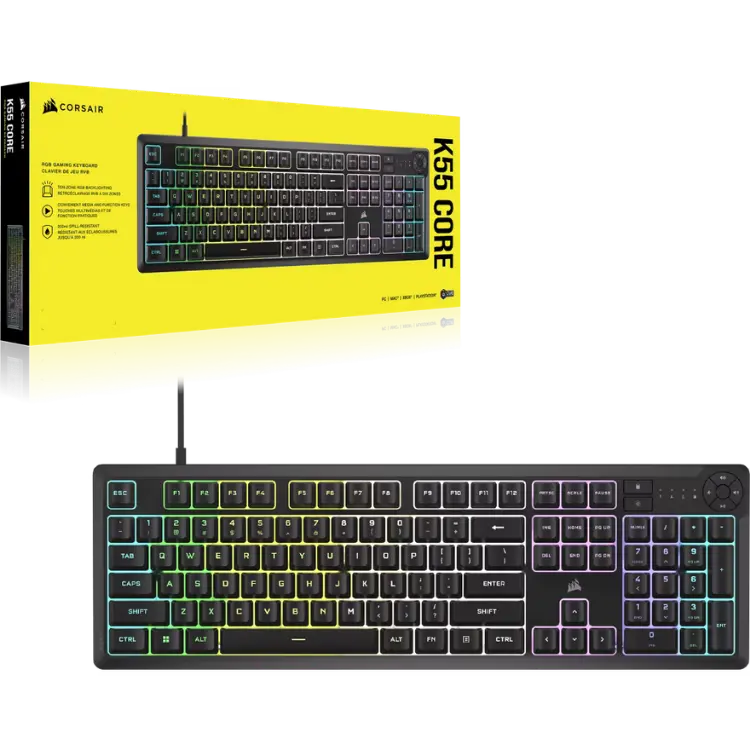
The CORSAIR K55 CORE RGB is a full-size gaming keyboard that pairs quiet, responsive membrane keys with ten-zone RGB lighting, four dedicated media buttons and 300 ml spill resistance. It is an easy first step into proper gaming gear, priced in Canadian dollars at North Gaming PCs.
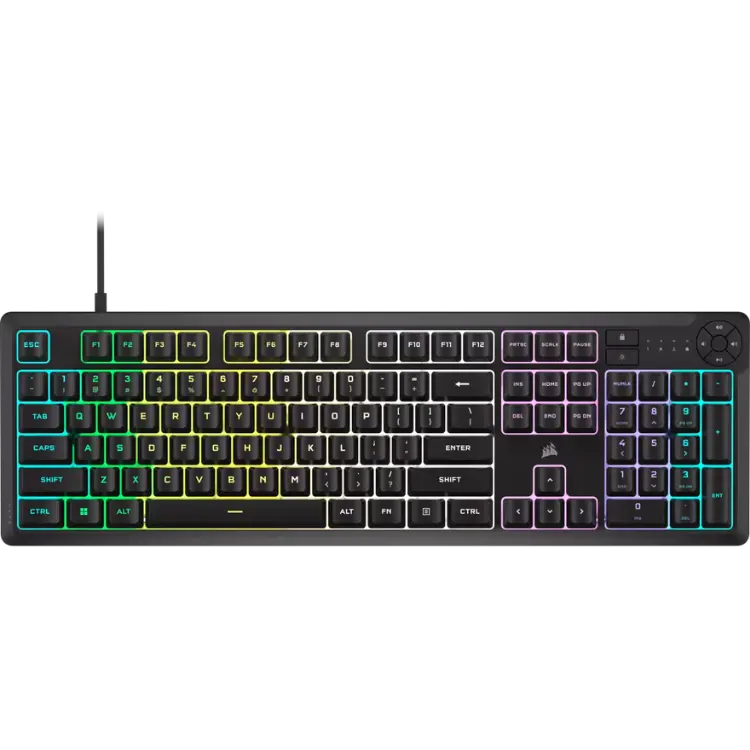
Why choose the CORSAIR K55 CORE RGB Gaming Keyboard?
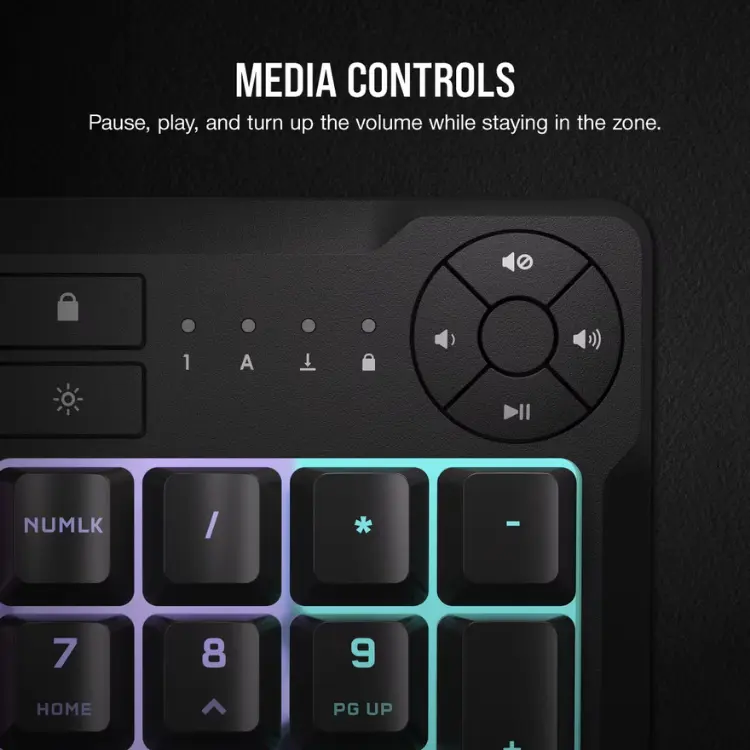
Full-size layouts still make sense for most players, and this one keeps the number pad, media controls and brightness keys within reach. Six programmable macro keys let you bind complex combos or game commands to a single press, while the Win Lock key stops an accidental Windows key from minimizing your game.
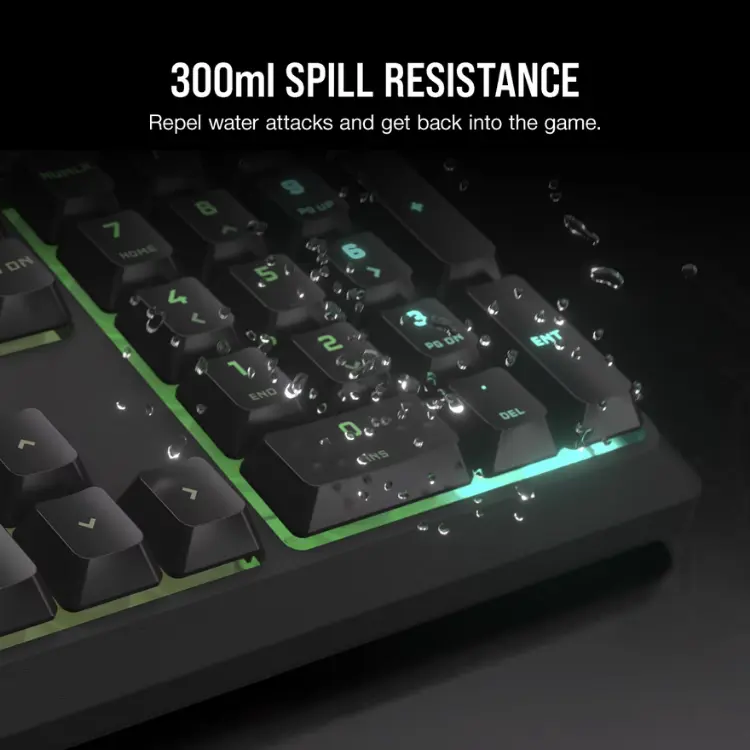
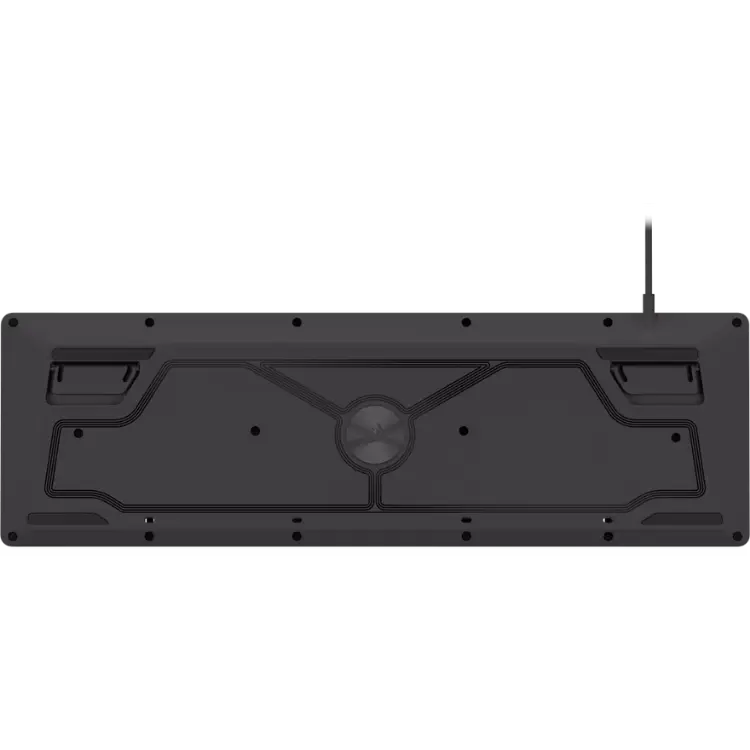
The K55 CORE is also built for real desks. Spill resistance of up to 300 ml helps a knocked-over drink end in a quick wipe rather than a ruined board, and the 1,000 Hz polling rate sends every keystroke to your PC without delay. It is a dependable gaming keyboard for daily use.
CORSAIR K55 CORE RGB Gaming Keyboard key features
- Full-size layout with number pad
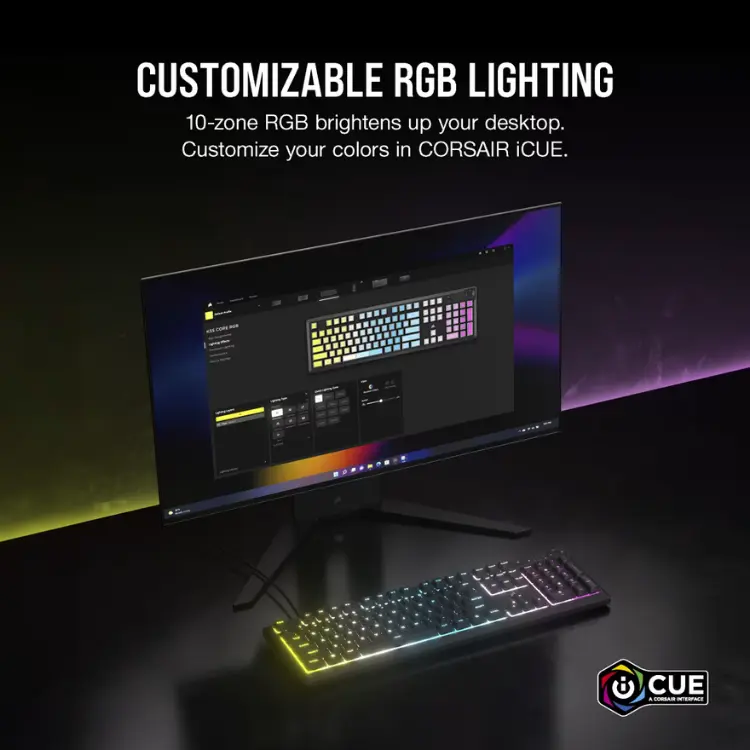
- Ten-zone RGB backlighting with 16.8 million colours
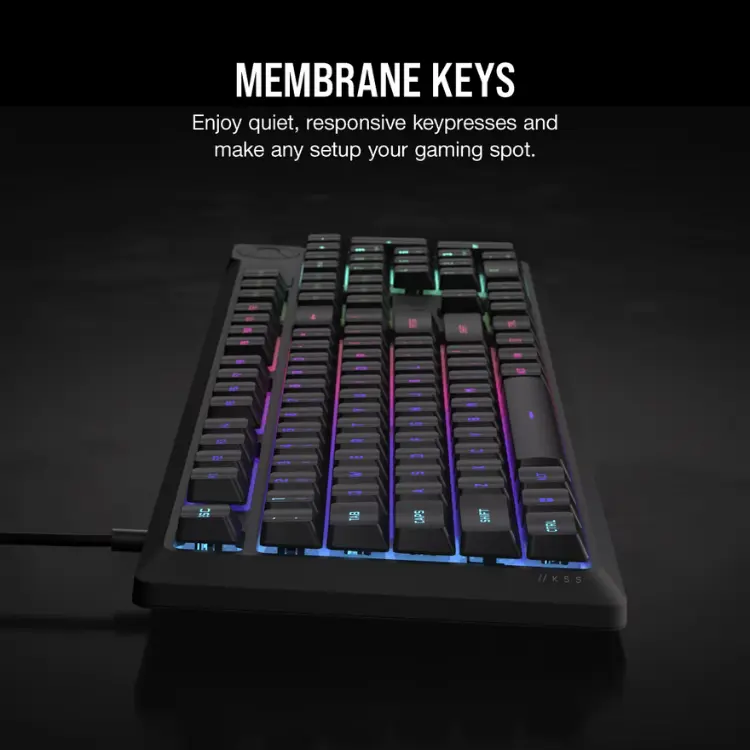
- Quiet, responsive membrane keys
- Six programmable macro keys and onboard memory
- Four dedicated media buttons, plus Win Lock and brightness keys
- Up to 300 ml spill resistance and a 1,000 Hz polling rate
Specifications
| Layout | Full-size with number pad |
|---|---|
| Switch type | Membrane |
| Lighting | Ten-zone RGB |
| Polling rate | 1,000 Hz |
| Macro keys | 6 programmable |
| Spill resistance | Up to 300 ml |
| Software | CORSAIR iCUE |
Membrane keys vs mechanical switches
Mechanical switches are popular, but they are not the only good choice. Membrane keys like those on the K55 CORE are quieter, which matters if you game late at night, share a room or use voice chat with an open microphone.
They also tend to cost less while still offering fast response for gaming. If you prefer a softer, quieter typing feel and want RGB lighting, macro keys and media controls without paying for mechanical switches, a membrane board is a practical choice that still feels responsive in fast games.
Setting up your CORSAIR K55 CORE RGB Gaming Keyboard
Plug the CORSAIR K55 CORE into a free USB port and it works right away for typing and gaming. Install CORSAIR iCUE on Windows to change the RGB zones, record macros and sync your lighting with other CORSAIR devices. Settings can be saved to onboard memory, so your gaming keyboard keeps its profiles when you move it to another PC.
Who the CORSAIR K55 CORE RGB Gaming Keyboard suits
It suits new PC gamers, students who game and study on the same desk, and anyone who prefers quiet membrane keys over clicky mechanical switches. It also pairs well with a new North Gaming PCs build as a reliable first keyboard.
Complete your setup
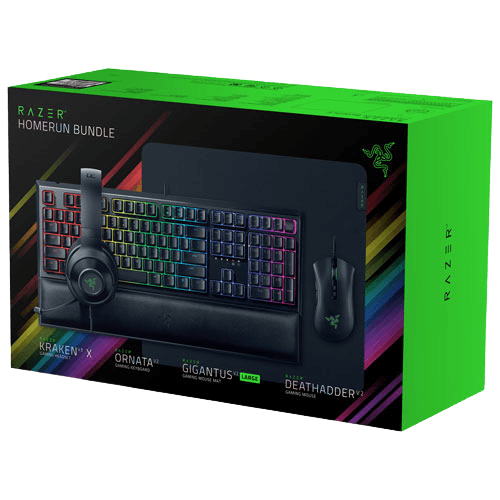 Razer Homerun gaming bundle with keyboard, mouse, headset and mousepad – $194.99 CAD
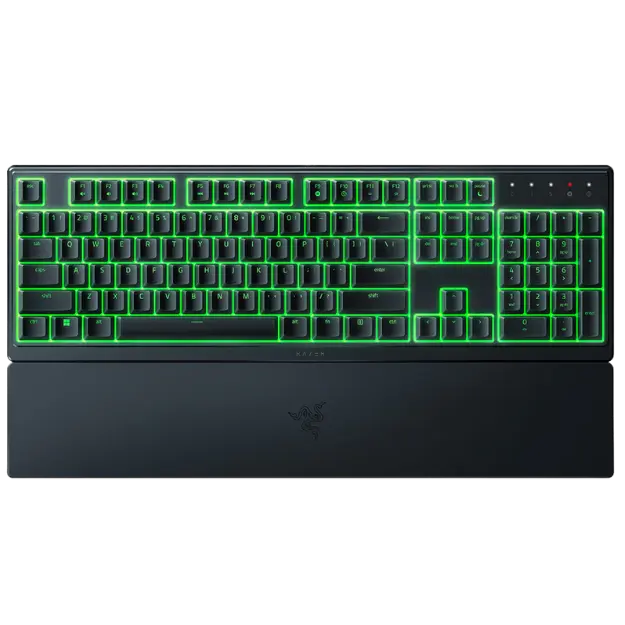 Razer Ornata V3X Renewed Gaming Keyboard – $49.99 CAD
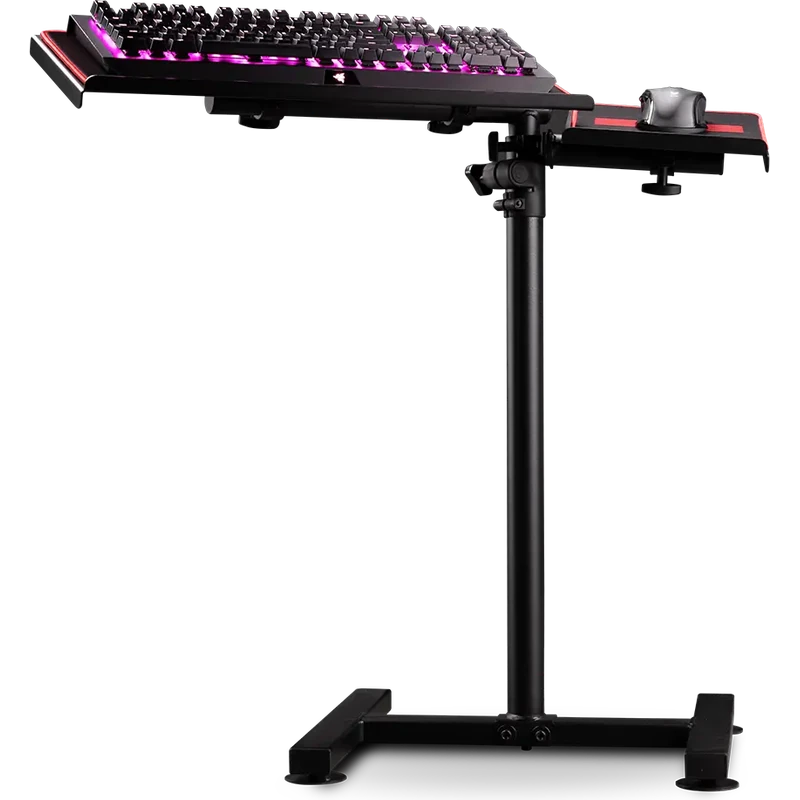 Next Level Racing Free Standing Keyboard and Mouse Stand – $199.99 CAD
CORSAIR K55 CORE RGB Gaming Keyboard FAQ
Is the K55 CORE a mechanical gaming keyboard?
No. It uses quiet membrane keys, which are softer and quieter than most mechanical switches while still responding quickly in games.
Can I change the RGB lighting on this gaming keyboard?
Yes. The ten lighting zones can be customized in CORSAIR iCUE with millions of colours and effects, and the brightness keys adjust it on the fly.
Does it work with consoles?
It is designed for PC. Some consoles accept USB keyboards for typing, but macros and iCUE features require a Windows PC.
For a quiet, spill-resistant gaming keyboard with RGB lighting and media controls, the CORSAIR K55 CORE RGB is a sensible pick. Browse more keyboard at North Gaming PCs, and find manuals, firmware and software on the official Corsair website.