DDR5 RAM is the memory standard used by every current gaming platform, from AMD’s AM5 Ryzen chips to Intel’s latest Core Ultra processors. It is faster than DDR4, it scales to bigger capacities, and it is now the only choice for a new high-end build. This guide explains how much DDR5 RAM you need, which speed to aim for, what timings mean and how to make sure your memory actually runs at its rated speed.
If you would rather skip the parts list, every PC from North Gaming PCs ships with DDR5 RAM already installed and tested, priced in Canadian dollars. If you are unsure which option suits you, our team is happy to compare specifications with you and suggest a setup that fits your space, budget and plans.
What is DDR5 RAM?
RAM is your PC’s short-term workspace. Games keep textures, level data and game logic in memory so the processor can reach it quickly. DDR5 is the fifth generation of desktop DDR memory, defined by the JEDEC standards body, and it arrived in desktops in late 2021.
Compared with DDR4, DDR5 RAM brings several real changes:
- Higher speeds: DDR5 starts at 4,800 MT/s, while gaming kits commonly run at 6,000 MT/s or more.
- Two channels per stick: each module is split into two independent 32-bit subchannels, which improves efficiency.
- On-module power management: a small power chip on each stick delivers cleaner power at a lower 1.1 V base voltage.
- Bigger sticks: 16GB, 24GB, 32GB and 48GB modules are all common, so 64GB or 96GB kits are easy to fit.
DDR5 RAM does not fit DDR4 slots; the notch is in a different place. Read our DDR4 vs DDR5 comparison if you are deciding between platforms.
How much DDR5 RAM do you need for gaming?
Capacity matters more than raw speed once you run out of it. When a game needs more memory than you have, Windows starts using the SSD as overflow, and that causes stutters no fast processor can hide.
- 16GB DDR5 RAM: the bare minimum for gaming today. It works, but browsers, Discord and launchers eat into it quickly.
- 32GB DDR5 RAM: the sweet spot for nearly every gamer. It gives modern games, voice chat and a browser plenty of room.
- 64GB DDR5 RAM: worth it for streamers, video editors, heavy modders and flight simmers who run large add-on scenery.
Our guide on how much RAM do I need goes deeper into specific games and workloads.
Which DDR5 speed is best?
Speed is listed in MT/s, for example DDR5-6000. Higher numbers move more data per second, but the gains taper off, and very fast kits can be harder to run stably.
For AMD Ryzen 7000 and 9000 processors, DDR5-6000 is the well-known sweet spot because it lets the memory controller and Infinity Fabric run in sync. For Intel Core Ultra 200 series chips, DDR5-6400 is the officially supported speed, and faster kits are available for tuners.
What about timings?
Timings such as CL30 describe delays measured in clock cycles. Lower is better at the same speed. A quick way to compare kits is true latency: multiply the CL figure by 2,000 and divide by the speed. DDR5-6000 CL30 works out to 10 nanoseconds, which is excellent, while DDR5-6000 CL40 is about 13 nanoseconds.
Two sticks or four?
For gaming, two sticks of DDR5 RAM are the best choice. Every desktop platform runs memory in dual-channel mode, and two modules fill those channels while putting less strain on the memory controller. Four sticks of DDR5 often force the system to run at a lower speed.
If you think you will want 64GB later, buy a 2 x 32GB kit now instead of planning to add two more sticks. Mixing kits, even identical models, can cause instability.
Turn on EXPO or XMP
New DDR5 RAM boots at a conservative default speed. To reach the speed on the box, you need to enable the memory profile in the BIOS: EXPO on AMD boards or XMP on Intel boards. It takes one setting, but many people never switch it on and leave free performance unused.
The first boot after changing memory settings can take a minute or more on AM5 while the system trains the memory. That pause is normal. Once training finishes, later boots are quick.
DDR5 RAM for sim racing and flight sim
Simulators are some of the most memory-hungry games you can play. Microsoft Flight Simulator recommends 32GB and suggests 64GB for the best experience, and busy online racing grids with many cars also benefit from spare capacity.
If you fly or race in VR, or run telemetry tools, dashboards and voice chat alongside your sim, 32GB of fast DDR5 RAM should be the minimum and 64GB is a sensible upgrade.
DDR5 RAM for streaming and content creation
Gaming is only part of what many PCs do. If you stream with OBS, record gameplay, edit video or run a second monitor full of browser tabs, memory fills up quickly. Video editors and 3D tools in particular keep large files in RAM so they can scrub and preview smoothly.
For a PC that games and streams at the same time, 32GB is the floor and 64GB gives comfortable headroom. A 2 x 32GB kit of DDR5 RAM at 6,000 MT/s keeps the speed advantage while doubling your working space, and it costs far less than it did when DDR5 first launched.
How to check your memory after an upgrade
Once your new memory is installed, confirm it is running correctly:
- Open Task Manager, select Performance and then Memory. Check that the full capacity is listed and that the speed matches your kit.
- If the speed shows 4,800 MT/s or lower, enter the BIOS and enable EXPO or XMP.
- Run a memory test such as Windows Memory Diagnostic or MemTest86 overnight if you see crashes after enabling a profile.
- Update your motherboard BIOS. New firmware often improves memory compatibility and training times.
Most issues with new DDR5 RAM come from mixed kits, outdated BIOS versions or sticks placed in the wrong slots. Your motherboard manual shows which two slots to use first, usually the second and fourth from the processor.
Our DDR5 picks
Every PC we sell comes with DDR5 RAM installed. These are good starting points:


- Ready-to-ship gaming PC: 32GB of DDR5-6000 CL30 memory, an RTX 5060 Ti 16GB and a 1TB Gen 4 SSD, in stock now.
- Configurable gaming PC: choose 16GB to 96GB of DDR5 RAM, in black, white or RGB.
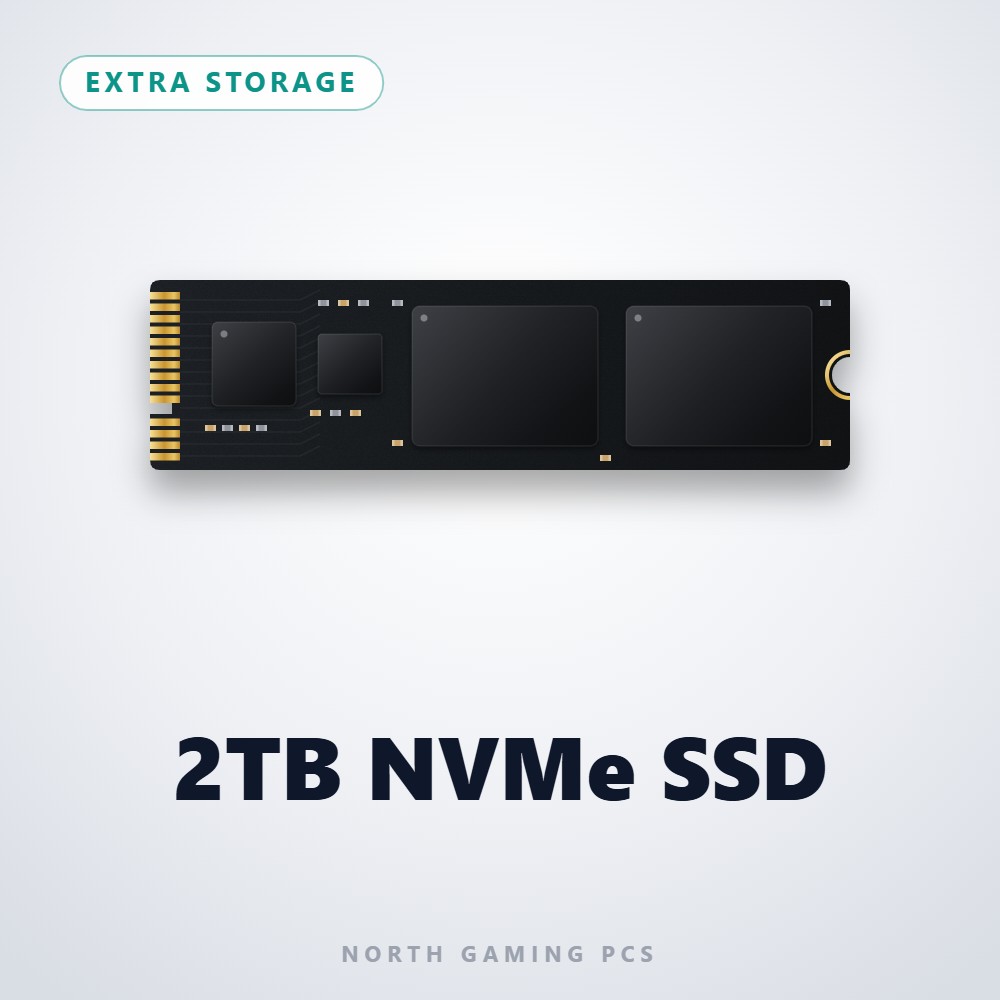
- 2TB NVMe SSD: pair fast memory with fast storage for shorter loading screens.
- ASUS TUF 1440p monitor: a 170 Hz screen that shows off a well-balanced PC.
DDR5 RAM FAQ
Is DDR5 RAM worth it over DDR4?
For a new build, yes. Current AMD and Intel platforms are built around DDR5, and it offers more bandwidth and room to grow.
Does RGB memory perform differently?
No. RGB lighting is purely cosmetic, so pick it if you like the look.
Can I use laptop DDR5 RAM in a desktop?
No. Laptop SO-DIMM modules are smaller and do not fit desktop DIMM slots.
The bottom line on DDR5 RAM
For most gamers, the right answer is 32GB of DDR5 RAM in two sticks, running at DDR5-6000 with low timings and EXPO or XMP switched on. Go to 64GB if you stream, create or fly big sims. Explore our gaming PCs, or contact us and we will help you pick the right DDR5 RAM for your build.