The DDR4 vs DDR5 decision used to be a tricky one, but in 2026 the answer is much clearer for new builds. DDR5 is faster, scales to larger capacities and is the only memory supported by the newest AMD and Intel platforms. DDR4 still makes sense when upgrading an older PC, though, and it remains capable for gaming. This comparison explains the technical differences, the real-world gaming impact, compatibility and cost, so you can choose with confidence.
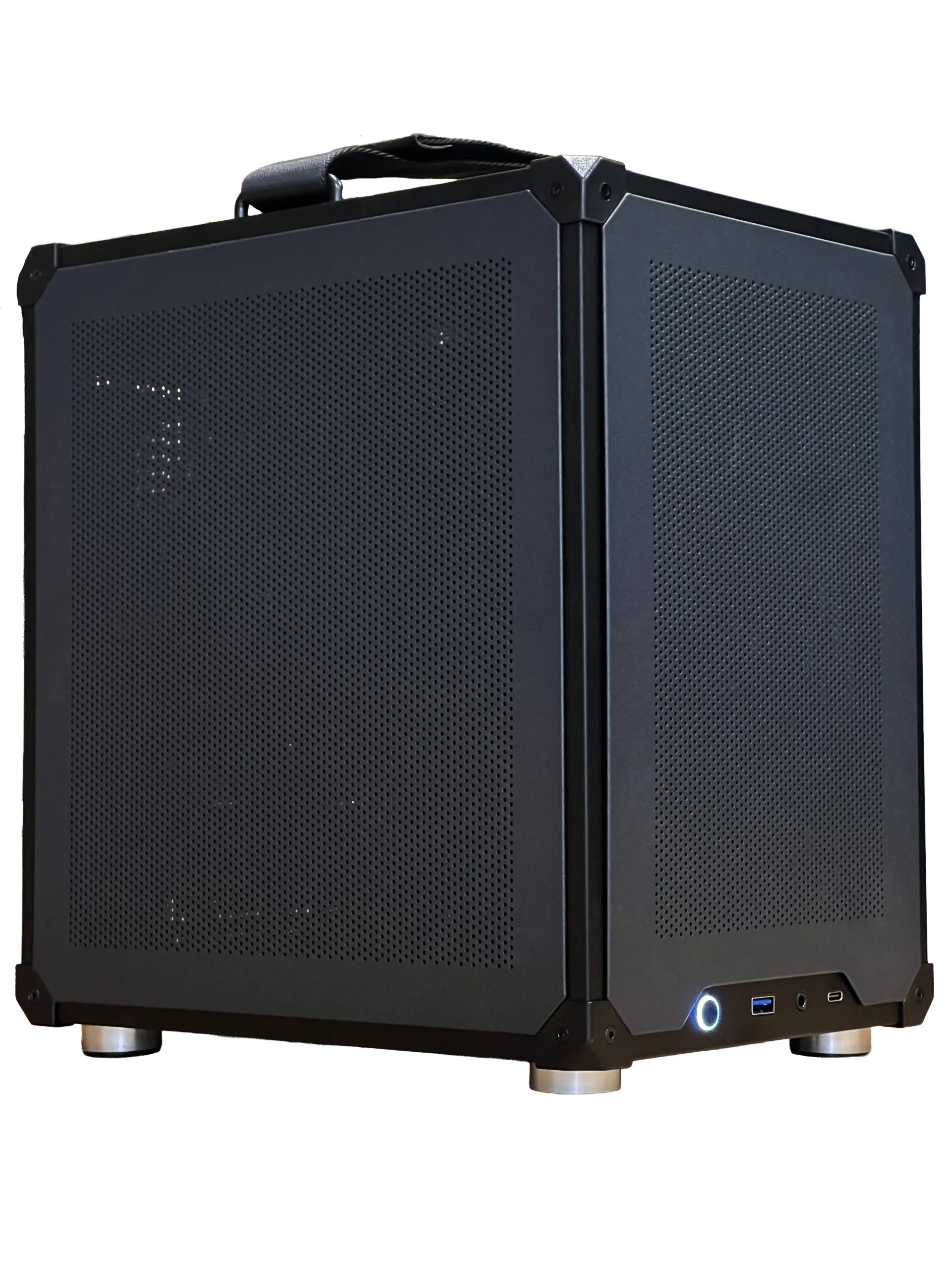
Every gaming PC from North Gaming PCs uses DDR5 memory, priced in Canadian dollars and covered by our 2-year warranty. Every price is shown in Canadian dollars, so there is no surprise currency conversion at checkout, and you can email our team whenever you need help choosing.
DDR4 vs DDR5: the key differences
Both are generations of desktop DDR memory defined by the JEDEC standards body. The main differences:
- Speed: DDR4 gaming kits typically run at 3,200 to 3,600 MT/s. DDR5 starts at 4,800 MT/s, and gaming kits run at 6,000 MT/s and beyond.
- Voltage: DDR4 runs at 1.2 V by default. DDR5 runs at 1.1 V, with power regulation moved onto the module.
- Channels: each DDR5 stick is split into two independent subchannels, which improves efficiency.
- Capacity: DDR5 modules come in larger sizes, including 24GB, 32GB and 48GB sticks.
- Error correction: DDR5 includes on-die error correction to keep dense chips reliable.
The two types are not interchangeable. The notch sits in a different position, so a DDR5 module will not fit a DDR4 slot.
Latency: is DDR5 slower?
Early DDR5 kits had high timings, which led to the myth that DDR5 is slower. What matters is true latency in nanoseconds, worked out by multiplying the CL figure by 2,000 and dividing by the speed. DDR4-3200 CL16 works out to 10 ns, and DDR5-6000 CL30 also works out to 10 ns, but the DDR5 kit moves far more data per second.
In the DDR4 vs DDR5 latency debate, modern DDR5 kits match DDR4 on latency while offering much higher bandwidth.
Gaming performance
With modern processors, DDR5 delivers higher frame rates in CPU-heavy games, sometimes by 10 percent or more, and better 1 percent lows. The gap is largest at 1080p with fast graphics cards and in simulators, strategy games and open-world titles that move lots of data. At 4K, where the graphics card is the limit, the difference becomes small.
Processors with large caches, such as AMD’s X3D chips, are less sensitive to memory speed, but they still run best with fast DDR5.
Platform compatibility
Your platform decides the DDR4 vs DDR5 question for you:
- AMD AM5 (Ryzen 7000, 8000 and 9000): DDR5 only.
- AMD AM4 (Ryzen 1000 to 5000): DDR4 only.
- Intel Core Ultra 200S (LGA 1851): DDR5 only.
- Intel 12th to 14th gen (LGA 1700): DDR4 or DDR5, depending on the motherboard. Each board supports one type, not both.
If you are building new on a current platform, DDR5 is the only option.
Price and value
DDR4 is cheaper per gigabyte and widely available, which makes it attractive for upgrading an older AM4 or Intel 12th to 14th gen system. DDR5 costs more, and memory prices move with global supply, but a 32GB DDR5 kit is a reasonable part of a modern build budget.
When comparing DDR4 vs DDR5 for value, remember that DDR4 platforms are at the end of their road. DDR5 platforms offer processor upgrades for years to come.
When DDR4 still makes sense
DDR4 is the right choice when you already own a DDR4 motherboard and want more capacity, or when you are upgrading an AM4 system to a Ryzen 5000 X3D processor, which still performs very well. Adding a second DDR4 kit to reach 32GB can extend the life of an older gaming PC at low cost.
When to choose DDR5
Choose DDR5 for any new build, any upgrade to a current platform and any system you plan to keep for many years. It offers more bandwidth, larger capacities and a path to faster kits as memory controllers improve. Our DDR5 RAM guide explains speeds, timings and kit choices.
DDR4 vs DDR5 for streaming and creators
Streaming, video editing and 3D work benefit from bandwidth and capacity, both strengths of DDR5. Building a 64GB or 96GB system is simpler with DDR5’s larger modules, and the extra bandwidth helps exports and renders finish sooner. For creators, the DDR4 vs DDR5 decision leans heavily towards DDR5.
DDR4 vs DDR5 for sim racing and flight sim
Simulators push processors and memory hard. iRacing, Assetto Corsa Competizione and Microsoft Flight Simulator all reward fast DDR5 paired with a modern processor, especially in VR and on triple-screen rigs. If your sim racing cockpit is due a new PC, choose DDR5.
Upgrading: DDR4 vs DDR5 decision guide
If you are upgrading rather than building, a simple decision guide helps:
- Check your motherboard model and its supported memory type.
- If it supports DDR4 only, add or replace DDR4 to reach 32GB.
- If your processor is more than four or five years old, consider a new platform with DDR5 instead.
- If you are buying a new motherboard anyway, choose DDR5.
The DDR4 vs DDR5 choice is really a platform choice. Memory follows the motherboard, and the motherboard follows the processor.
Overclocking and EXPO or XMP
Both memory types use profiles stored on the module. Intel boards call them XMP, and AMD boards call them EXPO. Enabling the profile in the BIOS runs the kit at its rated speed. In DDR4 vs DDR5 terms, the process is identical, though DDR5 systems may take longer to boot the first time while memory training completes. That pause is normal and only happens after a change.
DDR4 vs DDR5 for laptops
Laptops use the smaller SO-DIMM format, and the same DDR4 vs DDR5 rules apply: the laptop supports one type only. Many newer thin laptops use soldered LPDDR5 or LPDDR5X memory that cannot be upgraded at all, so buy enough at the start.
Our picks

- Configurable gaming PC: choose 16GB to 96GB of DDR5, built and tested for you.
- 1TB NVMe SSD: fast storage to match fast memory.
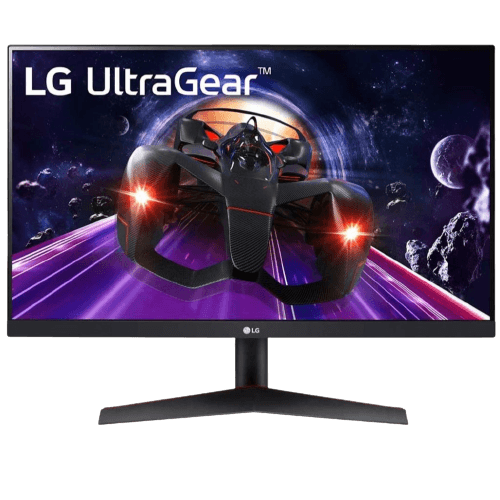
- LG 24-inch 144 Hz monitor: a crisp 1080p IPS display.
Our ready-to-ship gaming PC comes with 32GB of DDR5-6000 CL30 installed.
DDR4 vs DDR5 FAQ
Can I put DDR5 in a DDR4 motherboard?
No. The slots are keyed differently, and each motherboard supports only one type.
Is DDR5 worth it for gaming?
Yes for new builds. It is faster, and current platforms require it.
How much faster is DDR5 than DDR4?
It depends on the game and processor, but gains of 5 to 15 percent are common in CPU-heavy titles.
Can I mix DDR4 and DDR5 in one PC?
No. A motherboard supports one type, and the slots are physically different, so you cannot run both at the same time.
Does DDR5 run hotter than DDR4?
Slightly, because the power regulator now sits on the module. Most kits include heat spreaders, and normal case airflow keeps them well within safe limits.
The verdict
In the DDR4 vs DDR5 comparison, DDR5 wins for any new gaming PC, while DDR4 remains a smart, low-cost upgrade for existing systems. If you are unsure which type your PC uses, check the motherboard model in Windows System Information and look it up on the maker’s website. Explore our gaming PCs, or contact us for help choosing memory.