Description
This 2TB SSD gives your PC a large, fast home for your game library. It is an NVMe solid-state drive offered by North Gaming PCs as extra storage, ideal for keeping dozens of titles installed at once, with the price shown in Canadian dollars.
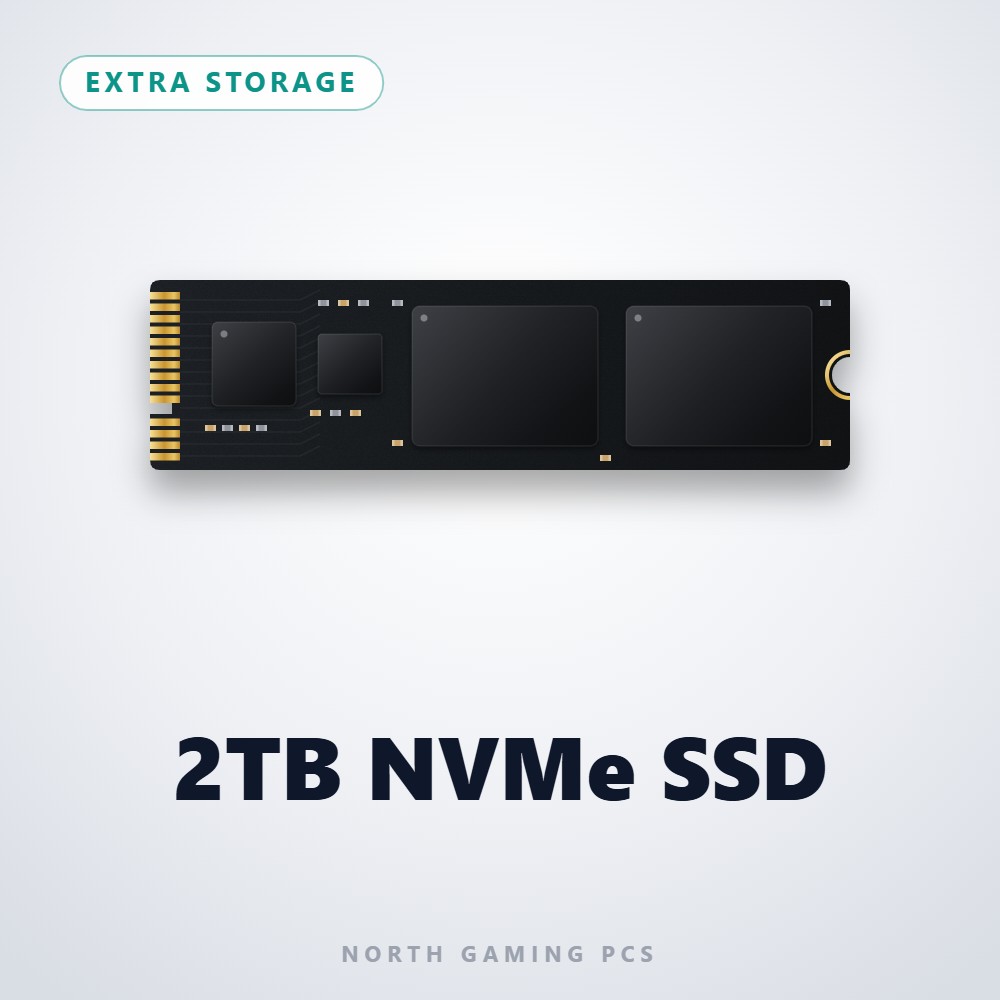
Why choose the 2TB SSD (NVMe)?
Two terabytes is a comfortable size for most gamers today. With many new releases taking 100 GB or more, a 2TB drive lets you keep a full rotation of big games ready to play instead of juggling installs every time a new title comes out.
Because it is an NVMe drive, it connects over PCIe and loads games far faster than a hard drive. That means shorter load screens, faster level streaming in open-world games and quicker installs and updates, all without the noise of spinning disks.
2TB SSD (NVMe) key features
- 2TB of NVMe solid-state storage
- Fast load times compared with hard drives
- Silent operation with no moving parts
- Room for a large game library
- Space for captures, mods and creative projects
- Available as extra storage with North Gaming PCs builds
Specifications
| Capacity | 2TB |
|---|---|
| Type | NVMe solid-state drive |
| Typical use | Main or second drive for games and media |
| Noise | Silent (no moving parts) |
Organizing a 2TB game drive
A good habit is to keep Windows and apps on your main drive and install games on the 2TB SSD. Most launchers, including Steam, Epic Games and the Xbox app, let you add a new library folder in a few clicks, so new downloads go straight to the larger drive.
If you stream or record gameplay, set your capture software to save to a separate folder on the drive and clear old recordings regularly. Leaving some free space on any SSD helps it keep performing at its best.
Setting up your 2TB SSD (NVMe)
Select the 2TB SSD as extra storage when you configure a North Gaming PCs build, or install it in any desktop with a free M.2 NVMe slot. In Windows, open Disk Management, initialize the drive, create a new volume and give it a clear name such as Games. Then add it as a library location in your game launchers. Run a quick check in Windows Settings under Storage to confirm the full capacity is available.
Who the 2TB SSD (NVMe) suits
It suits gamers with large libraries, players who switch between many big titles, content creators who record or edit video, and anyone who wants fast storage with plenty of room to grow.
Complete your setup
 8TB Hard Drive – $479.00 CAD
 4TB Hard Drive – $269.00 CAD
 1TB NVMe SSD – $249.00 CAD
2TB SSD (NVMe) FAQ
How many games can a 2TB SSD hold?
It depends on the titles, but with many games using 50 to 150 GB, a 2TB drive typically holds well over a dozen large games plus smaller ones.
Is NVMe faster than a SATA SSD?
Yes. NVMe drives use the PCIe interface and are generally much faster than SATA SSDs and far faster than hard drives.
Can I add this drive to my current PC?
Yes, if your motherboard has a free M.2 slot that supports NVMe. Check your motherboard manual before ordering.
Should I use it as my main drive?
It works well as either. Many players use it as a dedicated game drive and keep Windows on a separate SSD.
Will a 2TB SSD make my games run faster?
It shortens load times and speeds up installs and level streaming compared with a hard drive. Frame rates depend mainly on your graphics card and processor.
A 2TB SSD is a smart balance of space, speed and price for a growing game library. Browse more Extra Storage at North Gaming PCs, and find manuals, firmware and software on the solid-state drive overview on Wikipedia.