Description
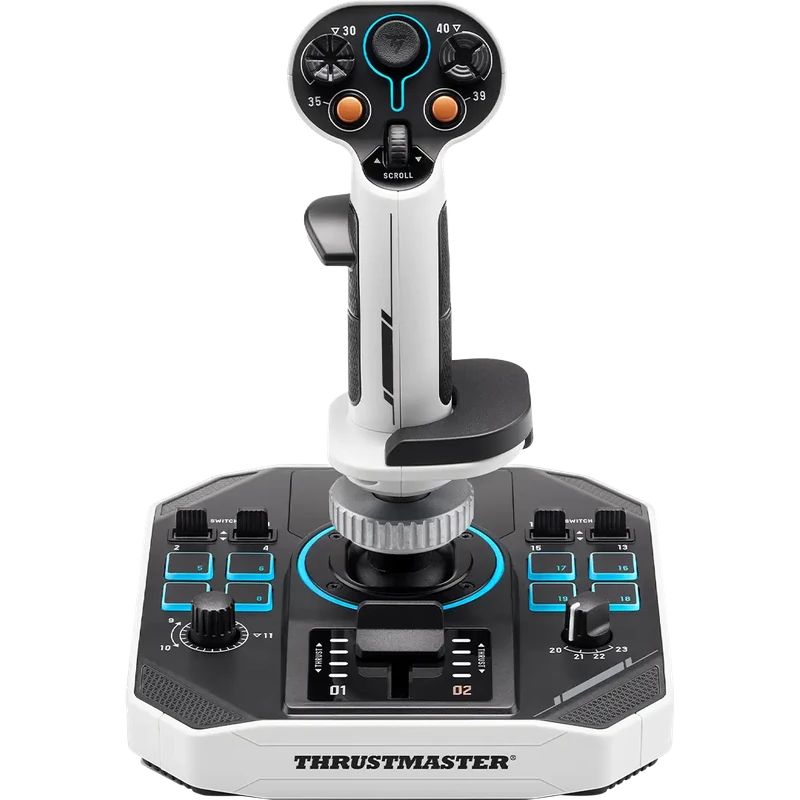
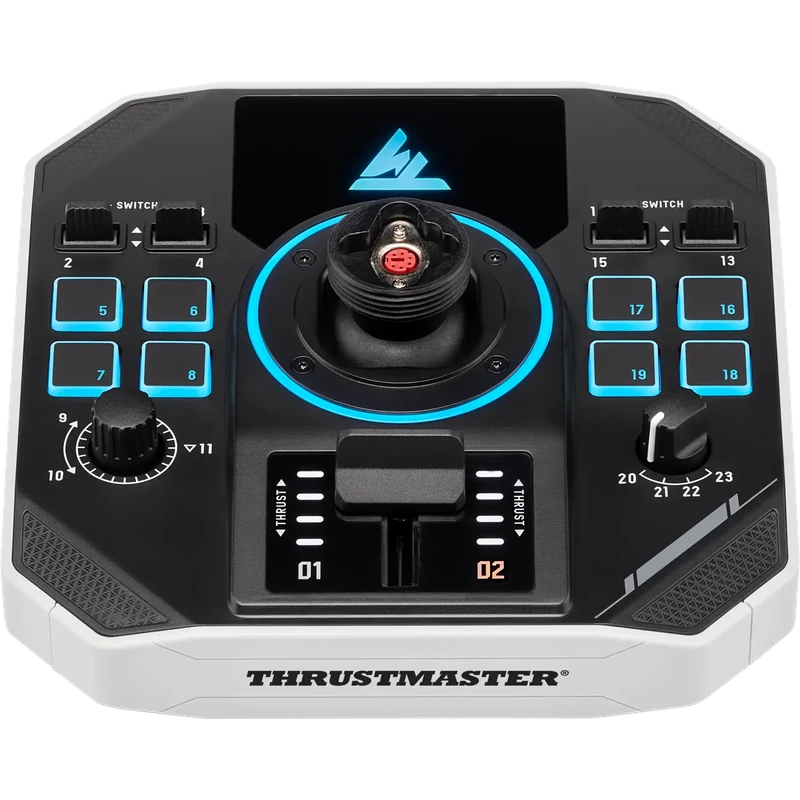
The Thrustmaster Sol-R 1 Flightstick is a precise, ambidextrous Thrustmaster joystick designed specifically for space combat and exploration on PC. It pairs a removable grip with a base that includes a central throttle, and the price is shown in Canadian dollars.
Why choose the Thrustmaster Joystick (Sol-R 1 Flightstick)?
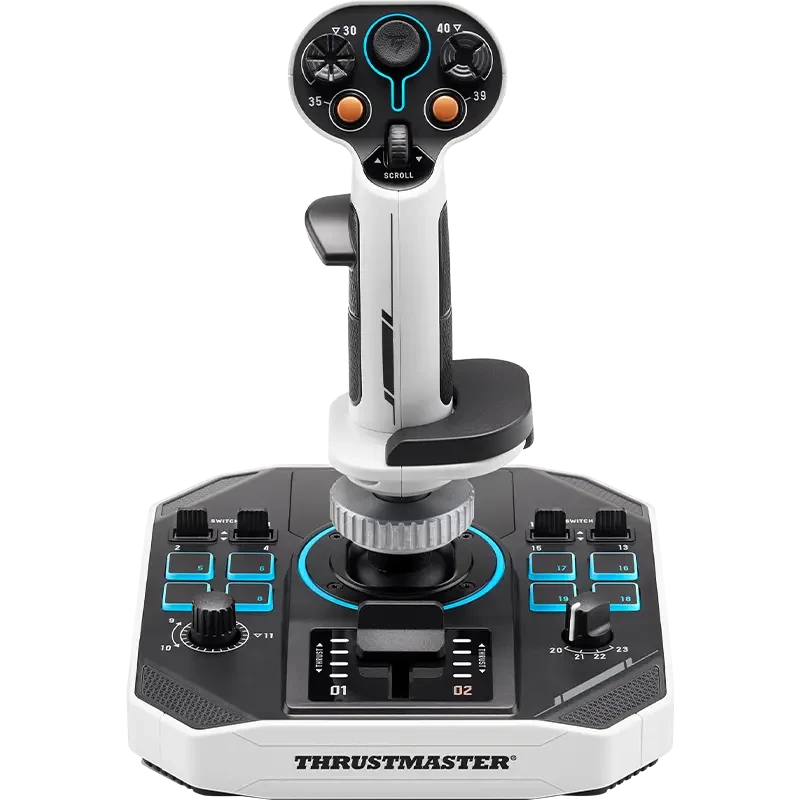
With a total of 44 assignable actions, weapons, targeting, power management and navigation all stay within reach of one hand. It is built for advanced space sim pilots who want a dedicated stick for their starship.
The grip carries 21 action buttons, including two triggers (one of them dual-position), two hat switches, a ministick and a thumbwheel, for fine control in the heat of a dogfight. Its design, inspired by science-fiction blockbusters, gives your desk a distinctive look.
Thrustmaster Joystick (Sol-R 1 Flightstick) key features
- Ambidextrous space sim joystick
- Removable grip
- Central throttle on the base
- 44 assignable actions
- 21 buttons on the grip, including a dual-position trigger
- Two hats, a ministick and a thumbwheel
Specifications
| Platform | PC |
|---|---|
| Actions | 44 assignable |
| Grip buttons | 21 |
| Triggers | 2 (one dual-position) |
| Extras | 2 hats, ministick, thumbwheel |
| Throttle | Central, on the base |
A Thrustmaster joystick built for space
Space sims ask a lot of your controls: lateral and vertical thrusters, weapons groups, shields and power all need quick access. The Sol-R 1 keeps those functions on one stick and base, so you can fly and fight without reaching for the keyboard.
Because it is ambidextrous, it suits left- or right-handed pilots, and two Sol-R units can be used together for a dual-stick setup.
The ministick and thumbwheel are ideal for strafing and fine speed control in titles such as Star Citizen and Elite Dangerous.
Its distinctive design, inspired by science-fiction blockbusters, also makes it a striking centrepiece on your desk or in a dedicated space sim cockpit.
Setting up your Thrustmaster Joystick (Sol-R 1 Flightstick)
Connect the flightstick to your PC and install Thrustmaster’s software. In your space sim, assign the three movement axes, set the base throttle and map weapons, targeting and power to the triggers, hats and buttons. Save profiles for each game.
Who the Thrustmaster Joystick (Sol-R 1 Flightstick) suits
It suits space combat and exploration pilots, Star Citizen and Elite Dangerous players, and anyone who wants an ambidextrous Thrustmaster joystick with plenty of inputs.
Complete your setup
These picks work well alongside the Thrustmaster Joystick (Sol-R 1 Flightstick):
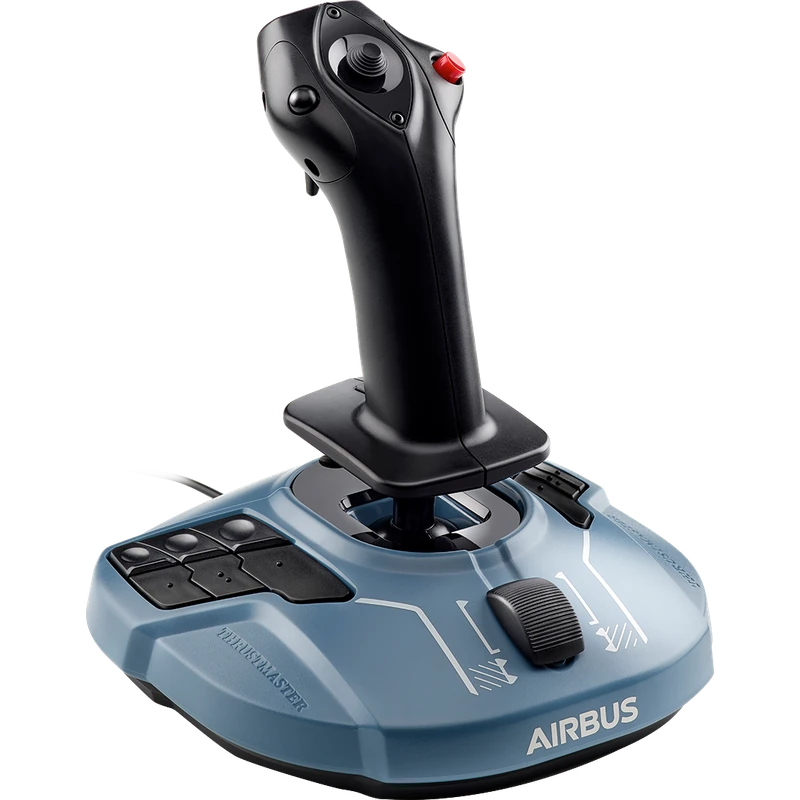 Thrustmaster TCA Sidestick Airbus Edition (PC) – $119.99 CAD
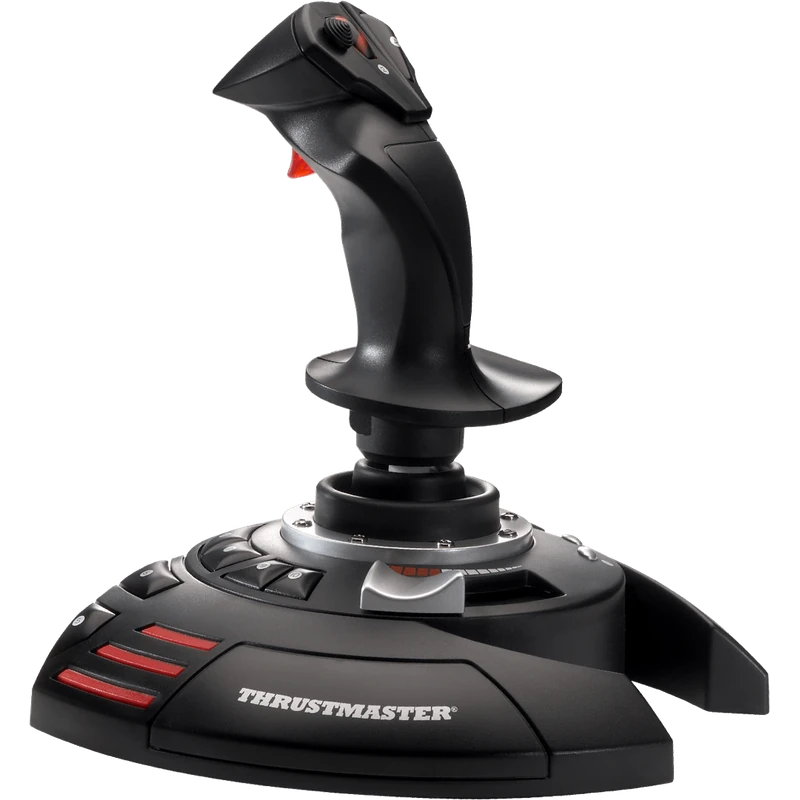 Thrustmaster T.Flight Stick X Joystick (PC) – $59.99 CAD
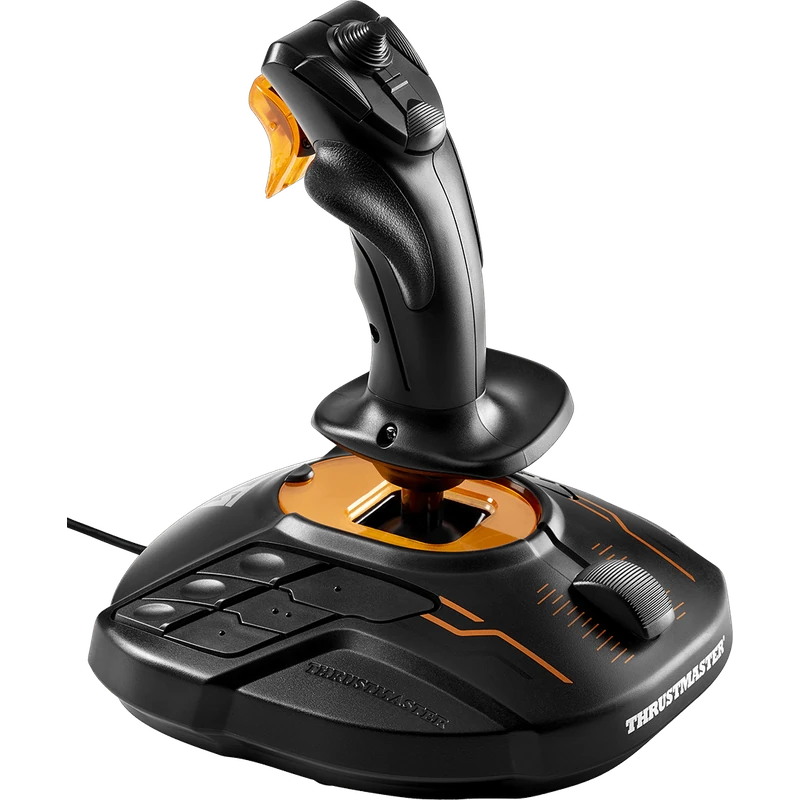 Thrustmaster T.16000M FCS Flight Stick – $109.99 CAD
All prices at North Gaming PCs are shown in Canadian dollars, so the $289.99 listed for the Thrustmaster Joystick (Sol-R 1 Flightstick) needs no currency conversion. Check the specifications and compatibility notes above before you order, and compare it with similar sticks in our catalogue.
North Gaming PCs is a Canadian store for gaming PCs, sim racing and flight sim gear. Every product page lists the key specifications, compatibility notes and price in Canadian dollars, so you can compare options and build a setup that suits your space, budget and favourite games.
Thrustmaster Joystick (Sol-R 1 Flightstick) FAQ
Is the Sol-R 1 a Thrustmaster joystick for space sims?
Yes. It is designed specifically for space combat and exploration on PC.
How many actions can I assign?
A total of 44 assignable actions.
Is it ambidextrous?
Yes. It suits left- and right-handed pilots.
Does it have a throttle?
Yes. The base includes a central throttle.
Is the grip removable?
Yes. It has a removable grip.
Does it work on consoles?
It is designed for PC.
Does it have a dual-stage trigger?
Yes. One of the two triggers is a dual-position trigger.
For a dedicated, ambidextrous Thrustmaster joystick for space flight, the Sol-R 1 is a stellar choice. Browse more Sticks at North Gaming PCs, and find manuals, firmware and software on the official Thrustmaster website.