Description
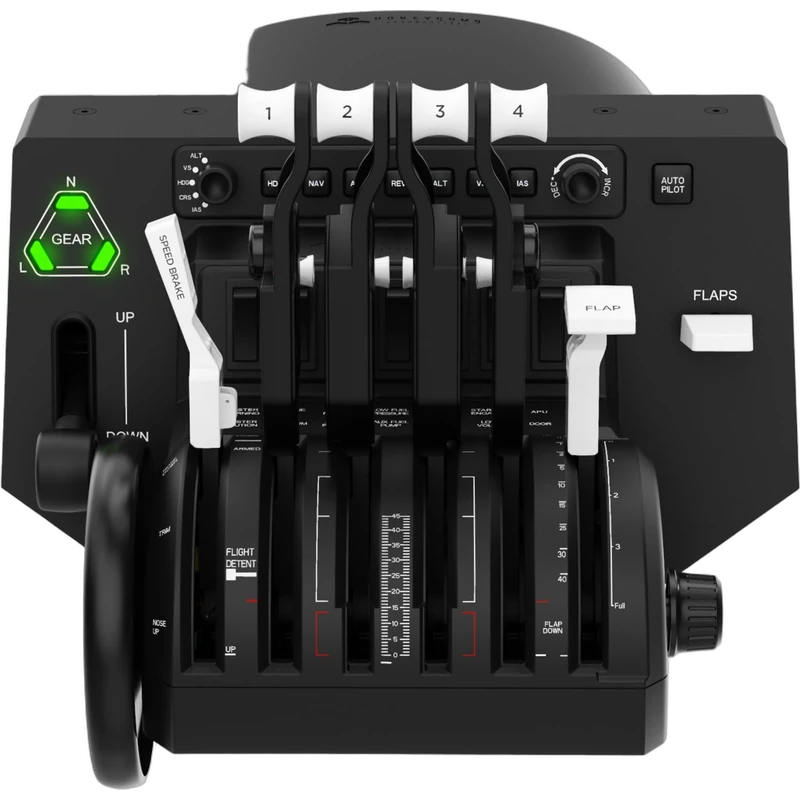
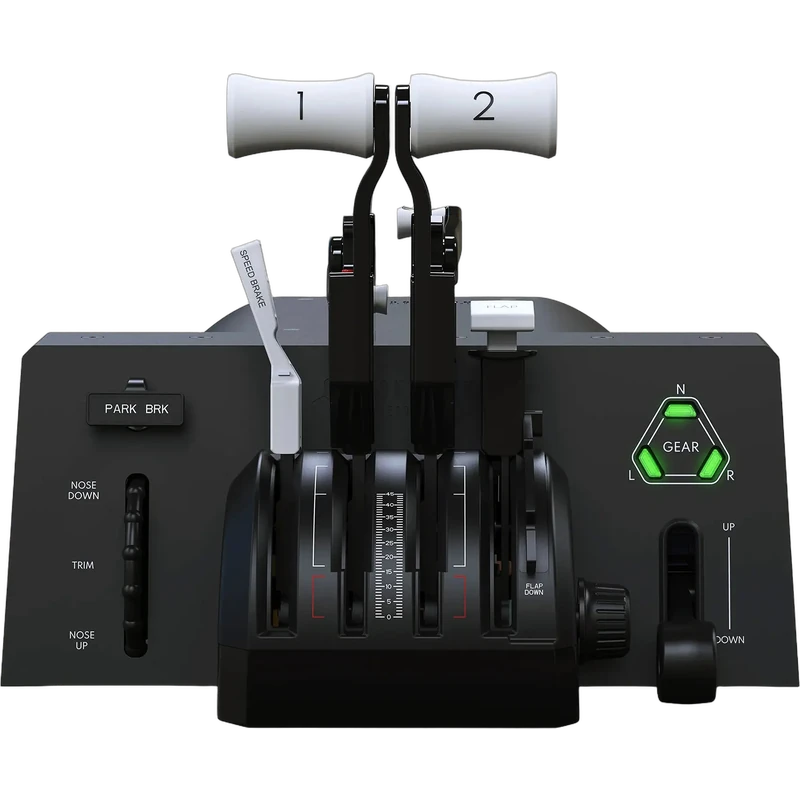
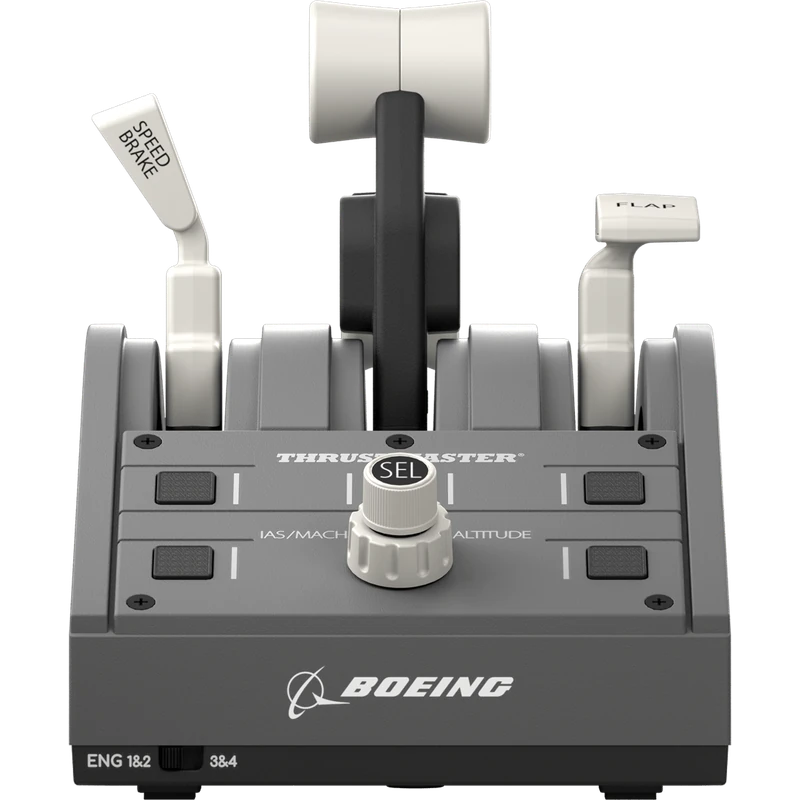
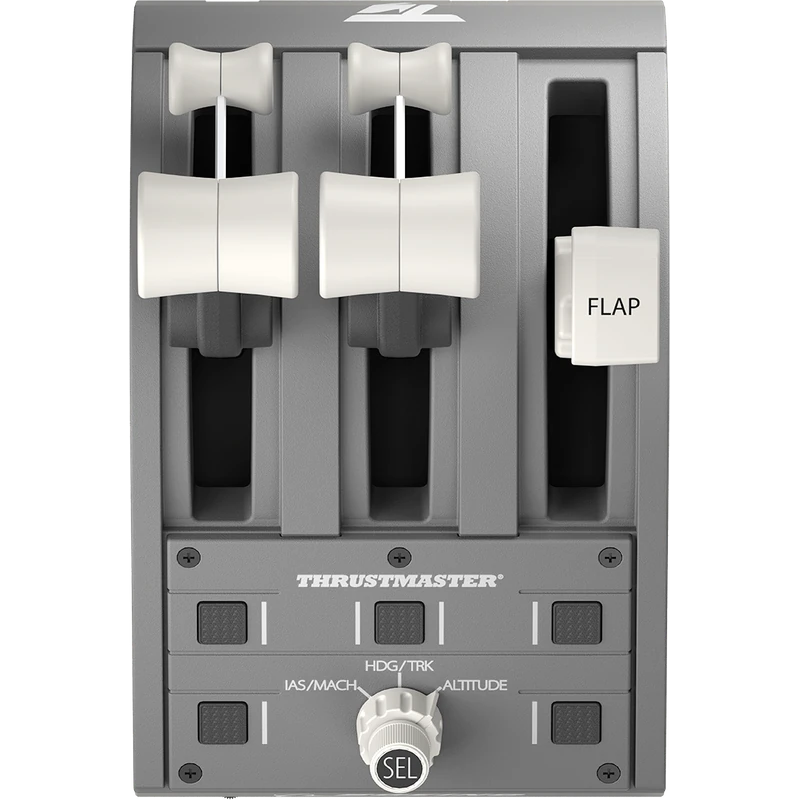
The Thrustmaster TCA Quadrant Boeing Edition is an official replica throttle quadrant inspired by the Boeing 787 Dreamliner, officially licensed for Xbox and produced under license from Boeing. This Thrustmaster Boeing throttle works on Xbox One, Xbox Series X|S and PC, and the price is shown in Canadian dollars.
Why choose the Thrustmaster Boeing Throttle: TCA Quadrant Boeing Edition?
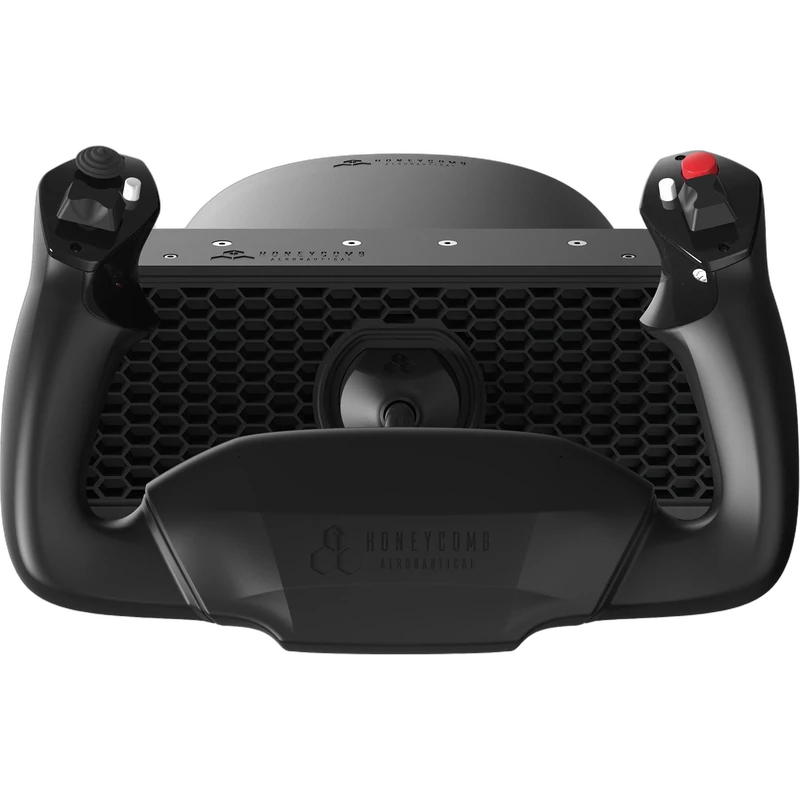
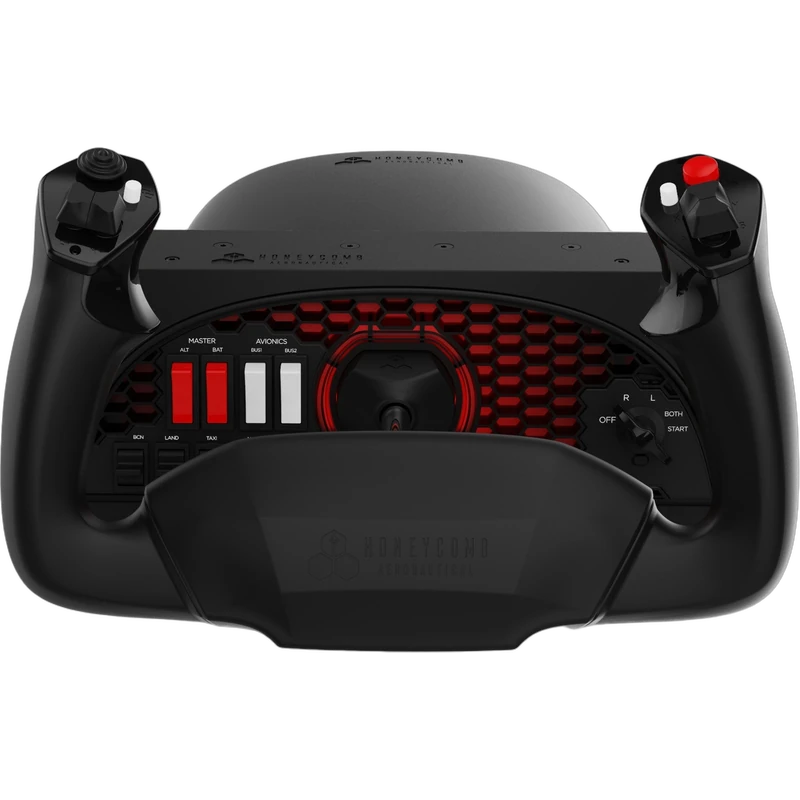
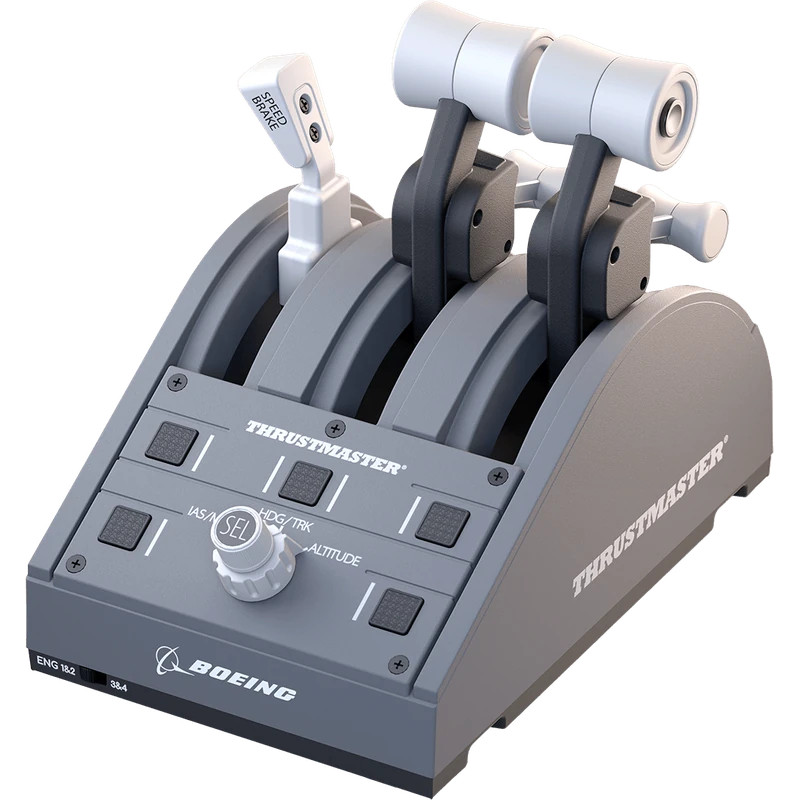
It belongs to TCA Boeing Edition, Thrustmaster’s flagship civil aviation range, built to replicate the controls and sensations real Boeing pilots experience. It pairs with the TCA Yoke Boeing Edition.
The thrust levers replicate the linear resistance pilots feel when moving them, and the iconic Boeing autopilot rotary knob gives realistic control of altitude, airspeed and heading.
Thrustmaster Boeing Throttle: TCA Quadrant Boeing Edition key features
- Inspired by the Boeing 787 Dreamliner
- Licensed by Boeing and for Xbox
- H.E.A.R.T magnetic sensors, 16-bit
- 3 axes
- Autopilot rotary knob
- Four swappable levers
Specifications
| Axes | 3, H.E.A.R.T 16-bit |
|---|---|
| Platforms | Xbox One, Xbox Series X|S, PC |
| Size | 130 x 195 x 150 mm |
| Weight | 600 g |
| Included | Crossbar, two attachment pieces, USB cable |
Airliner realism
Thrustmaster’s H.E.A.R.T magnetic technology delivers 16-bit resolution on each of the quadrant’s 3 axes, for precise control from takeoff power to the final flare.
All four supplied levers can be swapped, so you can place the speed brake and flaps levers on the side of your choice for a truly ambidextrous setup.
A crossbar and two attachment pieces are included, so you can combine it with other TCA units.
It is compatible with flight titles on Xbox, such as Microsoft Flight Simulator, as well as the leading PC simulators.
On PC, Thrustmaster drivers and firmware updates are available from the official support page.
It is also included in the TCA Yoke Pack Boeing Edition for pilots who want the complete set in one box.
Setting up your Thrustmaster Boeing Throttle: TCA Quadrant Boeing Edition
Place the quadrant beside your yoke, fit the levers in the layout you prefer and connect it with the USB cable. Assign throttle, speed brake and flaps axes in your sim, and test the autopilot knob.
Who the Thrustmaster Boeing Throttle: TCA Quadrant Boeing Edition suits
It suits airliner pilots in Microsoft Flight Simulator, TCA Yoke owners, and anyone who wants a realistic Thrustmaster Boeing throttle quadrant.
Complete your setup
These picks work well alongside the Thrustmaster Boeing Throttle: TCA Quadrant Boeing Edition:
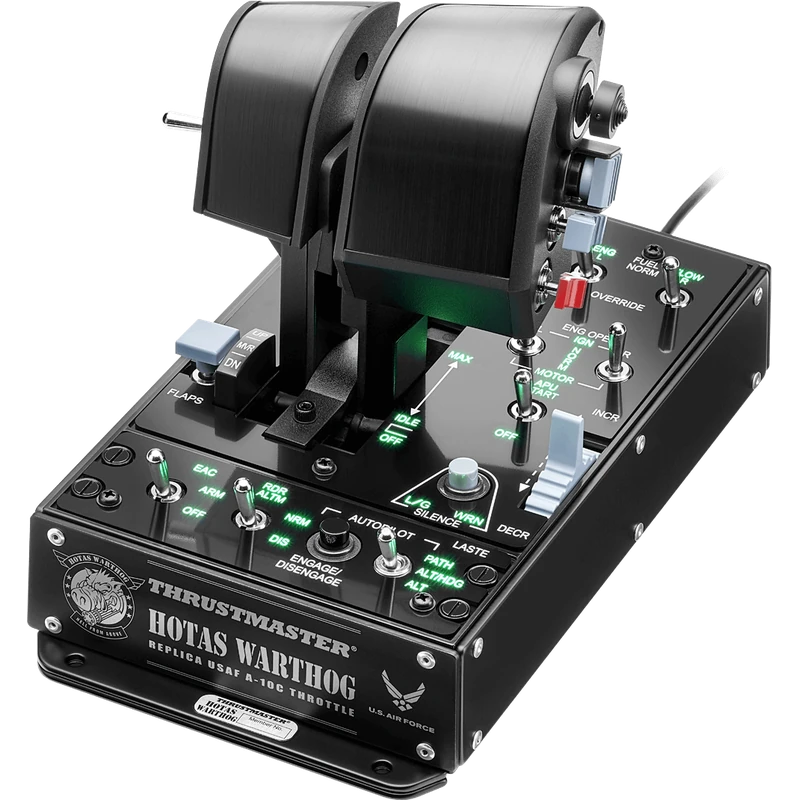 Thrustmaster HOTAS Warthog Dual Throttle (A-10C Replica) – $419.99 CAD
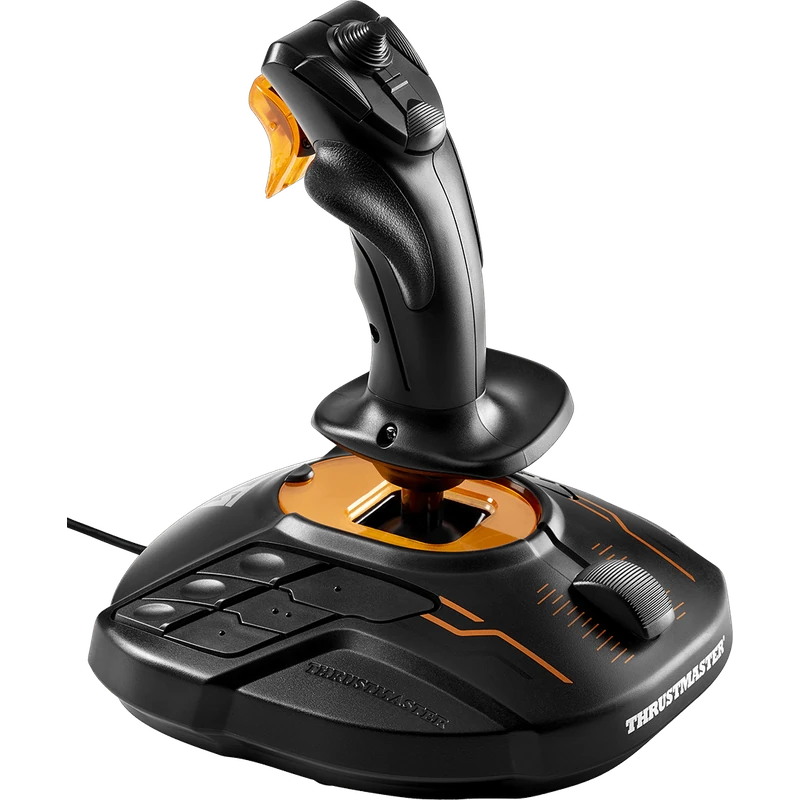 Thrustmaster T.16000M FCS Flight Stick – $109.99 CAD
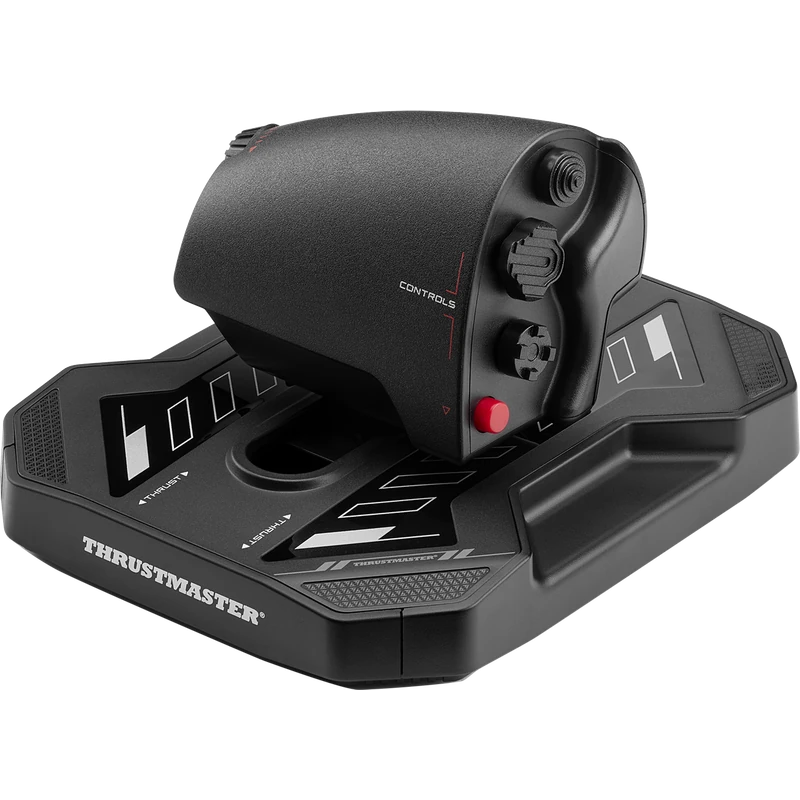 Thrustmaster Sol-R 6 Throttle – $139.99 CAD
All prices at North Gaming PCs are shown in Canadian dollars, so the $249.99 listed for the Thrustmaster Boeing Throttle: TCA Quadrant Boeing Edition needs no currency conversion. Check the specifications and compatibility notes above before you order, and compare it with similar sticks in our catalogue.
North Gaming PCs is a Canadian store for gaming PCs, sim racing and flight sim gear. Every product page lists the key specifications, compatibility notes and price in Canadian dollars, so you can compare options and build a setup that suits your space, budget and favourite games.
Thrustmaster Boeing Throttle: TCA Quadrant Boeing Edition FAQ
Which aircraft inspired the Thrustmaster Boeing throttle?
The Boeing 787 Dreamliner.
Which platforms does it support?
Xbox One, Xbox Series X|S and PC.
How many axes does it have?
Three, with 16-bit H.E.A.R.T sensors.
Does it have an autopilot knob?
Yes. The iconic Boeing autopilot rotary knob.
Can I swap the levers?
Yes. All four levers can be swapped.
Does it work with Microsoft Flight Simulator?
Yes.
Does it pair with a yoke?
Yes. The TCA Yoke Boeing Edition.
How much does it weigh?
600 g.
Is a crossbar included?
Yes, with two attachment pieces.
For airliner realism on Xbox or PC, the Thrustmaster Boeing throttle quadrant is the natural partner to your yoke. Browse more Sticks at North Gaming PCs, and find manuals, firmware and software on the official Thrustmaster website.