The best monitor for Xbox Series X brings out the console’s strengths: sharp 1440p or 4K images, smooth 120 Hz gameplay and variable refresh rate for tear-free motion. Choosing the right screen means understanding which resolutions and features the Xbox supports and how to set them up. This guide explains resolution, refresh rate, HDMI versions, VRR, HDR and settings, so you can pick the best monitor for Xbox Series X and get it running perfectly.
North Gaming PCs stocks 1440p and 1080p monitors that work well with consoles, priced in Canadian dollars with a 2-year warranty. Every price is shown in Canadian dollars, so there is no surprise currency conversion at checkout, and you can email our team whenever you need help choosing.
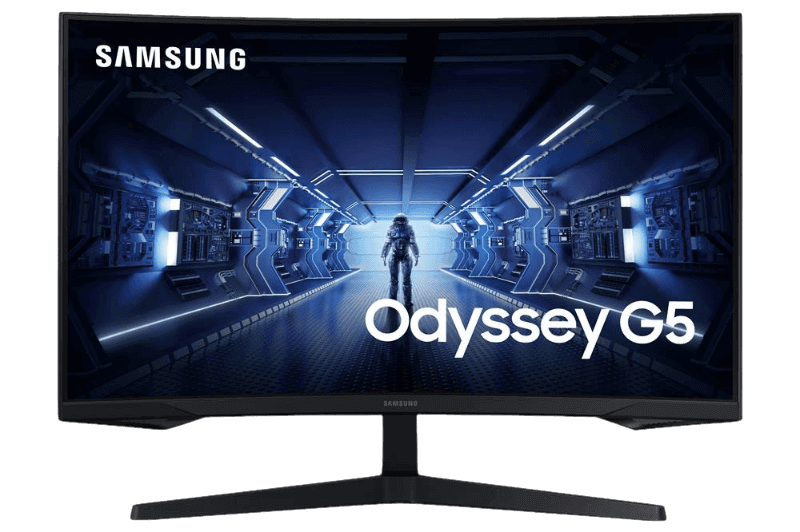
What the Xbox Series X can output
The Xbox Series X supports 1080p, 1440p and 4K output, with up to 120 Hz in supported games. The Xbox Series S supports the same refresh rates with 1440p as its main gaming resolution. Neither console goes beyond 120 Hz, so very high refresh monitors offer no extra benefit for Xbox. Many games offer separate quality and performance modes, so a 120 Hz screen lets you choose between sharper visuals and smoother motion.
1440p or 4K?
For a desk setup, a 27-inch 1440p monitor is often the best monitor for Xbox Series X value. It looks sharp, many games run at high frame rates in performance modes and 1440p screens are affordable. A 4K monitor shows the console’s sharpest image, especially at 32 inches, but costs more and needs HDMI 2.1 for 4K at 120 Hz. Our 1440p vs 4K guide explains the trade-offs.
HDMI 2.0 vs HDMI 2.1 on the best monitor for Xbox Series X
The Xbox Series X uses HDMI 2.1. For 4K at 120 Hz, your monitor needs HDMI 2.1. For 1440p at 120 Hz, many HDMI 2.0 monitors work. When comparing screens for the best monitor for Xbox Series X, check the HDMI version on the spec sheet.
FreeSync and VRR on Xbox
The Xbox supports variable refresh rate over HDMI 2.1 and also supports AMD FreeSync over HDMI on compatible monitors. That gives Xbox players more monitor options for tear-free gaming than PS5 owners have. Enable Allow variable refresh rate in the console’s video settings. Our variable refresh rate guide explains how VRR works.
HDR on the best monitor for Xbox Series X
The Xbox Series X supports HDR10 and Dolby Vision for gaming on compatible displays, plus Auto HDR for older games. For convincing HDR, choose a bright monitor with local dimming or an OLED panel. On basic HDR400 monitors, SDR often looks better. Run the Xbox HDR Game Calibration app after connecting a new screen.
Input lag and ALLM
Auto Low Latency Mode lets the Xbox switch compatible displays into their game mode automatically. Most gaming monitors already have very low input lag, so ALLM matters more on TVs. Turn off extra picture processing in the monitor menu for the most responsive feel.
Size and desk distance
Size matters when choosing the best monitor for Xbox Series X. 24 inches suits small desks, 27 inches is the sweet spot and 32 inches suits 4K. Sit about an arm’s length from the screen. A height-adjustable stand or VESA mount helps comfort.
Audio options
Many monitors have weak or no speakers. Plug a headset into the Xbox controller, use the monitor’s headphone jack or connect speakers. Windows Sonic for Headphones is built into the Xbox for spatial audio.
Best Xbox settings for a monitor
- Go to Settings, General, then TV and display options.
- Set Resolution to your monitor’s native resolution.
- Set Refresh rate to 120 Hz if supported.
- Under Video modes, tick Allow variable refresh rate and Allow 4K if relevant.
- Run the HDR Game Calibration app if you use HDR.
Best monitor for Xbox Series X and PC together
Many players connect both an Xbox and a gaming PC to one monitor. Choose a screen with HDMI for the Xbox and DisplayPort for the PC, so the PC can use its higher refresh rate. A 1440p monitor at 144 Hz to 170 Hz is a great match for both.
Racing on Xbox
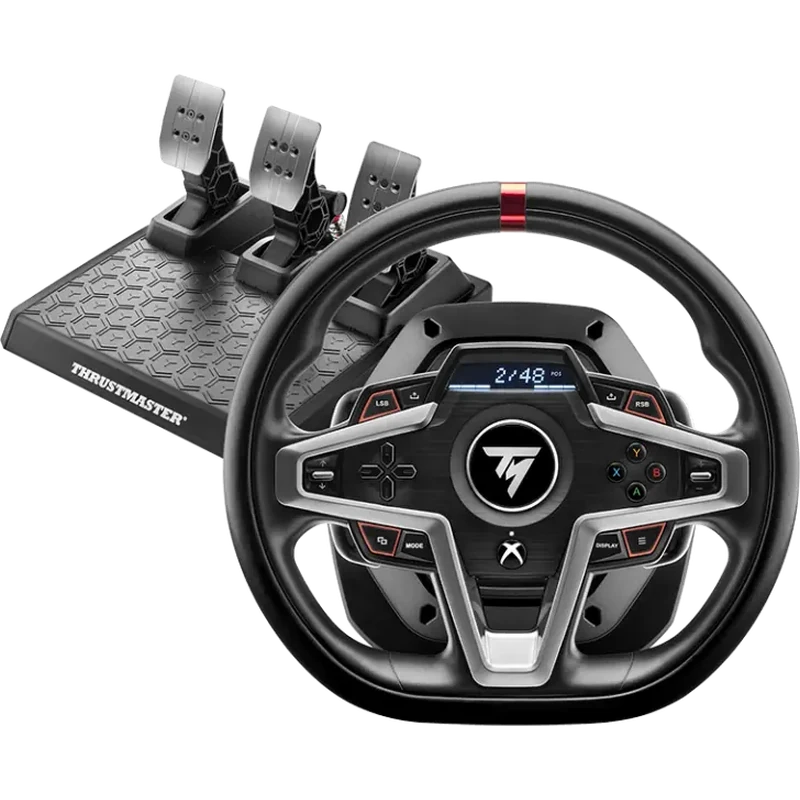
Xbox racing fans can pair the best monitor for Xbox Series X with a compatible wheel for Forza Motorsport and Forza Horizon. The Thrustmaster T248 for Xbox, MOZA R3 bundle and other Xbox-licensed wheels work with the console. Our sim racing bundles include several Xbox-compatible options.
Best monitor for Xbox Series X on a budget
On a budget, a 27-inch 1440p monitor at 144 Hz to 170 Hz offers the best value. It runs the console at 1440p and 120 Hz, supports FreeSync for smooth play and leaves money for games and accessories. The best monitor for Xbox Series X on a tight budget does not need 4K or very high refresh rates.
Best monitor for Xbox Series X for competitive play
Competitive Xbox players in games such as Call of Duty and Halo benefit from 120 Hz and low input lag. A 24-inch or 27-inch screen keeps the whole action in view. Turn on 120 Hz and VRR, choose performance modes in games and use a wired controller or low-latency wireless connection.
Best monitor for Xbox Series X for cinematic games
For story games and open worlds, a larger screen with deep contrast or OLED shines. A 32-inch 4K monitor with HDR shows the console’s sharpest image. If your desk is deep enough, this setup makes single-player games look spectacular.
Common mistakes
Avoid buying a 240 Hz monitor for Xbox alone, since the console tops out at 120 Hz. Check HDMI support for 4K 120 Hz, and remember to enable VRR in the Xbox settings. Without these steps, even the best monitor for Xbox Series X will not show its full potential.
Our picks

- ASUS TUF VG27AQ1A: a 1440p IPS monitor with FreeSync Premium.
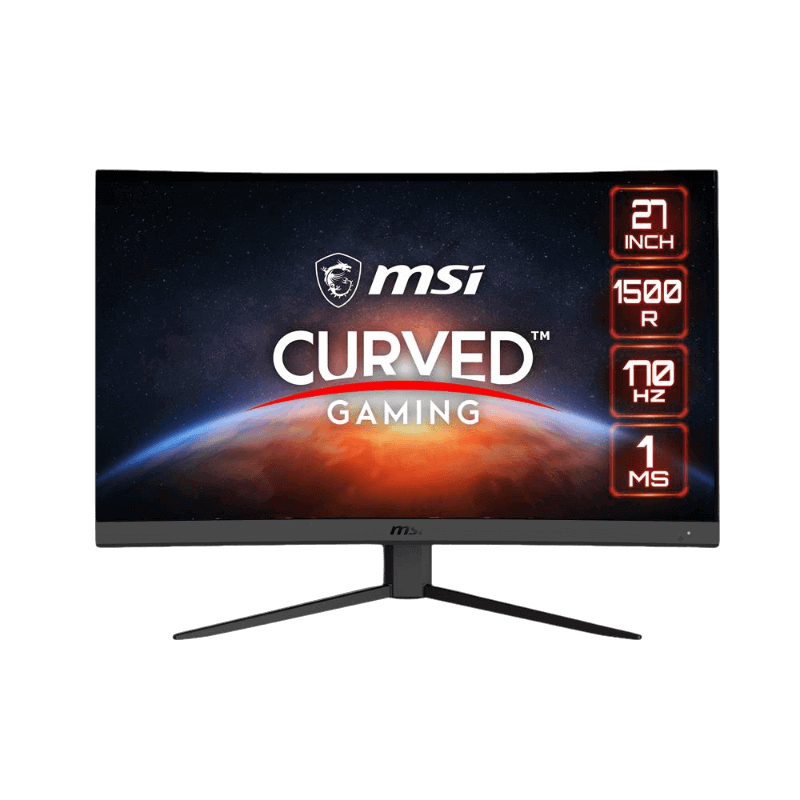
- MSI G27CQ4 E2: a curved 1440p VA monitor for immersive console play.
- Thrustmaster T248 for Xbox: a hybrid force feedback wheel for Forza.
Best monitor for Xbox Series X FAQ
Does Xbox Series X support 1440p?
Yes, at up to 120 Hz in supported games.
Do I need HDMI 2.1?
For 4K at 120 Hz, yes. For 1440p at 120 Hz, many HDMI 2.0 monitors work.
Does Xbox support FreeSync?
Yes, over HDMI on compatible monitors, as well as HDMI 2.1 VRR.
Is a 144 Hz monitor good for Xbox?
Yes. It runs at 120 Hz with the console and gives extra headroom for PC use.
Does Xbox Series S work with the same monitors?
Yes. It supports 1440p at 120 Hz and works with the same monitors.
Is a TV or monitor better for Xbox?
A monitor suits desks with lower input lag; a TV suits couch gaming on a big screen.
Can I use a curved monitor with Xbox?
Yes. Curved 1440p screens such as the MSI G27CQ4 E2 add immersion for racing and open-world games.
Choose your Xbox screen
The best monitor for Xbox Series X supports 120 Hz, the resolution you want and VRR through FreeSync or HDMI 2.1. For most desks, a 27-inch 1440p screen is the sweet spot. Browse our gaming monitors, read Microsoft’s Xbox display support pages, or contact us for advice.