A cheap gaming PC does not have to mean a bad one. With smart choices, you can play modern games at 1080p with high frame rates without spending a fortune. The secret is knowing which parts deserve your money and which ones you can trim, and avoiding the traps that make some low-priced systems frustrating to use. This guide explains how to plan a cheap gaming PC, what to prioritise, what to avoid and how to leave room for upgrades.
North Gaming PCs prices every system in Canadian dollars, and every PC carries our 2-year warranty, so a lower budget never means less protection. Every price is shown in Canadian dollars, so there is no surprise currency conversion at checkout, and you can email our team whenever you need help choosing.
Decide what cheap means for you
Set a realistic target before you shop. A cheap gaming PC for esports titles such as Valorant, Fortnite and Rocket League needs far less power than one for the newest AAA releases. Decide which games you play, which resolution you use and how long you want the PC to last. Those answers tell you where to spend.
Spend on the graphics card first
The graphics card has the biggest impact on gaming performance. In a cheap gaming PC, it should take the largest share of the budget. An RTX 5060, RTX 5060 Ti or Intel Arc B580 class card handles 1080p gaming well. Read our RTX 5060 guide for a closer look at entry-level performance.
Pick a sensible processor
You do not need a high-end processor for 1080p gaming. A current six-core chip is plenty and leaves money for the graphics card. Choose a modern platform such as AM5 so you can upgrade the processor later without replacing the motherboard.
Memory: 16GB minimum, 32GB if you can
Do not go below 16GB, and buy it as two sticks so it runs in dual-channel mode. A cheap gaming PC with a single memory stick can lose a surprising amount of performance. If your budget allows, 32GB makes multitasking smoother. Our guide on how much RAM do I need explains the details.
Storage: an NVMe SSD, not a hard drive
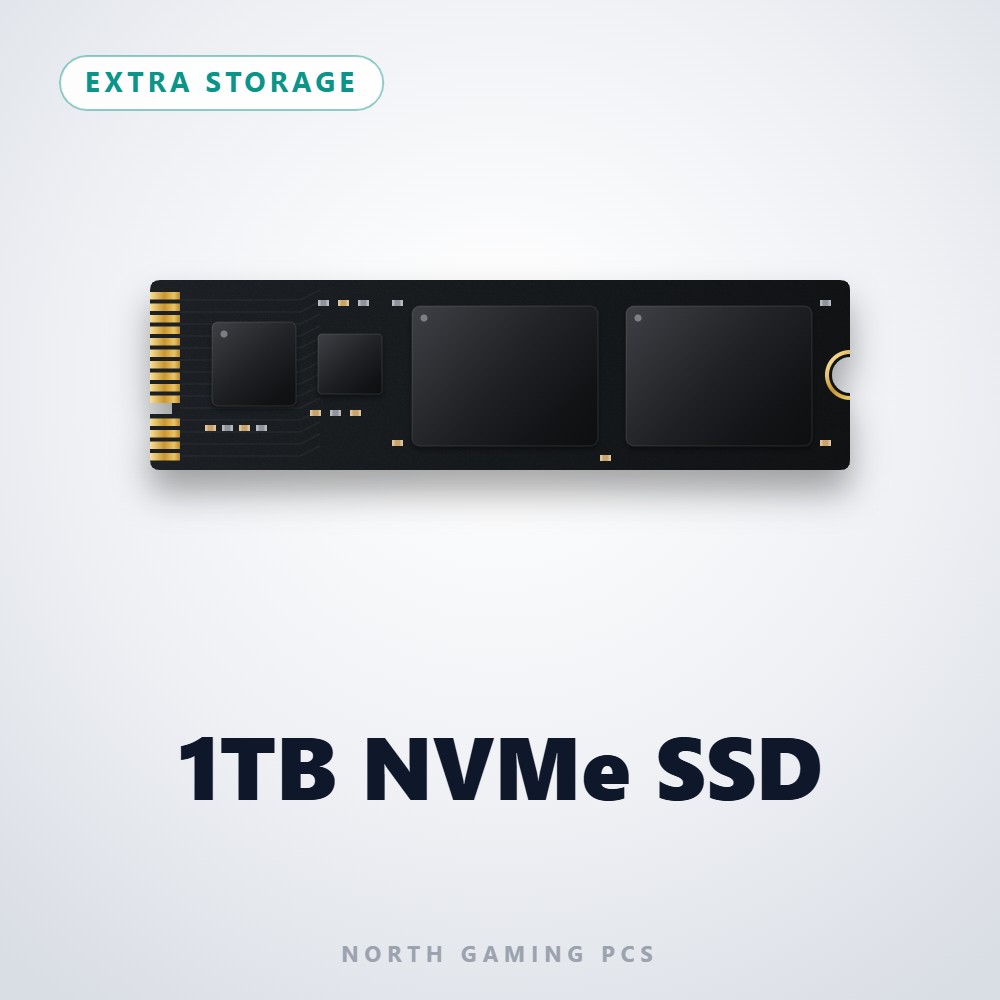
A 1TB NVMe SSD is now affordable and makes the whole PC feel faster. Avoid systems that boot from a hard drive. Many new games list an SSD as a requirement, and loading screens on a hard drive are painfully slow.
Do not cheap out on the power supply
The power supply is the one part where saving money is risky. A no-name unit can be unstable or fail in ways that damage other parts. Choose a quality 550 W to 650 W unit from a trusted brand. Our guide to the best power supply for gaming PC builds explains what to look for.
Traps to avoid in a cheap gaming PC
Watch for these warning signs in low-priced systems:
- Graphics cards listed only as “gaming graphics” with no model.
- A single stick of memory.
- A hard drive as the only storage.
- An unbranded power supply.
- Old-generation parts sold at new-part prices.
- No warranty or a very short one.
A good cheap gaming PC lists every part clearly so you know exactly what you are buying.
Where you can save money
You can trim the budget of a cheap gaming PC in sensible places. A cheap gaming PC still needs good airflow, but it does not need a premium case or decorative extras. A basic but well-ventilated case works as well as an expensive one. RGB lighting is optional. A stock or modest air cooler is enough for a six-core processor. A 1080p monitor at 144 Hz or 165 Hz is far cheaper than a 1440p screen and suits an entry-level graphics card perfectly.
How much should a cheap gaming PC cost?
Prices change with graphics card launches, memory prices and the Canadian dollar, so focus on value rather than a single number. Compare systems with the same graphics card, memory and storage, and check that the power supply and warranty are comparable. A cheap gaming PC that is a little more expensive but uses named, quality parts is often the better deal over its lifetime.
Use upscaling to stretch performance
Upscaling technologies such as NVIDIA DLSS, AMD FSR and Intel XeSS render games at a lower resolution and rebuild the image, often adding 30 to 60 percent more frames. On a cheap gaming PC, they can be the difference between choppy and smooth gameplay in new releases. NVIDIA explains its approach on its GeForce website.
Don’t forget Windows and peripherals
When budgeting, include Windows, a keyboard, a mouse, a headset and a monitor if you need them. Many first-time buyers forget these extras. A good bundle saves money, and a comfortable mouse and headset make even a cheap gaming PC more enjoyable to use every day.
Plan for upgrades
The best cheap gaming PC is one you can improve over time. A quality power supply with headroom lets you add a faster graphics card later. A motherboard with spare memory slots and an extra M.2 slot makes it easy to add memory and storage. Start with a solid base, then upgrade the part that limits you most.
Prebuilt or build it yourself?
Building can save a little money, but prebuilt systems include assembly, testing and a warranty on the whole machine. When you compare prices, count Windows, the time you spend building and the value of having one place to go for support.
A cheap gaming PC for sim racing
Sim racing on a budget starts with a modest PC and a single 1080p screen. Titles such as iRacing and Assetto Corsa run well on entry-level hardware at sensible settings. Put the savings towards an entry sim racing bundle with a wheel, base and pedals, then upgrade the PC later.
Our picks

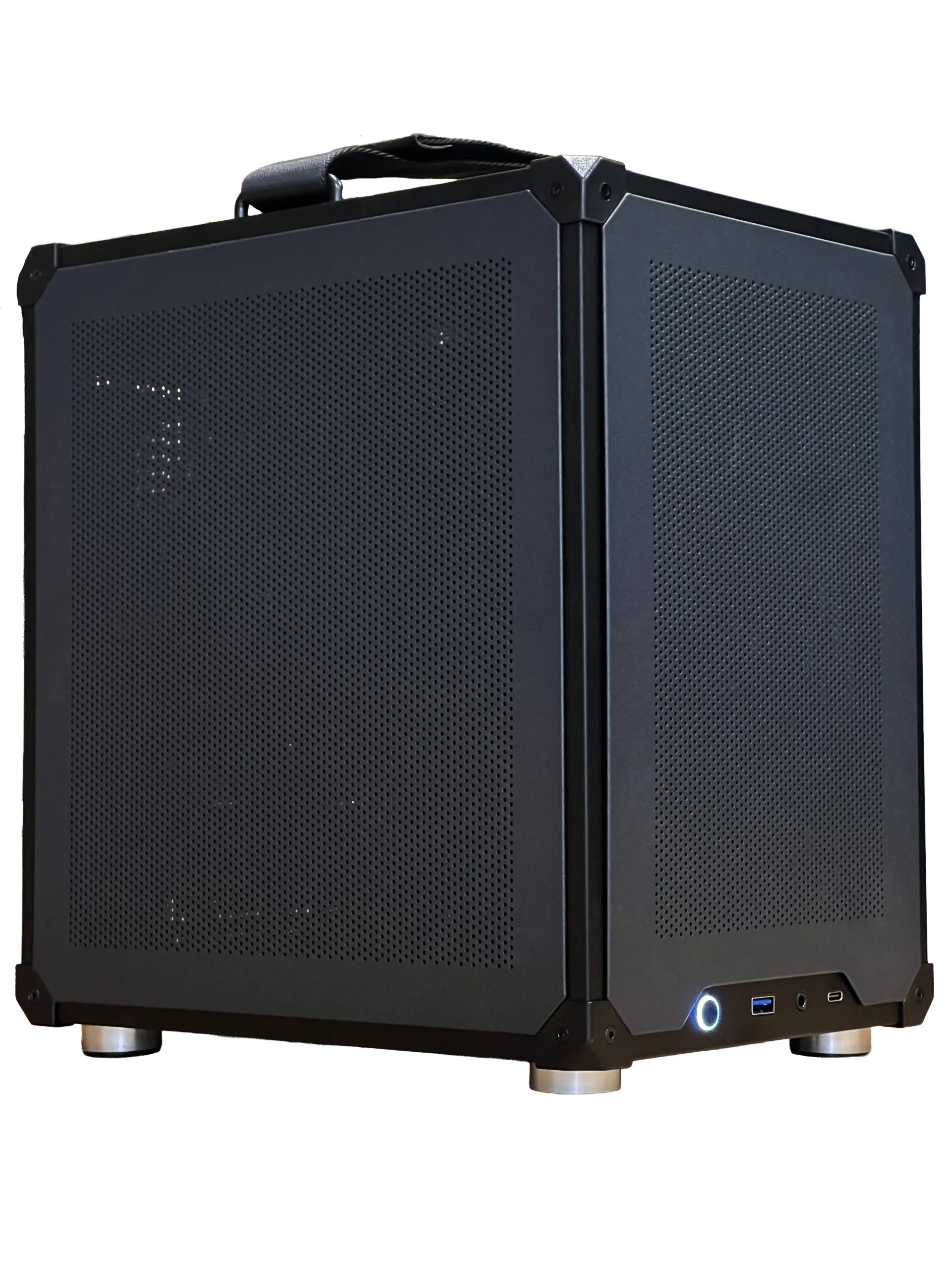
- Configurable gaming PC: choose an entry graphics card and add upgrades as your budget allows.
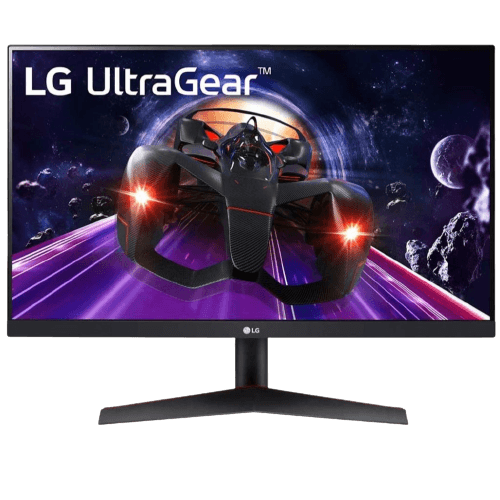
- LG 24-inch 144 Hz monitor: an affordable 1080p IPS screen with a high refresh rate.
- 1TB NVMe SSD: fast storage that makes any PC feel quicker.
Cheap gaming PC FAQ
What is the most important part in a cheap gaming PC?
The graphics card, followed by enough memory and an SSD.
Can a cheap gaming PC run new games?
Yes, at 1080p with sensible settings and upscaling such as DLSS.
Is it worth buying used parts?
Sometimes, but used parts usually lack warranty. Buy power supplies and storage new.
Is 16GB enough in a cheap gaming PC?
It is enough to play, but 32GB gives smoother multitasking. If you start with 16GB, buy it as two sticks.
Should I choose 1080p or 1440p?
For a cheap gaming PC, 1080p at 144 Hz or 165 Hz gets the most from an entry graphics card. Move to 1440p when you upgrade.
Get more for your money
A cheap gaming PC succeeds when the budget goes where it matters: the graphics card, two sticks of memory, an NVMe SSD and a quality power supply. Avoid vague listings and plan for upgrades, and remember that a quality power supply and a named graphics card matter more than flashy lighting. Explore our gaming PCs, or contact us with your budget and we will help you plan.