The best prebuilt gaming PC saves you time, arrives tested and comes with one warranty for the whole system. The worst ones hide cheap parts behind flashy cases and vague spec sheets. Knowing what to check makes all the difference. This guide explains how to judge a prebuilt, which parts matter most, the warning signs to avoid and how prebuilts compare with building your own, so you can choose the best prebuilt gaming PC for your games and budget.
North Gaming PCs offers both ready-to-ship and configurable systems, priced in Canadian dollars, and every PC is covered by our 2-year warranty. Our team can also help with setup questions after your order arrives, so you can get everything configured properly and enjoy your upgrade from the first day.
Why choose the best prebuilt gaming PC over building?
A prebuilt system arrives assembled, with Windows installed and drivers ready. Someone else has done the cable management, tested the parts together and checked the temperatures. If anything goes wrong, you have one place to go for support rather than chasing several part makers. For many gamers, that convenience is worth as much as any small saving from building.
Tip 1: check every part is named
The best prebuilt gaming PC lists every component by model: the exact graphics card, the processor, the memory speed and capacity, the SSD type and the power supply brand. Vague terms such as “gaming graphics” or “fast storage” are a warning sign. You should know exactly what you are paying for.
Tip 2: the graphics card decides performance
Match the graphics card to your monitor. An RTX 5060 Ti 16GB suits 1080p and 1440p, an RTX 5070 Ti suits high refresh 1440p, and an RTX 5080 suits 4K. Our guide to the best graphics card for gaming explains each tier.
Tip 3: look for two sticks of memory
Memory should come as two sticks in dual-channel mode, ideally 32GB of DDR5. Some cheap prebuilts use a single stick, which can cost real performance. Check the memory speed too: DDR5-6000 is a good sign on modern AMD systems.
Tip 4: the best prebuilt gaming PC uses an NVMe SSD
The best prebuilt gaming PC boots from an NVMe SSD of at least 1TB. A hard drive as the main drive, or a tiny 500GB SSD, will feel slow and fill quickly.
Tip 5: check the power supply
The power supply should come from a known brand, with enough wattage for the graphics card and some headroom. An 80 PLUS Gold rating is a good sign. A generic or unnamed unit is one of the most common corners cut in cheap systems.
Tip 6: airflow and cooling
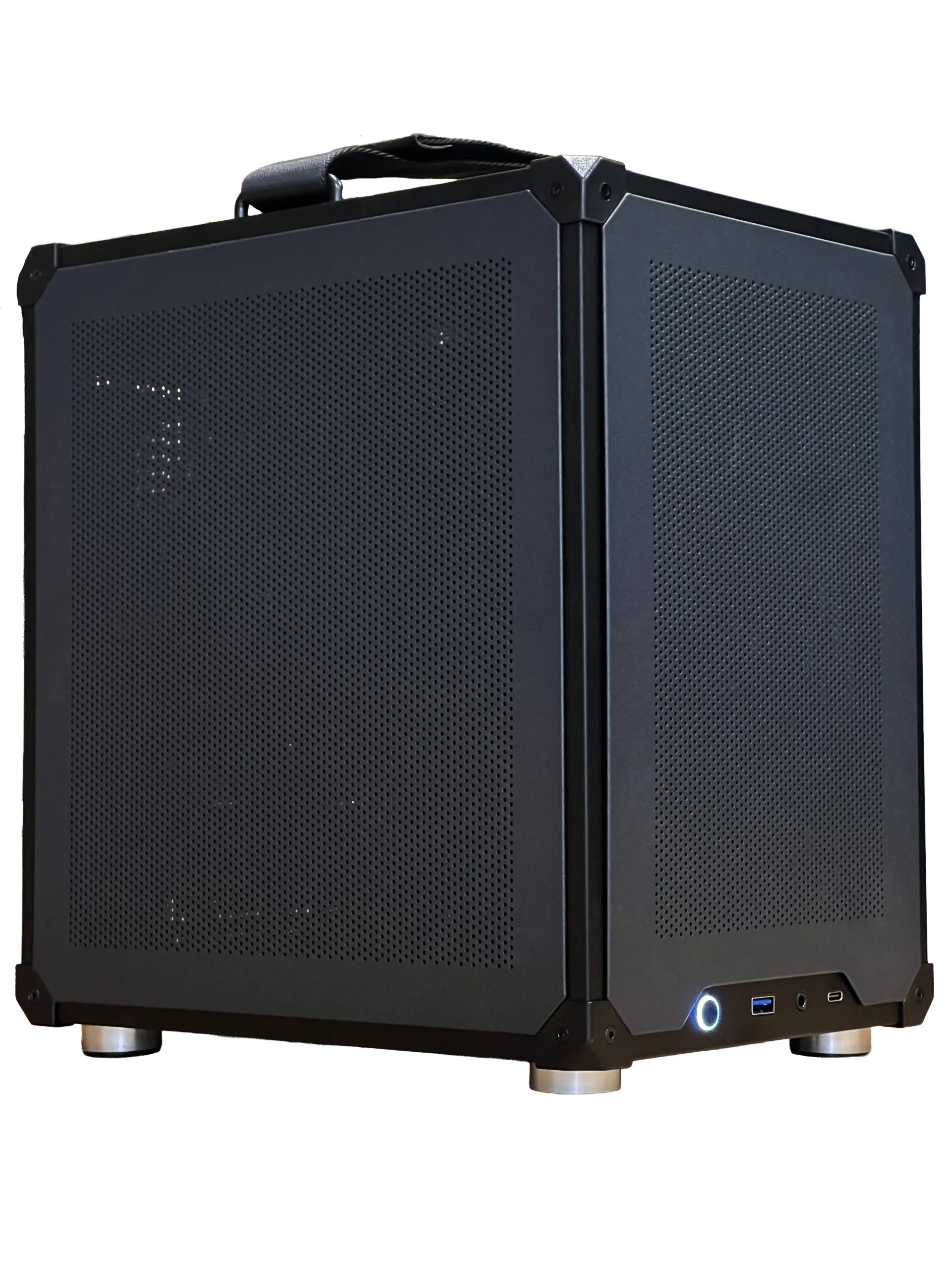
Cooling is easy to overlook in photos, so look closely at the case and the fans before you buy. A mesh front panel and several fans keep parts cool and quiet. Glass-fronted cases with one small fan can run hot. Check what cooler is on the processor, especially for high-end chips.
Tip 7: warranty and support
A good warranty covers parts and labour for the whole system. Check how long it lasts, who handles claims and whether support is local. Buying from a Canadian seller means support in your time zone and prices in Canadian dollars.
Tip 8: upgradeability
Upgrades are easy when a system is built well. The best prebuilt gaming PC uses standard parts that you can upgrade later: a standard motherboard, a standard power supply and a case with room for a bigger graphics card. Some big-brand systems use proprietary parts that make upgrades difficult.
Questions to ask before you buy
Before ordering the best prebuilt gaming PC for your needs, ask the seller a few simple questions. Which exact graphics card, memory kit and power supply are inside? Is Windows activated? How long is the warranty, and does it cover parts and labour? Who do I contact if something goes wrong, and where are they based? A good seller answers clearly and quickly.
Watch for bloatware and hidden costs
Some big-brand systems ship with trial software and pop-ups that slow the PC down. Others charge extra for basic upgrades or shipping. The best prebuilt gaming PC arrives clean, with only the drivers and tools you need, and with clear pricing. Independent reviewers such as those at Tom’s Hardware often test prebuilt systems and point out these issues.
Value over the long term
Think about how long you will keep the system. A prebuilt with a quality power supply, a standard motherboard and a roomy case can take a new graphics card in three or four years, which extends its life cheaply. The best prebuilt gaming PC is the one that still serves you well after its first upgrade.
Prebuilt vs building your own
Building yourself gives total control and can save a little money if you shop carefully. A prebuilt saves hours, arrives tested and includes a single warranty. When comparing prices, include Windows, shipping on multiple parts and the time you would spend. Our how to build a PC guide explains what building involves.
Ready-to-ship or configurable?
Ready-to-ship systems are already built and ship quickly with a fixed parts list, which suits anyone who needs a PC this week. Configurable systems let you choose the graphics card, memory, storage and cooling, which takes a little longer but fits your needs exactly. Both can be the best prebuilt gaming PC; it depends whether you value speed or choice more.
The best prebuilt gaming PC for sim racing
For sim racing and flight sim, choose a prebuilt with a strong processor, at least 32GB of memory and plenty of SSD space. Check for enough USB ports for your wheelbase, pedals and accessories. Pair it with a quality sim racing bundle for a complete racing setup.
Our picks


- Configurable gaming PC: choose every key part, priced clearly in CAD.
- ASUS TUF 1440p monitor: a 170 Hz screen for your new system.
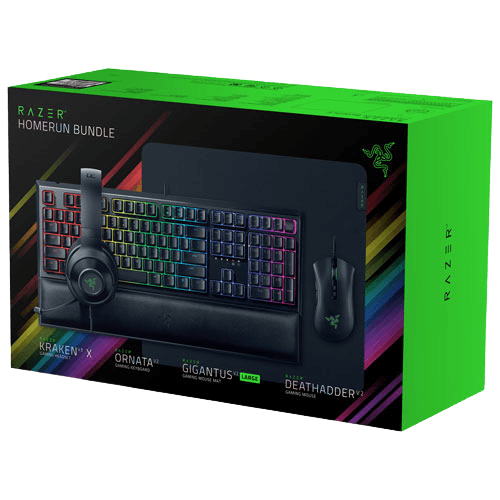
- Razer gaming setup bundle: keyboard, mouse, headset and mouse pad in one box.
Our ready-to-ship gaming PC pairs an Intel Core Ultra 5 with an RTX 5060 Ti 16GB, 32GB of DDR5-6000 and a 1TB Gen 4 SSD.
Best prebuilt gaming PC FAQ
Are prebuilt gaming PCs worth it?
Yes, when the parts are named and balanced and the warranty is solid. They save time and include support.
Can I upgrade a prebuilt gaming PC?
Yes, if it uses standard parts. Check the motherboard, power supply and case before buying.
What should a good prebuilt include?
A named graphics card, two sticks of memory, an NVMe SSD, a quality power supply and a clear warranty.
Is the best prebuilt gaming PC more expensive than building?
Not always. Once you include Windows, assembly, testing and a single warranty, the gap is often small.
How fast do prebuilt PCs ship?
Ready-to-ship systems go out quickly, while configured builds take a little longer to assemble and test.
Choose with confidence
The best prebuilt gaming PC names every part, balances the graphics card with the rest of the system and comes with a clear warranty and local support. Take your time, compare the full parts list and ask questions before you buy. Browse our prebuilt gaming PCs and configurable PCs, or contact us for help choosing.