The RTX 5060 is NVIDIA’s entry point to the GeForce RTX 50 series, aimed squarely at 1080p gaming on a budget. It brings DLSS 4, Multi Frame Generation and GDDR7 memory to an affordable card, which makes it a popular choice for first gaming PCs. This guide explains what it can and cannot do, the 8GB memory debate, and when it is worth spending a little more.
The RTX 5060 is one of the graphics card options in our configurable gaming PC, with every price shown in Canadian dollars and a 2-year warranty on the build. Every price is shown in Canadian dollars, so there is no surprise currency conversion at checkout, and you can email our team whenever you need help choosing.

RTX 5060 specs
NVIDIA launched the RTX 5060 in May 2025. Its key specifications are:
- CUDA cores: 3,840 on the Blackwell architecture.
- Video memory: 8GB of GDDR7 on a 128-bit bus.
- Board power: about 145 W, so a quality 550 W to 650 W power supply is plenty.
- Interface: PCIe 5.0 x8, which also works in PCIe 4.0 slots.
- Features: DLSS 4 with Multi Frame Generation and NVIDIA Reflex.
The full lineup is listed on NVIDIA’s RTX 50 series page.
How the RTX 5060 performs
The RTX 5060 is a 1080p card first. In popular esports games such as Valorant, Counter-Strike 2, Fortnite and Rocket League it delivers very high frame rates, comfortably filling a 144 Hz or 165 Hz monitor. In demanding single-player games it handles 1080p at medium to high settings, and DLSS makes ray tracing usable in many titles.
At 1440p it can still play most games, but you will need DLSS and some lower settings in the heaviest ones. It is not a 4K card. Compared with the older RTX 3060 and RTX 4060, the new card is faster and gains Multi Frame Generation, which adds smoothness in supported games.
The 8GB VRAM question
The most common criticism of this card is its 8GB of video memory. In 2026 a few new games already want more than 8GB at high texture settings, even at 1080p. When a game runs out of VRAM you see stutter, blurry textures or sudden drops in frame rate.
In practice, the fix is simple: lower texture quality one notch in the games that need it. Esports titles and most older games are unaffected. If you want to max out new releases for years, the 16GB RTX 5060 Ti is the safer choice.
Who should buy the RTX 5060?
The RTX 5060 makes the most sense for:
- Players who mostly play competitive and esports games at 1080p.
- First-time PC builders who want modern features on a tight budget.
- Small or quiet PCs, thanks to its modest power draw.
- Anyone pairing it with a 1080p 144 Hz or 165 Hz monitor.
It makes less sense if you play the newest AAA games at high settings, game at 1440p every day or plan to keep the card for five years or more.
Building a PC around an RTX 5060
An RTX 5060 build does not need expensive parts, but balance still matters:
- Processor: a current six-core CPU is plenty.
- Memory: 16GB is the minimum and 32GB is better, especially with only 8GB of VRAM, because games spill over into system memory.
- Storage: a 1TB NVMe SSD keeps loading quick.
- Power supply: a quality 550 W to 650 W unit leaves room for upgrades.
Pair the card with a sharp 24-inch or 27-inch 1080p monitor at 144 Hz or more. That combination gets the most out of the card for the money.
Settings that help an 8GB card
A few settings make a big difference on a card with 8GB of video memory:
- Texture quality: drop it one level in new games that warn about VRAM use.
- DLSS Super Resolution: the Quality or Balanced mode raises frame rates and reduces memory pressure.
- Ray tracing: use it selectively, because it adds to memory use as well as GPU load.
- Frame generation: helpful in single-player games, but leave it off in competitive shooters.
Keep your NVIDIA driver up to date too. New drivers often include game-specific fixes and performance improvements for recent releases.
Upgrading from an older card
If you are coming from a GTX 1060, GTX 1660 or RTX 2060, the jump to this generation is large. You gain DLSS 4, much better ray tracing, lower power use and AV1 encoding for streaming and recording. The low power draw also means most older power supplies with a single 8-pin connector can run it, which keeps an upgrade simple.
RTX 5060 for sim racing and flight sim
For sim racing on a single 1080p screen, the card does a good job. iRacing, Assetto Corsa and F1 games run smoothly at sensible settings, and a high frame rate makes your racing wheel feel more responsive. Triple screens and VR are too much for this card, though.
Microsoft Flight Simulator is heavy on both GPU and VRAM. It can handle the sim at 1080p with DLSS and medium settings, but enthusiasts who want dense scenery and detailed aircraft should look at a 16GB card.
RTX 5060 vs RTX 5060 Ti
The RTX 5060 Ti is the closest alternative. It is faster and comes in an 8GB or 16GB version. The 16GB model is the one we recommend for anyone who plays new releases, because extra memory keeps textures sharp as games grow. The price gap between the two is usually worth paying if you can stretch your budget.
Our RTX 5060 picks
Choose the RTX 5060 or upgrade the graphics card in our configurable gaming PC. These options round out a budget-friendly setup:
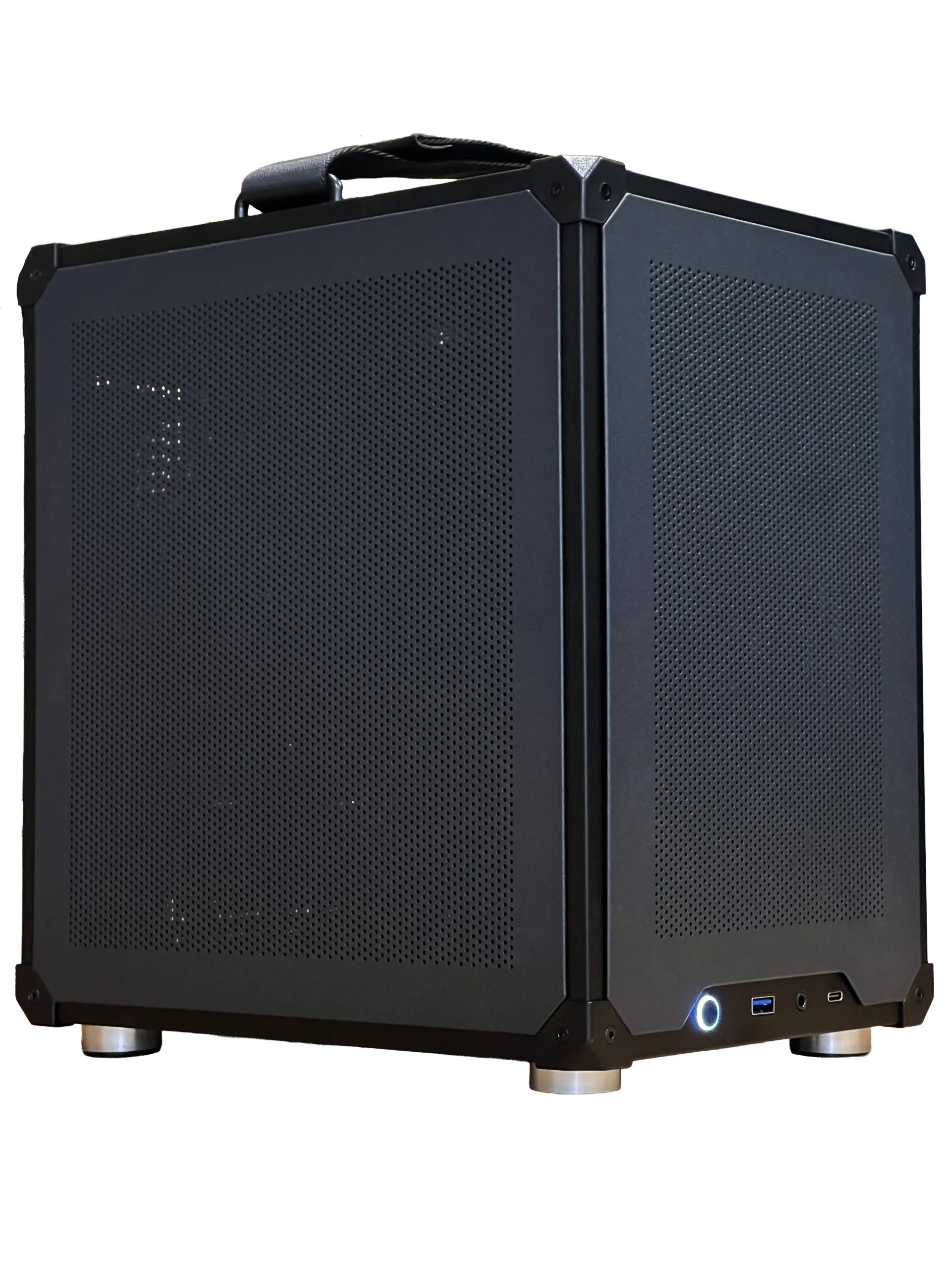
- Ready-to-ship gaming PC: an RTX 5060 Ti 16GB system with 32GB of DDR5, in stock now.
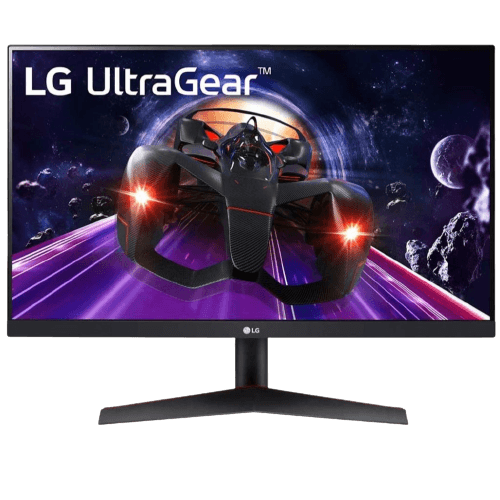
- LG 24-inch 144 Hz monitor: a crisp 1080p IPS screen that suits the RTX 5060 well.
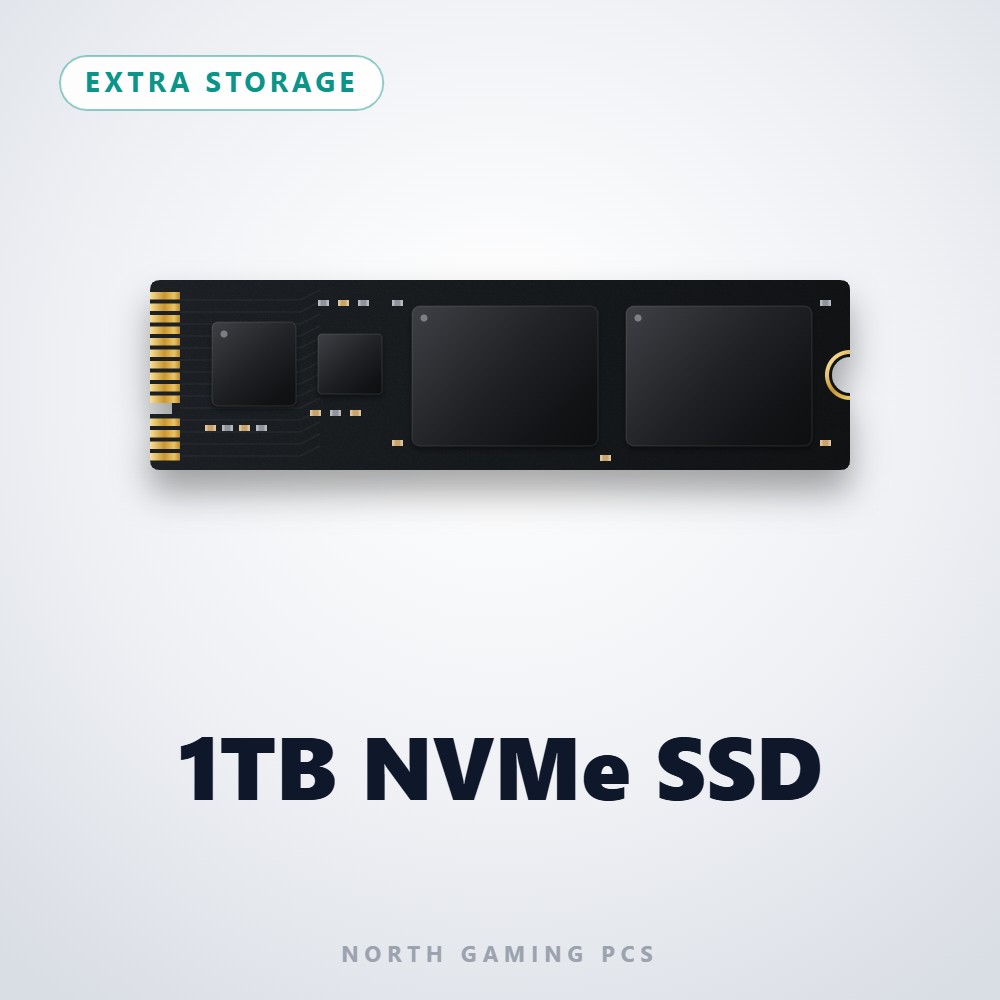
- 1TB NVMe SSD: fast storage for Windows and your favourite games.
RTX 5060 FAQ
Is the RTX 5060 good for 1440p?
It can play many games at 1440p with DLSS and lower settings, but it is best at 1080p.
Is 8GB enough for gaming?
For esports and most games, yes. For new AAA games at high textures, 8GB is starting to become a limit.
Does the RTX 5060 need a big power supply?
No. Around 145 W of board power means a quality 550 W to 650 W unit is enough.
Can I use it with a PCIe 4.0 motherboard?
Yes. The card uses a PCIe 5.0 x8 connection, and it works in PCIe 4.0 slots. On a PCIe 4.0 board the difference is small, but on very old PCIe 3.0 boards an 8-lane card can lose a little performance, so a newer platform is the better match.
Is it a good choice for streaming?
For streaming esports games at 1080p, yes. The NVENC encoder with AV1 support handles the stream on the graphics card, so your frame rate stays high while you broadcast to Twitch or YouTube.
Is the RTX 5060 right for you?
NVIDIA’s entry card is a sensible, efficient choice for 1080p gaming, especially esports. If you want more headroom for new games, step up to the 16GB Ti model. Configure your gaming PC, or contact us and we will recommend the right graphics card for your budget.