Choosing the best power supply for gaming PC builds is not glamorous, but it is one of the most important decisions you make. The power supply feeds every other part, protects them from electrical problems and decides how much headroom you have for future upgrades. A poor unit can cause crashes, noise and even damage, while a good one runs quietly for a decade. This guide explains how much wattage you need, what the efficiency ratings mean and which features to look for, so you can pick the best power supply for gaming PC use with confidence.
Our configurable gaming PC lets you choose a 750 W, 850 W, 1,000 W or 1,200 W ATX 3.1 80 PLUS Gold unit, priced in Canadian dollars and covered by our 2-year warranty.

How much wattage does the best power supply for gaming PC builds need?
The graphics card decides most of your power needs. As a starting point:
- RTX 5060 or RTX 5060 Ti: 550 W to 650 W.
- RTX 5070: 650 W to 750 W.
- RTX 5070 Ti or RX 9070 XT: 750 W.
- RTX 5080: 850 W.
- RTX 5090: 1,000 W to 1,200 W.
Add headroom for high-end processors, overclocking and future upgrades. A power supply running at around half to two-thirds of its rated capacity is usually at its most efficient and quietest.
What do 80 PLUS ratings mean for the best power supply for gaming PC builds?
The 80 PLUS programme certifies how efficiently a power supply converts mains power into the voltages your PC uses. Higher ratings waste less energy as heat:
- 80 PLUS Bronze: good for budget builds.
- 80 PLUS Gold: the sweet spot for most gaming PCs.
- 80 PLUS Platinum and Titanium: more efficient and often quieter, at a higher price.
Some reviewers prefer the stricter Cybenetics ratings, which also test noise. Either way, efficiency is a sign of quality, but it is not the only one.
ATX 3.1 and the 12V-2×6 connector
Modern graphics cards such as the RTX 50 series use a 16-pin 12V-2×6 power connector. The best power supply for gaming PC builds today follows the ATX 3.1 standard and includes a native 12V-2×6 cable, so you do not need adapters. ATX 3.1 units are also designed to handle the brief power spikes that modern graphics cards produce.
When connecting the cable, push it in fully until it clicks, and avoid sharp bends right next to the card.
Modular, semi-modular or fixed cables?
- Fully modular: every cable detaches, so you only install the ones you need. The cleanest builds.
- Semi-modular: the main motherboard and CPU cables are fixed, the rest detach. A good compromise.
- Non-modular: all cables are attached. Cheaper, but harder to keep tidy.
Modular designs make cable management easier and improve airflow in smaller cases.
Quality and protection features
Quality is what separates the best power supply for gaming PC builds includes protection circuits that shut it down safely during faults: over-current, over-voltage, under-voltage, short-circuit and over-temperature protection. Quality capacitors, a reputable manufacturer and a long warranty, often seven to twelve years, are good signs. Avoid unbranded units with suspiciously high wattage and low prices.
Noise and fan behaviour
Many quality units have a zero-RPM or semi-passive mode, where the fan stays off at low loads. This keeps your PC silent at the desktop and during light games. A larger 135 mm or 140 mm fan spins slower and quieter under load than a small one.
ATX vs SFX
Most cases use standard ATX power supplies. Small form factor cases need SFX or SFX-L units, which are compact but cost more for the same wattage. If you are building a small PC, check the case’s supported form factor before buying.
Power supply mistakes to avoid
Buying too little wattage leads to shutdowns when the graphics card spikes under load. Buying far too much wastes money without improving anything. Using old cables from a different power supply is dangerous, because modular cable pinouts differ between brands and even between models. Always use the cables that came with your unit.
The best power supply for gaming PC upgrades
If you are upgrading your graphics card, check your current power supply first. Look at its wattage, its age and its connectors. A unit older than eight to ten years, or one without the right PCIe or 12V-2×6 cables, is worth replacing along with the card. The best power supply for gaming PC upgrades is one that gives the new card clean, stable power with room to spare.
How to check your current power supply
Before choosing the best power supply for gaming PC upgrades, find out what you have. Open the side panel and read the label on the unit: it shows the brand, model, wattage and the amps available on the 12 V rail. Search the model online to see its age and efficiency rating. If the unit is unbranded, very old or lacks the connectors your new graphics card needs, plan to replace it.
Best power supply for gaming PC builds by budget
- Budget builds: a quality 650 W 80 PLUS Bronze or Gold unit from a reputable brand.
- Mid-range builds: a 750 W to 850 W 80 PLUS Gold, ATX 3.1 unit with a native 12V-2×6 cable.
- High-end builds: a 1,000 W to 1,200 W 80 PLUS Gold or Platinum unit with excellent protections.
At every budget, the best power supply for gaming PC use comes from a trusted manufacturer with a long warranty. It is the one part where saving a few dollars is rarely worth it.
Power supplies for sim racing rigs
Sim racing setups often add direct drive wheelbases, pedal sets, dashboards and multiple monitors. Most wheelbases have their own power bricks, so they do not draw from the PC’s power supply, but triple monitors and high-end graphics cards do increase the PC’s load. Choose a quality unit with headroom if your sim racing cockpit is powered by a high-end PC.
Our picks
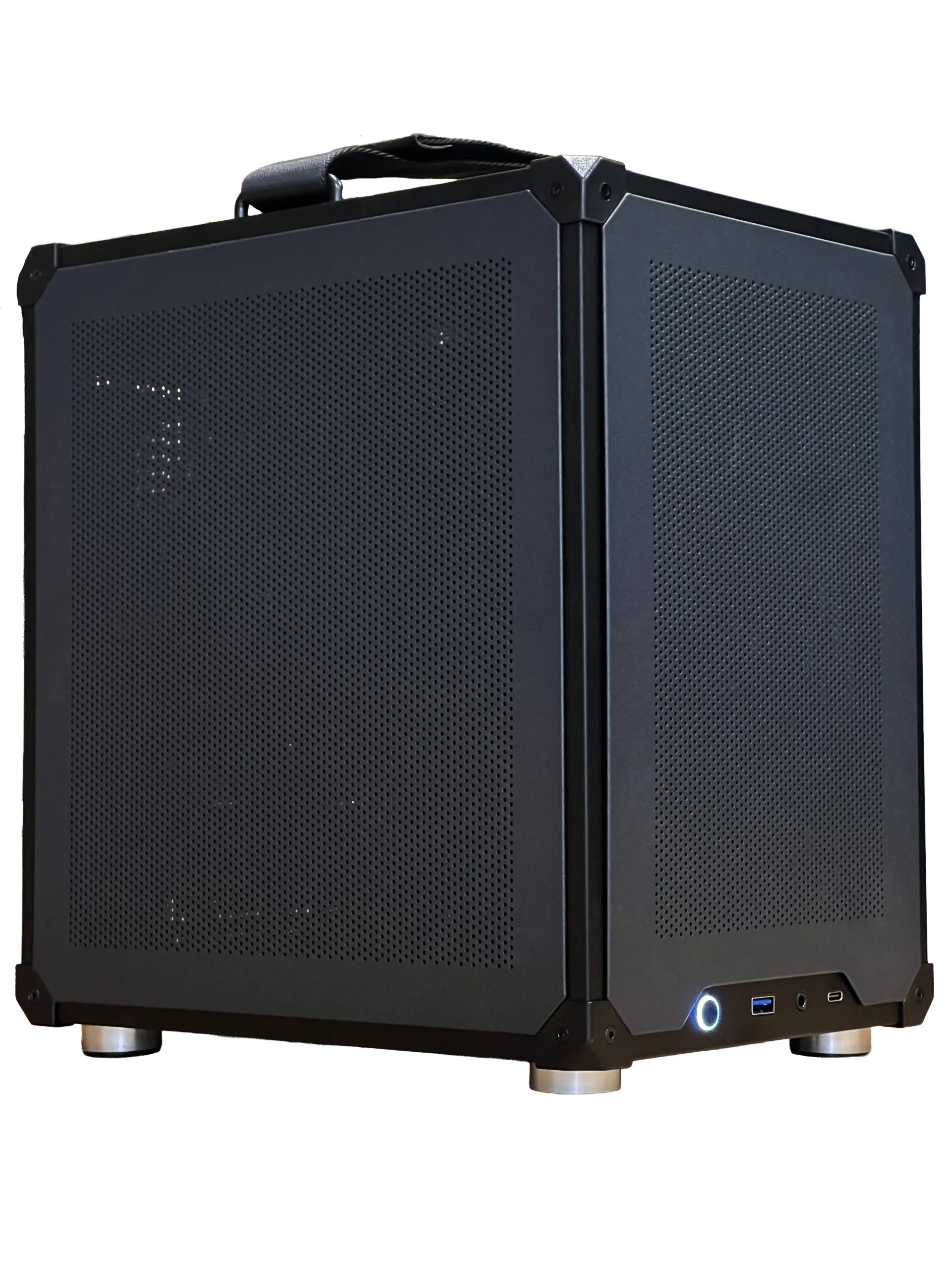

- Ready-to-ship gaming PC: a balanced system with a correctly sized power supply.
- 2TB NVMe SSD: fast storage for a growing library.
- ASUS TUF 1440p monitor: a 170 Hz screen for smooth gaming.
Best power supply for gaming PC FAQ
Is 750 W enough for a gaming PC?
Yes for most builds up to an RTX 5070 Ti. Choose 850 W for an RTX 5080 and 1,000 W or more for an RTX 5090.
Is 80 PLUS Gold worth it?
Yes. It offers a good balance of efficiency, quality and price for gaming PCs.
Can a bad power supply damage my PC?
Yes. Low-quality units can fail in ways that damage other parts, which is why quality and protections matter.
How long does a power supply last?
A quality unit often lasts eight to ten years or more. Many of the best power supply for gaming PC models carry warranties of seven to twelve years, which shows how long their makers expect them to run.
Should the power supply fan face up or down?
If the case has a vented bottom with a dust filter, mount it fan down so it pulls in cool air from outside. Otherwise, mount it fan up.
Choose your power supply
The best power supply for gaming PC builds is a quality, correctly sized unit with an 80 PLUS Gold rating, ATX 3.1 support and a native 12V-2×6 cable. Configure a gaming PC with the right unit, or contact us for help sizing yours.