The best graphics card for gaming is the one that matches your monitor, your games and your budget. A card that is perfect for 1080p esports would struggle at 4K, while a flagship card paired with a 1080p screen wastes most of its power. This guide explains what to look for, how much video memory you need and which cards make the most sense at each resolution, so you can choose the best graphics card for gaming without overspending.
The graphics card is the main choice in our configurable gaming PC, where every option is priced in Canadian dollars and covered by our 2-year warranty.

Start with your monitor to find the best graphics card for gaming
Your monitor’s resolution and refresh rate decide how much graphics power you need:
- 1080p at 144 Hz to 240 Hz: a mid-range card delivers high frame rates.
- 1440p at 144 Hz to 240 Hz: the most popular target today, ideal for upper mid-range cards.
- 4K at 60 Hz to 144 Hz: needs a high-end card, plus upscaling in demanding games.
- Ultrawide and triple screens: similar to or heavier than 4K, depending on the resolution.
Choose the best graphics card for gaming at your resolution first, then fine-tune for budget.
How much video memory do you need?
Video memory, or VRAM, holds textures and frame data. New games use more every year:
- 8GB: fine for esports and 1080p, but limiting in new AAA games at high textures.
- 12GB: comfortable for 1440p in most games.
- 16GB: the safe choice for 1440p at maximum settings and for 4K.
- 24GB to 32GB: only needed for extreme settings, VR and creative work.
For a card you plan to keep for several years, 16GB is the smart target.
Seven picks for every budget
Best for 1080p esports: RTX 5060
The RTX 5060 delivers high frame rates in Valorant, Counter-Strike 2 and Fortnite, with DLSS 4 for heavier games. Its 8GB of memory is its main limit.
Best value for 1080p and 1440p: RTX 5060 Ti 16GB
The RTX 5060 Ti with 16GB is efficient, quiet and future-proof for mainstream gaming. It is the card in our ready-to-ship PC.
Best budget alternative: Intel Arc B580
Intel’s Arc B580 offers 12GB of memory at a low price and good 1080p performance. Driver support has improved a lot, though older games can still be less consistent.
Best for high refresh 1440p: RTX 5070
The RTX 5070 is a strong 1440p card with DLSS 4 and Multi Frame Generation, though its 12GB of memory is less future-proof.
Best overall value: RTX 5070 Ti
With 16GB of GDDR7 and performance close to the RTX 5080, the RTX 5070 Ti is the best graphics card for gaming for most enthusiasts at 1440p and entry 4K.
Best AMD alternative: Radeon RX 9070 XT
AMD’s RX 9070 XT offers 16GB of memory and strong traditional performance for the money, with FSR 4 upscaling in supported games. NVIDIA still leads in ray tracing and upscaling support.
Best for 4K: RTX 5080 and RTX 5090
The RTX 5080 handles 4K gaming beautifully. The 5090 graphics card is the absolute fastest, best suited to VR, triple screens and creative work.
NVIDIA, AMD or Intel: who makes the best graphics card for gaming?
NVIDIA leads in ray tracing, upscaling with DLSS 4, frame generation and streaming encoders. AMD often offers more memory or raw performance for the money, and FSR 4 has closed much of the image quality gap on its newest cards. Intel’s Arc cards are compelling budget options with growing support. You can compare NVIDIA’s current lineup on its RTX 50 series page.
Upscaling and frame generation on the best graphics card for gaming
DLSS, FSR and XeSS render games at a lower resolution and upscale the image, often adding 30 to 60 percent more frames with little visible loss. Frame generation adds extra AI-generated frames for smoother motion in supported games. These tools make mid-range cards far more capable, but they do not reduce input lag, so competitive players should rely on raw frame rate.
Power, size and noise
The best graphics card for gaming also has to fit your PC. A faster card usually draws more power and needs more space:
- RTX 5060 and 5060 Ti: 145 W to 180 W, fits almost any case, runs quietly.
- RTX 5070 and 5070 Ti: 250 W to 300 W, needs a 650 W to 750 W power supply.
- RTX 5080 and 5090: 360 W to 575 W, needs 850 W to 1,000 W and a roomy case.
Check card length and thickness against your case, and read our guide to the best power supply for gaming PC builds.
The best graphics card for gaming in sim racing and flight sim
Simulators reward strong graphics cards. A single 1440p screen suits an RTX 5070 or RTX 5070 Ti, while triple screens and VR call for an RTX 5080 or faster. Microsoft Flight Simulator benefits from 16GB of memory over dense scenery. Pair the right card with a solid sim racing cockpit and a quality wheel for a complete experience.
Buying the best graphics card for gaming in Canada
Graphics card prices in Canada move with exchange rates, supply and new launches, so compare total build costs rather than single parts. The best graphics card for gaming at a given budget is often one tier lower than you expect, paired with a better monitor or more memory. Watch for bundles and complete systems, which can be better value than buying a card on its own.
Warranty matters too. A card inside a complete system from North Gaming PCs is covered as part of the build, so you deal with one Canadian seller if anything goes wrong.
Matching the best graphics card for gaming to your processor
A fast card needs a capable processor. At 1080p, an older CPU can hold back even a mid-range card, while at 4K the processor matters less. Pair an RTX 5070 Ti or faster with a modern six or eight-core chip, ideally one with a large cache such as the Ryzen 7 9800X3D. Read our guide to the best CPU for gaming for help balancing the two.
When should you upgrade?
Upgrade when your games no longer reach the frame rate your monitor can show at settings you enjoy, or when you see stutter caused by running out of video memory. If your processor is old, upgrade the platform at the same time, because a new card can be held back by a slow CPU.
Our picks
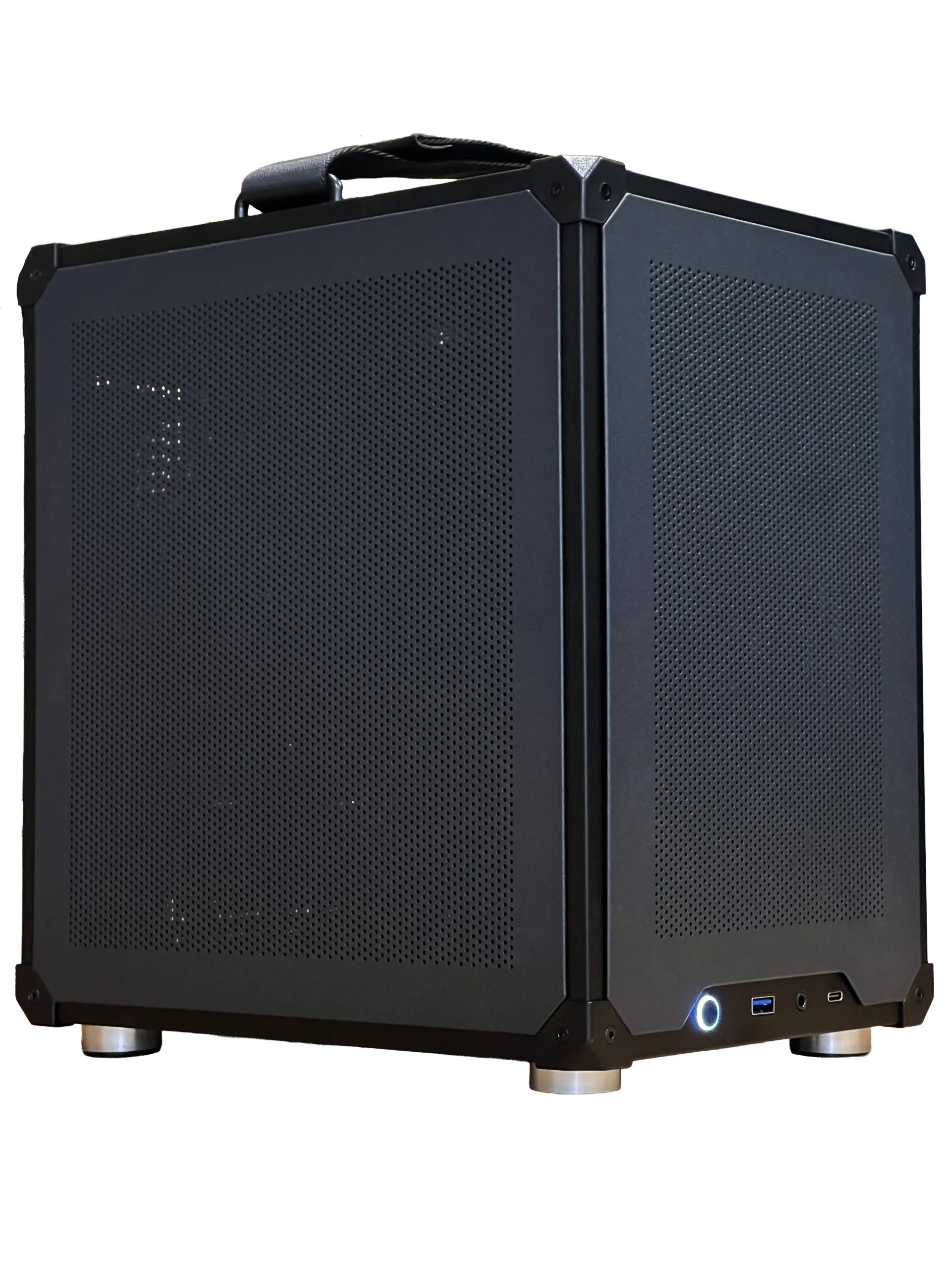

- Ready-to-ship gaming PC: an RTX 5060 Ti 16GB system, ready to ship.
- ASUS TUF 1440p monitor: the perfect partner for an RTX 5070 or RTX 5070 Ti.
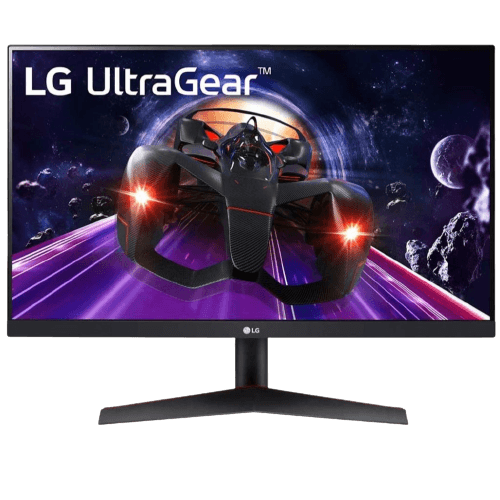
- LG 24-inch 144 Hz monitor: a great 1080p screen for RTX 5060 class cards.
Best graphics card for gaming FAQ
What is the best graphics card for gaming at 1440p?
The RTX 5070 Ti offers the best balance of performance and memory. The RTX 5070 and RX 9070 XT are strong alternatives.
Is 8GB of VRAM enough?
For esports and 1080p, yes. For new AAA games at high settings, 12GB to 16GB is safer.
Should I buy the most expensive card?
Only if you game at 4K, use VR or run triple screens. Most players get better value from upper mid-range cards.
Choose your card
The best graphics card for gaming depends on your monitor, games and budget. For most players, an RTX 5060 Ti 16GB suits 1080p, an RTX 5070 Ti suits 1440p and an RTX 5080 suits 4K. Configure your gaming PC, or contact us and we will help you choose.