Description
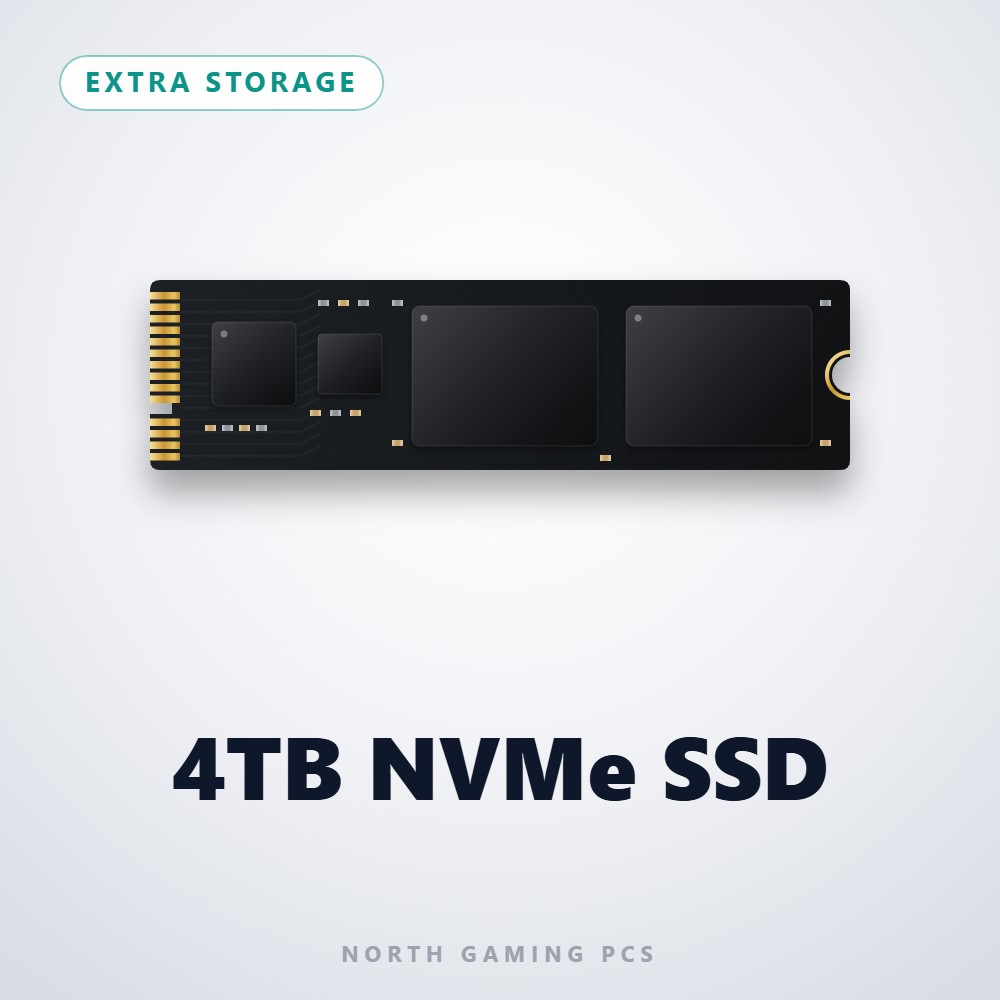
This 4TB SSD is for players who never want to uninstall a game again. It is an NVMe solid-state drive offered by North Gaming PCs as extra storage, combining huge capacity with fast load times, and the price is shown in Canadian dollars.
Why choose the 4TB SSD (NVMe)?
Four terabytes covers even very large libraries. If you keep big multiplayer titles, single-player epics, mods and recordings installed side by side, a 4TB drive gives you room to do all of it without constant housekeeping.
As an NVMe drive it delivers the speed that modern games are designed around. Load screens are short, open worlds stream smoothly and patches install quickly, while the silent solid-state design keeps your PC quiet.
4TB SSD (NVMe) key features
- 4TB of NVMe solid-state storage
- Huge capacity for large game libraries
- Fast load times compared with hard drives
- Silent operation with no moving parts
- Room for recordings, mods and creative work
- Available as extra storage with North Gaming PCs builds
Specifications
| Capacity | 4TB |
|---|---|
| Type | NVMe solid-state drive |
| Typical use | Large game and media library |
| Noise | Silent (no moving parts) |
Who needs 4TB of storage?
Most players are comfortable with 1 or 2TB, but some setups fill that quickly. Sim racers and flight simmers often add large track packs, aircraft and scenery, and content creators can produce hundreds of gigabytes of footage every month.
A 4TB SSD keeps all of that on fast storage instead of splitting it across slower hard drives. It also reduces the need to move files around, so your library stays organized and every title loads at full speed.
Fast storage also helps when you work with large files. Editing high-resolution video, managing big mod collections or keeping several sims installed side by side all feel quicker when the whole library lives on NVMe storage instead of a spinning hard drive.
Setting up your 4TB SSD (NVMe)
Choose the 4TB SSD as extra storage when configuring a North Gaming PCs build, or install it in a desktop with a free M.2 NVMe slot. In Windows Disk Management, initialize the drive and create a volume, then add it as a library location in Steam, Epic Games, the Xbox app or your sim’s content manager. Run Windows Update and your motherboard’s chipset driver update afterwards so the drive performs at its best.
Who the 4TB SSD (NVMe) suits
It suits gamers with very large libraries, sim racers and flight simmers with lots of add-on content, streamers and video editors, and anyone who wants years of storage headroom.
Complete your setup
 8TB Hard Drive – $479.00 CAD
 2TB NVMe SSD – $469.00 CAD
 1TB NVMe SSD – $249.00 CAD
4TB SSD (NVMe) FAQ
How many games fit on a 4TB SSD?
It depends on the games, but most libraries of several dozen modern titles fit comfortably on a 4TB drive.
Is a 4TB NVMe SSD faster than a 4TB hard drive?
Yes. NVMe solid-state storage is far faster than a hard drive, which shortens load times and installs.
Can I install it in my current PC?
Yes, if your motherboard has a free M.2 slot that supports NVMe drives. Check your motherboard manual first.
Is it good for flight sim scenery?
Yes. Large scenery and aircraft libraries benefit from fast storage and plenty of space.
Is 4TB too much for a gaming PC?
Not if you keep many large games, mods or recordings. For a smaller library, a 1TB or 2TB SSD may be enough, and you can always add more later.
For a game library without limits, a 4TB SSD keeps everything installed and loading fast. Browse more Extra Storage at North Gaming PCs, and find manuals, firmware and software on the solid-state drive overview on Wikipedia.