An AIO cooler, short for all-in-one liquid cooler, is a sealed water-cooling loop that keeps your processor cool without the complexity of a custom loop. It looks clean, moves heat to a radiator at the edge of the case and can run very quietly under load. It is not always better than a good air cooler, though, and choosing the wrong size or mounting it badly can undo its advantages. This guide explains how an AIO cooler works, which radiator size you need, how to mount it and when air cooling is the smarter choice.
Cooling is one of the options you can choose in our configurable gaming PC, with every upgrade priced in Canadian dollars and a 2-year warranty on the build. Our team can also help with setup questions after your order arrives, so you can get everything configured properly and enjoy your upgrade from the first day.

How an AIO cooler works
An AIO cooler has three main parts: a cold plate with a small pump that sits on the processor, two tubes filled with coolant, and a radiator with fans. The pump pushes coolant across the cold plate, where it absorbs heat, then through the tubes to the radiator. The fans blow air through the radiator’s fins, releasing the heat outside the case, and the cooled liquid returns to the pump.
Because the loop is sealed at the factory, an AIO cooler needs no filling or maintenance. You install it much like an air cooler, then plug the pump and fans into the motherboard.
Which radiator size do you need?
Radiators are named after the fans they hold:
- 120 mm: for small cases and low-power processors. Often no better than a good air cooler.
- 240 mm: the sweet spot for most gaming CPUs, including six and eight-core chips.
- 280 mm: larger 140 mm fans move more air quietly, good for mid-range and high-end chips.
- 360 mm: ideal for high-end processors and anyone who wants low noise under heavy load.
- 420 mm: for the hottest chips and large cases with plenty of room.
A bigger radiator lets the fans spin slower for the same temperature, which means a quieter PC. Check your case specifications for supported radiator sizes on the top and front panels before buying an AIO cooler.
AIO cooler vs air cooler
High-end air coolers with two towers and two fans perform very close to 240 mm and 280 mm liquid coolers. They are cheaper, have no pump to wear out and cannot leak. An AIO cooler pulls ahead with very hot processors, during long all-core workloads and in cases where a tall air cooler will not fit or blocks memory slots.
Looks matter too. A liquid cooler leaves the area around the processor open, which shows off memory and the motherboard, and many models include an LCD screen on the pump for temperatures or custom images.
Do gaming CPUs need liquid cooling?
Most gaming processors do not strictly need it. Chips such as the Ryzen 7 9800X3D or an Intel Core Ultra 5 run well on a quality air cooler. Liquid cooling becomes more useful with sixteen-core Ryzen 9 and Intel Core Ultra 9 processors, which can draw much more power during heavy work.
That said, an AIO cooler helps any processor hold higher boost clocks for longer, and it keeps the system quieter when gaming sessions run for hours.
How to mount an AIO cooler
Where you put the radiator affects both cooling and pump life:
- Top exhaust: the most common position. Warm air leaves the case and the pump sits below the radiator, which keeps air bubbles away from the pump.
- Front intake: gives the processor the coolest air, but warms the air reaching the graphics card. Mount it with the tubes at the bottom.
- Avoid: placing the pump higher than the top of the radiator, which can trap air in the pump and cause noise.
Tools such as PCPartPicker help check that a radiator fits your case alongside your other parts.
Noise and pump sound
A good AIO cooler is quiet at the desktop and stays reasonable under load. Fan noise depends on the fan curve, which you can set in the motherboard BIOS or software. Pumps usually run at a fixed speed and produce a faint hum. If you hear gurgling, it is often trapped air, which mounting the radiator correctly prevents.
For the quietest result, choose a 280 mm or 360 mm radiator and set fans to ramp gently with coolant or CPU temperature.
Lifespan and reliability
An AIO cooler typically lasts five to seven years, often longer. Pumps eventually wear, and coolant slowly evaporates through the tubes over many years, which gradually reduces performance. Leaks are rare with reputable brands, and many offer long warranties. Air coolers last practically forever, which is one reason enthusiasts still love them.
Thermal paste and installation tips
Most AIO coolers ship with paste pre-applied on the cold plate. If you remove the cooler, clean both surfaces with isopropyl alcohol and apply fresh paste. Tighten the mounting screws evenly in a cross pattern, and route the tubes so they do not press against the graphics card or memory.
Connect the pump to the AIO_PUMP or CPU_FAN header, and set that header to full speed in the BIOS if the pump has no speed control of its own.
AIO coolers in sim rigs and streaming PCs
A sim racing or streaming PC often runs for hours at a time, sometimes in a warm room full of screens. An AIO cooler keeps processor temperatures steady during long iRacing races or flight sim sessions, and its quiet operation helps when you use a microphone. Pair it with good case airflow so the graphics card stays cool too.
Our gaming PC picks
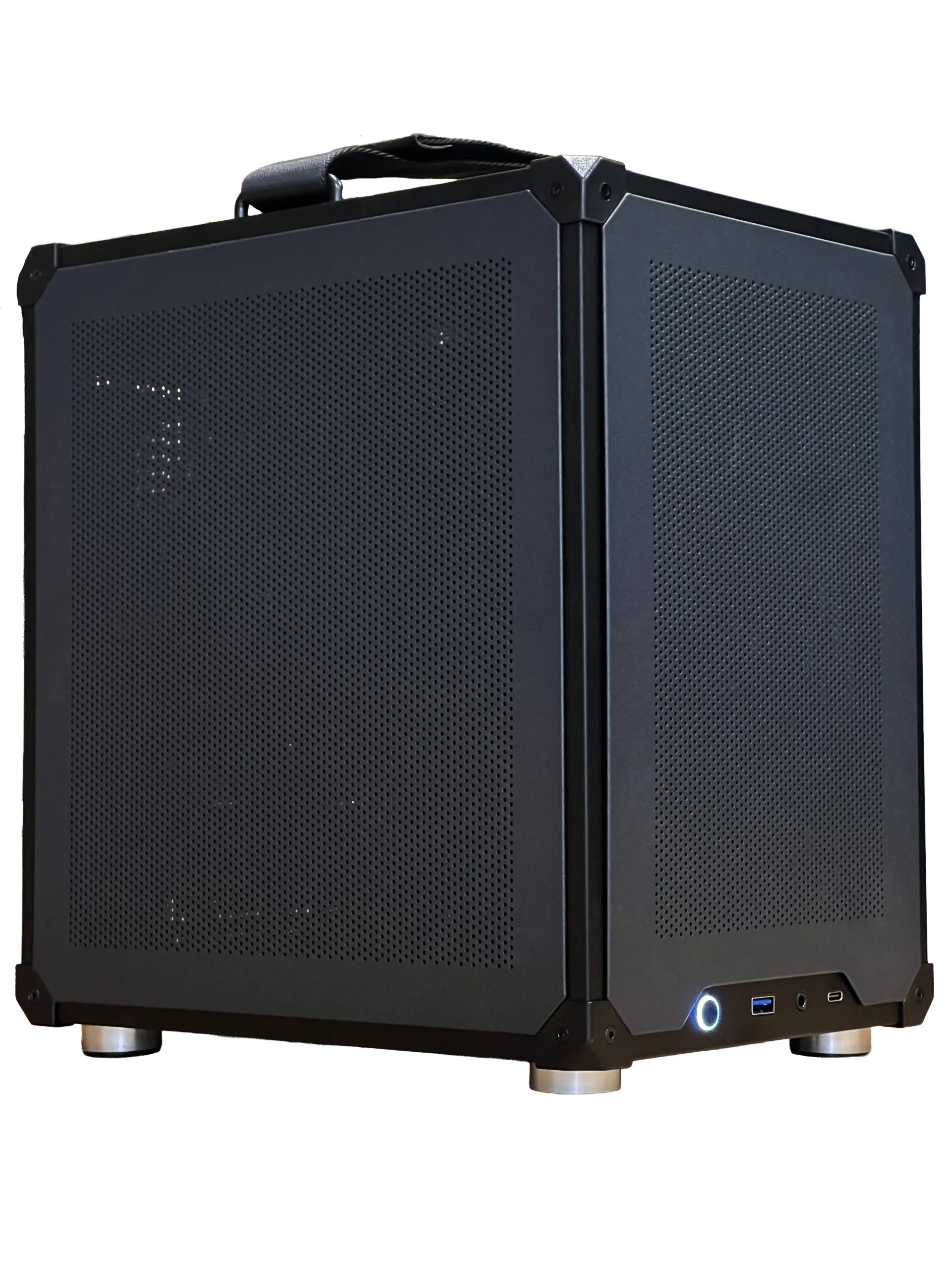

- Ready-to-ship gaming PC: a balanced system with an Intel Core Ultra 5 and RTX 5060 Ti 16GB.
- ASUS TUF 1440p monitor: a fast 27-inch screen for high frame rates.
- 2TB NVMe SSD: quick storage for a large game library.
AIO cooler FAQ
Is an AIO cooler better than air cooling?
It can be quieter and better with very hot processors, but a high-end air cooler performs similarly for most gaming CPUs.
What size AIO cooler do I need?
A 240 mm radiator suits most gaming CPUs. Choose 280 mm or 360 mm for high-end chips or quieter operation.
Do AIO coolers leak?
Leaks are rare with reputable brands. Most sealed coolers run for years without trouble.
Does an AIO cooler need maintenance?
No refilling is needed. Just clean dust from the radiator and fans every few months.
Can an AIO cooler cool the graphics card too?
No. A standard AIO cooler only cools the processor. Graphics cards have their own coolers, so good case airflow still matters.
What if the pump fails?
The processor will heat up and throttle to protect itself. Most AIO coolers carry multi-year warranties, and replacing one takes about half an hour.
Should you choose an AIO cooler?
Choose an AIO cooler if you have a high-end processor, want a clean look or need low noise during long sessions. Choose a quality air cooler if you want simplicity, value and maximum lifespan. Configure the cooling on our gaming PCs, or contact us for advice.