The best monitor for sim racing makes you feel like you are sitting in the car. A screen that is too small, too far away or poorly positioned makes judging speed and braking points harder, while the right setup gives you a natural view and lets you see apexes, mirrors and cars alongside. This guide explains single screens, ultrawides and triple screens, which specs matter, how to set your field of view and how to mount screens correctly, so you can choose the best monitor for sim racing for your rig and budget.
North Gaming PCs stocks gaming monitors and monitor stands priced in Canadian dollars with a 2-year warranty. Every price is shown in Canadian dollars, so there is no surprise currency conversion at checkout, and you can email our team whenever you need help choosing.
Why your screen matters in sim racing
Sim racing is about judging distances and speeds. A well-placed screen with a correct field of view shows the world at a natural scale, which makes braking points, corner entry and side-by-side racing much easier. The best monitor for sim racing is as much about setup as specs.
Single screen: the simplest best monitor for sim racing
A single 27-inch or 32-inch monitor is the simplest and most affordable option. Placed low and close behind the wheel, it gives a good view of the track ahead. It is ideal for beginners and for those with limited space or graphics power.
Ultrawide monitors
Ultrawide monitors offer a wider view in a single screen, which helps with seeing apexes and cars alongside. A 34-inch or larger curved ultrawide is a popular middle ground between a single screen and triples. Check that your favourite sims support ultrawide resolutions.
Triple screens: the best monitor for sim racing immersion
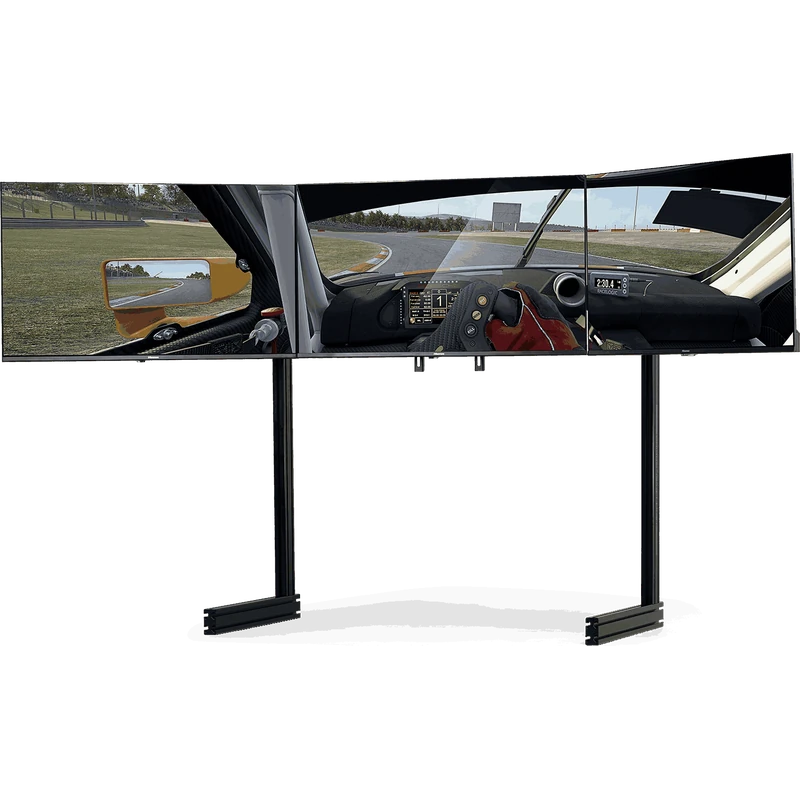
Triple screens give peripheral vision on both sides, which is ideal for racing wheel-to-wheel and seeing apexes in tight corners. Three 27-inch or 32-inch monitors on a triple stand is a classic setup. Triples need more graphics power and desk or rig space.
VR as an alternative
VR headsets give depth perception and a full 360-degree view. They are very immersive but can be less comfortable over long sessions and need a strong PC. Many racers own both a screen setup and a headset.
Size and distance for the best monitor for sim racing
Bigger is not always better. A screen close to your eyes gives a wider field of view than a large screen far away. Placing the monitor just behind the wheel is more important than raw size. For triples, 27 to 32 inches each works well.
Curved vs flat
Curved monitors wrap the image around your view, which suits single screens and ultrawides. For triples, flat screens angled toward you work well, though curved screens are also popular. Our curved vs flat monitor guide explains the trade-offs.
Refresh rate and response time
A refresh rate of 144 Hz or higher gives smoother motion, which helps you read the car’s movement. Fast response times reduce blur. If your PC can deliver high frame rates, a high refresh screen is worthwhile. Our variable refresh rate guide explains G-Sync and FreeSync.
Panel type
VA panels offer deep contrast for night racing, IPS panels offer accurate colours and wide viewing angles, and OLED offers perfect blacks and very fast response. Each can be the best monitor for sim racing depending on budget and preference. Our IPS vs VA guide compares them.
Resolution and the best monitor for sim racing
1440p is a sweet spot for single and ultrawide screens. 1080p triples are easier to run at high frame rates, while 1440p triples look sharper but need a powerful graphics card. 4K looks stunning but demands the most power.
Field of view
Setting the correct field of view in each sim is essential. It makes the world appear at the right scale, so speed and distances feel natural. Use an online field of view calculator with your screen size and distance, then enter the value in the game. The correct value often feels narrow at first, but it quickly makes braking points easier to judge.
Mounting the best monitor for sim racing
Screens should sit low, with the centre of the image at eye level and just behind the wheel. Freestanding stands keep vibration from the rig away from the screens. Direct mounts on aluminium rigs save space. Triple stands let you angle side screens precisely. Browse our monitor stands.
PC requirements
Triple 1440p screens and high refresh rates need a strong graphics card. A single 1440p screen at 144 Hz suits most mid-range PCs. Browse our custom gaming PCs for systems that can drive your chosen setup.
Best monitor for sim racing by budget
- Entry: a single 27-inch 1440p monitor at 144 Hz or higher.
- Mid-range: an ultrawide or a pair of extra screens for triples.
- High-end: triple 1440p or OLED screens on a freestanding triple stand.
Common mistakes
Placing the monitor too high or far away, using the wrong field of view and mounting screens on a flexing rig are the most common mistakes. Fixing these often improves immersion more than buying a new screen, because even the best monitor for sim racing looks wrong when it is badly placed.
Using a TV for sim racing
Large TVs can work, especially for console racing, but they often sit too far away and may have higher input lag. If you use a TV, enable game mode and sit as close as is comfortable. For desk and cockpit setups, the best monitor for sim racing is usually a dedicated gaming monitor.
Dashboards and second screens
A small display or tablet below the main screen can show telemetry such as gear, fuel and lap times. This keeps the main view clear and adds immersion.
Our picks
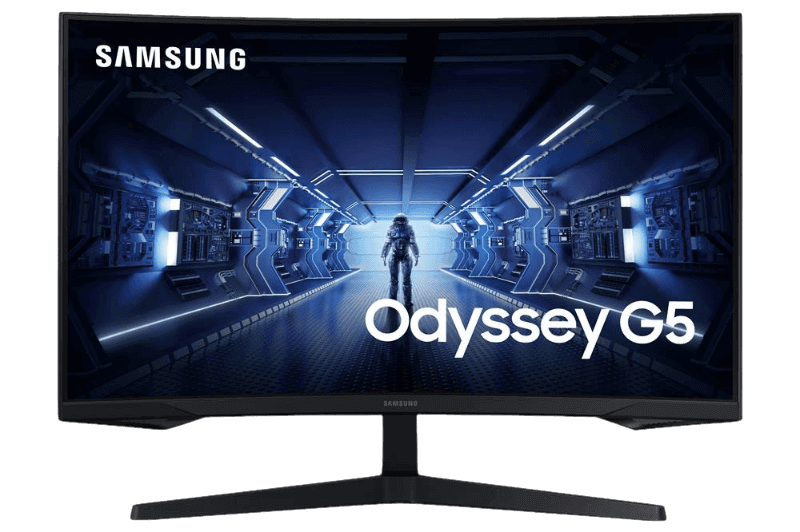
- Samsung Odyssey G5 curved: a 1440p VA screen with deep contrast.
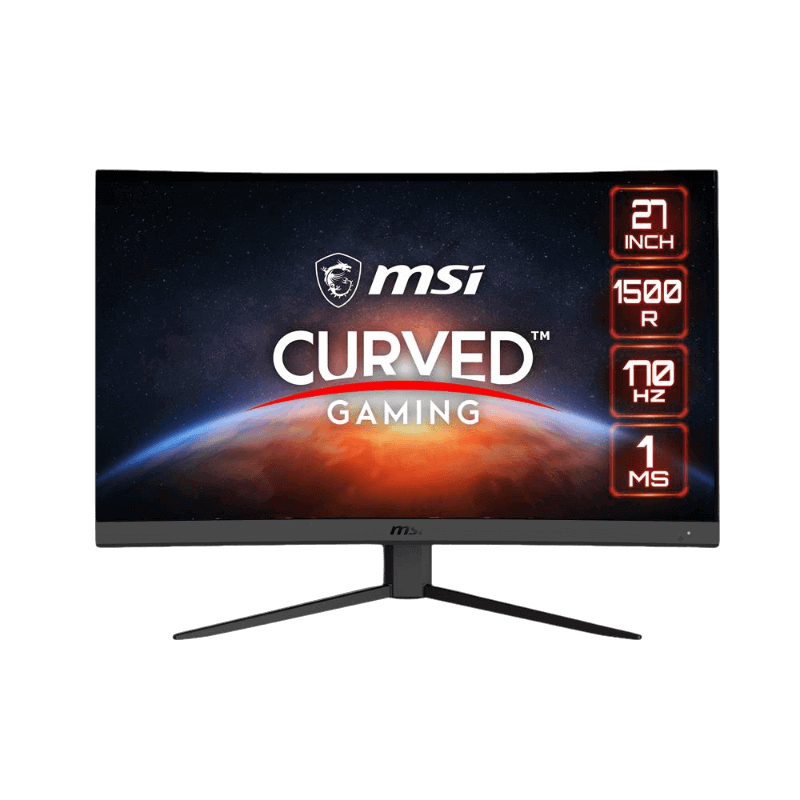
- MSI G27CQ4 E2: a curved 1440p 170 Hz monitor at a great price.
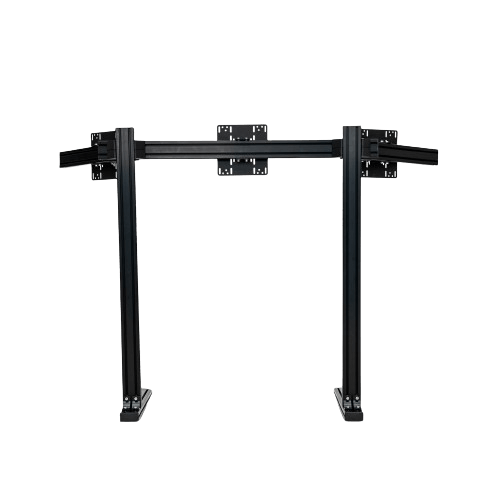
- 6Sigma triple monitor stand: a sturdy stand for triple screens.
The Next Level Racing Elite triple monitor stand holds three screens at the perfect height.
Best monitor for sim racing FAQ
Are triple screens better than an ultrawide?
Triples give more peripheral vision, while an ultrawide is simpler and cheaper.
What size monitor is best?
27 to 32 inches works well for single screens and triples.
Is 144 Hz worth it for sim racing?
Yes, if your PC can deliver high frame rates.
Should I mount screens on my rig?
Freestanding stands reduce vibration; direct mounts save space.
Is VR better than screens?
VR offers depth perception, but screens are more comfortable for long sessions.
What is the correct field of view?
Calculate it from your screen size and distance, then set it in each sim.
Is OLED good for sim racing?
Yes, for contrast and response, though burn-in care is needed with static displays.
What is the best monitor for sim racing on a budget?
A 27-inch 1440p monitor at 144 Hz or higher, placed close behind the wheel.
See the road ahead
The best monitor for sim racing is one that is placed correctly, with the right field of view and enough refresh rate for smooth motion. Start with a single screen and expand to an ultrawide or triples as your rig grows. Use a field of view calculator such as Sim Racing Setup’s FOV guide, browse our gaming monitors, or contact us for advice.