The 1440p vs 1080p decision is one of the most common upgrades gamers consider. 1080p has been the standard for years and is easy for graphics cards to run, while 1440p offers a big jump in sharpness without the heavy demands of 4K. Which one suits you depends on your graphics card, your screen size and the games you play. This guide compares 1440p vs 1080p in sharpness, performance, cost and use cases, so you can decide whether the upgrade is worth it.
North Gaming PCs stocks both 1080p and 1440p monitors, priced in Canadian dollars with a 2-year warranty. If you are unsure which option suits you, our team is happy to compare specifications with you and suggest a setup that fits your space, budget and plans.

1440p vs 1080p: the numbers
- 1080p (1920 x 1080): about 2.1 million pixels.
- 1440p (2560 x 1440): about 3.7 million pixels, roughly 78 percent more.
More pixels mean sharper images and more screen space, but also more work for your graphics card.
Sharpness at common sizes
- 24-inch 1080p: about 92 pixels per inch, reasonably sharp.
- 27-inch 1080p: about 81 pixels per inch, noticeably soft text.
- 27-inch 1440p: about 109 pixels per inch, crisp and clear.
At 24 inches, 1080p still looks good. At 27 inches, 1440p is much sharper, which is why 1440p vs 1080p comparisons usually favour 1440p at that size.
1440p vs 1080p performance cost
Because 1440p has about 78 percent more pixels, frame rates drop by roughly 25 to 40 percent compared with 1080p on the same graphics card, depending on the game. Upscaling such as DLSS narrows the gap, and many players find the sharper image worth a modest drop in frame rate. For example, a card that delivers 160 frames per second at 1080p might deliver around 110 at 1440p.
Graphics card needs
- 1080p at high refresh: an RTX 5060 or RTX 5060 Ti handles most games well.
- 1440p at high refresh: an RTX 5060 Ti 16GB, RTX 5070 or RTX 5070 Ti.
Our RTX 5060 Ti guide shows what a mid-range card can do at both resolutions.
1440p vs 1080p for competitive gaming
For esports, frame rate and response matter most. Many professional players still use 24-inch 1080p screens at 240 Hz or higher, because a smaller screen keeps everything in view and high frame rates are easy to reach. In the 1440p vs 1080p decision for competitive shooters, 1080p remains a strong choice, though 1440p at 240 Hz is popular with players who have fast PCs.
Single-player and immersive games
For story games, open worlds and simulators, 1440p shows clearer textures, sharper distant details and better anti-aliasing. The jump in image quality is easy to see, and 100 to 144 frames per second still feels very smooth. Foliage, hair and distant buildings show far less shimmering at the higher resolution.
1440p vs 1080p for work and everyday use
1440p gives you about 78 percent more desktop space, so documents, browsers and editing apps fit more comfortably. On a 27-inch screen, text looks crisp at 100 percent scaling. For mixed work and gaming, 1440p is the better all-round resolution.
1440p vs 1080p monitor prices
1440p monitors cost more than 1080p models, but the gap has narrowed a lot. A 27-inch 1440p screen at 165 Hz to 170 Hz is now affordable for many builds. If budget is very tight, a 24-inch 1080p screen at 144 Hz remains excellent value.
1440p vs 1080p for consoles
The PS5 and Xbox Series X both support 1440p output at up to 120 Hz. A 1440p monitor gives consoles a sharper image than 1080p at a desk. Our best monitor for PS5 guide covers console settings.
1440p vs 1080p for sim racing
Sim racers on one screen benefit from 1440p’s sharper detail on distant braking markers and mirrors. On triple screens, 1080p is easier to drive at high frame rates on mid-range PCs, while 1440p triples need an RTX 5070 Ti or faster.
When to stay at 1080p
Stay at 1080p if your graphics card is entry-level, you play mainly esports titles, you sit close to a 24-inch screen or your budget is tight. A fast 1080p monitor paired with a modest PC still gives a great experience.
When to upgrade to 1440p
Upgrade if you have an RTX 5060 Ti 16GB or faster, play visually rich games, want a 27-inch screen or use your PC for work too. For most new mid-range builds, 1440p is the sweet spot. Our 1440p monitor guide explains what to look for.
1440p vs 1080p for streaming and content creation
Streamers often game at 1440p and stream at 1080p, because most viewers watch at 1080p or lower. A 1440p monitor gives you a sharper view while you play, and your encoder scales the stream down. Content creators benefit from 1440p’s extra desktop space when editing video and arranging tools.
Future-proofing your choice
Graphics cards get faster with every generation, while monitors last many years. Buying a 1440p monitor today means a future graphics card upgrade will push frame rates higher without changing screens. A 1080p monitor may feel limiting once you upgrade. In the 1440p vs 1080p decision for long-term value, 1440p usually wins.
Upscaling on 1080p and 1440p
DLSS and other upscalers work at both resolutions, but they look better at 1440p, because the internal render resolution is higher. At 1080p, aggressive upscaling can look soft. That gives 1440p another edge in the 1440p vs 1080p comparison for modern games.
Our picks
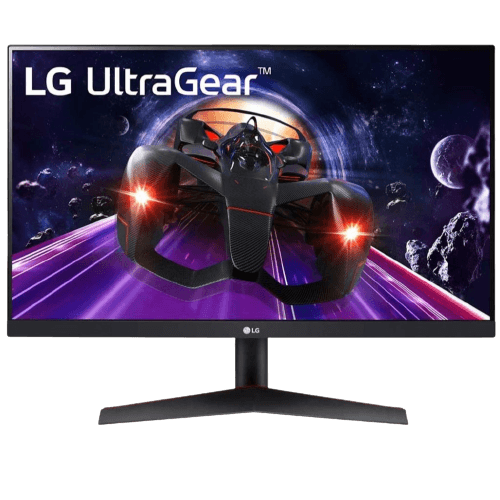
- LG 24GN60T-B: a 24-inch 1080p IPS monitor at 144 Hz.
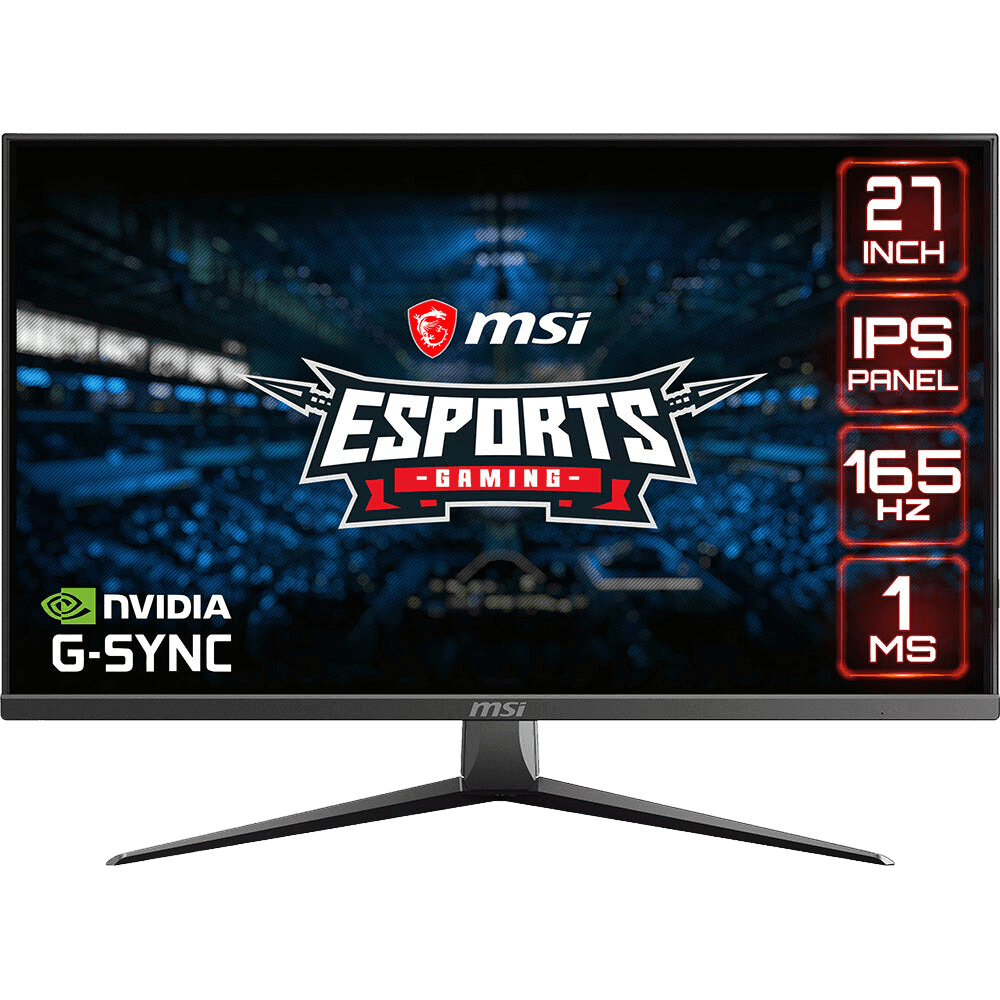
- MSI MAG2732: a 27-inch 1080p IPS monitor at 165 Hz.
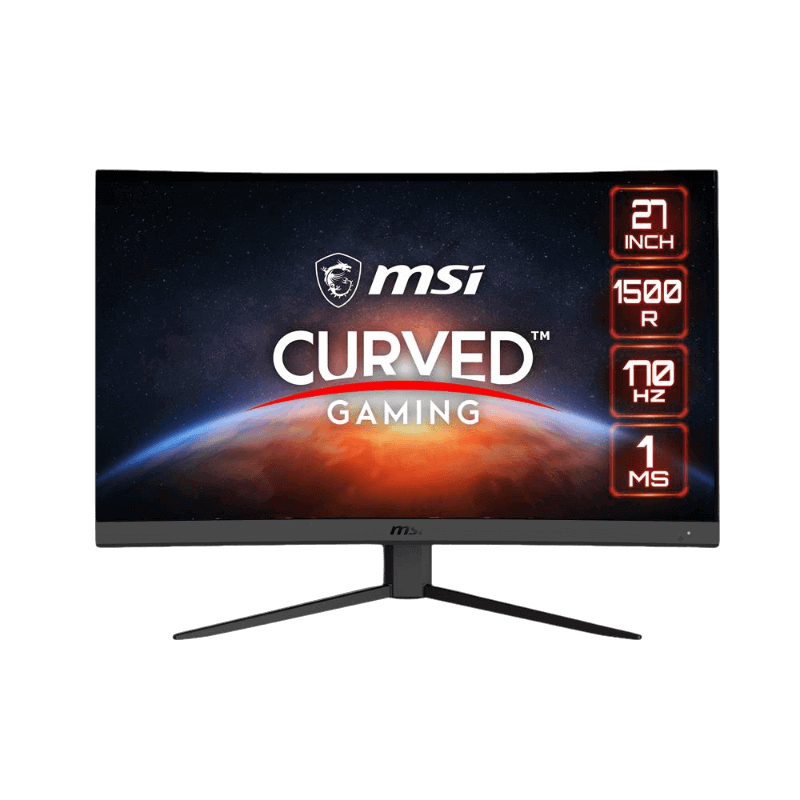
- MSI G27CQ4 E2: a curved 27-inch 1440p VA monitor at 170 Hz.
Our ASUS TUF VG27AQ1A is a 1440p IPS monitor at 170 Hz.
1440p vs 1080p FAQ
Is 1440p worth it over 1080p?
On 27-inch screens with a mid-range or better graphics card, yes.
Will 1440p lower my FPS?
Yes, by roughly 25 to 40 percent on the same card. DLSS helps recover performance.
Is 1080p still good in 2026?
Yes, especially on 24-inch screens and for competitive play.
What size is best for 1080p?
24 inches. At 27 inches, 1080p looks soft.
Can a budget PC run 1440p?
Yes, at lower settings with upscaling, but 1080p is a better match for entry cards.
Is the jump from 1080p to 1440p bigger than 1440p to 4K?
For most people at 27 inches, yes. The 1080p to 1440p jump is the most noticeable upgrade for the money.
Does 1440p need more video memory?
A little more. 8GB cards handle 1440p in many games, but 12GB to 16GB is safer for high textures.
Can I run 1080p on a 1440p monitor?
Yes, but it looks softer than a native 1080p screen. Use DLSS or FSR instead to keep the image sharp.
Is 1440p better for productivity?
Yes. The extra desktop space makes documents, spreadsheets and editing tools more comfortable to use.
The verdict
In the 1440p vs 1080p decision, choose 1440p for sharper images, more desk space and a better all-round experience on 27-inch screens. Choose 1080p for budget builds, entry graphics cards and competitive play on 24-inch screens. Browse our gaming monitors, check measured response times at RTINGS, or contact us for help.