The 7800X3D vs 9800X3D question comes up constantly because both chips are excellent gaming processors with AMD’s 3D V-Cache, and both use the same AM5 socket. The newer chip is faster, but the older one can be cheaper, and in some builds the difference barely shows. This comparison explains how the two processors differ, how much faster the 9800X3D really is, and which one makes sense for your budget, your graphics card and your monitor.
Every gaming PC from North Gaming PCs is priced in Canadian dollars and covered by our 2-year warranty. If you want a system built around either chip, contact us for a quote. Every price is shown in Canadian dollars, so there is no surprise currency conversion at checkout, and you can email our team whenever you need help choosing.

7800X3D vs 9800X3D: the specs
Both are eight-core, sixteen-thread processors with 96MB of L3 cache and a 120 W TDP. The differences are in the architecture and the cache layout:
- Ryzen 7 7800X3D: Zen 4 cores, launched in 2023, up to 5.0 GHz boost, cache stacked on top of the cores, no multiplier overclocking.
- Ryzen 7 9800X3D: Zen 5 cores, launched in November 2024, up to 5.2 GHz boost, cache placed under the cores, full overclocking support.
Both run on AM5 motherboards with DDR5 memory, and both prefer DDR5-6000 CL30 kits. You can check the official specifications on AMD’s website.
7800X3D vs 9800X3D: how much faster is the new chip?
Across a broad range of games at 1080p with a fast graphics card, most reviews put the 9800X3D around 8 to 12 percent ahead of the 7800X3D on average, with bigger gains in some titles. In everyday and productivity tasks the gap is larger, often 15 to 25 percent, because the newer chip runs at higher clocks and uses the improved Zen 5 cores.
At 1440p and 4K, the graphics card becomes the limit, and the difference shrinks quickly. With a mid-range card such as an RTX 5060 Ti or RTX 5070, you may not notice the difference in most games.
Cache design: the key 7800X3D vs 9800X3D difference
On the 7800X3D, the extra cache sits on top of the cores, which insulates them from the cooler. AMD therefore limited voltages and clock speeds. On the 9800X3D, AMD flipped the design: the cache now sits underneath the cores, so the hot cores touch the heat spreader directly.
This change is why the 9800X3D can run faster and supports full overclocking, and it is the main technical reason it wins the 7800X3D vs 9800X3D comparison in every test.
7800X3D vs 9800X3D temperatures and cooling
Both chips are efficient compared with high-end Intel processors. The 9800X3D draws a little more power when it boosts, but its improved layout spreads heat better, so temperatures are similar or lower with the same cooler. A good dual-tower air cooler or a 240 mm AIO cooler suits either processor.
If you live in a warm room or use a compact case, a stronger cooler helps both chips hold their boost clocks during long gaming sessions.
Price and value
Value in the 7800X3D vs 9800X3D debate depends on what you can buy for the money. When the older chip is available at a meaningful discount, it offers most of the gaming experience for less. Supply of the 7800X3D has become tighter over time, though, and when the price gap is small, the 9800X3D is clearly the better purchase.
Remember to look at the whole build. Spending the difference on a faster graphics card often adds more frames than the processor upgrade, especially at 1440p and 4K.
7800X3D vs 9800X3D: which fits your graphics card?
Match the processor to the rest of the PC:
- RTX 5060 Ti or RTX 5070: either chip is plenty; the GPU is the limit in most games.
- RTX 5070 Ti: the 9800X3D starts to pull ahead in high refresh 1440p gaming.
- RTX 5080 or RTX 5090: choose the 9800X3D to avoid leaving performance on the table.
For competitive players chasing 240 Hz or higher at 1080p, the faster chip helps more, because the processor sets the frame rate in many esports titles.
7800X3D vs 9800X3D for sim racing and flight sim
Both processors are superb for simulators thanks to their extra cache. In iRacing, Assetto Corsa Competizione and Microsoft Flight Simulator, the 9800X3D pushes frame rates and smoothness a little further, which matters most in VR and on triple-screen rigs. If you already own a 7800X3D, it remains an excellent sim CPU, and upgrading is rarely necessary.
A smooth frame rate makes your racing wheel and pedals feel more precise, so either chip is a strong foundation for a sim rig.
Should you upgrade from a 7800X3D?
For most owners, no. The 7800X3D is still one of the best gaming CPUs available, and the upgrade costs a lot for a modest gain. Spend the money on a faster graphics card or a better monitor instead. If you are coming from an older AM4 chip or an Intel 10th or 11th generation processor, either X3D chip is a huge step up.
7800X3D vs 9800X3D for streaming and work
If you stream, record or edit as well as play, the newer chip has a clearer advantage. Zen 5 cores are faster in productivity tasks, and the higher clocks help in video exports, code compiles and photo editing. In the 7800X3D vs 9800X3D comparison for mixed use, the 9800X3D wins more decisively than it does in games alone.
That said, both chips have eight cores. If heavy creative work is your main job, a sixteen-core processor such as the Ryzen 9 9950X3D finishes long renders much faster than either.
How to choose in 7800X3D vs 9800X3D
A simple rule settles most 7800X3D vs 9800X3D decisions. If you are building new and the price gap is small, buy the 9800X3D. If the 7800X3D is substantially cheaper and you plan to use a mid-range graphics card at 1440p or 4K, buy the 7800X3D and put the savings into the graphics card. If you already own a 7800X3D, keep it.
Whichever you choose, pair it with fast DDR5 memory, a quality cooler and a current BIOS, and you will have one of the best gaming platforms available.
Our gaming PC picks
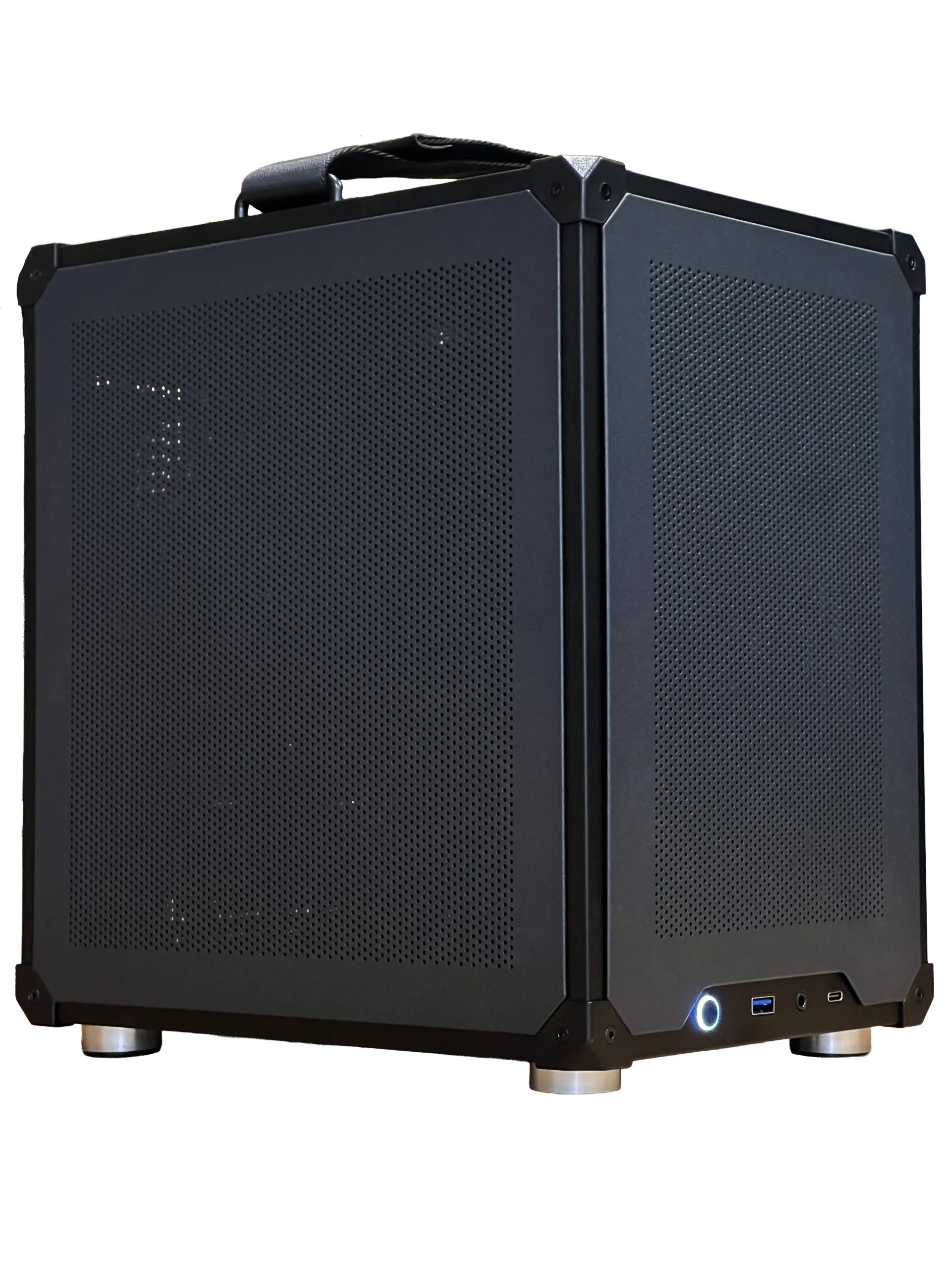
- Ready-to-ship gaming PC: a balanced Intel and RTX 5060 Ti 16GB system, ready now.
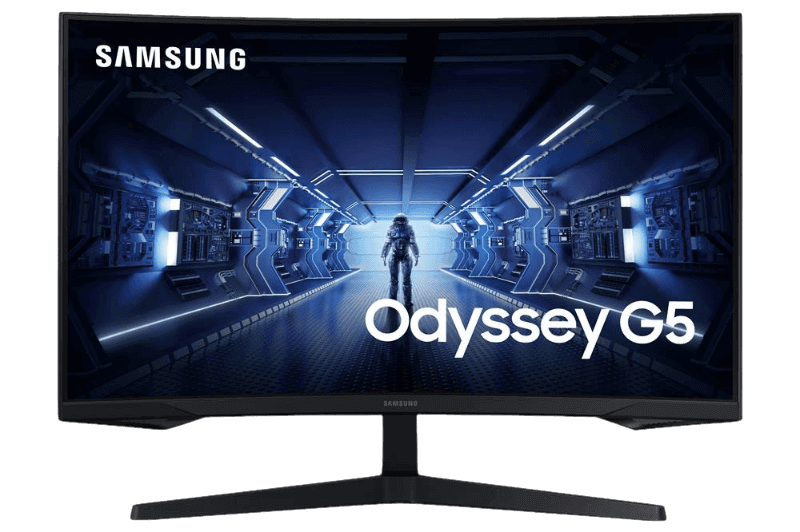
- Samsung Odyssey G5: a curved 27-inch 1440p monitor at 165 Hz.
- 1TB NVMe SSD: fast storage for Windows and your main games.
7800X3D vs 9800X3D FAQ
Is the 9800X3D worth it over the 7800X3D?
For a new build at a similar price, yes. If the 7800X3D is much cheaper and you use a mid-range graphics card, it is still great value.
Do both work on the same motherboard?
Yes. Both use AM5. Update the BIOS before installing the 9800X3D on an older board.
Which runs cooler?
Temperatures are similar with the same cooler, but the 9800X3D handles heat better thanks to its new cache layout.
The verdict
In the 7800X3D vs 9800X3D match-up, the 9800X3D is the better processor in every way, while the 7800X3D remains a strong value pick when it is clearly cheaper. Match the chip to your graphics card and monitor, and spend wisely on the parts that add the most frames. Explore our gaming PCs, or contact us for help.