Searching for the best gaming PC under $1000 is a smart way to start, because it forces you to focus on what really matters. A $1,000 budget is tight for a complete gaming PC in Canada, especially once Windows and sales tax are included, but it can still deliver solid 1080p gaming if every dollar goes to the right place. This guide explains what to expect, how to split the budget, which traps to avoid and when it makes sense to stretch a little further.
North Gaming PCs prices everything in Canadian dollars. Our own configurable systems sit above this budget, so we will be honest about the trade-offs and help you choose wisely either way. If you are unsure which option suits you, our team is happy to compare specifications with you and suggest a setup that fits your space, budget and plans.

What does $1,000 buy in Canada?
A $1,000 budget can buy an entry-level gaming PC for 1080p. Expect a six-core processor, 16GB of memory, a 500GB to 1TB SSD and an entry graphics card. That combination runs esports titles such as Valorant, Fortnite, Counter-Strike 2 and Rocket League at high frame rates, and most AAA games at medium settings with upscaling.
The best gaming PC under $1000 will not run the newest games at high settings at 1440p, and it is not suited to VR or triple-screen sim racing. Setting realistic expectations helps you choose the right parts.
How to split the budget
For the best gaming PC under $1000, split the money roughly like this:
- Graphics card: about 35 to 40 percent.
- Processor: about 15 percent.
- Motherboard: about 10 to 12 percent.
- Memory: about 7 to 8 percent, for 16GB in two sticks.
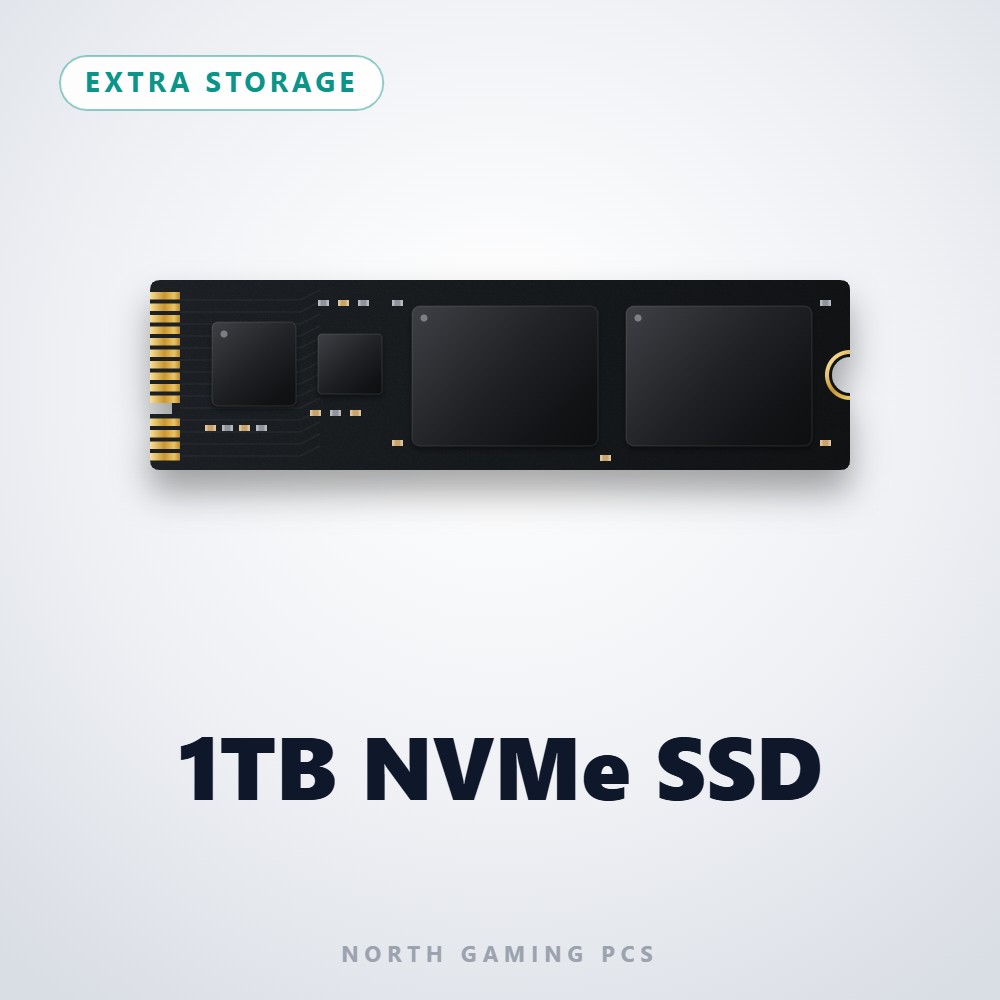
- Storage: about 6 to 8 percent, for a 1TB NVMe SSD.
- Power supply: about 7 percent for a quality unit.
- Case: about 6 percent.
Windows adds to the total, so remember to include it.
Which graphics cards fit the best gaming PC under $1000?
At this budget, look at entry cards such as the RTX 5060, the Intel Arc B580 and AMD’s entry Radeon models. Each offers 8GB to 12GB of memory and good 1080p performance. Our RTX 5060 guide explains what to expect from an entry card, including the 8GB memory question.
Processor and platform
For the best gaming PC under $1000, a current six-core processor is enough. Choose a platform with an upgrade path, such as AMD’s AM5, so you can drop in a faster processor later without replacing the motherboard. Older platforms may look cheaper but limit future upgrades.
Memory and storage
Memory and storage are easy places to get value. Buy 16GB of memory as two 8GB sticks, so it runs in dual-channel mode. Upgrade to 32GB later when budget allows. For storage, a 1TB NVMe SSD is the minimum for a modern game library. Our guide on how much RAM do I need covers memory in more detail.
Do not cut the power supply
The power supply is the part most often cheapened in budget systems. The best gaming PC under $1000 still uses a quality 550 W to 650 W unit from a reputable brand. A weak or unbranded unit can cause crashes and put other parts at risk.
Traps to avoid
Watch for these red flags when shopping for the best gaming PC under $1000:
- A graphics card listed without a model name.
- A single stick of memory.
- A hard drive as the only storage.
- An unbranded power supply.
- Very old parts sold as new.
- No clear warranty.
Any of these can turn a bargain into a frustration.
When to stretch the budget
If you play new AAA games, want 1440p or plan to keep the PC for five years, stretching beyond $1,000 makes a big difference. Moving from an entry card to an RTX 5060 Ti 16GB, adding 32GB of memory and choosing a 2TB SSD lifts the experience dramatically. Our how much is a gaming PC guide shows typical prices at each level.
The best gaming PC under $1000 for sim racing
Sim racing on a $1,000 PC works at 1080p on one screen. iRacing and Assetto Corsa run smoothly at sensible settings. Put the rest of your budget into a good entry sim racing bundle, because a solid wheel and pedals improve lap times more than extra graphics detail.
Monitors for a $1,000 PC
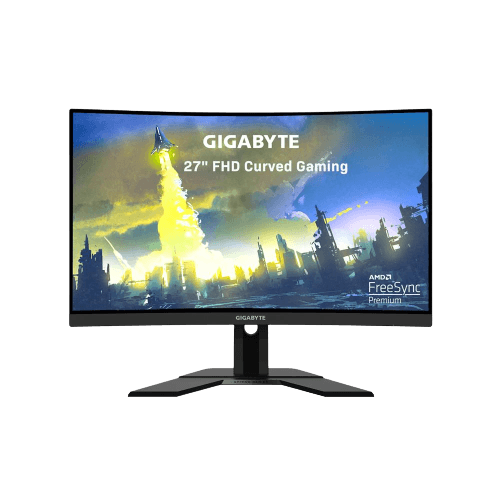
Pair the PC with a 24-inch or 27-inch 1080p monitor at 144 Hz to 165 Hz. That matches the performance of an entry graphics card and keeps the overall cost sensible. A 1440p screen is better saved for a later upgrade.
Building the best gaming PC under $1000 yourself
Building gives you the most control over a tight budget. Compare prices for each part, buy the graphics card when it is on sale and reuse what you can from an older PC, such as a case, storage drives or peripherals. A careful builder can squeeze the best gaming PC under $1000 out of a well-planned parts list. Our how to build a PC guide walks you through every step.
Prebuilt options near $1,000
Prebuilt systems near this price are usually entry-level. When comparing the best gaming PC under $1000 from different sellers, check that every part is named, that memory is two sticks, that the SSD is NVMe and that the power supply comes from a known brand. A slightly more expensive system with better parts is often the smarter long-term purchase.
Peripherals on a $1,000 budget
If the $1,000 must also cover a keyboard, mouse and headset, choose an affordable bundle and keep the monitor modest. Upgrading peripherals later is easy, while a weak graphics card is harder to fix.
Upgrade path
The best gaming PC under $1000 is one you can improve. A quality power supply with headroom lets you add a faster graphics card later. A motherboard with four memory slots and a spare M.2 slot makes adding memory and storage easy. Upgrade the graphics card first when your games start to struggle.
Our picks
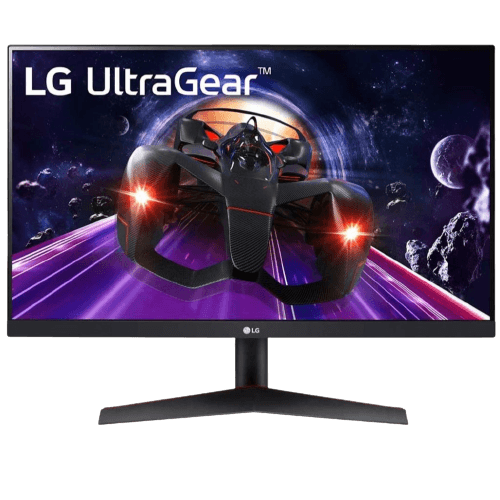
- LG 24-inch 144 Hz monitor: a crisp 1080p IPS screen for entry builds.
- Gigabyte 27-inch curved monitor: a 1080p, 165 Hz curved display.
- 1TB NVMe SSD: fast storage to add or upgrade later.
If you can stretch your budget, our configurable gaming PC lets you choose each part with clear prices in Canadian dollars.
Best gaming PC under $1000 FAQ
Can a $1,000 PC run new games?
Yes, at 1080p with medium settings and upscaling. Esports titles run at high frame rates.
Is it better to buy a console at this budget?
A console is cheaper up front, but a PC offers more games, mods, simulators and upgrades.
Should I buy used parts to save money?
Used graphics cards can be good value, but buy the power supply and storage new, because those parts are hard to test and protect everything else in the system.
The bottom line
The best gaming PC under $1000 delivers solid 1080p gaming when the budget goes to the graphics card, two sticks of memory, an NVMe SSD and a quality power supply. Expect compromises, plan for upgrades and stretch the budget if you want 1440p or the newest games at high settings. Compare current part prices on PCPartPicker, or contact us for honest advice.