A white gaming PC stands out in any room. Clean white panels, bright RGB lighting and matching peripherals create a fresh, modern look that many gamers love. Building one takes more planning than a standard black system, though, because every visible part needs to match and some white components cost more. This guide explains which parts to choose, how to keep shades consistent, how to stop white plastic from yellowing and how to complete a white gaming setup.
Our configurable gaming PC offers white RGB memory and a choice of cases, priced in Canadian dollars with a 2-year warranty on the build. Every price is shown in Canadian dollars, so there is no surprise currency conversion at checkout, and you can email our team whenever you need help choosing.

Why choose a white gaming PC?
White reflects light, so RGB colours look brighter and softer through a white case. A white gaming PC also suits bright rooms, minimalist desks and setups shared with family, where an all-black tower can feel heavy. On camera, white builds look crisp, which is why many streamers choose them.
Start with the case for your white gaming PC
The case sets the tone. Look for a white case with good airflow, such as one with a mesh front, plus glass panels that show the parts inside. Dual-chamber cases with glass on the front and side are popular for a white gaming PC because they put the motherboard and graphics card on display. Read our gaming PC case guide for help with sizes and airflow.
White motherboard and graphics card
Many motherboard makers offer white or silver boards with white heatsinks. White graphics cards are available from several partner brands, often in the same models as their black versions. Expect to pay a little more for white versions, and check availability, because white cards sell out faster.
If a white graphics card is not available, a black card mounted vertically or hidden behind a shroud can still blend in, especially with white cables and fans around it.
Memory, cooling and fans
White memory with RGB lighting is one of the easiest ways to brighten a build. White air coolers and white AIO coolers are widely available, and many come with white fans and tubes. Choose fans with white frames and blades, and match the RGB software across fans, memory and cooler so lighting effects stay in sync.
Cables matter in a white gaming PC
Black cables are the quickest way to spoil a white gaming PC. Use white sleeved extensions or a power supply with white cables, and keep cable runs tidy. Many modern cases hide most cables behind the motherboard tray, so only the 24-pin, CPU and graphics card cables are visible.
Matching shades of white
Not all whites match. Some parts lean warm or creamy, others cool or bright. Plastic and metal also reflect light differently. To keep a white gaming PC consistent, try to buy major parts from the same brand or series, and check real photos rather than product renders before you buy.
Will white parts turn yellow?
Some white plastics yellow over time, especially in direct sunlight or near heat. Keep your PC out of direct sun, choose parts with UV-resistant finishes when possible, and clean surfaces gently with a soft cloth and mild cleaner. Metal and glass do not yellow, so cases with painted steel panels stay white longest.
Lighting a white gaming PC
Lighting transforms a white build. Soft white or cool blue lighting creates a clean, modern look, while pastel colours such as pink, purple or mint give a playful style. Because white surfaces reflect light, even a few RGB fans can make the whole case glow. Keep brightness moderate so the light looks diffused rather than harsh, and sync effects across all parts with one app where possible.
Budgeting for a white gaming PC
Plan for a small premium on white parts, especially the graphics card and motherboard. If budget is tight, prioritise the parts you can see most: the case, fans, memory and cooler. A black graphics card can be hidden with a vertical mount or shroud, and white cable extensions do a lot of the visual work for little cost. The result still looks like a complete white gaming PC.
Keeping it clean
White shows dust more than black. Use dust filters, clean them every month or two and wipe surfaces with a microfibre cloth. Compressed air keeps fans and radiators clean. A tidy white gaming PC looks impressive; a dusty one loses its appeal quickly.
Performance comes first
Looks matter, but performance should still guide your choices. Pick the graphics card for your monitor, add 32GB of memory and a fast SSD, then choose white versions where available. A white gaming PC with a balanced parts list is a joy to use every day. Use a tool such as PCPartPicker to filter parts by colour and check compatibility. It also shows current prices from Canadian retailers, which makes it easier to see where white parts cost extra.
Complete the white setup
The PC is only part of the picture. Finish the look with white peripherals: a white keyboard, mouse, headset and desk mat, plus a white monitor arm. Warm or neutral lighting behind the desk complements the build. Many players match the white gaming PC with a white desk for a clean, cohesive space, and a white cable tray under the desk keeps everything tidy.
A white gaming PC for sim racing and flight sim
White builds look striking beside a racing rig or flight setup too. Keep the PC away from the heat of the wheelbase power supply and out of direct sunlight near windows. Pair it with a sim racing cockpit in a contrasting colour, or match it with white accessories for a showroom look.
Our picks
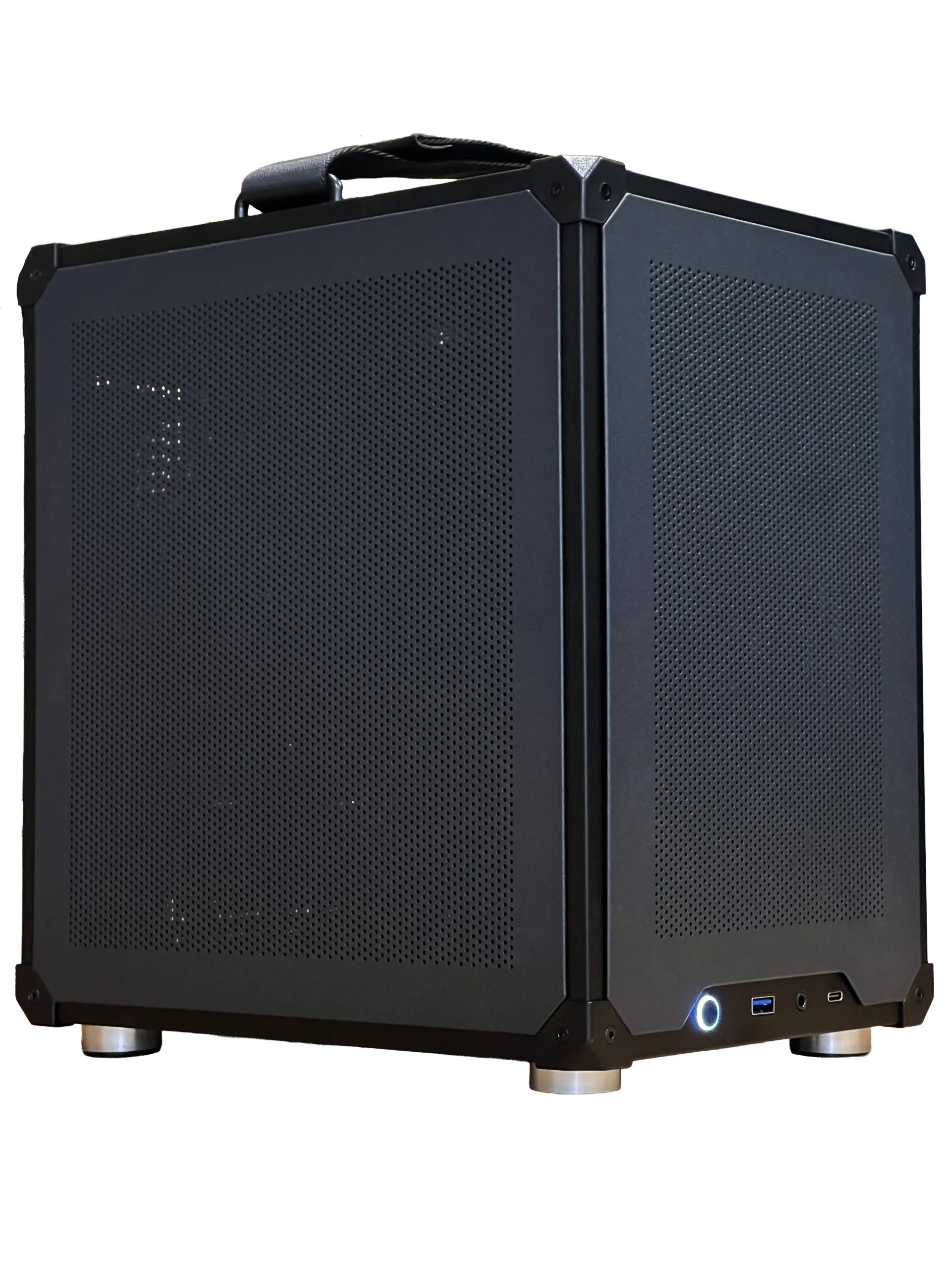

- Ready-to-ship gaming PC: a balanced system ready to play today.
- ASUS TUF 1440p monitor: a fast 27-inch screen for a white desk setup.
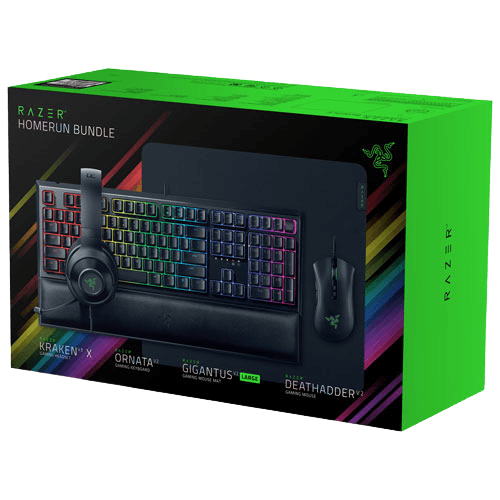
- Razer gaming setup bundle: keyboard, mouse, headset and mouse pad in one box.
White gaming PC FAQ
Does a white gaming PC cost more?
Usually a little. White versions of cases, motherboards and graphics cards often carry a small premium.
Do white parts perform differently?
No. White versions use the same components; only the colour changes.
How do I stop white plastic from yellowing?
Keep the PC out of direct sunlight, away from heat and clean it gently with mild products.
Can I convert my black PC to white?
Partly. You can swap the case, fans, cooler, memory and cables for white versions, while keeping the motherboard, processor, storage and often the graphics card.
Are white peripherals harder to keep clean?
They show dirt sooner, but a quick wipe with a damp microfibre cloth keeps them looking new. Choose textured or PBT keycaps, which resist shine and stains better than smooth ABS plastic.
What colour lighting suits a white gaming PC?
Cool white, soft blue and pastel colours look best, but any colour works because white panels diffuse the light evenly.
Build your white gaming PC
A white gaming PC rewards careful planning: a good case, matching parts, white cables and regular cleaning. Choose performance first, then colour. Configure your gaming PC with white RGB memory, or contact us for help planning a white build.