The AMD Ryzen 7 9800X3D is the processor that gamers talk about most, and in many games it is the fastest CPU you can buy. Its secret is a huge stack of extra cache that keeps game data close to the cores, which raises frame rates and smooths out the stutters that make fast games feel uneven. This guide explains how the 9800X3D works, which parts it needs, how it compares with the alternatives and whether it is worth the money for the way you play.
North Gaming PCs builds gaming PCs priced in Canadian dollars with a 2-year warranty on every system. If you want a PC built around a specific processor such as the 9800X3D, contact us and we will talk you through the options.

9800X3D specs at a glance
AMD launched the Ryzen 7 9800X3D in November 2024 on the AM5 platform. The key numbers are:
- Cores and threads: 8 cores and 16 threads on the Zen 5 architecture.
- Clock speed: up to 5.2 GHz boost, with a 4.7 GHz base clock.
- Cache: 96MB of L3 cache, thanks to second-generation 3D V-Cache.
- Power: a 120 W TDP, modest for a top gaming chip.
- Platform: AM5 socket with DDR5 memory and PCIe 5.0 support.
AMD’s processor pages list the full specifications for every Ryzen model if you want to compare.
What makes 3D V-Cache special?
Games constantly fetch small pieces of data, such as positions, physics and AI states. When that data is not in the processor’s cache, the CPU must wait for system memory, which is far slower. AMD’s 3D V-Cache stacks an extra 64MB of cache onto the chip, so much more of a game’s working data stays close to the cores.
The result is higher average frame rates and, just as importantly, better lows. The 1 percent low frame rate, which measures the worst moments, improves a lot in many games, so motion feels smoother even when the average number looks similar. That is why the 9800X3D feels so good in fast shooters, big strategy games and simulators.
What changed from earlier X3D chips?
Earlier X3D processors placed the extra cache on top of the cores, which trapped heat and forced lower clock speeds. On the 9800X3D, AMD moved the cache underneath the cores instead. The cores sit closer to the cooler, so they can run at higher clocks, and the chip supports full overclocking for the first time on an X3D part.
In practice, this means the newer chip is faster than the Ryzen 7 7800X3D in both games and everyday tasks, while keeping the same efficient 120 W design. Our 7800X3D vs 9800X3D comparison covers the differences in detail.
How fast is it in games?
At 1080p and 1440p with a fast graphics card, the 9800X3D leads most gaming benchmarks. It is especially strong in CPU-heavy titles such as Counter-Strike 2, Valorant, Microsoft Flight Simulator, Factorio, Escape from Tarkov and large open-world games. In these titles it often beats Intel’s fastest desktop chips by a wide margin.
At 4K, the graphics card becomes the limit, and the gap between processors shrinks. Even so, the extra cache still helps with smoother frame pacing, and it will stay relevant as you upgrade to faster graphics cards in the future.
Which parts pair well with a 9800X3D?
To get the most from this processor, build a balanced system around it:
- Graphics card: an RTX 5070 Ti, RTX 5080 or faster, so the CPU is not wasted.
- Memory: 32GB of DDR5 RAM at 6,000 MT/s with CL30 timings, the AM5 sweet spot.
- Motherboard: a B650, B850, X670 or X870 board with a current BIOS.
- Storage: a 2TB NVMe Gen 4 SSD for fast loading.
- Monitor: a 1440p screen at 165 Hz or more, or a 240 Hz display for competitive games.
Pairing it with a budget graphics card or a 60 Hz monitor wastes most of its strengths.
Cooling the 9800X3D
The chip is efficient, but it boosts higher when it stays cool. A quality dual-tower air cooler or a 240 mm or 360 mm AIO cooler keeps it well below its limits during long sessions. Because heat is concentrated in a small area, a good thermal paste application and a cooler with solid contact matter more than raw cooler size.
Expect gaming temperatures in the 60s to 70s °C with good cooling, which leaves plenty of headroom for its automatic boost behaviour.
9800X3D for sim racing and flight sim
Simulators are among the most CPU-hungry games, and this is where the 9800X3D shines. iRacing, Assetto Corsa Competizione and Le Mans Ultimate track many cars, physics and tyre models at once, especially in full online grids. Extra cache keeps frame times steady, which makes force feedback from your direct drive wheelbase feel consistent.
Microsoft Flight Simulator is famously CPU-bound over big airports and dense cities. The 9800X3D is one of the best processors for it, especially in VR, where every stutter is noticeable.
Is the 9800X3D good for work and streaming?
With eight cores, it handles streaming, video editing and everyday productivity well, but it is not the best choice for heavy multi-threaded work. A 16-core chip such as the Ryzen 9 9950X3D or Intel Core Ultra 9 285K finishes long renders and compiles faster. If gaming is your priority and creating is a side job, the 9800X3D is the better balance.
9800X3D vs Intel
Intel’s Core Ultra 200S processors, such as the Core Ultra 7 265K and Core Ultra 9 285K, are strong in productivity work and efficient at idle, but they trail the 9800X3D in most games. Intel’s chips can still be a sensible pick for mixed use or value builds, such as the Core Ultra 5 in our ready-to-ship PC. For pure gaming performance, AMD’s X3D chips are ahead.
Setting up a new 9800X3D build
A few BIOS settings help the chip perform at its best. Update the motherboard BIOS before installing it, because older firmware may not recognise it or may lack important fixes. Enable EXPO so your memory runs at its rated speed, and leave Precision Boost Overdrive on its default or enable it if your cooler has headroom.
In Windows, install AMD’s chipset drivers and keep Windows updated, since scheduler improvements for Zen 5 arrived after launch. Then simply play: the processor manages its own boost clocks automatically.
Our gaming PC picks
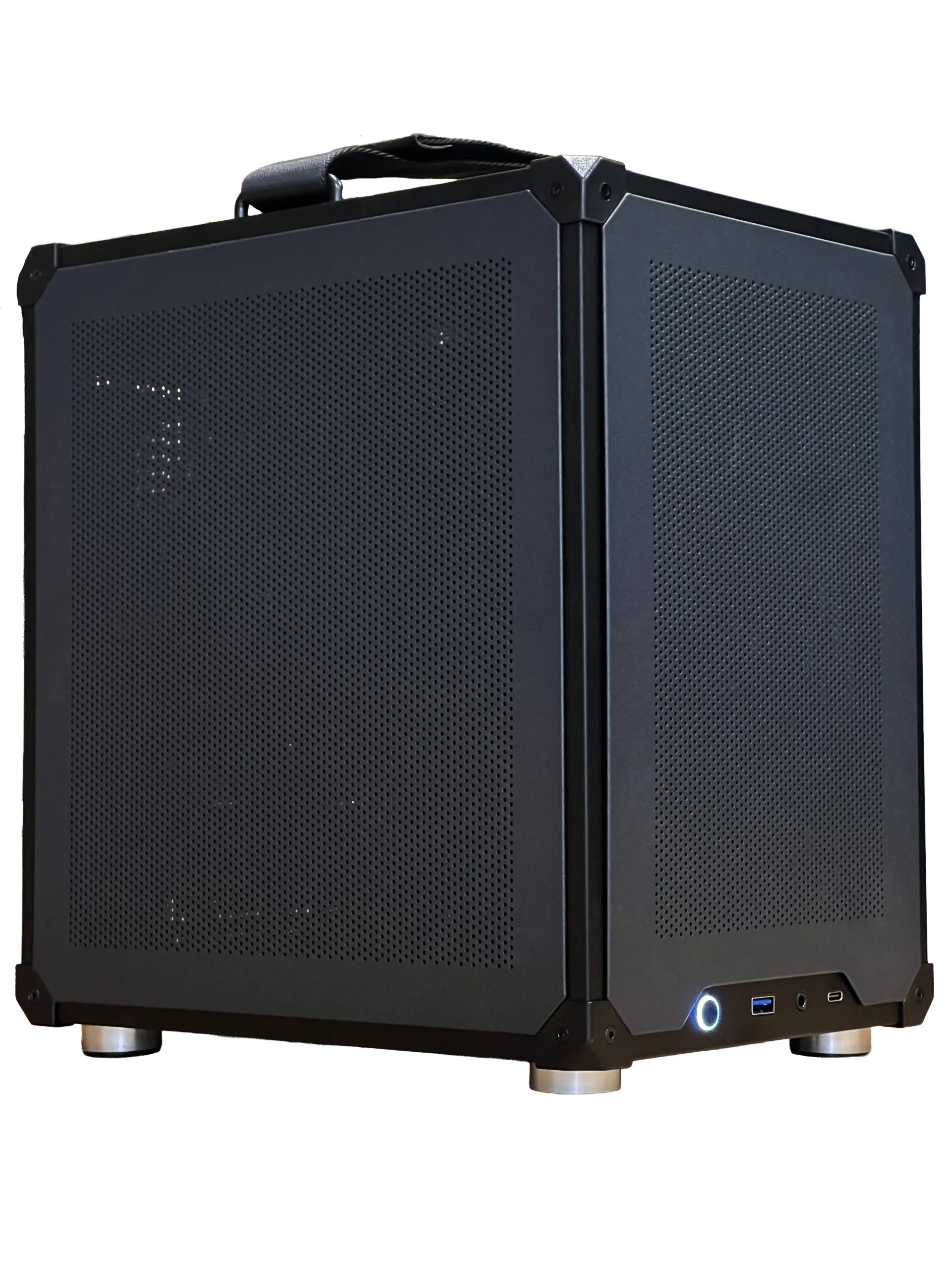

- Ready-to-ship gaming PC: an Intel Core Ultra 5 and RTX 5060 Ti 16GB system, in stock now.
- ASUS TUF 1440p monitor: a 170 Hz IPS screen that suits a high-end gaming CPU.
- 2TB NVMe SSD: room for big games and quick loading.
9800X3D FAQ
Is the 9800X3D worth it for 4K gaming?
At 4K the graphics card matters more, but the 9800X3D still improves smoothness and leaves room for future GPU upgrades.
What RAM is best for the 9800X3D?
32GB of DDR5-6000 CL30 in two sticks, with EXPO enabled in the BIOS.
Does it need a liquid cooler?
No. A good dual-tower air cooler works well, though a 240 mm or 360 mm AIO keeps temperatures lower.
Can I overclock the 9800X3D?
Yes. It is the first X3D chip with full multiplier overclocking, and Precision Boost Overdrive also works.
Is the 9800X3D right for you?
If gaming is your main reason for building a PC, and especially if you play CPU-heavy competitive games or simulators, the Ryzen 7 9800X3D is the processor to aim for. Pair it with a strong graphics card and fast memory, and it will stay relevant for years. Browse our gaming PCs, or contact us about a build around this chip.