The RTX 5080 is NVIDIA’s high-end gaming card for 4K and very high refresh rate 1440p. It sits just below the flagship RTX 5090, costs about half as much, and brings the full Blackwell feature set, including DLSS 4 with Multi Frame Generation. This guide explains what it does well, what kind of PC it needs, and how it compares with the cards around it, so you can decide whether it belongs in your next build.
You can choose the RTX 5080 when you configure a gaming PC with North Gaming PCs, priced in Canadian dollars and covered by our 2-year warranty. If you are unsure which option suits you, our team is happy to compare specifications with you and suggest a setup that fits your space, budget and plans.

RTX 5080 specs
NVIDIA released the RTX 5080 in January 2025 alongside the RTX 5090. Its main specifications are:
- CUDA cores: 10,752 on the Blackwell architecture.
- Video memory: 16GB of GDDR7 on a 256-bit bus.
- Board power: about 360 W, with an 850 W power supply recommended.
- Connector: the 16-pin 12V-2×6 power connector on most models.
- Outputs: DisplayPort 2.1b and HDMI 2.1b for 4K high refresh and beyond.
The full comparison table is on NVIDIA’s RTX 50 series page.
RTX 5080 gaming performance
The RTX 5080 is a true 4K card. In most current games it runs 4K at high settings with smooth frame rates, and with DLSS Super Resolution it handles path-traced and heavily ray-traced titles that would bring lesser cards to their knees. At 1440p it pushes very high frame rates, which makes it a great partner for a 240 Hz monitor.
Compared with the RTX 4080 Super it replaces, the new card offers a modest step up in traditional rendering and a much larger one when Multi Frame Generation is enabled. If you already own an RTX 4080, the upgrade is small. If you are coming from an RTX 30 series card or older, the upgrade is a dramatic jump.
DLSS 4 on the RTX 5080
DLSS 4 is a big part of the appeal. Super Resolution upscales the image with a transformer-based AI model that sharpens fine detail, while Multi Frame Generation can insert up to three extra frames for every rendered one. In supported games, that turns a solid 4K frame rate into a very smooth one on a high refresh display.
For competitive play, keep frame generation off and rely on raw performance plus NVIDIA Reflex. For single-player games and simulators, frame generation is an easy win.
Is 16GB enough on the RTX 5080?
For almost every game today, 16GB of GDDR7 is plenty at 4K. A handful of titles with extreme texture packs and full path tracing can approach that limit, but this card handles them with sensible settings. Only creators working with very large AI models, 8K video or huge 3D scenes really need the 32GB of the 5090 graphics card.
Building a PC around an RTX 5080
A card this fast deserves a strong platform. A balanced build looks like this:
- Processor: a fast eight-core gaming CPU so the card is not held back at 1440p.
- Memory: 32GB of DDR5, or 64GB if you stream or create.
- Storage: a 2TB or 4TB NVMe SSD for a large library of big games.
- Power supply: a quality 850 W unit with a native 12V-2×6 cable.
- Cooling and case: good front-to-back airflow, because a 360 W card adds real heat.
Make sure the case has room for the card. Many models are three slots thick and well over 300 mm long.
Noise, temperatures and power
A 360 W graphics card needs a case that can move air. Plan for at least two front intake fans and one exhaust, and avoid cramped cases with solid front panels. With good airflow, most models run quietly in games, and many stop their fans entirely at the desktop.
The 16-pin 12V-2×6 connector deserves care. Push it in fully until it clicks, avoid sharp bends right next to the plug, and use the native cable from a modern power supply rather than a chain of adapters. These simple steps prevent the connection issues that some early high-power cards suffered from.
Upgrading from an older card
Coming from an RTX 3070, RTX 3080 or RX 6800 XT, the upgrade transforms 4K gaming and makes heavy ray tracing practical. From an RTX 4080 or RTX 4080 Super, the gain is smaller, and you may prefer to wait. If your current PC has an older processor, budget for a platform upgrade too, because a high-end card can be held back at 1440p by a slow CPU.
RTX 5080 for sim racing, flight sim and VR
This is where the card shines. Triple 1440p monitors for sim racing are demanding, and it has the power to drive them at high refresh rates in iRacing, Assetto Corsa Competizione and Le Mans Ultimate. It is also a strong choice for VR, where high resolution headsets need steady frame rates to stay comfortable.
In Microsoft Flight Simulator, it lets you raise terrain detail and resolution together, especially with DLSS and frame generation. If your sim racing cockpit has a big screen setup, this card is the one to aim for.
RTX 5080 vs the alternatives
- RTX 5070 Ti: about 15 to 20 percent slower, much cheaper and also 16GB. Better value for 1440p.
- RTX 5090: far faster with 32GB of memory, but roughly double the price and much higher power draw.
- AMD Radeon RX 9070 XT: a strong 1440p card for less money, but a tier below the RTX 5080 at 4K.
If you game at 4K or drive triple screens, the RTX 5080 is the most sensible high-end choice. If you mostly play at 1440p, the RTX 5070 Ti gives you most of the experience for less.
Our RTX 5080 picks
Choose the RTX 5080 as an upgrade on our configurable gaming PC. These products complete a high-end setup:
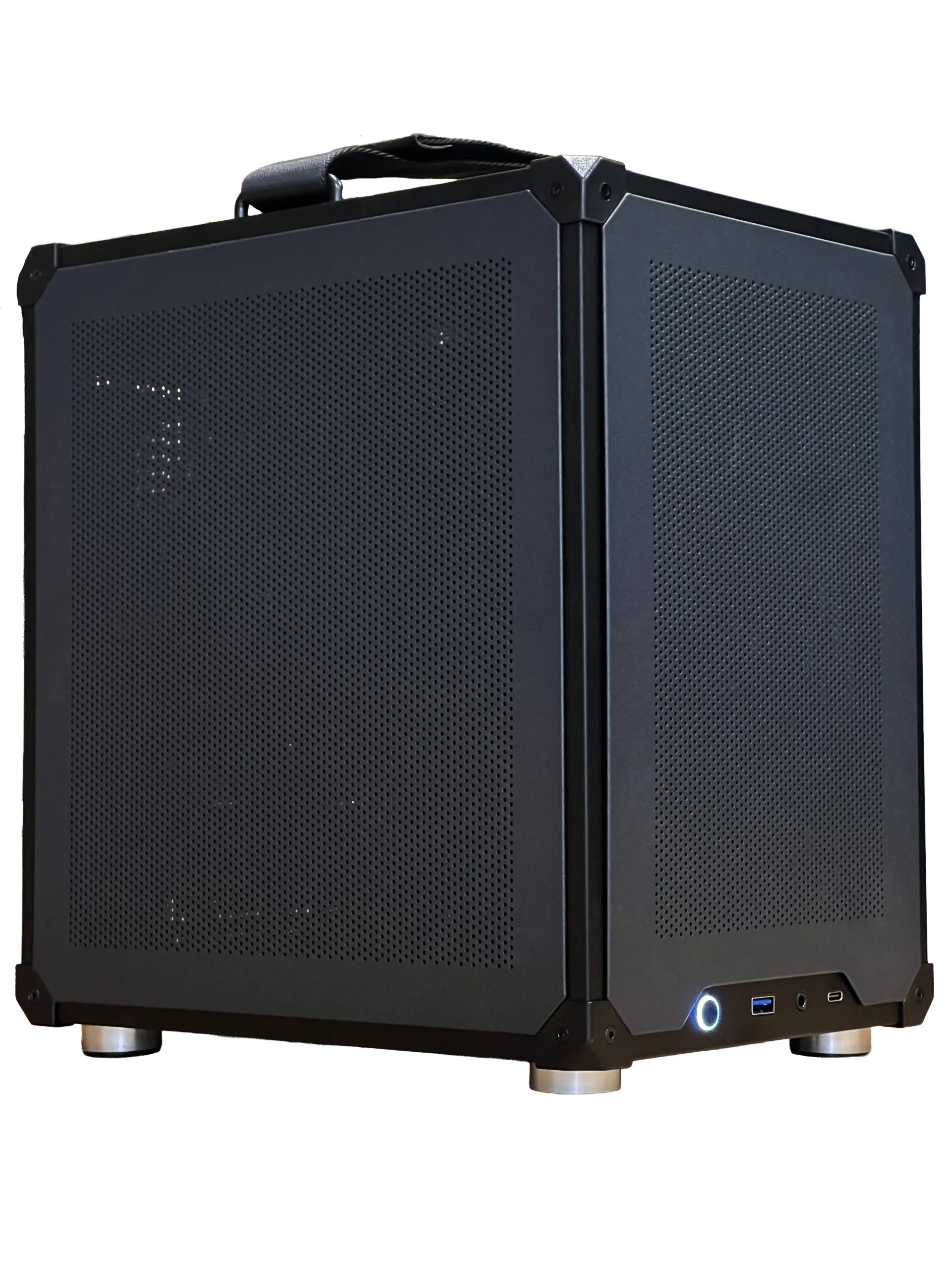
- Ready-to-ship gaming PC: a faster route to a new PC if you do not need RTX 5080 power.
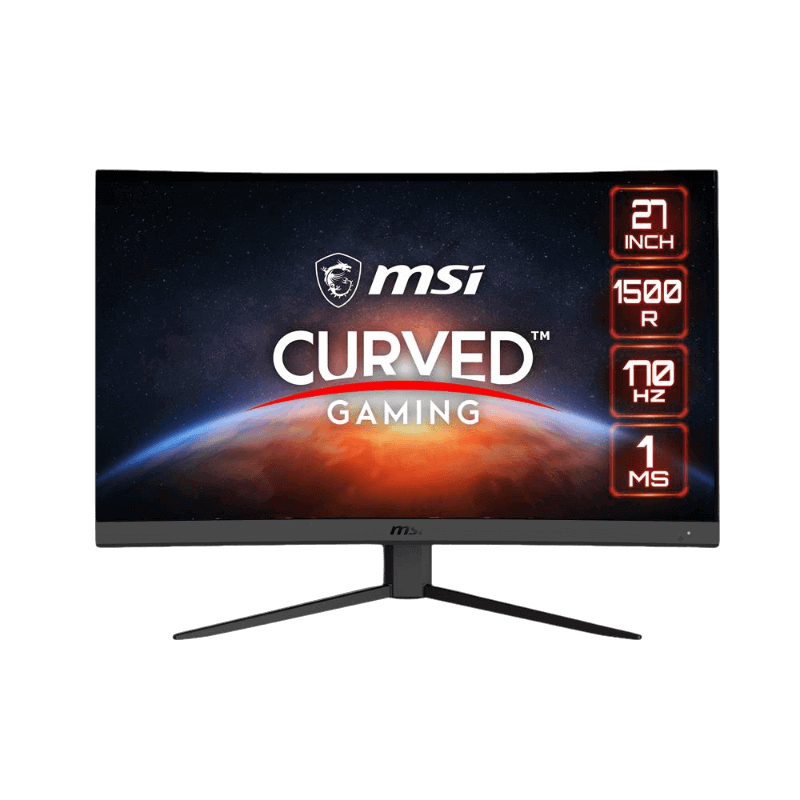
- MSI 27-inch curved monitor: a 1440p, 170 Hz screen for high frame rates.
- 4TB NVMe SSD: space for a big 4K game library and simulator content.
RTX 5080 FAQ
Is the RTX 5080 good for 1440p?
Yes. It is very fast at 1440p and pairs well with 240 Hz monitors, though the RTX 5070 Ti is better value if 1440p is all you play.
What PSU do I need for an RTX 5080?
NVIDIA recommends 850 W. Choose a quality unit with a native 12V-2×6 cable.
Is the RTX 5080 worth it over the RTX 5070 Ti?
It is worth it for 4K, triple screens and VR. For a single 1440p monitor, the RTX 5070 Ti is the smarter buy.
Does it support AV1 encoding for streaming?
Yes. Every RTX 50 card includes NVIDIA’s latest NVENC encoder with AV1 support, which gives cleaner streams and recordings at lower bitrates in OBS and other apps.
Should you buy an RTX 5080?
Buy the RTX 5080 if you want excellent 4K gaming, triple-screen sim racing or high-end VR without paying flagship prices. Skip it if you only game at 1080p or a single 1440p display. Configure your gaming PC with an RTX 5080, or contact us for advice on the right card.