The SSD vs HDD question used to be about price versus speed. Today it is mostly about where each type of drive belongs in your PC. Solid-state drives are dramatically faster, silent and tough, while hard drives still offer far more space for the money. This guide compares them on speed, price, lifespan and noise, explains which games now require an SSD, and shows the smart way to use both in a gaming PC.
North Gaming PCs sells both kinds of drive in Canadian dollars, and every drive is covered by our 2-year warranty.
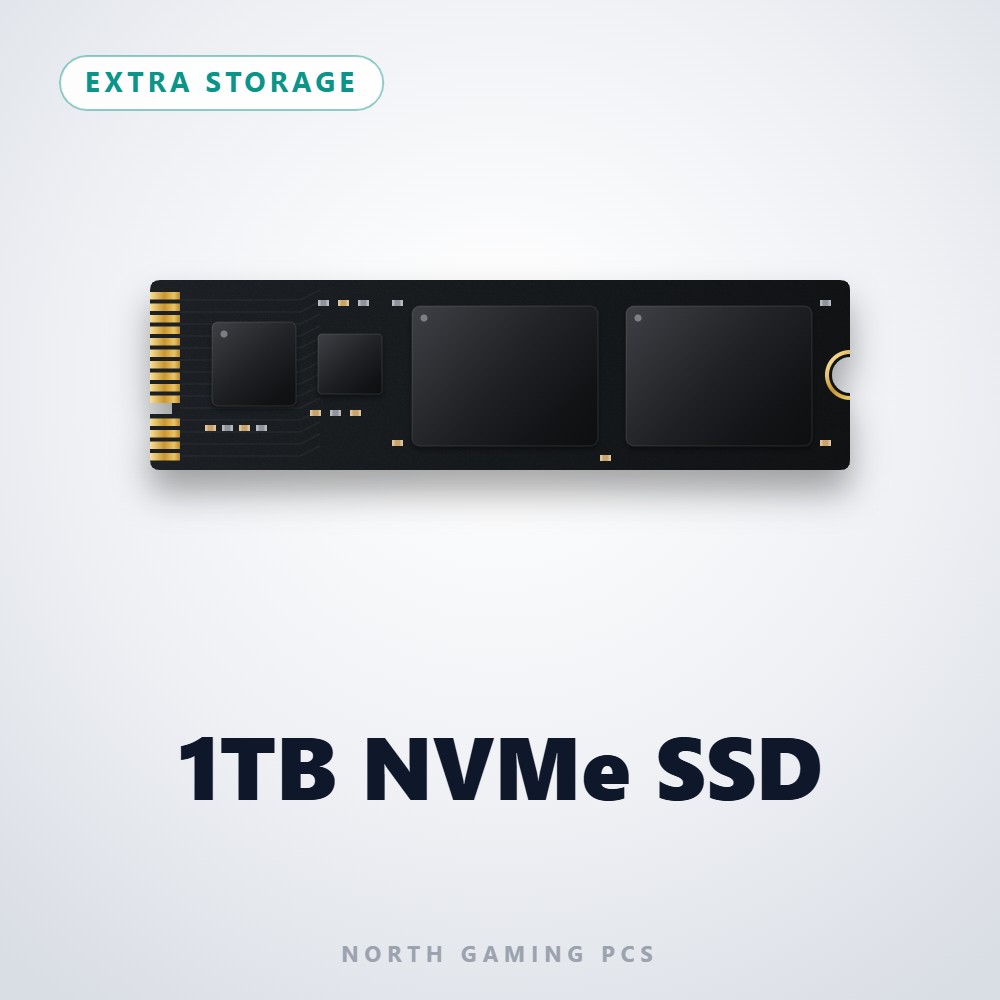
SSD vs HDD: how they work
A hard disk drive stores data on spinning magnetic platters, read by a head on a moving arm. To find a file, the platter must spin to the right spot and the arm must move into position, which takes several milliseconds each time.
A solid-state drive stores data on flash memory chips with no moving parts. It can reach any piece of data in a tiny fraction of a millisecond. That fundamental difference explains almost every result in the SSD vs HDD comparison that follows.
Speed: the biggest difference
A typical 7,200 rpm hard drive reads at around 150 to 250 MB/s in long sequential transfers. A SATA SSD reaches about 550 MB/s, and an NVMe SSD reaches 3,500 to 7,000 MB/s or more. The gap in random access, which games use constantly, is even larger.
In practice, this means Windows starts in seconds instead of a minute, games load several times faster and open-world titles stream new areas without hitching. In the SSD vs HDD speed contest, there is no close call.
Which games need an SSD?
A growing number of PC games list an SSD as a requirement, not a recommendation. Titles built around fast streaming, such as Starfield and many modern open-world games, can stutter badly or show missing textures on a hard drive. Console ports designed for the fast storage in the PS5 and Xbox Series X also expect an SSD.
Microsoft’s DirectStorage technology speeds up loading further on NVMe drives. Even older games benefit from shorter loading screens, so keep the games you play on an SSD.
Price per terabyte
Hard drives still win on cost. Large hard drives of 4TB, 8TB and beyond cost far less per terabyte than solid-state storage, which makes them ideal for media libraries, backups and game archives. SSD prices have fallen a lot, though, and 2TB NVMe drives are now affordable enough to be the main drive in most gaming PCs.
When weighing SSD vs HDD on cost, think about what the space holds. Paying extra for speed makes sense for games and Windows, not for years of photos and recordings.
Lifespan and reliability
Both drive types are reliable when used normally. Hard drives can fail mechanically, especially if dropped or knocked while running, and they wear as their motors and bearings age. SSDs have no moving parts, but their flash memory has a rated write endurance, measured in terabytes written.
For gaming, an SSD will almost always outlast its usefulness before reaching its endurance limit. Whichever you use, keep backups of anything important, because no drive lasts forever.
Noise, heat and power
Hard drives make noise: a quiet hum while spinning and clicks while seeking. SSDs are completely silent. Solid-state drives also use less power and give off less heat, which helps in compact and quiet builds. For a PC in a bedroom or a streaming setup with a sensitive microphone, the SSD vs HDD choice for the boot drive is easy.
The best of both: a hybrid setup
Most gamers get the best value by using both drive types:
- NVMe SSD (1TB to 2TB): Windows, apps and the games you play now.
- Hard drive (2TB to 8TB): recordings, media, backups and games you rarely play.
Games can be moved between drives in most launchers, so you can shift a title onto the SSD when you start playing it again.
SSD vs HDD for sim racing and flight sim
Simulators load large tracks, cars, aircraft and scenery, and they stream data constantly while you drive or fly. Keep your sims on an SSD for shorter loading and smoother performance. A hard drive is fine for replays, liveries you are not using and archived add-ons. If you run a full sim racing cockpit, a quick-loading PC keeps your sessions flowing.
Upgrading an older PC
If your PC still boots from a hard drive, replacing it with an SSD is the single best upgrade you can make. Clone the old drive to a new SSD with free cloning software, swap the boot drive, and keep the hard drive as a second disk for storage. Read our SSD guide for help choosing the right model.
SSD vs HDD at a glance
Here is the SSD vs HDD comparison in one list:
- Speed: SSD wins by a huge margin, especially NVMe.
- Price per terabyte: HDD wins, especially at 4TB and above.
- Noise: SSD is silent; HDD hums and clicks.
- Durability: SSD copes better with knocks and drops.
- Capacity: both reach large sizes, but big HDDs are far cheaper.
- Best use: SSD for Windows and games, HDD for media and backups.
SSD vs HDD for consoles and external drives
The same logic applies to consoles. The PS5 and Xbox Series X|S need fast solid-state storage to play their newest games, and an external hard drive can only store those titles, not run them. On older consoles and for last-generation games, an external hard drive is a cheap way to keep a library within reach.
For PC backups, an external hard drive remains the cost-effective choice. Reliability data published by Backblaze, which tracks hundreds of thousands of drives, shows that both types fail occasionally, so follow the simple rule of keeping important files in more than one place. Whichever side of the SSD vs HDD debate you land on for backups, a second copy matters most.
Making the SSD vs HDD decision
If you are building a new gaming PC, the SSD vs HDD decision is simple: start with a fast NVMe SSD of at least 1TB, ideally 2TB. Add a hard drive only if you need cheap space for media, recordings or backups. If you are upgrading an older PC, move your boot drive to an SSD first, and keep the hard drive as storage.
Our storage picks
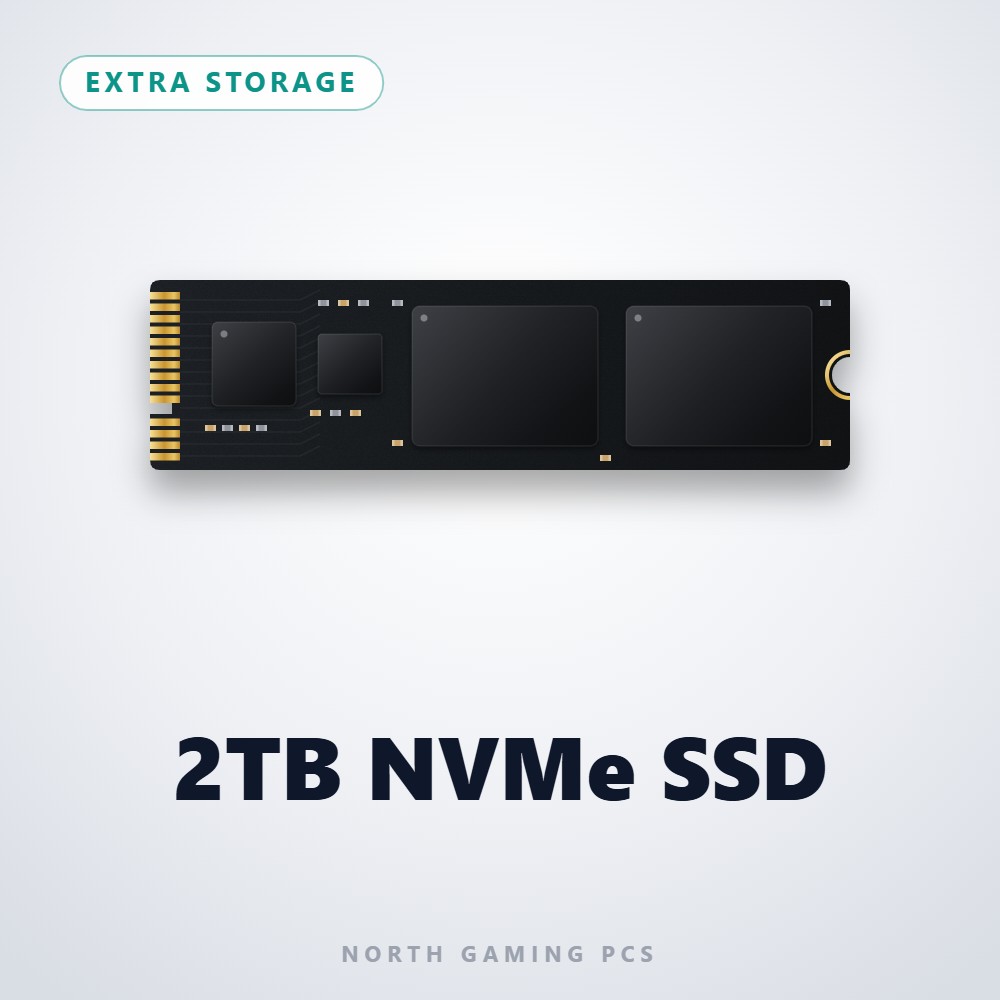
- 2TB NVMe SSD: fast main storage for Windows and your game library.
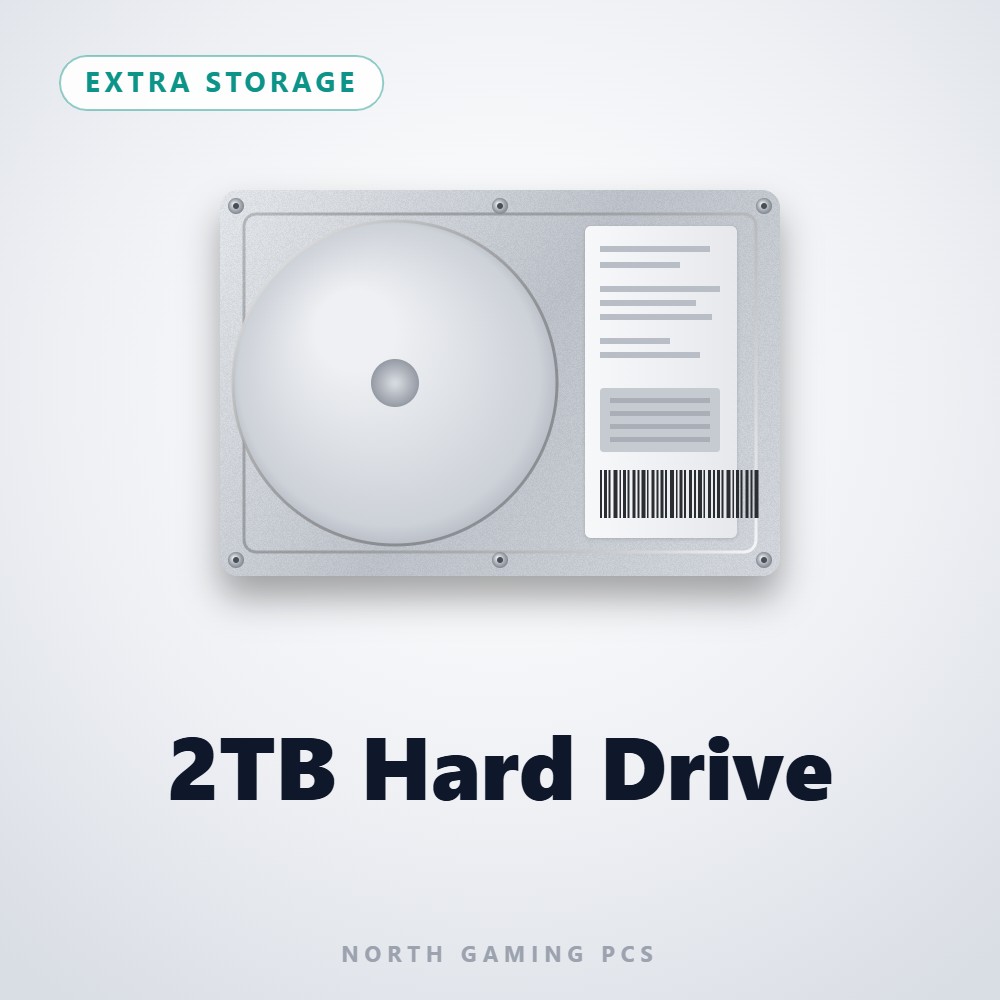
- 2TB hard drive: affordable space for media and backups.
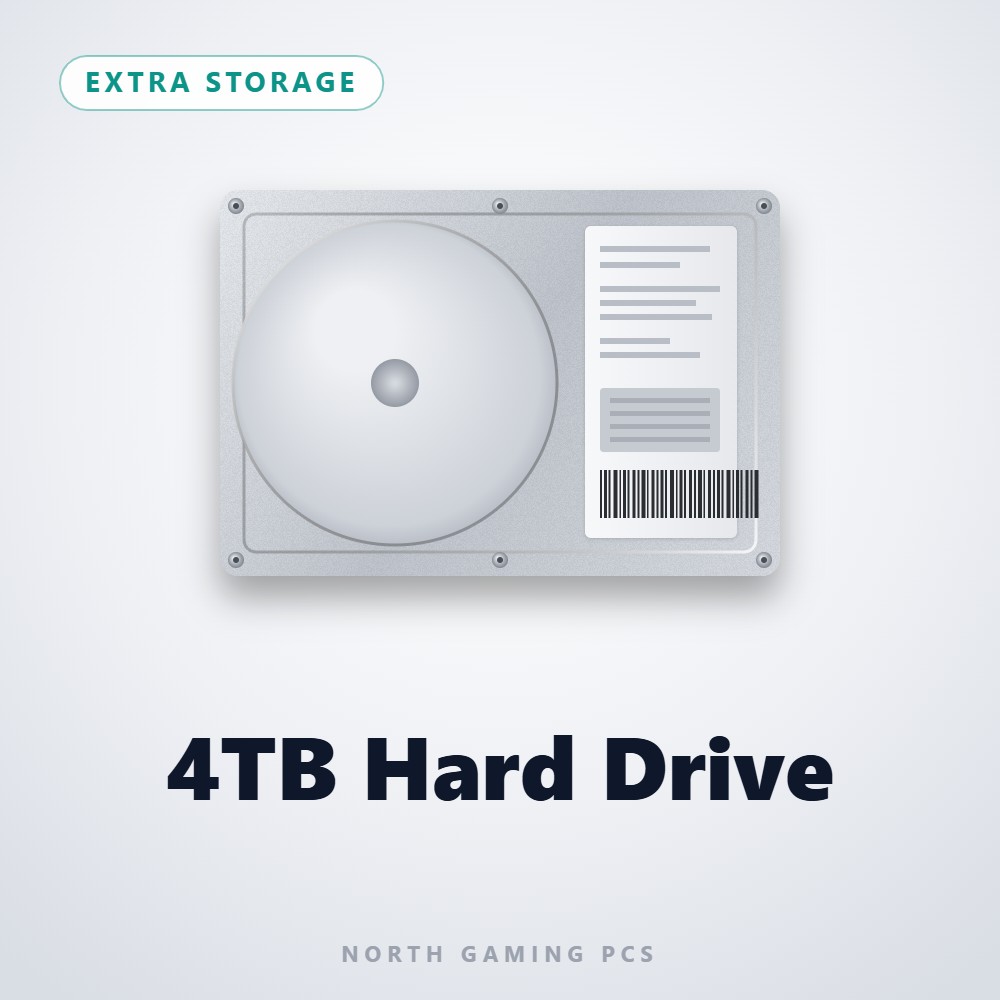
- 4TB hard drive: even more room for archives and recordings.
SSD vs HDD FAQ
Is an SSD worth it for gaming?
Yes. It shortens loading, reduces stutter and is required by a growing number of games.
Can I play games from a hard drive?
Older games run fine, but newer titles may stutter or refuse to run properly on a hard drive.
Which lasts longer?
Both last many years in normal use. SSDs are more resistant to knocks, while hard drives can fail mechanically.
The verdict
In the SSD vs HDD debate, the answer for gamers is both: an SSD for speed and a hard drive for cheap bulk storage. Put Windows and your active games on solid-state storage, and use a hard drive for everything else. Browse our storage drives, or contact us for advice on the right mix.