Description
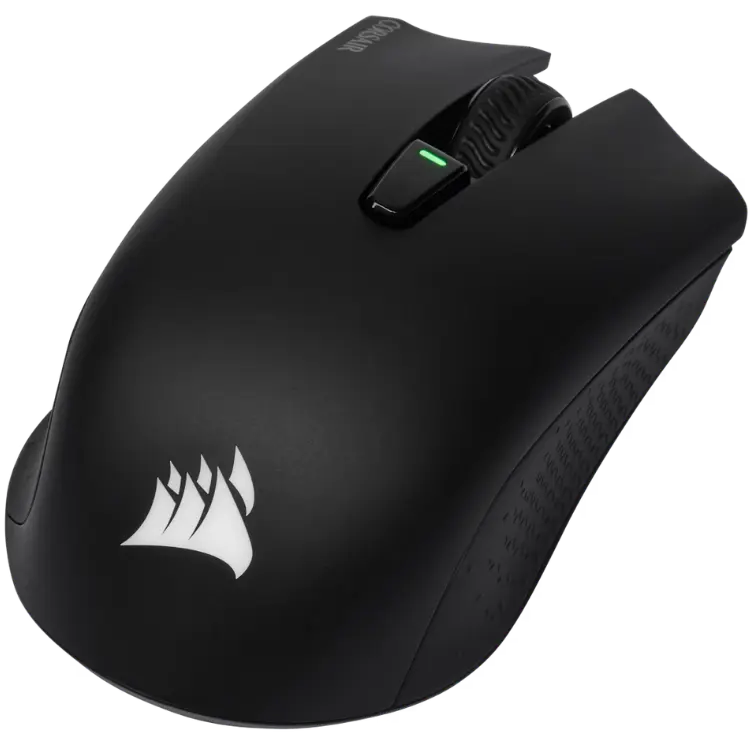
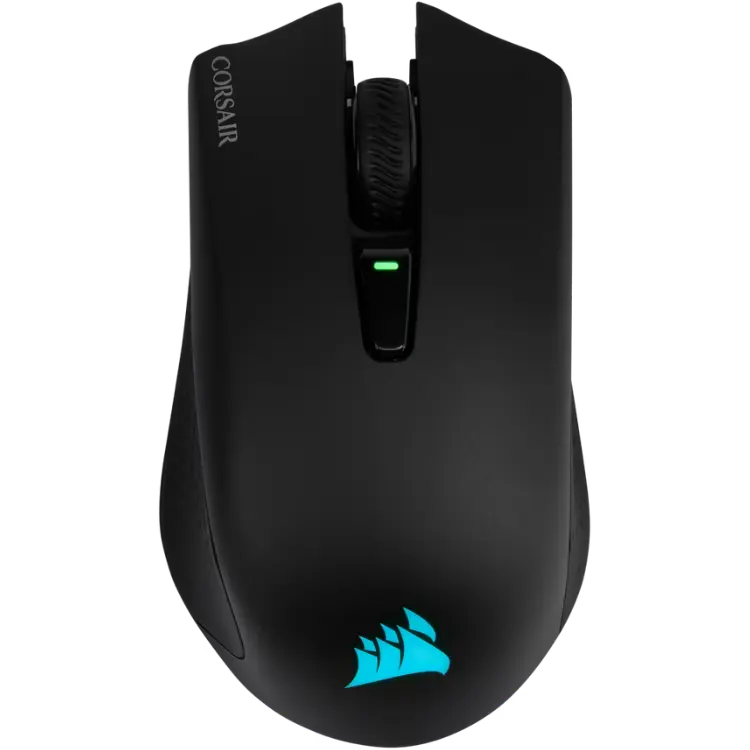
The CORSAIR HARPOON RGB WIRELESS is a 99 g wireless gaming mouse with three ways to connect: sub-1 ms SLIPSTREAM WIRELESS, Bluetooth or wired USB. A 10,000 DPI optical sensor, six programmable buttons and Omron switches make it a versatile pick, priced in Canadian dollars.
Why choose the CORSAIR HARPOON RGB Wireless Gaming Mouse?
Flexibility is the headline. SLIPSTREAM WIRELESS gives response times that rival a cable for gaming, Bluetooth saves a USB port when you are on a laptop, and wired mode lets you keep playing while the battery charges. Switching between them takes seconds.
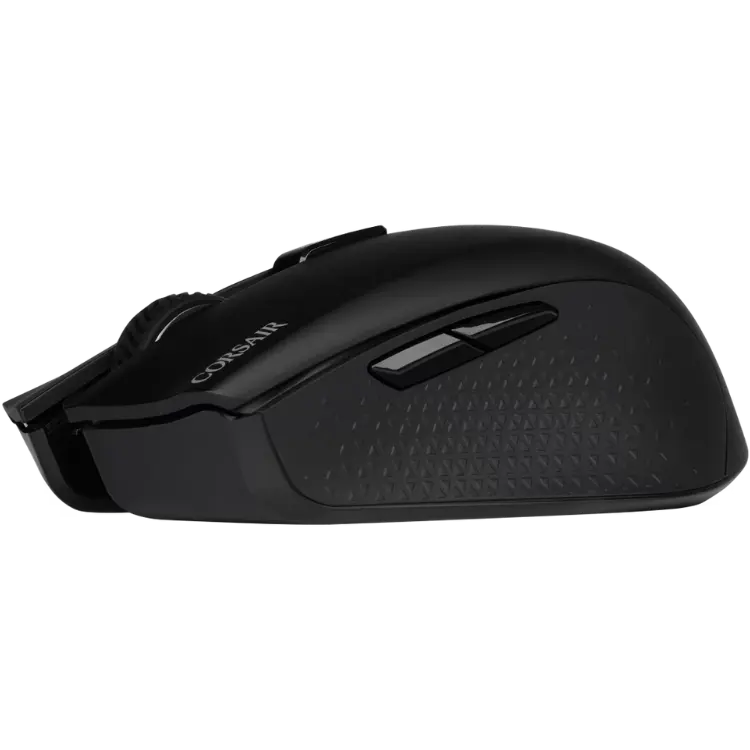
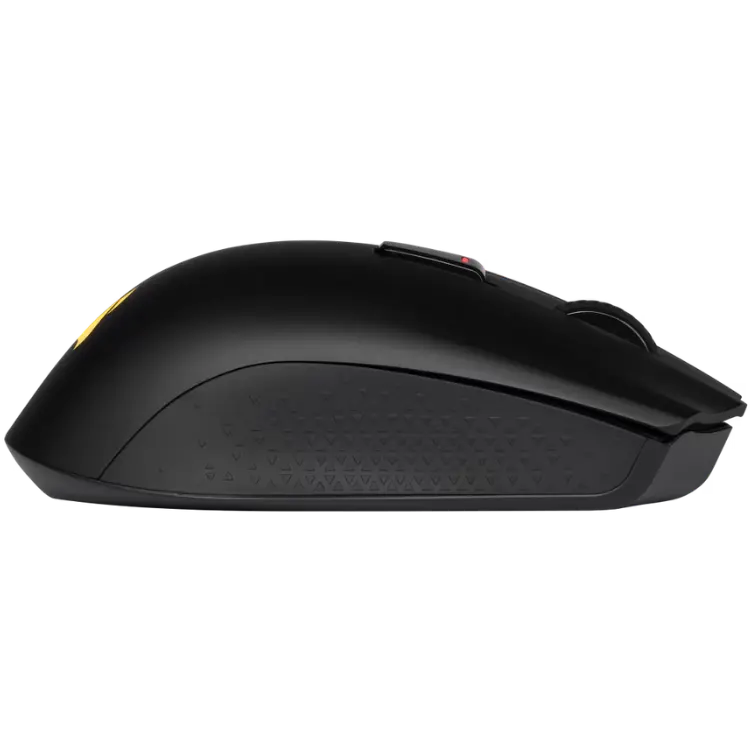
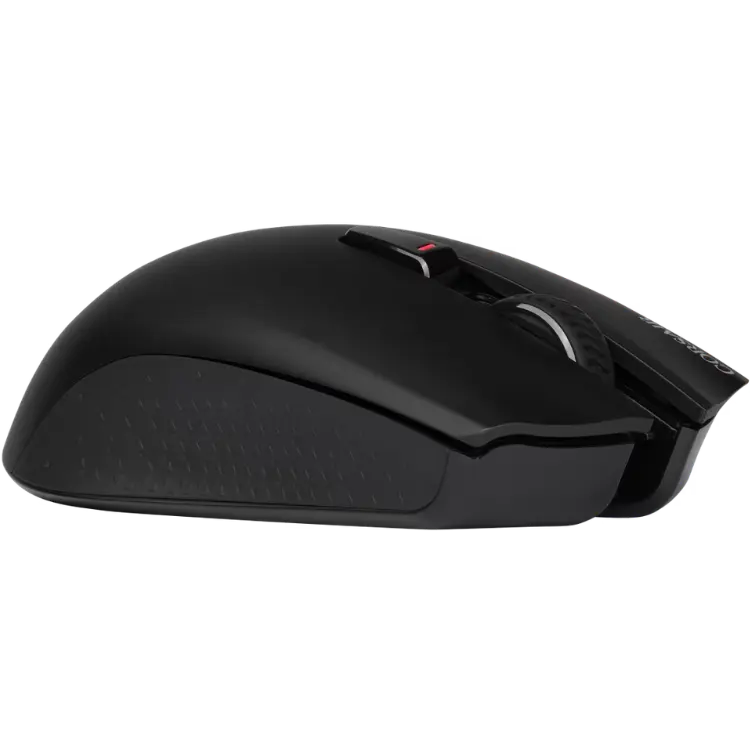
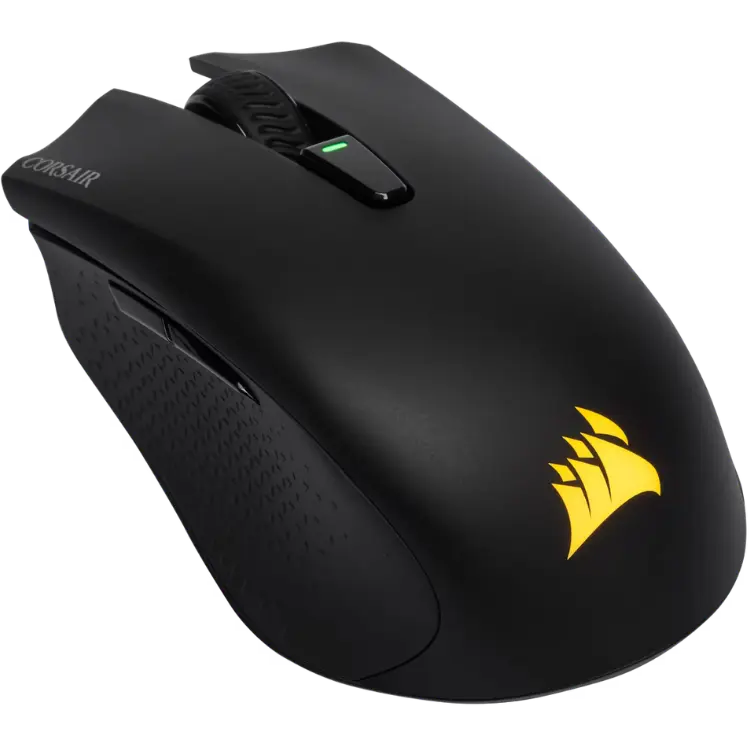
The HARPOON is also built for comfort. Its contoured shape and rubber side grips suit claw and hybrid grips, and at just 99 g it stays easy to move through long sessions. Up to 60 hours of battery life in Bluetooth mode means less time on the charger.
CORSAIR HARPOON RGB Wireless Gaming Mouse key features
- SLIPSTREAM WIRELESS with sub-1 ms response
- Bluetooth and wired USB modes
- 10,000 DPI optical sensor
- Six programmable buttons
- Omron switches rated for 50 million clicks
- Up to 60 hours of battery life in Bluetooth mode
Specifications
| Weight | 99 g |
|---|---|
| Connectivity | SLIPSTREAM WIRELESS, Bluetooth, wired USB |
| Sensor | Optical, up to 10,000 DPI |
| Buttons | 6 programmable |
| Switches | Omron, 50 million clicks |
| Battery | Up to 60 hours (Bluetooth) |
| Software | CORSAIR iCUE |
Is wireless fast enough for gaming?
Older wireless mice earned a reputation for lag, but modern 2.4 GHz connections like SLIPSTREAM are built specifically for gaming. Response times under a millisecond mean the difference compared with a cable is not something most players can feel.
The bigger change you notice is freedom. With no cable dragging across your mouse pad, swipes and flicks feel smoother, and your desk stays tidy. For travel or a second device, Bluetooth mode makes the same wireless gaming mouse easy to pair with a laptop.
Setting up your CORSAIR HARPOON RGB Wireless Gaming Mouse
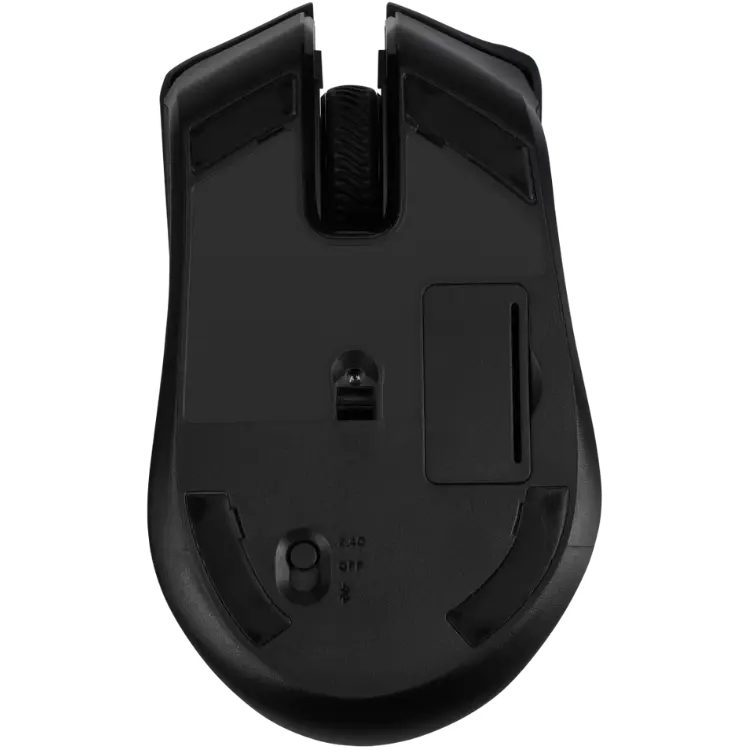
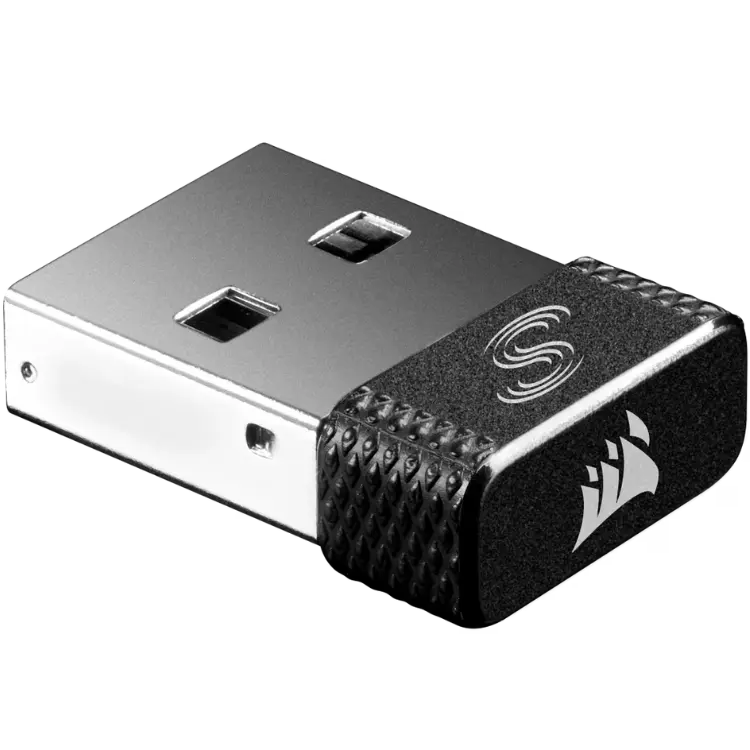
Plug the SLIPSTREAM adapter into a USB port, slide the switch on the mouse to wireless and it connects right away. For Bluetooth, choose the Bluetooth mode and pair it in your device settings. Install CORSAIR iCUE to set DPI stages, remap the six buttons, record macros and sync the RGB lighting with your other CORSAIR gear. Keep the adapter in a front USB port or use an extension so it sits close to the mouse for the most stable signal.
Who the CORSAIR HARPOON RGB Wireless Gaming Mouse suits
It suits players who want one mouse for a gaming PC and a laptop, gamers with claw or hybrid grips, and anyone ready to drop the cable without giving up gaming-grade response.
Complete your setup
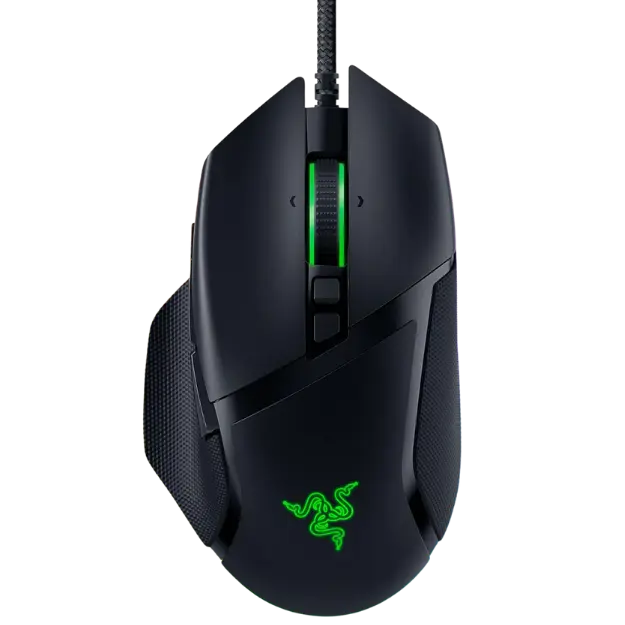 Razer Basilisk V3 Customizable Renewed Ergonomic Gaming Mouse – $89.99 CAD
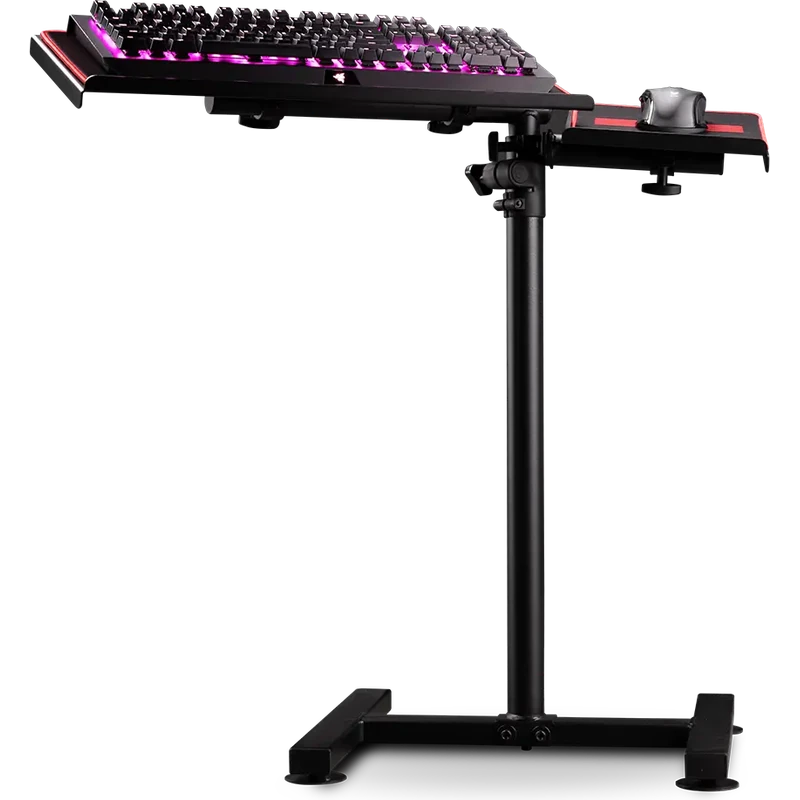 Next Level Racing Free Standing Keyboard and Mouse Stand – $199.99 CAD
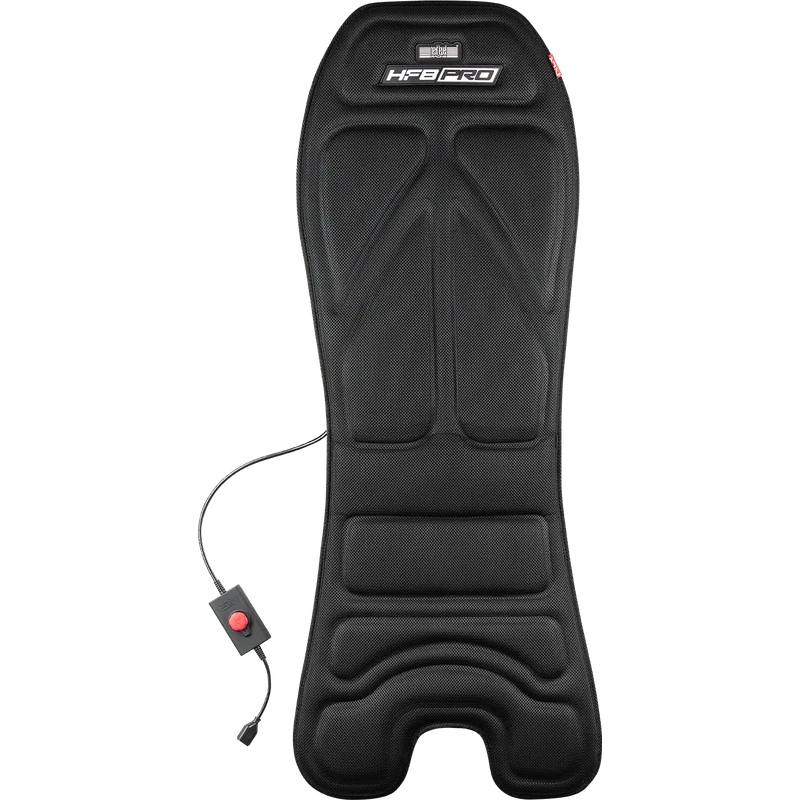 Next Level Racing HF8 Pro Haptic Feedback Gaming Pad – $349.99 CAD
CORSAIR HARPOON RGB Wireless Gaming Mouse FAQ
How long does the battery last?
CORSAIR rates it for up to 60 hours of wireless play in Bluetooth mode. You can also play in wired mode while it charges.
Does this wireless gaming mouse work on a laptop?
Yes. Use the SLIPSTREAM adapter or pair it over Bluetooth to save a USB port.
How many buttons are programmable?
Six buttons can be remapped and assigned macros in CORSAIR iCUE.
What grip suits the HARPOON?
Its contoured shape and side grips work well with claw and hybrid grips.
Can I use the HARPOON while it charges?
Yes. Plug in the charging cable and it switches to wired mode, so you can keep playing while the battery tops up.
For a light, flexible wireless gaming mouse that connects three ways, the CORSAIR HARPOON RGB WIRELESS is a strong choice. Browse more Mouse at North Gaming PCs, and find manuals, firmware and software on the official Corsair website.