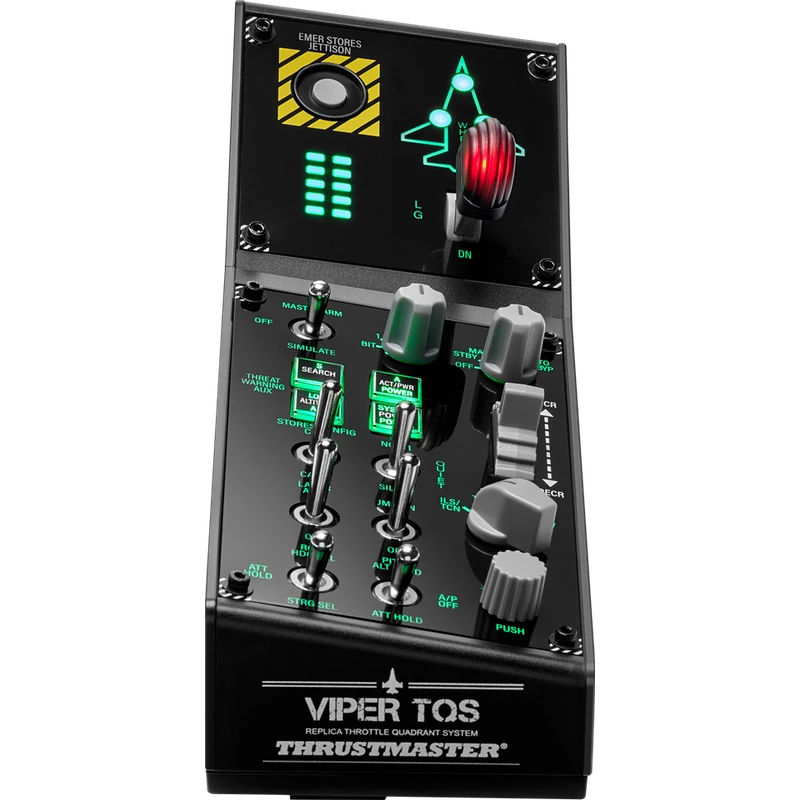
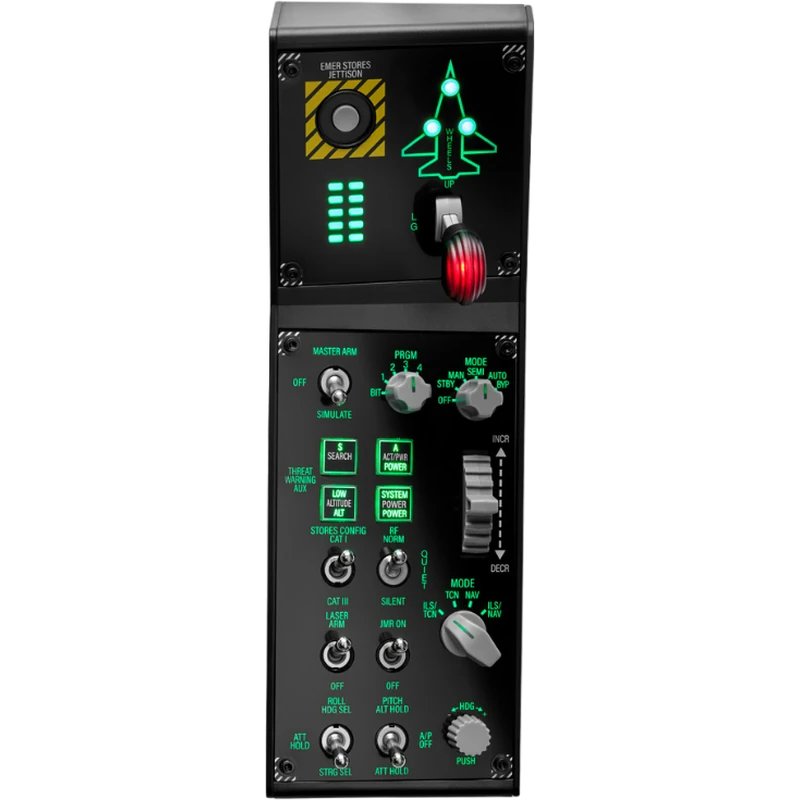
The Thrustmaster Viper Panel is a replica control panel based on the cockpit controls of the legendary Viper fighter, officially licensed by the U.S. Air Force and compatible with PC. The price is shown in Canadian dollars.
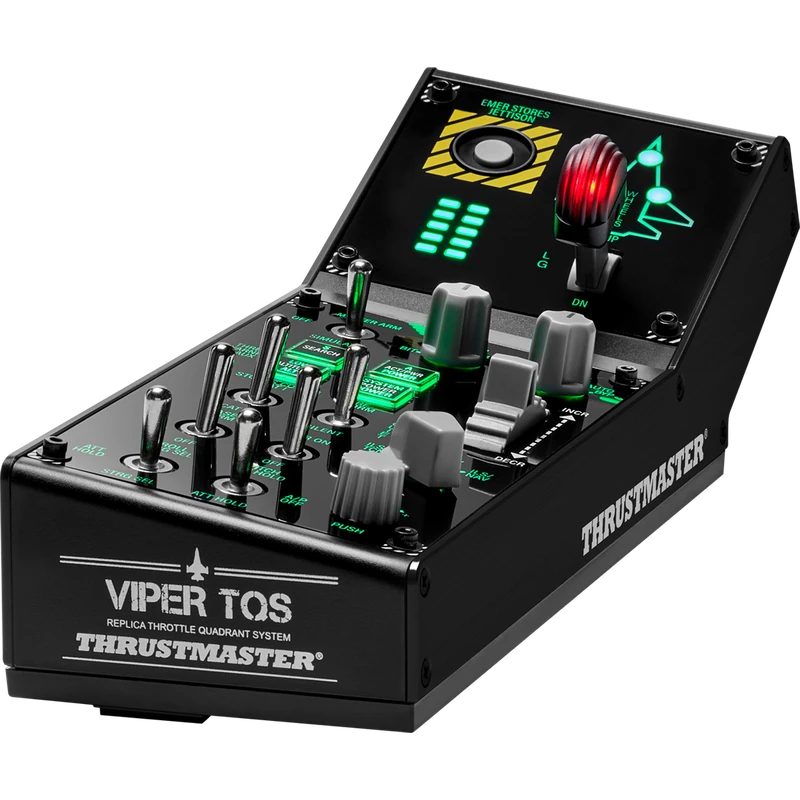
Why choose the Thrustmaster Viper Panel (Cockpit Control Panel)?
It moves essential cockpit functions off your keyboard and onto real switches and levers, with metal buttons, a landing gear lever and a jettison function.
It was designed to expand the Viper TQS throttle, but the Thrustmaster Viper Panel also works as a standalone unit you can add to an existing cockpit.
Thrustmaster Viper Panel (Cockpit Control Panel) key features
- 43 metal action buttons, 11 virtual
- Trim wheel axis
- MODE and PGRM rotary selectors
- Landing gear lever with indicator lights
- Jettison, laser, jammer and weapon launch switches
- Backlit, with USB-C
Specifications
| Buttons | 43 metal action buttons (11 virtual) |
|---|---|
| Axis | 1 trim wheel |
| Size | 93 x 296 x 82 mm |
| Weight | 928 g |
| Connection | USB-C |
| Platform | PC |
Real switches for real procedures
MODE and PGRM rotary selectors on the CMDS panel, plus jettison, laser sighting, jammer and weapon launch switches, give you direct control over takeoffs, combat and landings.
The landing gear lever is fitted with indicator lights, as on the real aircraft, so your gear state is always clear at a glance.
Each control is laid out to replicate the Viper’s cockpit design for absolute realism.
Backlighting with adjustable indicator lights on the landing gear controls and the TWA panel keeps it readable in a dark room.
The free T.A.R.G.E.T software lets you program it alongside your other Thrustmaster controllers.
Pair it with the Viper TQS, sold separately, or build out your cockpit with other U.S. Air Force licensed Thrustmaster replicas.
Metal buttons give a satisfying, solid action that keyboard shortcuts cannot match.
Setting up your Thrustmaster Viper Panel (Cockpit Control Panel)
Place the panel beside your throttle, connect it to your PC with the USB-C cable and install Thrustmaster’s drivers. Map the switches in your sim or with T.A.R.G.E.T, and set the backlight brightness.
Who the Thrustmaster Viper Panel (Cockpit Control Panel) suits
It suits Viper TQS owners, military flight simmers, and anyone adding real switches to their cockpit with the Thrustmaster Viper Panel.
Complete your setup
These picks work well alongside the Thrustmaster Viper Panel (Cockpit Control Panel):
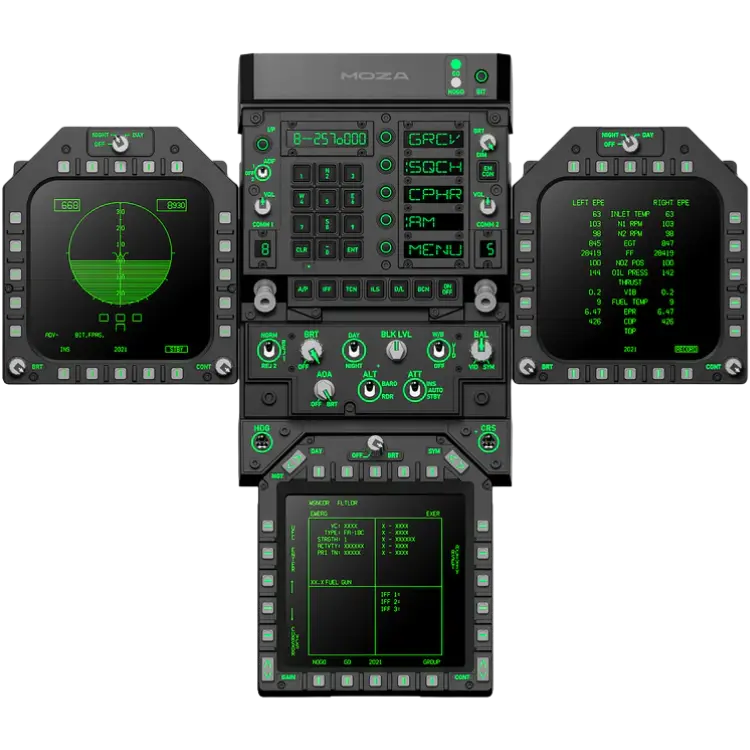
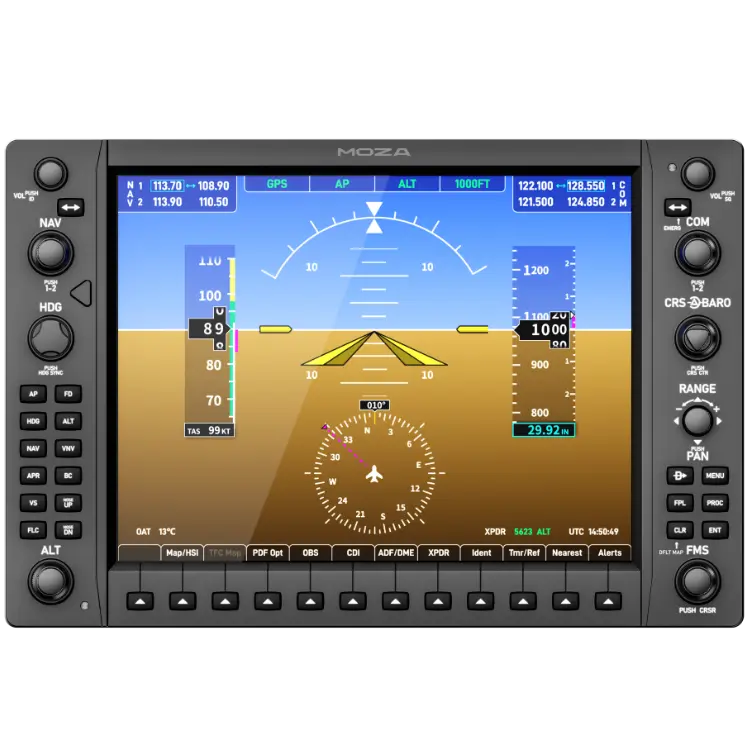 MOZA Flight MGX1000 Instrument Panel – $629.00 CAD
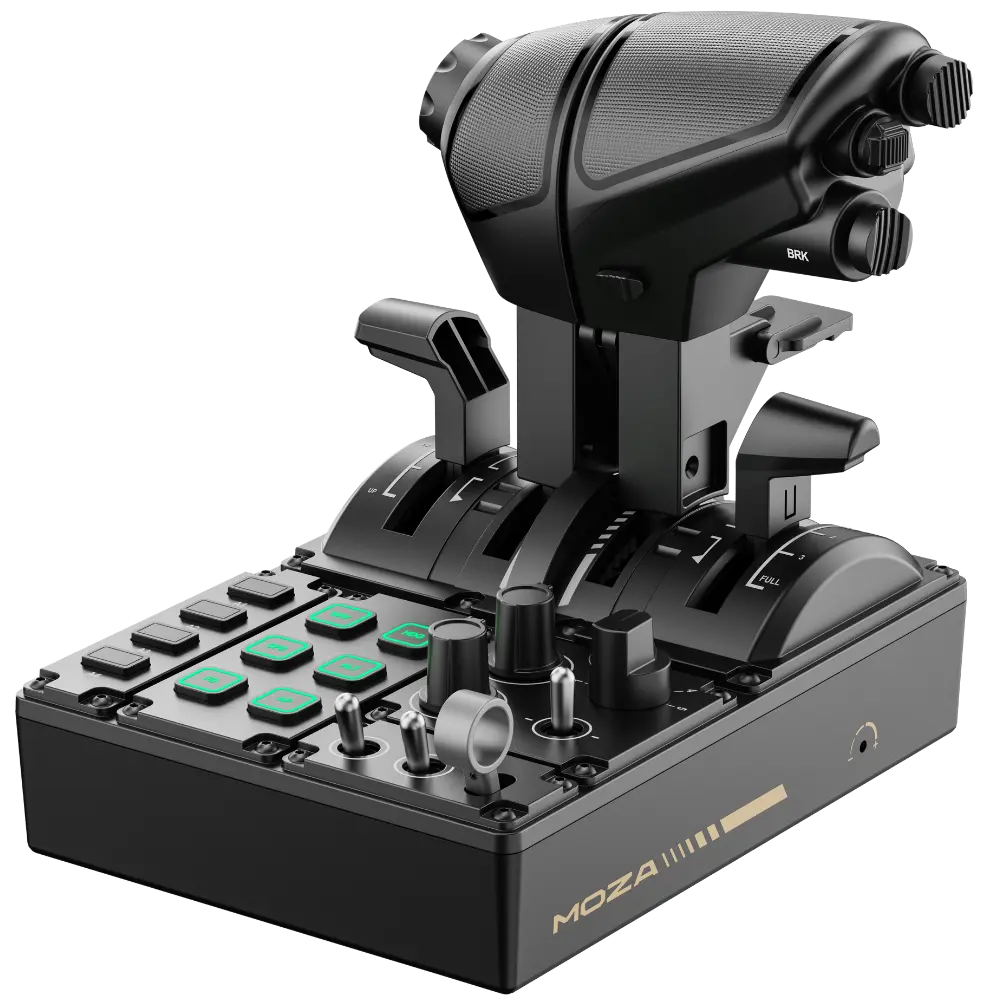 MOZA MTQ Throttle Quadrant – $279.00 CAD
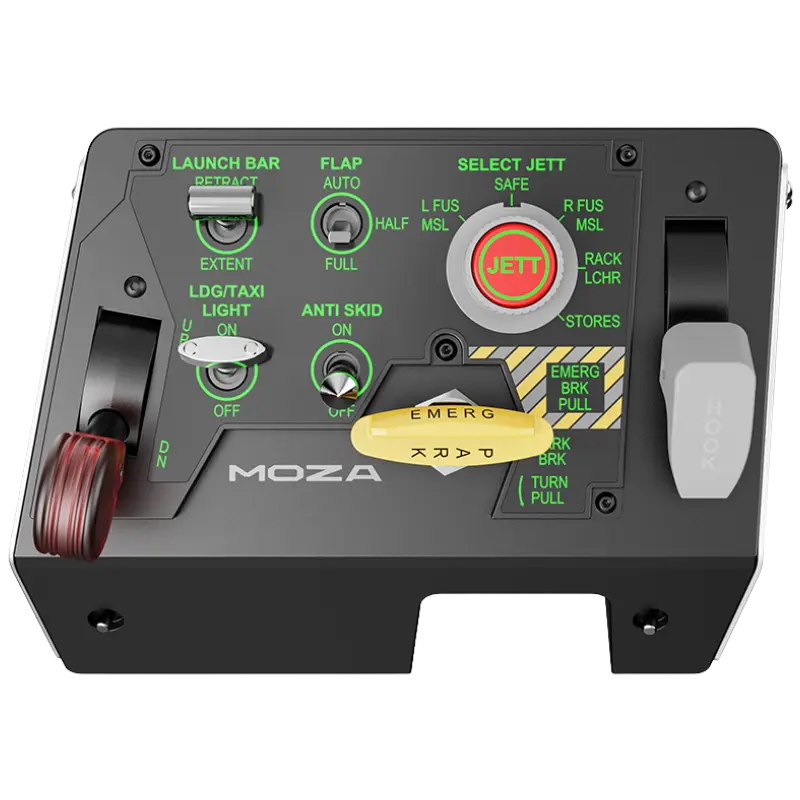 MOZA MTLP high-fidelity multi-function landing panel – $209.00 CAD
All prices at North Gaming PCs are shown in Canadian dollars, so the $349.99 listed for the Thrustmaster Viper Panel (Cockpit Control Panel) needs no currency conversion. Check the specifications and compatibility notes above before you order, and compare it with similar panels & computers in our catalogue.
North Gaming PCs is a Canadian store for gaming PCs, sim racing and flight sim gear. Every product page lists the key specifications, compatibility notes and price in Canadian dollars, so you can compare options and build a setup that suits your space, budget and favourite games.
Thrustmaster Viper Panel (Cockpit Control Panel) FAQ
What is the Thrustmaster Viper Panel?
A replica Viper cockpit control panel for PC.
Is it officially licensed?
Yes. By the U.S. Air Force.
How many buttons does it have?
43 metal action buttons, including 11 virtual buttons.
Does it have a landing gear lever?
Yes, with indicator lights.
Is it backlit?
Yes.
Can I use it without the Viper TQS?
Yes. It works as a standalone unit.
How does it connect?
With the included USB-C cable.
How much does it weigh?
928 g.
What software does it use?
The free T.A.R.G.E.T software.
Is it good for other jets?
You can map its switches to functions in other aircraft too.
For real Viper switches at your fingertips, the Thrustmaster Viper Panel is a superb cockpit upgrade. Browse more Panels & Computers at North Gaming PCs, and find manuals, firmware and software on the official Thrustmaster website.