Description
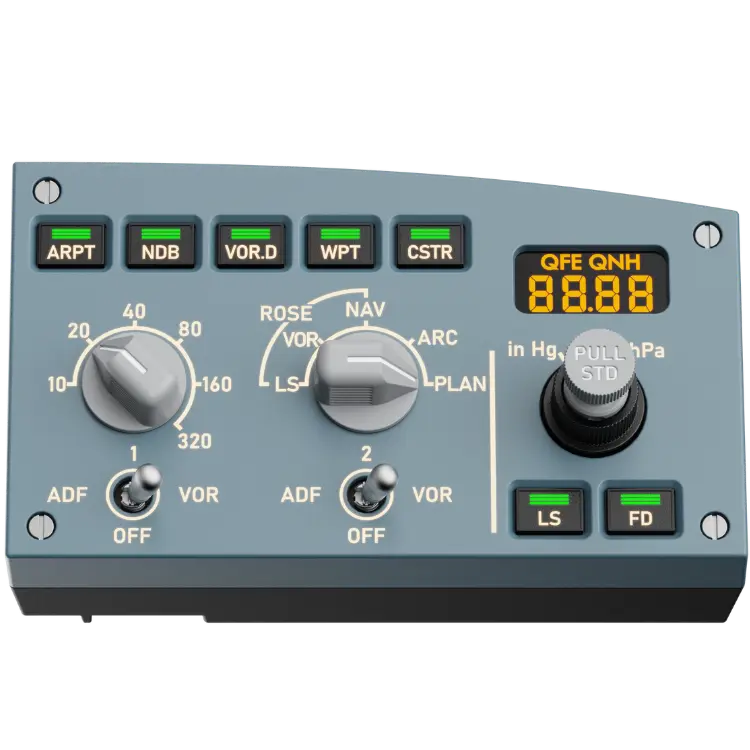
The MOZA MA3F Electronic Flight Control Module L is the left-side MOZA EFIS module of the MA3F EFCM system, adding the Captain’s Electronic Flight Instrument System controls to your Airbus-style cockpit. The price is shown in Canadian dollars.
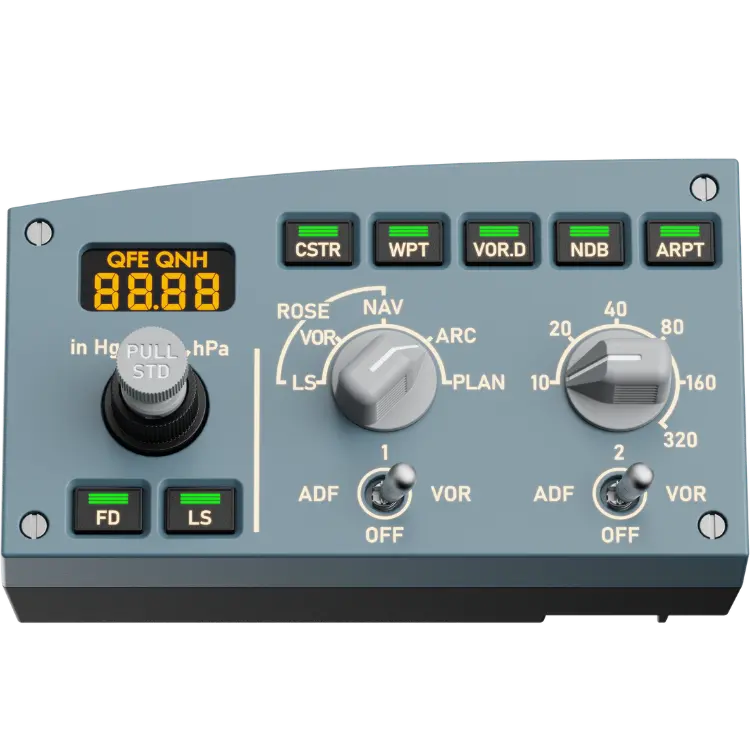
Why choose the MOZA EFIS Module L (MA3F Left)?
Mounted alongside the MA3F FCU centre module, it recreates the appearance, dimensions and tactile operation of the real A320 EFIS panel at 1:1 scale, delivering premium realism at an accessible price.
Every control matches the real aircraft, from the barometric reference and flight director controls to the navigation display mode and range selectors. Clean detents, solid metal toggles and precise 2 mm-travel keys give true-to-life feedback.
MOZA EFIS Module L (MA3F Left) key features
- Captain’s side A320 EFIS
- 1:1 scale replica
- Baro, FD and ND mode and range controls
- Solid metal toggles
- 2 mm-travel keys
- Extension Mode with three modules
Specifications
| Side | Left (Captain) |
|---|---|
| Scale | 1:1 |
| Keys | 2 mm travel |
| Finish | Drip-molded legends, laser-etched text |
| System | MA3F EFCM |
Extension Mode
With a full three-module setup, the left module unlocks Extension Mode: its switches and keys become a second control layer for additional aircraft systems, keeping you immersed instead of hunting through menus.
Drip-molded knob legends and paint-then-laser-etched panel text give a premium finish that holds up to close inspection and long-term use.
Pair it with the MA3F FCU and right EFIS module for a complete glareshield.
It is part of MOZA’s Airbus-style home cockpit ecosystem.
A 1:1 panel means your hands find the controls where they expect, which builds habits that transfer between sessions.
Clean detents and precise keys make it easy to set the barometer and display range during busy approaches.
Setting up your MOZA EFIS Module L (MA3F Left)
Mount the left EFIS module next to your MA3F FCU, connect it and open MOZA Cockpit. Map the controls to your aircraft, and enable Extension Mode if you use all three modules.
Who the MOZA EFIS Module L (MA3F Left) suits
It suits Airbus simmers flying from the captain’s seat, MA3F FCU owners, and anyone building a glareshield with the MOZA EFIS left module.
Complete your setup
These picks work well alongside the MOZA EFIS Module L (MA3F Left):
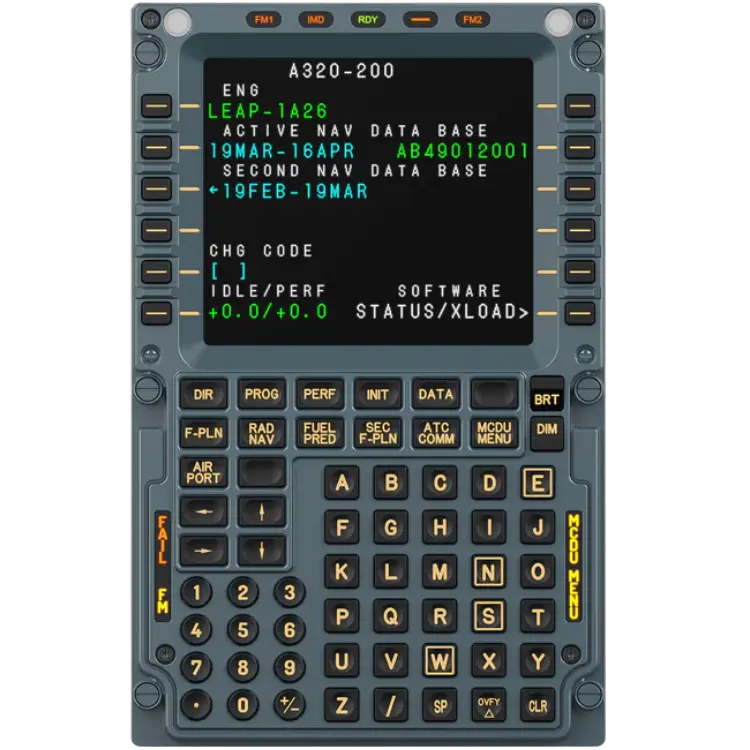 MOZA MA3F Flight Computer Display – $279.00 CAD
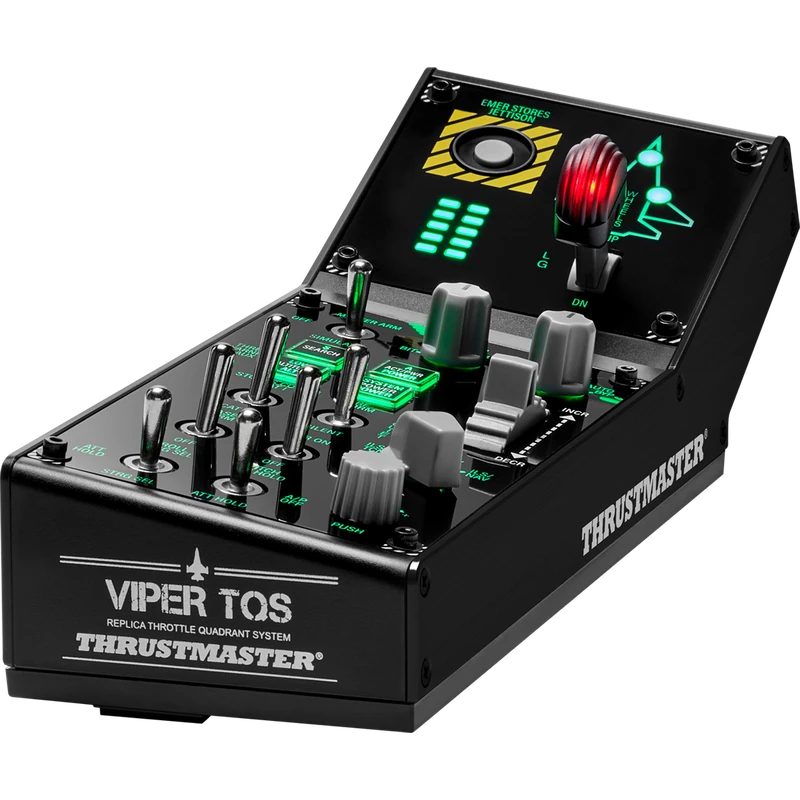 Thrustmaster Viper Panel (Cockpit Control Panel) – $349.99 CAD
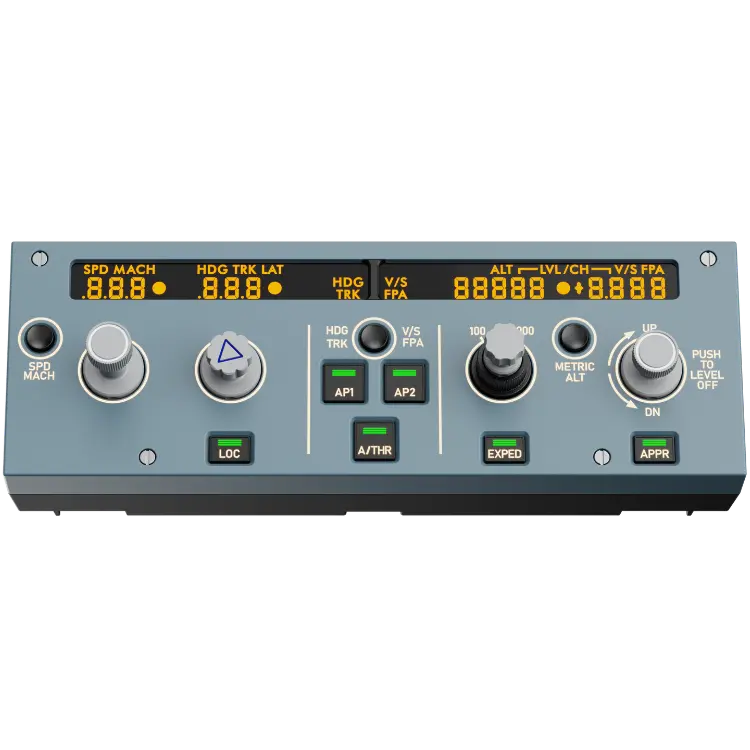 MOZA MA3F Electronic Flight Control Module (FCU – Center Module) – $219.00 CAD
All prices at North Gaming PCs are shown in Canadian dollars, so the $139.00 listed for the MOZA EFIS Module L (MA3F Left) needs no currency conversion. Check the specifications and compatibility notes above before you order, and compare it with similar panels & computers in our catalogue.
North Gaming PCs is a Canadian store for gaming PCs, sim racing and flight sim gear. Every product page lists the key specifications, compatibility notes and price in Canadian dollars, so you can compare options and build a setup that suits your space, budget and favourite games.
MOZA EFIS Module L (MA3F Left) FAQ
Which side is this MOZA EFIS module?
The left (Captain’s) side.
Is it full scale?
Yes. It is a 1:1 replica of the A320 EFIS.
What controls does it include?
Baro reference, flight director and navigation display mode and range.
What is Extension Mode?
With three modules, the controls become a second layer for other systems.
Does it need the FCU?
It is designed to mount alongside the MA3F FCU.
Is there a right-side module?
Yes. The MA3F EFIS R module.
How is the text finished?
Paint-then-laser-etched panel text and drip-molded legends.
Is it good value?
It delivers premium realism at an accessible price.
Does it need MOZA Cockpit?
Yes. Map and configure it in MOZA Cockpit.
For an authentic captain’s EFIS panel, the MOZA EFIS left module completes your glareshield. Browse more Panels & Computers at North Gaming PCs, and find manuals, firmware and software on the official MOZA Racing website.