Description
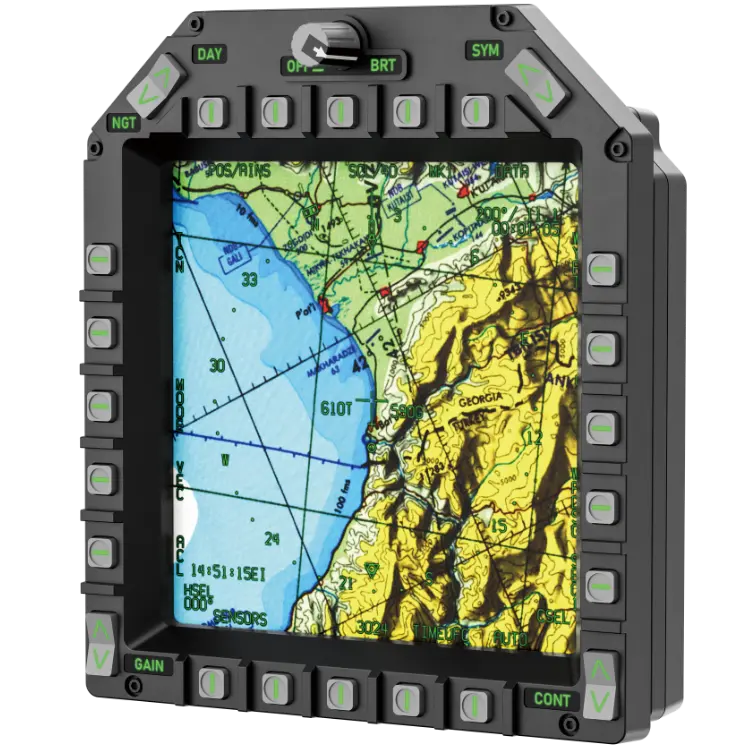
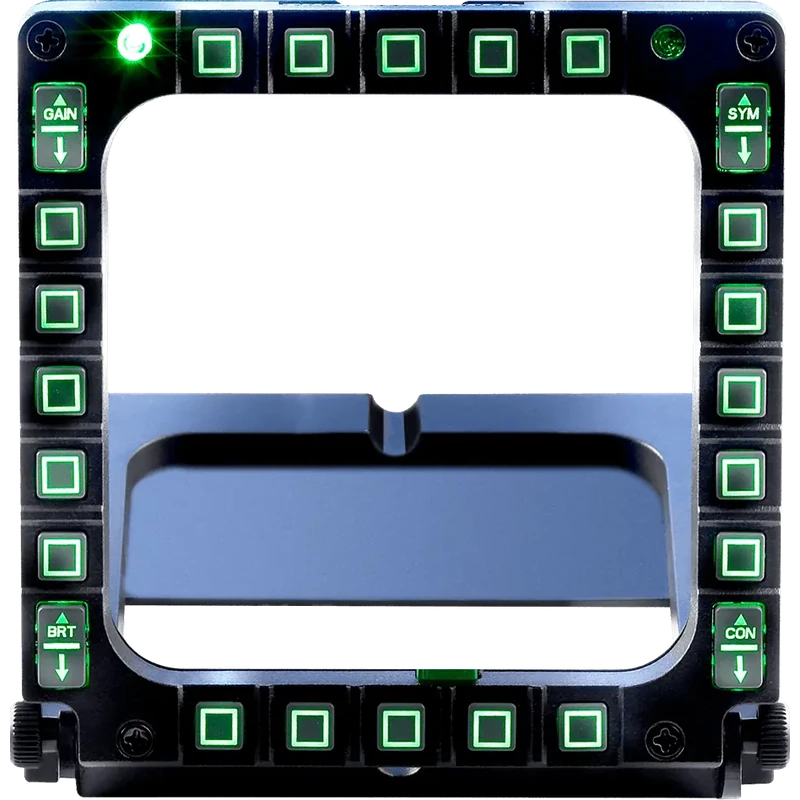
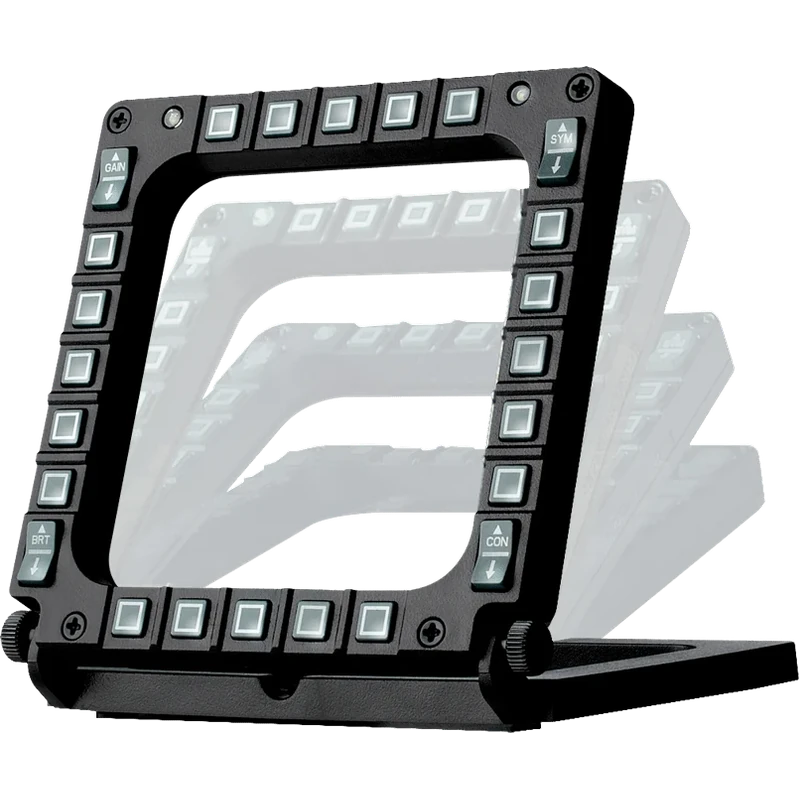
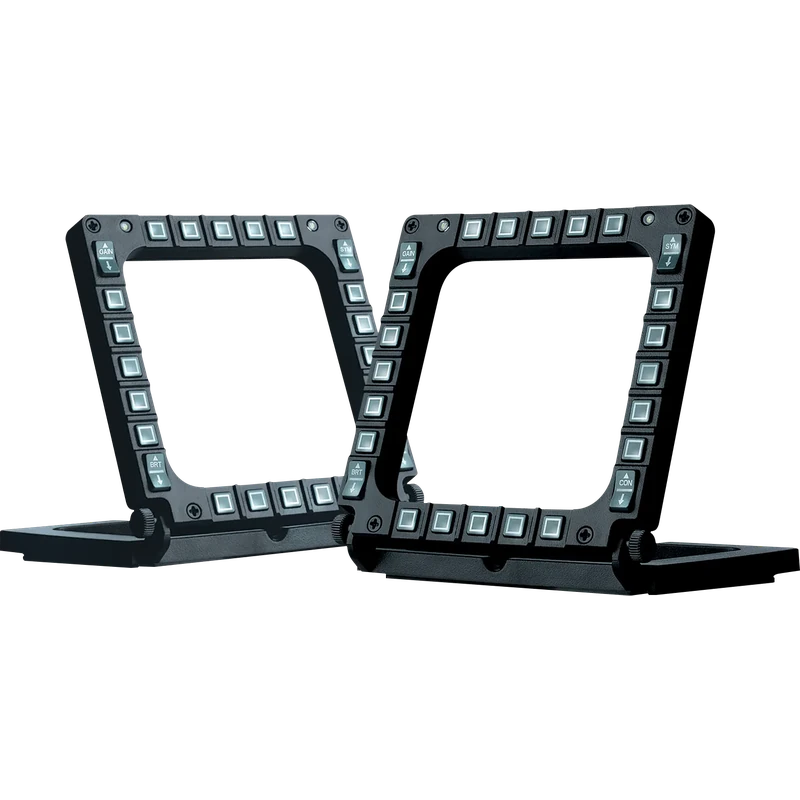
The Thrustmaster MFD Cougar Pack is a set of two Multi-Function Display cockpit panels that replace keyboard shortcuts with real flight instrument style controls. The Thrustmaster MFD panels are shown in Canadian dollars.
Why choose the Thrustmaster MFD Cougar Pack (2 Cockpit Panels)?
Each panel puts dozens of functions within easy reach, so you can manage radar modes, weapons, navigation or aircraft systems by feel instead of searching for keys.
It is the ideal companion for any joystick or yoke, and it works with all military or civil flight sims that support multiple USB devices.
Thrustmaster MFD Cougar Pack (2 Cockpit Panels) key features
- 2 MFD cockpit panels
- 48 programmable controls
- Adjustable backlighting
- 2 programmable LEDs per panel
- Plexiglas windows for layouts
- Weighted, detachable bases
Specifications
| Panels | 2 |
|---|---|
| Controls per panel | 20 buttons, 4 switches |
| Total controls | 48 |
| Package | 33 x 6.5 x 15 cm, about 600 g |
| Platform | PC |
Real panels for real procedures
Each MFD offers 20 buttons and 4 switches, for a total of 48 programmable controls across the pack.
Button backlighting has adjustable intensity, set manually or through the software, keeping the panels readable during night missions.
Two programmable LEDs per MFD help you identify which panel is which while programming.
Two Plexiglas windows per MFD hold one of the 3 pre-printed layouts, with presets for Microsoft Flight Simulator X in Generic, Light Aviation and Airliner versions.
The multi-position bases are weighted and non-slip, and they detach when you want to integrate the MFDs into a cockpit.
Drivers and T.A.R.G.E.T programming support are available from Thrustmaster’s support website.
Using two panels lets you dedicate one to weapons and sensors and the other to navigation or systems, just like a real fighter cockpit.
Setting up your Thrustmaster MFD Cougar Pack (2 Cockpit Panels)
Place the panels either side of your screen at your preferred angle, connect them by USB and install Thrustmaster’s drivers. Map buttons in your sim or with T.A.R.G.E.T and insert the layout cards you want.
Who the Thrustmaster MFD Cougar Pack (2 Cockpit Panels) suits
It suits military and civil flight simmers, cockpit builders, and anyone replacing keyboard shortcuts with Thrustmaster MFD panels.
Complete your setup
These picks work well alongside the Thrustmaster MFD Cougar Pack (2 Cockpit Panels):
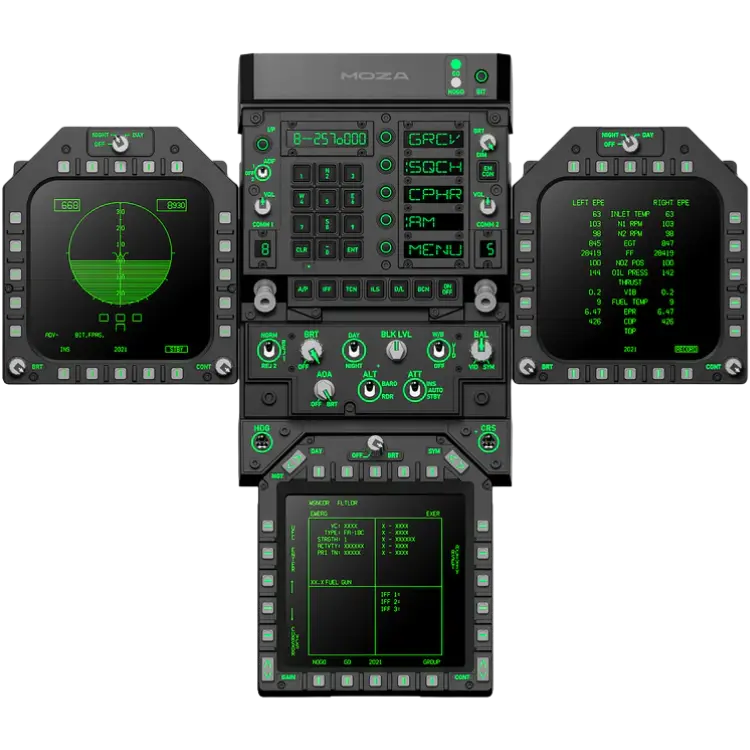 MOZA FMP18 Panel Bundle – $1,179.00 CAD
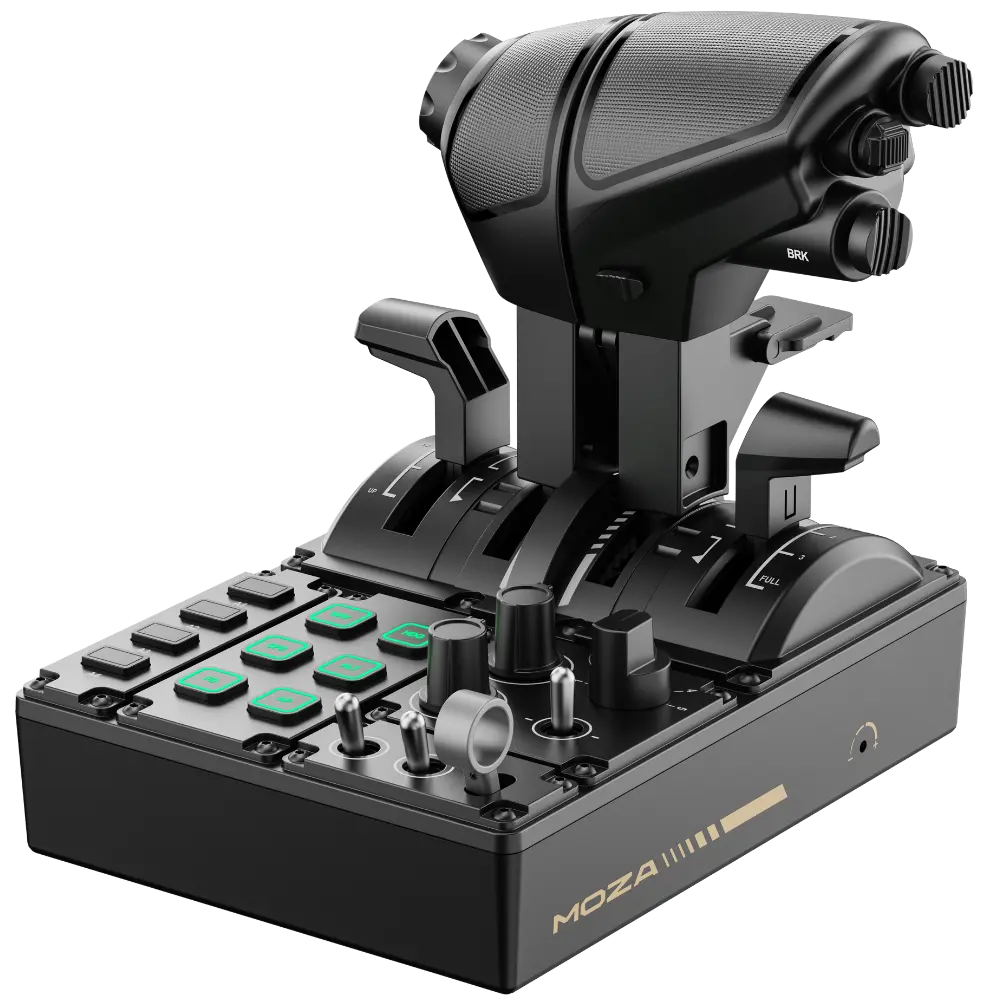 MOZA MTQ Throttle Quadrant – $279.00 CAD
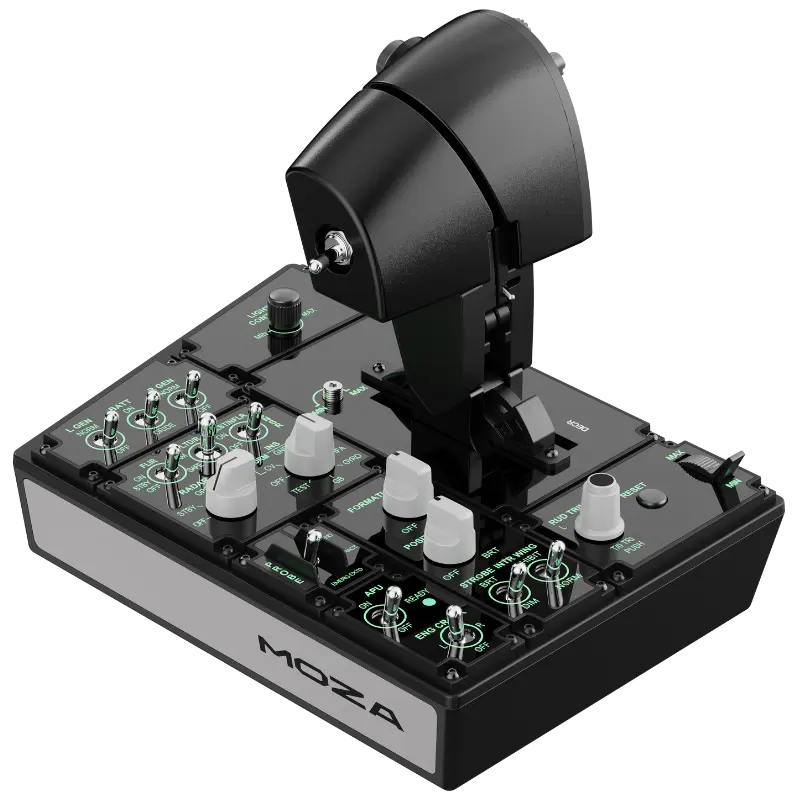 MOZA MTP Throttle panel – $469.00 CAD
All prices at North Gaming PCs are shown in Canadian dollars, so the $139.99 listed for the Thrustmaster MFD Cougar Pack (2 Cockpit Panels) needs no currency conversion. Check the specifications and compatibility notes above before you order, and compare it with similar panels & computers in our catalogue.
North Gaming PCs is a Canadian store for gaming PCs, sim racing and flight sim gear. Every product page lists the key specifications, compatibility notes and price in Canadian dollars, so you can compare options and build a setup that suits your space, budget and favourite games.
Thrustmaster MFD Cougar Pack (2 Cockpit Panels) FAQ
How many panels are in the Thrustmaster MFD Cougar Pack?
Two.
How many controls are there?
48 programmable controls in total.
Are the buttons backlit?
Yes, with adjustable intensity.
Can I mount them in a cockpit?
Yes. The bases detach for cockpit integration.
Are layout cards included?
Yes. Three pre-printed layouts.
Which sims are supported?
Flight sims that support multiple USB devices.
Which platform do they support?
PC.
What software can I use?
T.A.R.G.E.T, available from Thrustmaster’s support site.
Do the bases slip?
No. They are weighted and non-slip.
Can I use them with a yoke?
Yes. They suit any joystick or yoke.
For real panel controls beside your screen, the Thrustmaster MFD Cougar Pack is a classic cockpit upgrade. Browse more Panels & Computers at North Gaming PCs, and find manuals, firmware and software on the official Thrustmaster website.