The RTX 5070 is NVIDIA’s mainstream card for high refresh rate 1440p gaming, and for many players it is the sweet spot of the GeForce RTX 50 series. It brings the Blackwell architecture, fast GDDR7 memory and DLSS 4 to a price that a lot of gamers can justify. This guide covers what it does well, where it falls short, the PC you need around it and whether it is the right graphics card for you.
At North Gaming PCs you can choose the RTX 5070 when you configure a gaming PC, with every price shown in Canadian dollars and a 2-year warranty on the whole system.

RTX 5070 specs at a glance
NVIDIA launched the RTX 5070 in March 2025. The key numbers are:
- GPU architecture: Blackwell, with fifth-generation Tensor cores and fourth-generation RT cores.
- CUDA cores: 6,144.
- Video memory: 12GB of GDDR7 on a 192-bit bus.
- Board power: about 250 W, with NVIDIA recommending a 650 W power supply.
- Outputs: DisplayPort 2.1b and HDMI 2.1b, ready for high refresh rate monitors.
You can compare the full family on NVIDIA’s RTX 50 series page, which lists every model side by side.
How fast is the RTX 5070?
The RTX 5070 is built for 1440p. In most current games it delivers high frame rates at high settings, which makes it a strong match for a 144 Hz to 170 Hz monitor. At 1080p it is often limited by the processor rather than the graphics card, and at 4K it can manage lighter titles but needs DLSS and lower settings in demanding ones.
Compared with the RTX 4070 it replaces, the new card is a clear step forward in raw performance and a bigger step forward once you enable DLSS 4 with frame generation. Treat headline claims that rely on Multi Frame Generation with care, though: generated frames smooth motion, but they do not lower input lag the way real frames do.
DLSS 4 and Multi Frame Generation
Every RTX 50 card supports DLSS 4. Super Resolution renders the game at a lower resolution and upscales it with AI, which raises frame rates with very little loss in image quality. Multi Frame Generation, exclusive to the RTX 50 series, adds up to three generated frames for each rendered frame in supported games.
On this card, DLSS is the feature that turns a good 1440p card into a great one. In heavy ray-traced games it is often the difference between a choppy experience and a smooth one. For competitive shooters, keep frame generation off and use DLSS Super Resolution with NVIDIA Reflex for the lowest latency.
Is 12GB of VRAM enough?
The 12GB of video memory is enough for 1440p gaming in almost every current title. Problems appear when you combine 4K, maximum texture settings and heavy ray tracing, where a few games want more than 12GB. If you mostly play at 1440p, 12GB is fine. If you plan to game at 4K or keep the card for many years, consider the 16GB RTX 5070 Ti instead.
Building a PC around an RTX 5070
A graphics card is only as good as the system around it. For a balanced RTX 5070 build, aim for:
- Processor: a modern six or eight-core CPU so the card is not held back at high frame rates.
- Memory: 32GB of DDR5 RAM, ideally DDR5-6000 with low timings.
- Storage: a 1TB or 2TB NVMe SSD for Windows and your games.
- Power supply: a quality 650 W to 750 W unit with the correct PCIe power connector.
- Monitor: a 27-inch 1440p screen at 144 Hz or more.
The card is efficient enough to run quietly in a mid-tower case with decent airflow, and it does not need an oversized power supply.
Noise, heat and card size
One of the nicest things about this generation’s mid-range cards is how civilised they are. At around 250 W, a well-cooled model stays quiet under load, and most designs are two to two-and-a-half slots thick. That means it fits comfortably in most mid-tower cases and does not need special airflow planning.
Check the length of the exact model before you buy if you have a compact case, and leave a little space below the card so its fans can breathe. Dust filters on the front intake keep temperatures steady over time, and a quick clean every few months keeps noise down.
Upgrading from an older graphics card
If you are still on a GTX 10 or RTX 20 series card, this upgrade is enormous. You gain far higher frame rates, modern ray tracing, DLSS 4 and AV1 video encoding for streaming. Owners of an RTX 3070 or RTX 4060 also see a solid jump at 1440p.
Before upgrading an older PC, check three things: that the power supply has enough wattage and the right connectors, that the processor is fast enough to keep up, and that the case has room for a modern card. If several of those are a problem, a complete new system is often the better value.
RTX 5070 for sim racing and flight sim
Simulators are a good fit for this card. On a single 1440p monitor it handles iRacing, Assetto Corsa Competizione and Le Mans Ultimate at high refresh rates, which makes force feedback and braking feel more connected. Triple screens are another matter: running three 1440p monitors is a heavy load, and an RTX 5070 Ti or RTX 5080 is a better choice for that layout.
Microsoft Flight Simulator also benefits from DLSS, especially over dense cities and with detailed aircraft. If you are building a sim racing setup around a new PC, budget for the graphics card first, because it decides how smooth the whole experience feels.
RTX 5070 vs the alternatives
Here is how the RTX 5070 compares with its closest options:
- RTX 5060 Ti 16GB: cheaper and more memory, but noticeably slower. Good for 1080p and lighter 1440p.
- RTX 5070 Ti: faster and 16GB of VRAM. The better pick for high settings at 1440p and entry 4K.
- AMD Radeon RX 9070 XT: a strong rival with 16GB of memory. It trades blows in raster performance, while NVIDIA leads in ray tracing and upscaling support.
In our configurator you can compare these cards directly, because each upgrade is priced in Canadian dollars.
Our RTX 5070 picks
You can choose the RTX 5070 as an upgrade on our configurable gaming PC. These pair well with it:
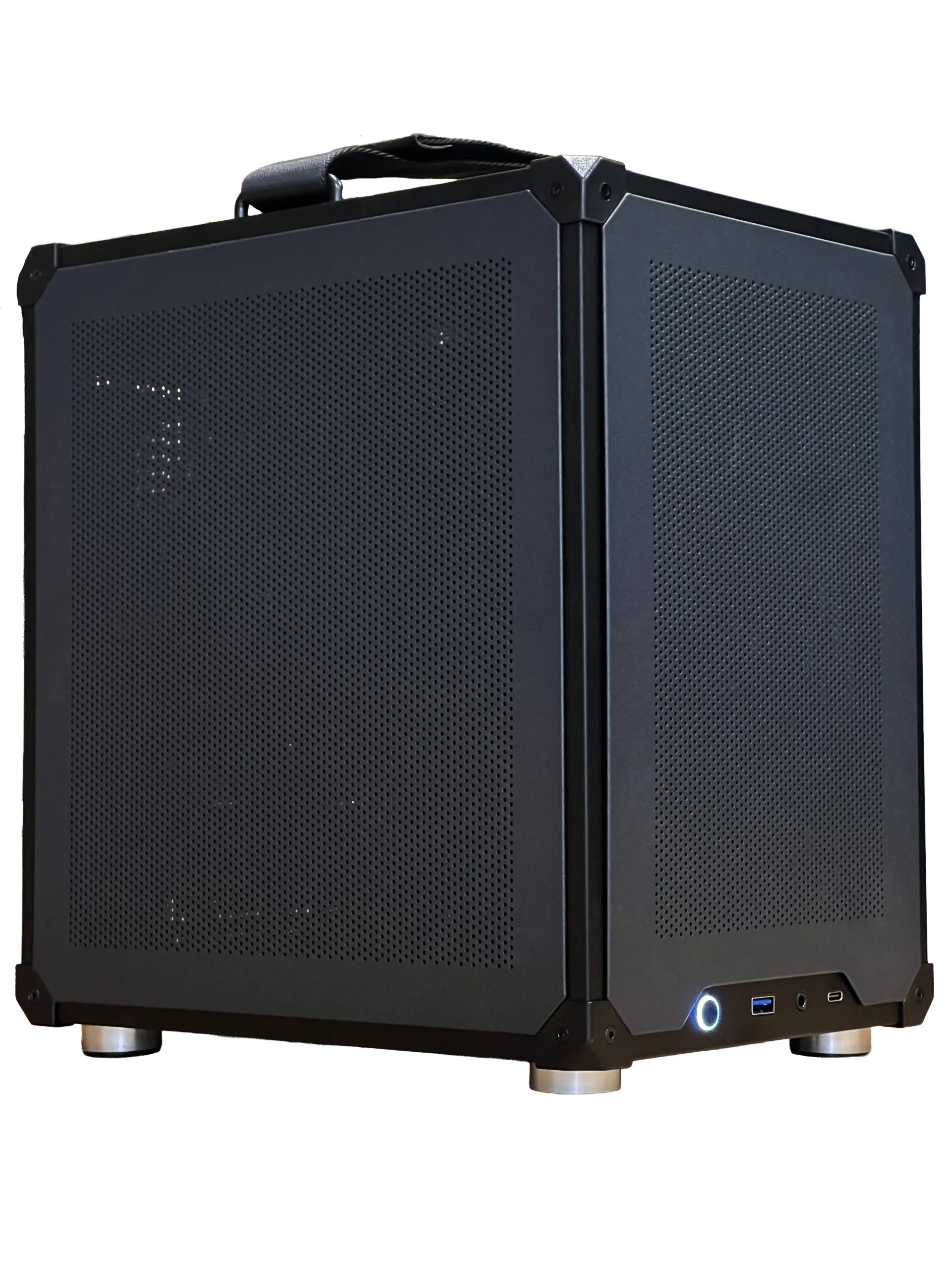

- Ready-to-ship gaming PC: an RTX 5060 Ti 16GB system in stock now, if you need a PC today.
- ASUS TUF 1440p monitor: a 27-inch, 170 Hz IPS screen that suits the RTX 5070 perfectly.
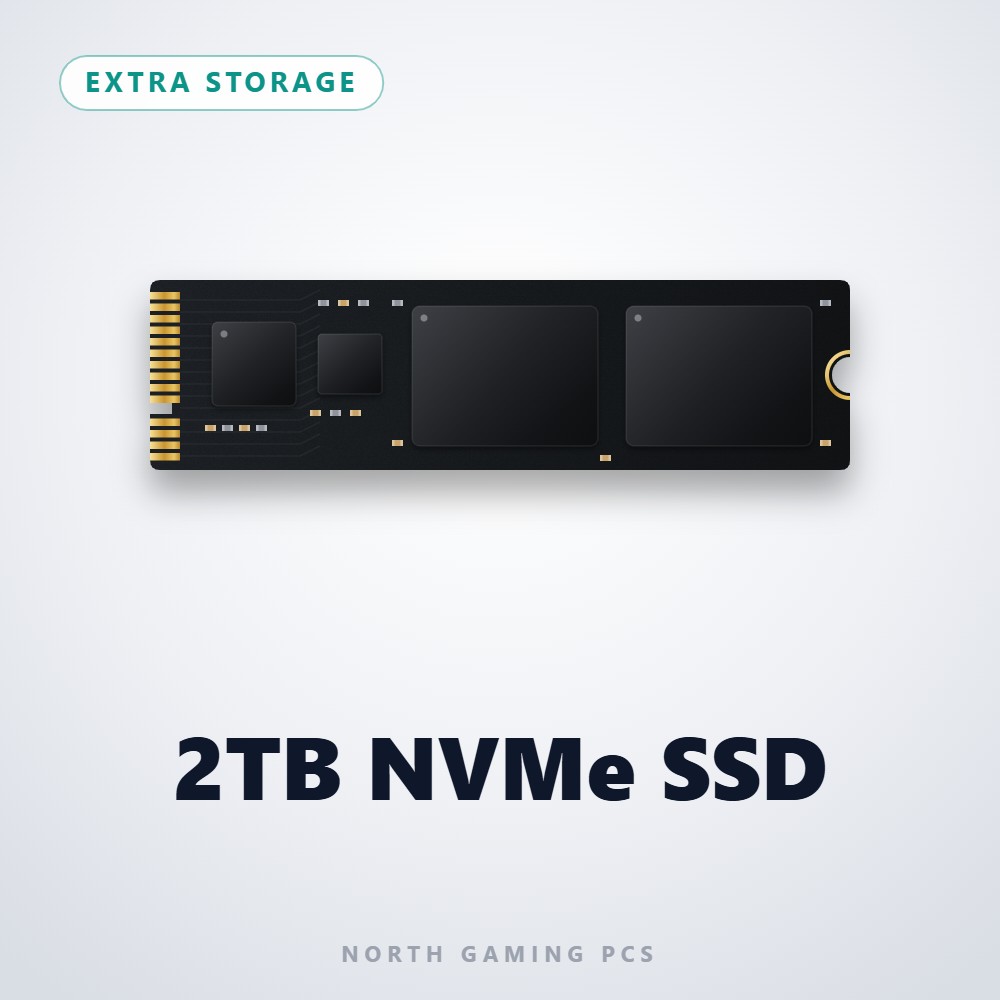
- 2TB NVMe SSD: room for a big game library with short loading screens.
RTX 5070 FAQ
Is the RTX 5070 good for 4K?
It can run lighter games at 4K and handles demanding ones with DLSS, but it is best at 1440p. For regular 4K play, step up to an RTX 5080.
What power supply does the RTX 5070 need?
NVIDIA recommends 650 W. A good 750 W unit gives extra headroom for upgrades.
Is the RTX 5070 worth it over the RTX 5060 Ti?
If you play at 1440p with a high refresh rate monitor, yes. For 1080p, the RTX 5060 Ti is the better value.
Should you buy an RTX 5070?
Buy the RTX 5070 if you game at 1440p, want DLSS 4 and value an efficient, quiet card. Skip it if you plan to play at 4K or keep the card for many years at maximum settings, where 16GB of memory is safer. Configure your gaming PC with an RTX 5070, or contact us and we will help you choose.