Description
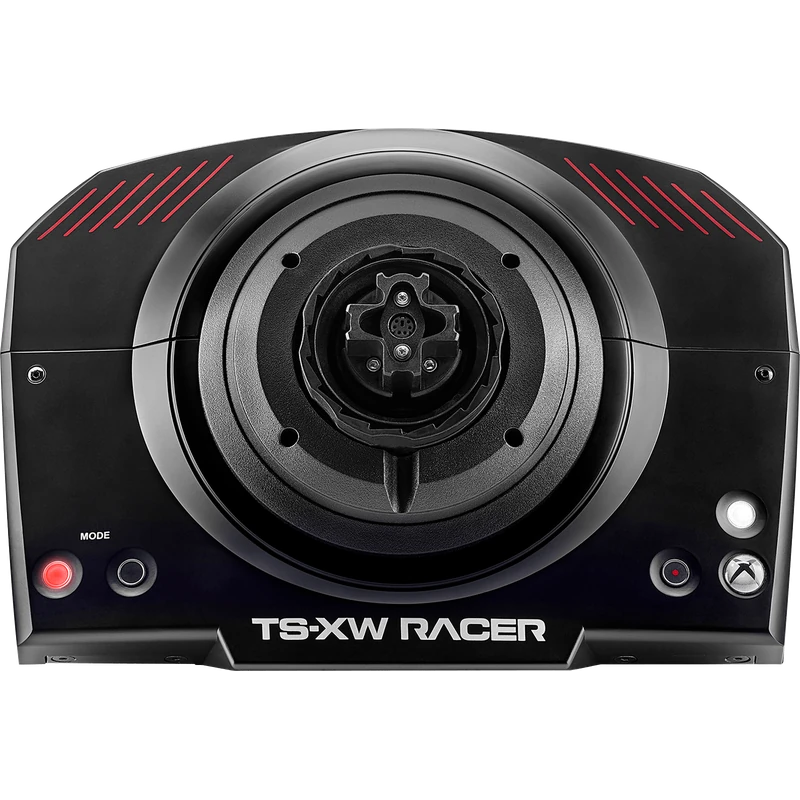
The Thrustmaster TS XW Servo Base is a force feedback base for Xbox and PC, derived from the TS-XW Racer, the first product of the collaboration between Thrustmaster and Sparco. Officially licensed by Microsoft and Sparco, it is aimed at expert drivers building their own setup. The price is shown in Canadian dollars.
Why choose the Thrustmaster TS XW Servo Base?
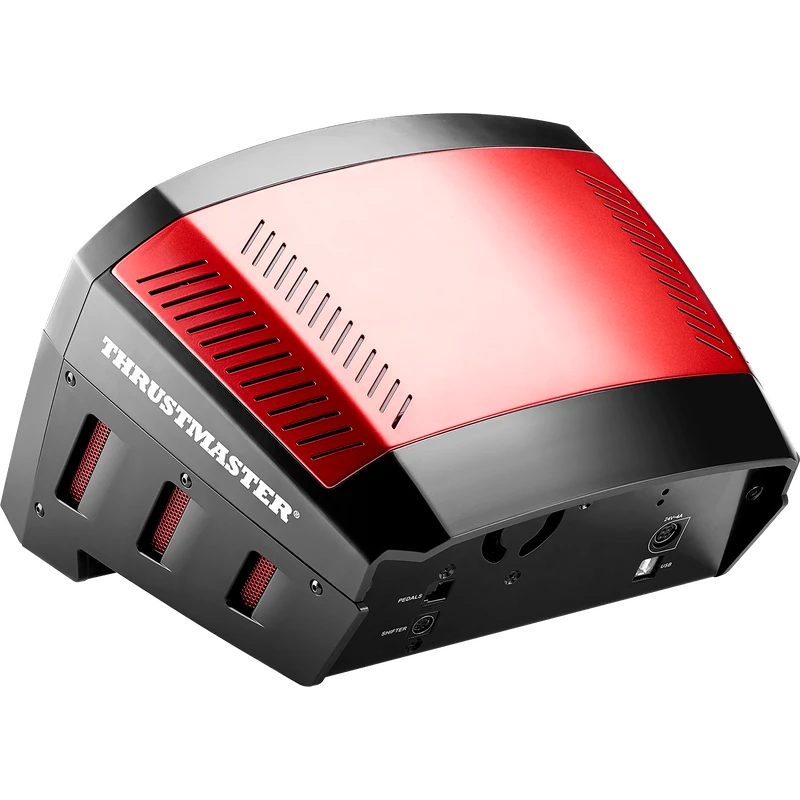
The 40 W brushless servomotor delivers powerful force feedback with exceptional velocity. A dual belt and pulley system on an axle with metal ball bearings gives balanced, linear performance thanks to T-LIN technology, staying smooth, responsive and very quiet.
The built-in MCE (Motor Cooling Embedded) system, patented in the US, keeps the motor dynamic without overheating. The external Turbo power supply delivers constant power and strong peak power, with 86% efficiency and only 14% heat generation.
Thrustmaster TS XW Servo Base key features
- 40 W brushless servomotor
- Officially licensed by Microsoft and Sparco
- Dual belt with T-LIN technology
- MCE motor cooling
- Turbo power supply, 86% efficient
- Compatible with all Thrustmaster add-on wheels
Specifications
| Platforms | Xbox One, Xbox Series X|S, PC |
|---|---|
| Motor | 40 W brushless |
| Drive | Dual belt, T-LIN |
| Cooling | MCE |
| Size | 40 x 37.5 x 31 cm |
| Weight | 7.1 kg |
Build your own Thrustmaster TS XW setup
This is the same base as in the TS-XW Racer Sparco P310 Competition Mod, sold without wheel or pedals. A Thrustmaster add-on wheel and pedals are required and sold separately.
It is compatible with all detachable Thrustmaster add-on wheels, from the Sparco R383 Mod for rally to the TM Open Wheel for single-seaters, and with Thrustmaster shifters, handbrakes and pedals such as the TH8A and T-LCM.
An attachment system is included for desk or cockpit mounting.
The Turbo power supply’s toroidal design keeps heat low, so the base can respond to fast requests from games with strong peak power.
Setting up your Thrustmaster TS XW Servo Base
Mount the base to your desk with the included attachment system or bolt it to a cockpit. Attach your Thrustmaster add-on wheel and connect your pedals and accessories, then plug it into your Xbox or PC. On PC, install Thrustmaster’s drivers and firmware before adjusting force feedback.
Who the Thrustmaster TS XW Servo Base suits
It suits expert Xbox and PC racers building a custom setup, Thrustmaster add-on wheel owners, and anyone who wants a powerful, quiet Thrustmaster TS XW base.
Complete your setup
These picks work well alongside the Thrustmaster TS XW Servo Base:
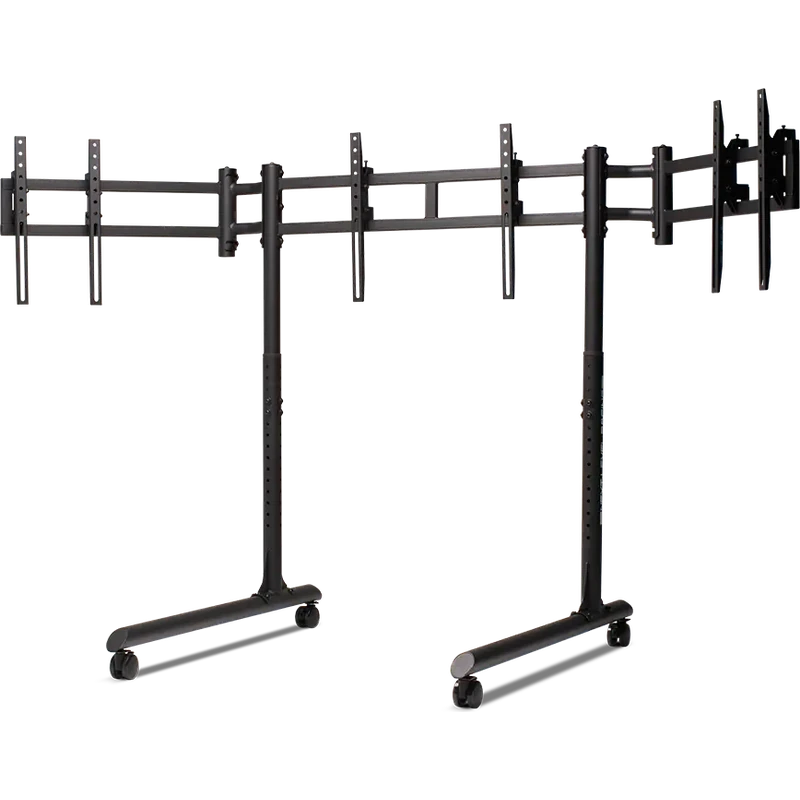 Next Level Racing Round Tube Freestanding Triple Monitor Stand – $399.99 CAD
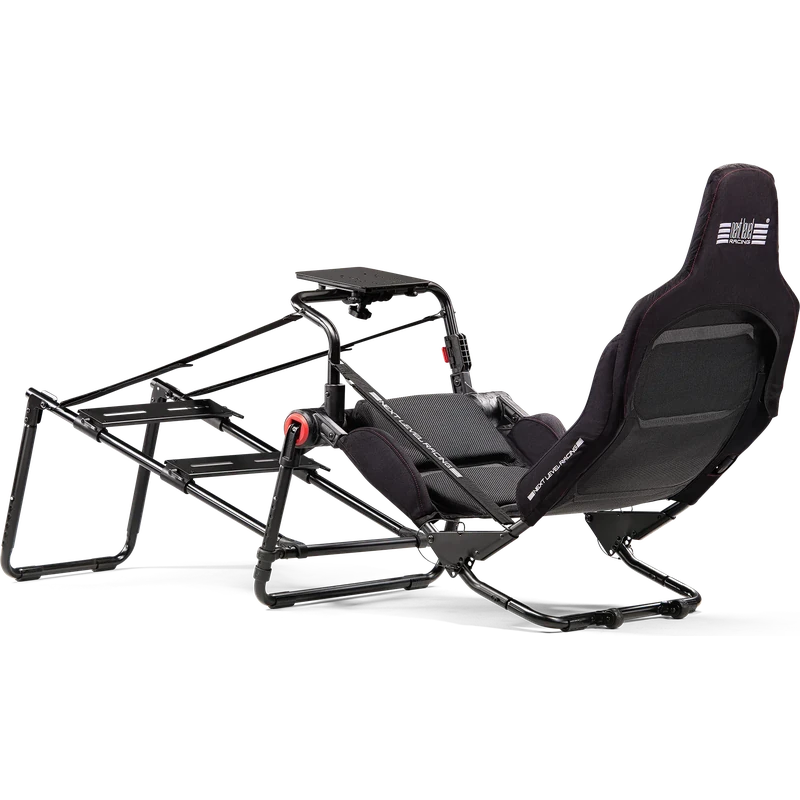 Next Level Racing Formula Lite Pro Foldable Cockpit – $399.99 CAD
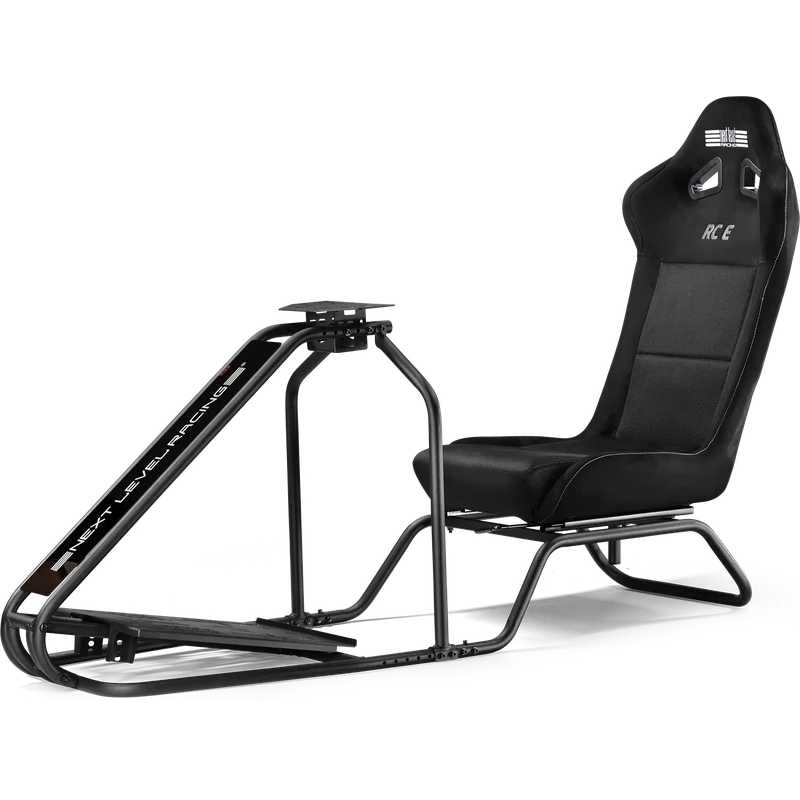 Next Level Racing RC Essential Simulator Cockpit (RC E) – $499.99 CAD
All prices at North Gaming PCs are shown in Canadian dollars, so the $559.99 listed for the Thrustmaster TS XW Servo Base needs no currency conversion. Check the specifications and compatibility notes above before you order, and compare it with similar wheelbase in our catalogue.
North Gaming PCs is a Canadian store for gaming PCs, sim racing and flight sim gear. Every product page lists the key specifications, compatibility notes and price in Canadian dollars, so you can compare options and build a setup that suits your space, budget and favourite games.
Thrustmaster TS XW Servo Base FAQ
Does the Thrustmaster TS XW include a wheel?
No. It is a servo base only; a Thrustmaster add-on wheel and pedals are required.
Which platforms does it support?
Compatible Xbox One and Xbox Series X|S games and PC.
How powerful is the motor?
A 40 W brushless servomotor.
What is MCE?
Motor Cooling Embedded, a patented system that prevents overheating.
Which wheels are compatible?
All detachable Thrustmaster add-on wheels.
How much does it weigh?
7.1 kg.
Is it quiet?
Yes. The belt system and MCE cooling keep it very quiet in games.
For a powerful, quiet Xbox and PC base that grows with Thrustmaster add-ons, the Thrustmaster TS XW is an expert choice. Browse more Wheelbase at North Gaming PCs, and find manuals, firmware and software on the official Thrustmaster website.