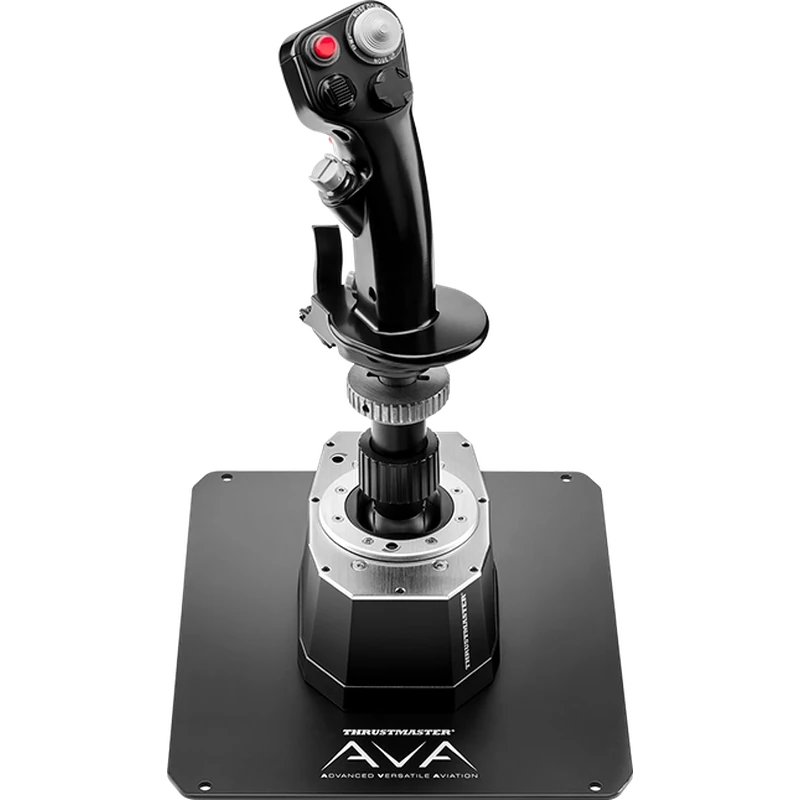
Description
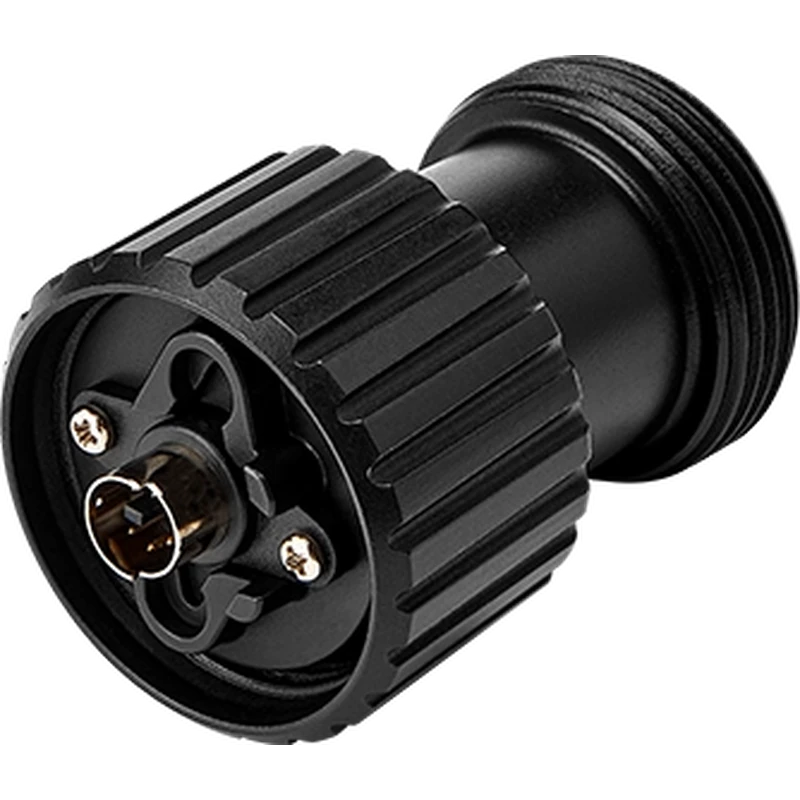
The Thrustmaster AVA Offset Adapter is an extension for the AVA joystick base that changes the orientation of your grip to 15 or 30 degrees. The Thrustmaster AVA Offset Adapter is shown in Canadian dollars.
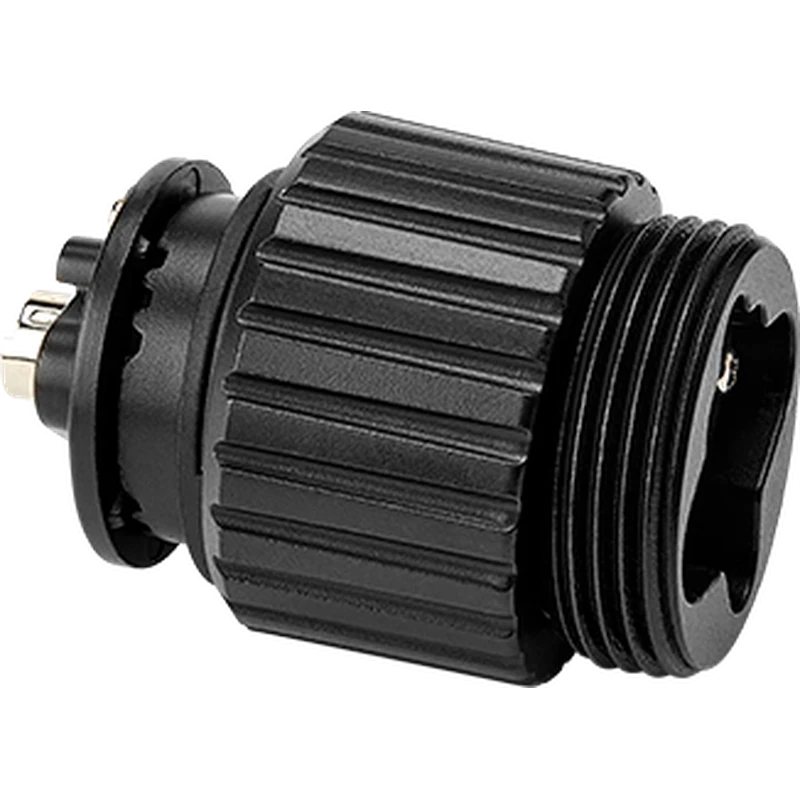
Why choose the Thrustmaster AVA Offset Adapter (for AVA Base)?
Angling the grip is especially useful when the joystick is set up in a central position, where it makes a real difference to comfort and realism.
The metal extension adds 2 inches (5 cm) between the AVA Base and your grip, bringing your hand into a more natural position and reducing strain during long missions.
Thrustmaster AVA Offset Adapter (for AVA Base) key features
- 15 or 30 degree grip offset
- Adds 5 cm of height
- Metal construction
- Ring mount like Thrustmaster grips
- No need to dismantle the base
- No software or power needed
Specifications
| Offset | 15 or 30 degrees |
|---|---|
| Extension | 2 in (5 cm) |
| Size | 40 x 40 x 58 mm |
| Weight | 100 g |
| Compatibility | Thrustmaster AVA Base |
A more natural grip angle
Many real aircraft have sticks angled toward the pilot. The offset brings that feel to your desk or cockpit.
The metal construction keeps the extension sturdy, so the grip stays firmly in place session after session.
The top uses a ring similar to Thrustmaster grips, so you can install it and fit a grip without dismantling the AVA Base.
It slots into the AVA ecosystem alongside the AVA Desktop Plate, extra cams, springs and grips.
The extra 5 cm of height can also help in cockpits where the stick sits low.
Please note this is the adapter only; the AVA Base and a grip are required and sold separately.
Pilots who fly with a centre stick in fighter sims often find a slight angle reduces wrist fatigue on long sorties.
Choosing between 15 and 30 degrees lets you match your seating position and the aircraft you fly most.
Setting up your Thrustmaster AVA Offset Adapter (for AVA Base)
Remove your grip, screw the adapter onto the AVA Base using its ring, choose 15 or 30 degrees and refit your grip on top. Check everything is tight before flying.
Who the Thrustmaster AVA Offset Adapter (for AVA Base) suits
It suits AVA Base owners, pilots with centre-mounted sticks, and anyone improving comfort with the Thrustmaster AVA Offset Adapter.
Complete your setup
These picks work well alongside the Thrustmaster AVA Offset Adapter (for AVA Base):
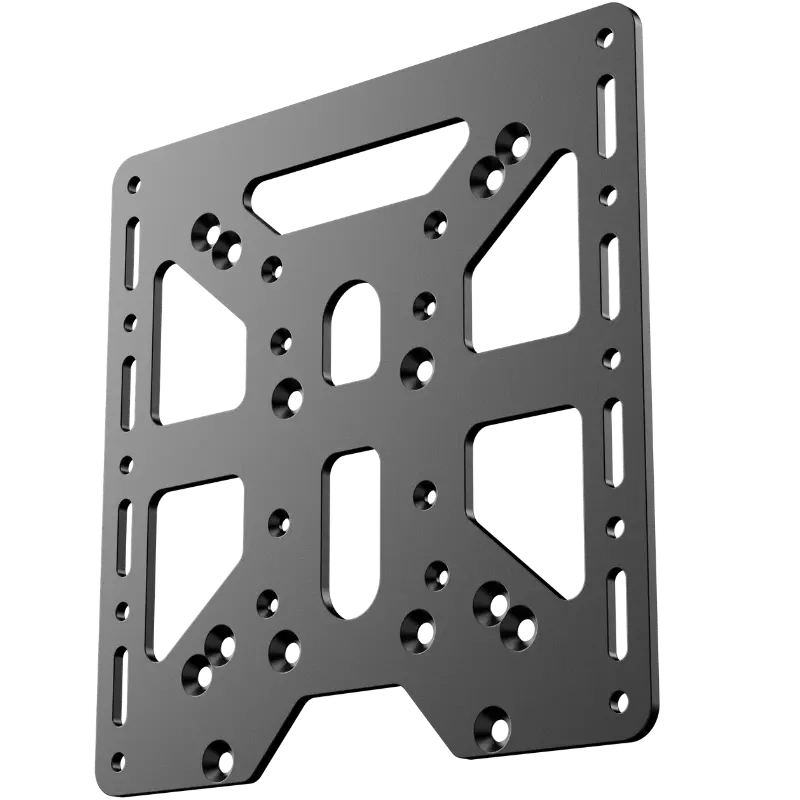 MOZA Flight Base Mount Adapter – $35.00 CAD
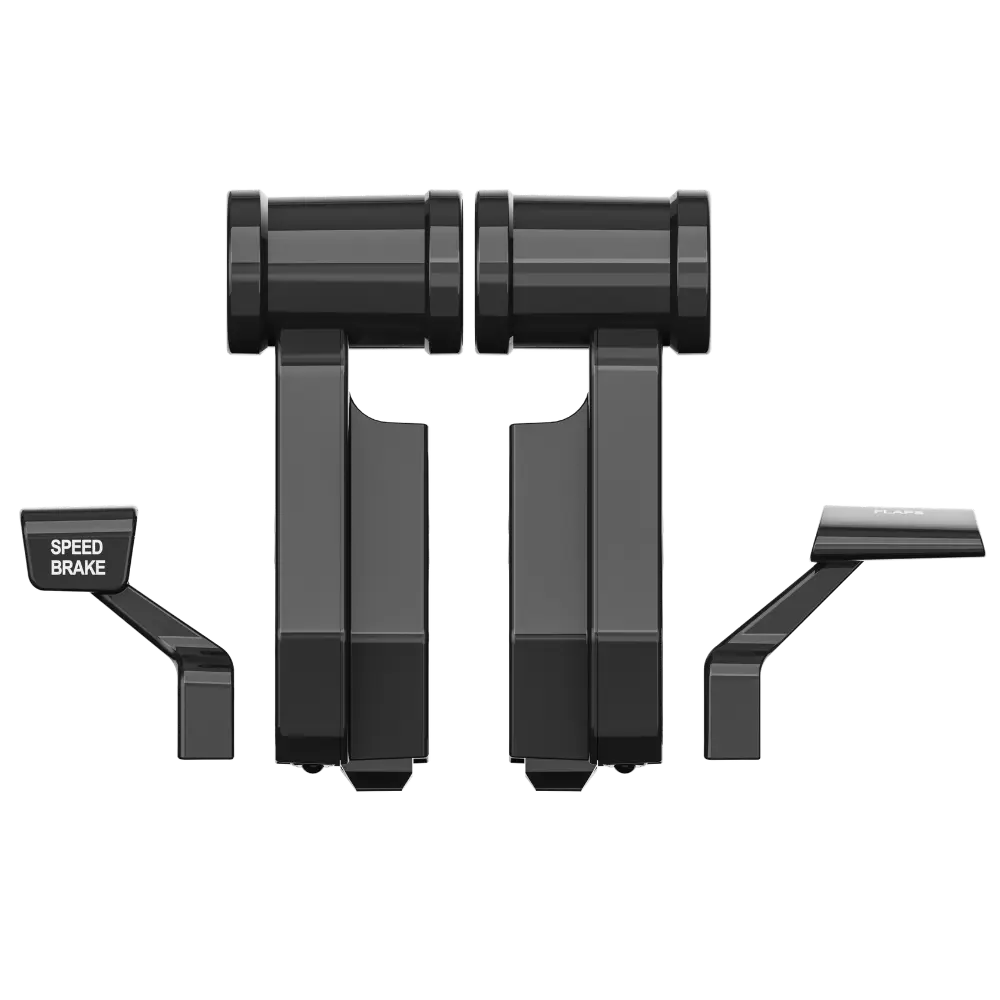 MOZA TQA Throttle Module – Airbus-style controls – $48.90 CAD
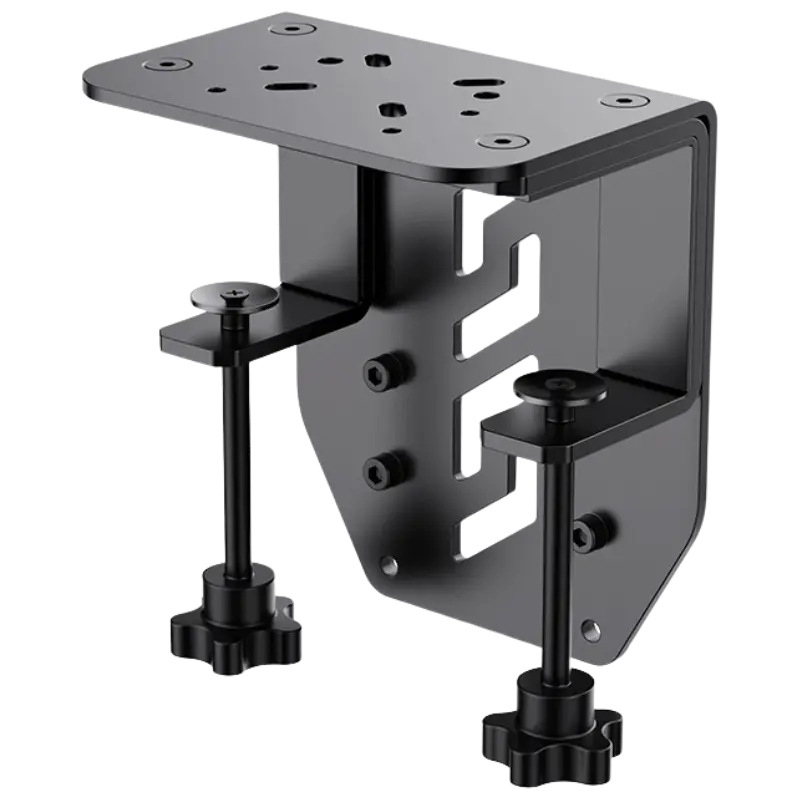 MOZA Flight Base Table Clamp – $82.90 CAD
All prices at North Gaming PCs are shown in Canadian dollars, so the $49.99 listed for the Thrustmaster AVA Offset Adapter (for AVA Base) needs no currency conversion. Check the specifications and compatibility notes above before you order, and compare it with similar accessories in our catalogue.
North Gaming PCs is a Canadian store for gaming PCs, sim racing and flight sim gear. Every product page lists the key specifications, compatibility notes and price in Canadian dollars, so you can compare options and build a setup that suits your space, budget and favourite games.
Thrustmaster AVA Offset Adapter (for AVA Base) FAQ
What does the Thrustmaster AVA Offset Adapter do?
It angles your grip at 15 or 30 degrees.
How much height does it add?
2 inches, about 5 cm.
Do I need to dismantle the base?
No.
Is it metal?
Yes.
Does it need software?
No software or power is needed.
How much does it weigh?
100 g.
Which base does it fit?
The Thrustmaster AVA Base.
Is a grip included?
No.
Does it reduce strain?
A natural hand angle helps reduce strain.
Which angle should I choose?
Try 15 degrees first, then 30 if you want more offset.
For a more natural, realistic grip angle, the Thrustmaster AVA Offset Adapter is a simple upgrade. Browse more Accessories at North Gaming PCs, and find manuals, firmware and software on the official Thrustmaster website.